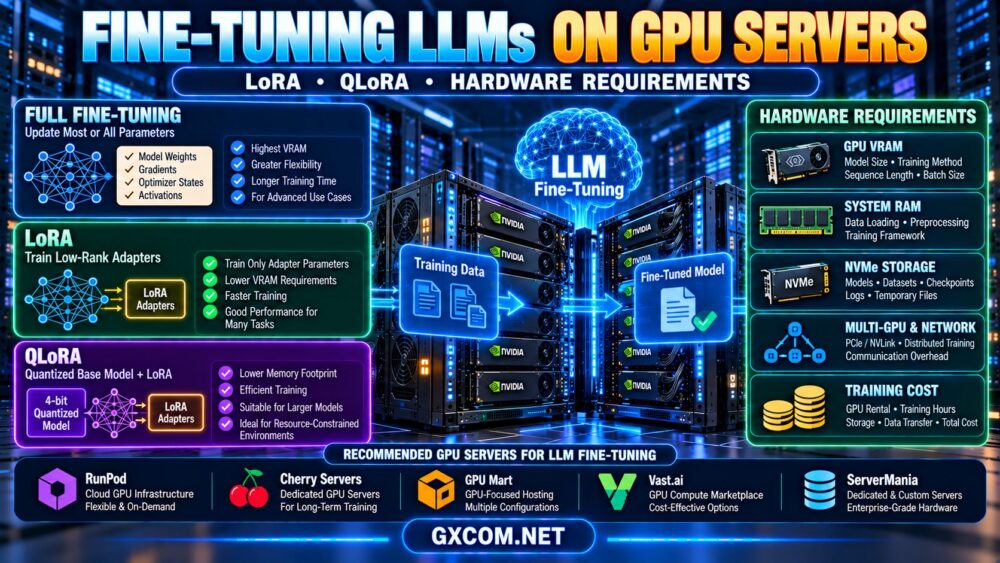
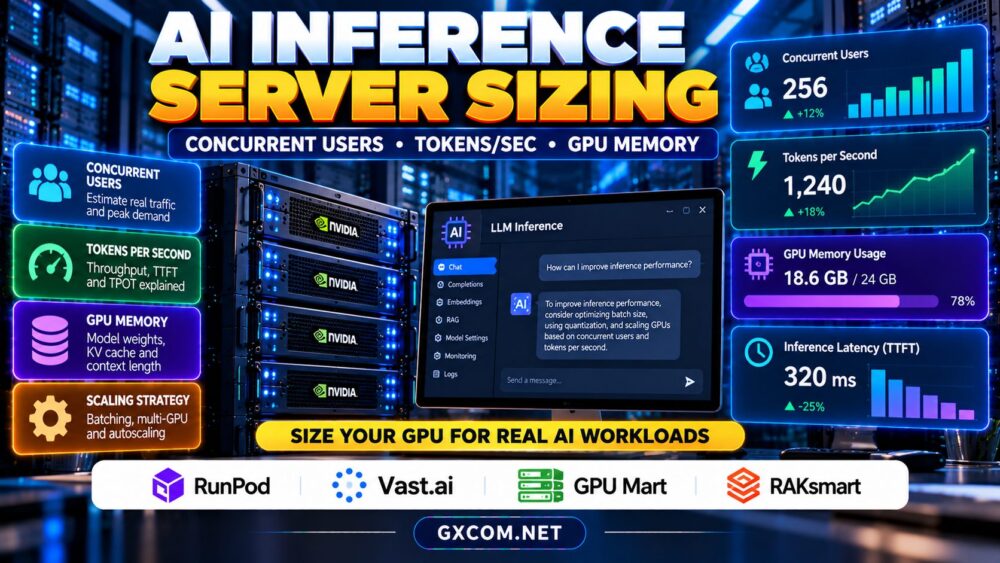
AI inference server sizing starts with the experience your users expect, not the GPU model you want to rent. A chatbot handling occasional questions needs a different configuration from an API serving hundreds of simultaneous requests. Concurrent users, tokens per second, context length, and GPU memory determine whether a deployment stays responsive under load.
This guide explains how to translate application requirements into measurable capacity targets, test realistic traffic, and compare hosting options without assuming that the largest GPU always delivers the best value.
1. Define the Workload Before Choosing Hardware
Document your model, precision, typical input length, expected output length, and latency objectives. Separate interactive chat from offline batch processing: chat users notice delays before the first token, while batch jobs often prioritize total throughput. Identify peak requests per second rather than relying on registered user counts.
For example, 1,000 registered users do not imply 1,000 concurrent generations. Measure how many requests actually overlap during busy periods. Include retrieval, tool calls, and prompt construction when estimating end-to-end response times.
2. Understand Tokens per Second and Latency
Two metrics matter: time to first token (TTFT) and time per output token (TPOT). TTFT includes queueing and prompt processing; TPOT reflects the pace of generation after the first token appears. Users may perceive a system with high aggregate throughput as slow when requests wait too long in a queue.
Distinguish per-request generation speed from aggregate output throughput across all active requests. A server producing 400 output tokens per second in total cannot necessarily deliver 400 tokens per second to each of ten users. Performance changes with batch size, input length, output length, and inference engine settings.
Measure p50 and p95 latency under representative traffic, not just an isolated benchmark. A capacity decision should protect tail latency when demand spikes.
3. Estimate Concurrent Requests and Required Throughput
Begin with peak arrival rate and average generation duration. As a planning approximation, average active requests equal requests arriving per second multiplied by average request duration. If two requests arrive each second and generation lasts eight seconds, expect roughly 16 active requests under stable conditions.
Next estimate output demand. If those two requests each generate 200 tokens, the workload requires approximately 400 output tokens per second on average, excluding burst headroom. This is an illustrative calculation, not a promise that any particular GPU can meet it.
Run a load test that reproduces your actual mix of short and long prompts. Add capacity headroom for unpredictable arrivals, deployments, and hardware failures. Queue length and p95 TTFT should trigger scaling decisions before customers experience widespread timeouts.

4. Calculate GPU Memory Beyond Model Weights
GPU VRAM must hold more than model parameters. Budget for model weights, KV cache, runtime workspaces, temporary activations, and framework overhead. Quantization can reduce weight memory, but it does not eliminate the memory used by concurrent sequences and long contexts.
KV cache usage grows with the number of active tokens and depends on model architecture and implementation. Long prompts, larger batches, and extended conversations can exhaust memory even when a model loads successfully. Test maximum context and concurrency together rather than separately.
Multi-GPU inference can distribute model weights or workloads, but interconnect performance and software support affect results. For related hardware planning, read our NVIDIA AI GPU servers guide.
5. Continuous Batching and Scaling Choices
Continuous batching lets an inference engine admit and finish requests dynamically, often improving utilization compared with processing fixed batches. However, throughput improvements may compete with latency objectives, especially when many long sequences share memory.
Vertical scaling adds GPU memory or compute to one deployment. Horizontal scaling adds replicas and requires routing, health checks, model loading, and enough capacity to absorb failed instances. Autoscaling also has cold-start costs: downloading large model files and warming a new replica can take time.
Compare these choices against our GPU vs CPU server comparison when evaluating whether acceleration is necessary for your workload.
6. Compare Four Approved GPU Hosting Providers
RunPod: Flexible GPU Deployment
RunPod is relevant for teams testing hosted GPU inference and deployment workflows. Examine GPU availability, persistent storage, network charges, startup behavior, and the management model of the selected product. Verify the actual configuration before projecting production capacity.
Vast.ai: Marketplace-Based GPU Capacity
Vast.ai can be evaluated for price-sensitive experiments and capacity testing. Compare individual offers for GPU specifications, reliability characteristics, storage, connectivity, and host-specific conditions. Marketplace listings are not interchangeable simply because they advertise the same GPU.
GPU Mart: Persistent GPU Server Options
GPU Mart is another candidate when persistent GPU resources or a more conventional server environment fit the project. Review the available GPU model, memory, management responsibility, operating-system support, and upgrade options.
RAKsmart: Infrastructure Procurement Comparison
RAKsmart may be relevant to dedicated infrastructure evaluations. Confirm whether a suitable GPU configuration is currently offered, along with location, inventory, provisioning time, and support scope. Do not treat a generic dedicated server listing as proof of GPU availability.
For an existing provider-specific perspective, consult our Vultr NVIDIA GPU cloud analysis as additional editorial context rather than a substitute for testing these four options.
7. Model Monthly Inference Costs
Estimate monthly spend as active GPU hours multiplied by the effective hourly rate, plus storage, bandwidth, backups, and any platform charges. For an always-on deployment, calculate around-the-clock operating hours separately from development and testing hours. For variable demand, model idle periods and replica startup delays.
Cost per million output tokens is useful only when the benchmark reflects your prompt mix, concurrency, and latency targets. A cheaper GPU with poor utilization may cost more per completed request. Include engineering labor and failure recovery in the total cost comparison.
Our affordable GPU servers guide provides additional purchasing context, while the AI GPU VPS providers comparison helps evaluate smaller deployment alternatives.
8. A Practical Sizing Checklist
Start with one representative deployment and benchmark real prompts at several concurrency levels. Record TTFT, output throughput, p95 latency, VRAM usage, error rate, and hourly cost. Increase load until the service-level target is missed, then identify whether compute, memory, or queueing is the limiting factor.

Repeat tests after changing quantization, context limits, batching settings, or model versions. Reserve room for traffic bursts and failover. Only then choose a production plan and document when to scale or migrate.
Compare GPU Infrastructure for AI Inference
Test actual throughput, latency, VRAM headroom, and total deployment costs before committing.
AI Inference Server Sizing FAQ
How many users can one GPU support?
There is no universal number. Model size, context, generation length, batching, and latency requirements determine capacity.
Does more VRAM always mean faster inference?
No. VRAM enables larger models and batches, but compute, memory bandwidth, and software efficiency also matter.
Should I size for average or peak traffic?
Benchmark peak scenarios and maintain practical headroom, while using measured demand to avoid unnecessary idle capacity.
Final Verdict
AI inference server sizing requires measured concurrency, per-user latency, aggregate token throughput, and GPU memory headroom. Compare RunPod, Vast.ai, GPU Mart, and RAKsmart against the same workload and operational requirements. Buy capacity that meets documented service targets rather than relying on headline GPU specifications alone.