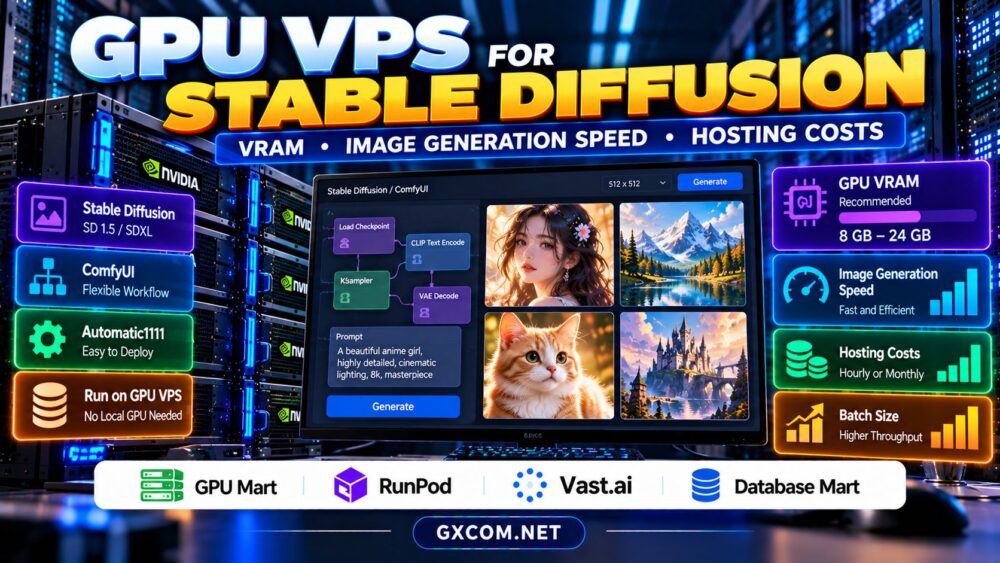
A GPU VPS for Stable Diffusion lets you generate AI images without buying an expensive local graphics card. Instead of relying on your desktop GPU, you can run Stable Diffusion, SDXL, or ComfyUI on remote infrastructure with dedicated or virtualized GPU access.
However, choosing the right hosting plan involves more than finding the cheapest GPU. Available VRAM, GPU allocation, image generation speed, storage, and billing policies all influence the experience. This guide explains practical hardware requirements, compares four hosting providers, and helps you avoid paying for resources your workflow does not need.
What Is a GPU VPS for Stable Diffusion?
A GPU VPS is a virtual private server with access to graphics acceleration. Depending on the provider, the GPU may be assigned through passthrough, partitioned virtualization, or another resource-sharing arrangement.
Stable Diffusion can also run on GPU cloud instances or dedicated GPU servers. These products are not necessarily VPS plans, even when they offer similar remote development environments.
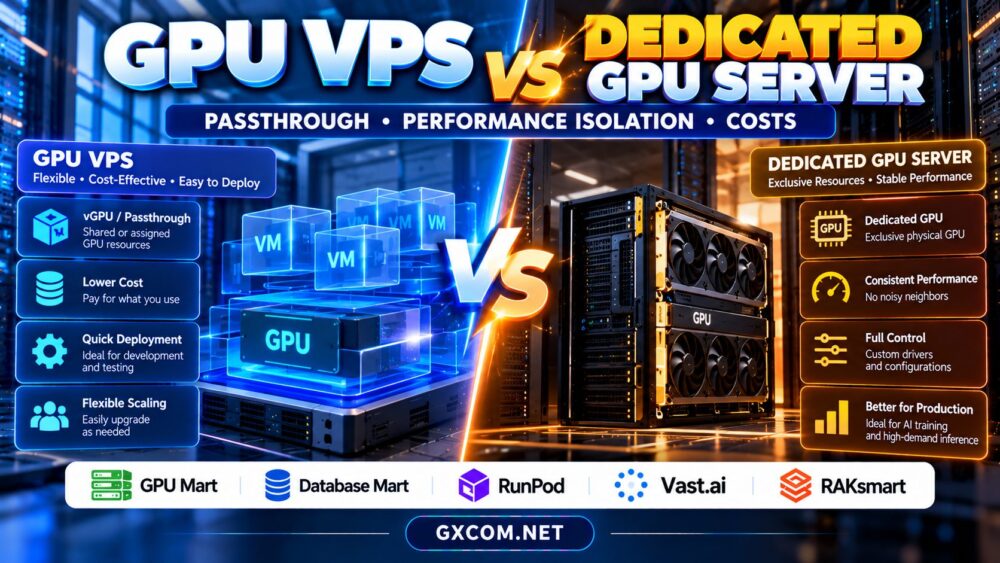
Before ordering, confirm the operating system, GPU allocation, driver access, and whether you can install your preferred interface. Our GPU VPS vs dedicated GPU server comparison explains these differences.
How Much GPU VRAM Does Stable Diffusion Need?
VRAM requirements depend on the model, resolution, precision, batch size, and optimization settings. Stable Diffusion 1.5 generally requires fewer resources than SDXL, while larger image models and complex workflows can demand substantially more memory.
| GPU VRAM | Practical Use Case | Important Limitation |
|---|---|---|
| 4–6 GB | Lightweight or optimized SD 1.5 workflows | Limited resolution and batch flexibility |
| 8 GB | SD 1.5 and some optimized SDXL workflows | Memory-saving settings may be necessary |
| 12–16 GB | More comfortable SDXL and ComfyUI workflows | Complex pipelines can still exceed capacity |
| 24 GB or more | Larger models, higher resolutions, and heavier workflows | Higher rental costs may outweigh benefits |
These are planning ranges, not guaranteed minimum requirements. Memory-efficient attention, offloading, quantization, and software versions can change what fits.
For most buyers, measuring peak VRAM consumption with the intended workflow is more reliable than choosing hardware from model names alone.
What Determines Stable Diffusion Image Generation Speed?
Generation speed depends on GPU architecture, memory bandwidth, model complexity, resolution, sampling steps, and inference software. More VRAM does not automatically mean faster image generation.
For example, generating a 512-pixel SD 1.5 image with moderate sampling settings is a different workload from producing a high-resolution SDXL image with multiple conditioning modules.
Compare GPUs using identical prompts, model versions, samplers, image dimensions, and step counts. Record median generation time across several runs instead of relying on a single screenshot.

Also distinguish inference time from total workflow time. Downloading models, loading checkpoints, preprocessing inputs, and transferring finished images can add noticeable delays.
GPU Passthrough, Shared VRAM, and Performance Isolation
Some GPU VPS configurations expose a physical GPU through passthrough, while others provide virtualized access to shared hardware. These arrangements can differ in available VRAM, scheduling behavior, and software compatibility.
Ask whether the GPU is exclusively assigned, whether advertised memory is guaranteed, and whether CUDA drivers and container tools are supported.
Shared environments may be economical for occasional experiments. However, sustained image generation can benefit from predictable resource access, especially when batch jobs run for hours.
Our AI GPU VPS providers guide offers additional context for evaluating virtualized accelerator hosting.
Four Approved Hosting Providers to Evaluate
GPU Mart: GPU-Oriented Hosting Options
GPU Mart is worth investigating when you want a persistent remote environment for image generation. Review its currently available GPU configurations, VRAM allocation, operating-system support, and management permissions.
Confirm that the specific product supports your Stable Diffusion interface and required drivers before committing to a longer billing term.
RunPod: Flexible GPU Cloud Workflows
RunPod is relevant for developers using remote GPU environments for Stable Diffusion and ComfyUI. Evaluate its selected GPU deployment options, persistent storage arrangements, and billing behavior.
GPU cloud deployments can offer flexibility, but product-specific startup times, storage charges, and configuration requirements should be included in your comparison.
For further provider context, read our RunPod GPU cloud review.
Vast.ai: Marketplace GPU Rental
Vast.ai can appeal to budget-conscious creators comparing individual GPU rental offers. Marketplace listings may differ in hardware specifications, host reliability, storage, and connectivity.
Check each offer carefully and keep backups of important workflows, models, and generated assets. The lowest advertised hourly rate may not produce the lowest total operating cost.
Database Mart: Supporting Infrastructure Comparison
Database Mart is another approved hosting brand to evaluate for related infrastructure needs. However, confirm whether an appropriate GPU-enabled service is actually available; ordinary VPS hosting does not automatically support Stable Diffusion acceleration.
Compare its relevant hosting products only against workloads they can genuinely support.
Stable Diffusion GPU VPS Hosting Costs Explained
Hourly pricing can suit occasional image generation, while monthly hosting may be more predictable for continuous production. The correct choice depends on actual GPU utilization.
Consider a hypothetical instance costing $0.50 per active hour. Running it for 40 hours costs $20 in GPU time, while 300 active hours costs $150. These figures are illustrative and exclude additional charges.
Persistent disks, bandwidth, backups, and reserved resources may continue costing money even when the GPU is stopped. Check billing terms before assuming that shutting down an instance eliminates every charge.
For a detailed unit-cost calculation, see our GPU rental cost per AI image guide.
How to Deploy Stable Diffusion on Remote GPU Hosting
Begin by selecting a compatible Linux environment or supported preconfigured image. Verify GPU visibility, driver compatibility, and available disk space before downloading large checkpoints.
Install your preferred interface, such as ComfyUI or AUTOMATIC1111, using trusted project instructions. Keep the software updated and avoid exposing an unauthenticated web interface directly to the public internet.
Use SSH access, secure tunnels, or authenticated reverse proxies where appropriate. Store model files and outputs on persistent storage, and back up custom workflows before replacing instances.
Test one complete generation job before scaling to larger batches or installing additional extensions.
When Should You Upgrade to a Larger GPU?
Upgrade when your current configuration repeatedly runs out of memory, fails to meet generation-time targets, or cannot process the batch sizes your workload requires.
Before paying for more hardware, test lower precision, memory-efficient attention, reduced resolution, and appropriate batch settings. Some workloads benefit more from software optimization than additional VRAM.

If your project evolves into a customer-facing image generation API, review our best GPU hosting for AI image generation APIs comparison for latency and scaling considerations.
Compare GPU Hosting for Stable Diffusion
Choose infrastructure based on VRAM, GPU allocation, workflow compatibility, and total rental costs rather than advertised specifications alone.
Frequently Asked Questions
Is 8 GB VRAM enough for Stable Diffusion?
It can support many SD 1.5 workflows and some optimized SDXL configurations. Requirements depend on resolution, model components, and memory-saving techniques.
Is a GPU VPS better than a local graphics card?
A GPU VPS avoids upfront hardware purchases and provides remote access. A local GPU may be more economical for frequent use if you already own suitable hardware.
Can ComfyUI run on a GPU VPS?
Yes, provided the environment supports the required GPU drivers, Python dependencies, memory capacity, and secure remote access.
Final Verdict
The best GPU VPS for Stable Diffusion is the configuration that runs your chosen model reliably at an acceptable generation speed and total cost. Compare GPU Mart, RunPod, and Vast.ai for suitable accelerated environments, while checking Database Mart for relevant infrastructure options. Benchmark real workflows before choosing a long-term hosting plan.