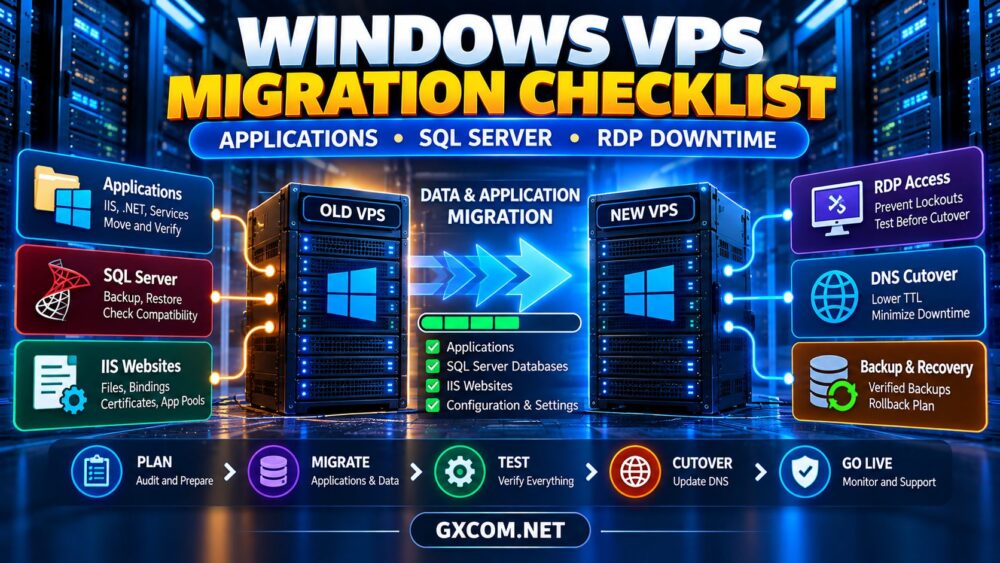
Choosing a Windows VPS for QuickBooks hosting requires more than finding an inexpensive virtual server. Businesses must consider QuickBooks Desktop compatibility, simultaneous users, memory requirements, remote desktop licensing, data protection, and ongoing costs.
A Windows VPS offers configurable computing resources and remote administration, but it is not automatically an authorized QuickBooks hosting service. This guide explains the technical and licensing questions to resolve before purchasing infrastructure for accounting workloads.
Can You Run QuickBooks Desktop on a Windows VPS?
QuickBooks Desktop is a Windows accounting application, while QuickBooks Online operates through a browser. They have different deployment requirements.
Running Desktop in a virtualized environment requires checking the exact product version, supported operating system, virtualization requirements, and Intuit licensing terms. Technical installation alone does not establish authorization or vendor support.
Intuit maintains an official authorized hosting provider list. Businesses purchasing third-party commercial hosting should verify the provider’s current authorization and permitted licensing arrangement.
QuickBooks Desktop vs QuickBooks Online
QuickBooks Online may be simpler for organizations that want browser-based access without managing Windows infrastructure. Desktop hosting is more relevant when an organization depends on supported Desktop-specific workflows, integrations, or existing company files.
Compare software capabilities and licensing before choosing infrastructure solely to preserve an existing workflow.
QuickBooks Multi-User Access Explained
QuickBooks multi-user mode allows appropriately licensed users to work with a shared company file. It is different from providing each person with a Windows remote desktop session.
Three separate requirements must be considered:
- QuickBooks edition and licensed simultaneous user capacity.
- Properly configured company-file hosting and database services.
- Windows remote access rights and licensing, where applicable.
For example, five QuickBooks users do not automatically receive five licensed Windows Server remote sessions.
Company File and Database Server Manager
QuickBooks Database Server Manager helps coordinate access to company files in supported multi-user environments. Correct file permissions, network resolution, and service configuration are essential.
Avoid placing active company files on unsupported synchronization arrangements. Test multi-user access and database connectivity before production migration.
Windows VPS RAM and CPU Requirements
Memory requirements depend on the QuickBooks edition, company-file size, concurrent activity, and whether the VPS hosts only database services or complete user desktop sessions.
Intuit’s published QuickBooks Desktop Enterprise specifications provide the following server-memory references:

| Multi-User Server Workload | Published RAM Reference |
|---|---|
| Up to 5 users | 8GB |
| 10 users | 12GB |
| 15 users | 16GB |
| 20+ users | 20GB or more |
These figures are not universal VPS recommendations. Additional remote desktop sessions, Windows services, integrations, and background applications may require substantially more memory.
Choose CPU resources according to measured application responsiveness and concurrent demand. Shared vCPU performance can vary under host contention.
For general server sizing, review our Best VPS Providers Comparison.
SSD Storage, Backups and Accounting Data
SSD storage is recommended for responsive company-file operations. Evaluate storage latency, available capacity, backup retention, and recovery performance rather than selecting a VPS based only on advertised disk size.
Accounting systems also need recoverable, application-consistent backups. Schedule supported QuickBooks backups, maintain independent copies, and test restoration regularly.
Snapshots can complement backups but should not be treated as substitutes for validated company-file recovery.
Read our VPS Snapshot Backup and Recovery Guide for additional planning considerations.
Windows Server, RDS CAL and QuickBooks Licensing
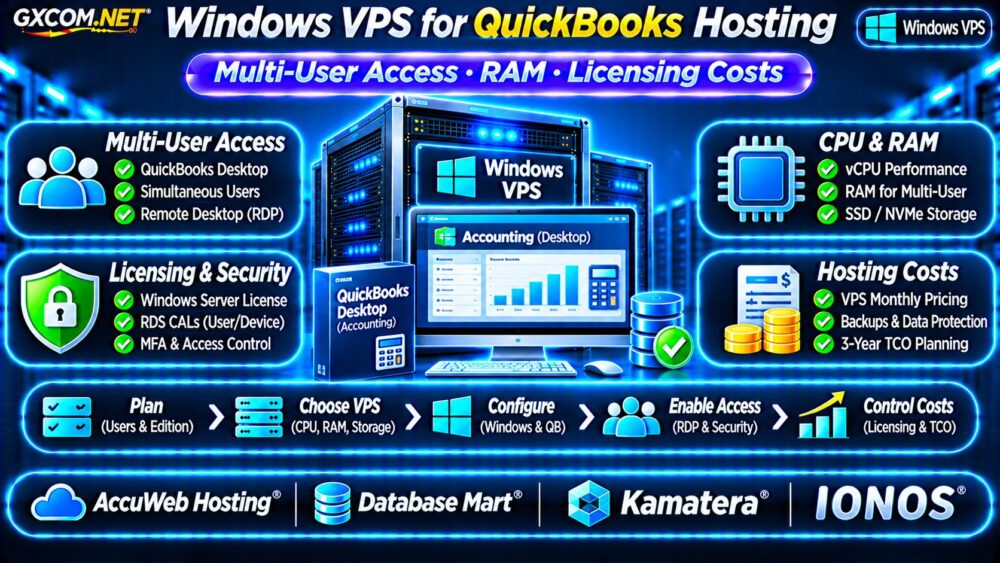
Licensing can materially change the cost of QuickBooks hosting. A complete quotation should identify Windows Server licensing, applicable Windows Server CALs, Remote Desktop Services CALs, and QuickBooks user or subscription entitlements.
Microsoft’s administrative remote desktop connections are not a substitute for properly licensed business-user RDS sessions.
Organizations using an RD Session Host should confirm the appropriate RDS licensing model and service-provider arrangements. Microsoft documents these requirements in its RDS CAL guidance.
QuickBooks licensing must be verified separately with Intuit or an authorized hosting partner.
Security for Remote Accounting Access
Financial data requires carefully controlled access. Avoid exposing RDP directly to unrestricted internet traffic.
Prefer secure remote access gateways or VPNs, multifactor authentication where supported, individual user accounts, restricted administrator privileges, and monitored login activity.
Maintain Windows security updates and verify that endpoint protection does not interfere with supported QuickBooks operations.
For broader hosting responsibilities, see our Managed vs Unmanaged VPS Guide.
Four Windows VPS Providers to Evaluate
The following GXCOM.NET-approved affiliate providers are Windows infrastructure candidates, not a verified list of Intuit-authorized QuickBooks hosts. Confirm compatibility, licensing, and hosting permissions before purchasing.
AccuWeb Hosting: Windows VPS Options
AccuWeb Hosting is worth evaluating for Windows VPS configurations and administration requirements. Ask whether the selected service supports the intended QuickBooks deployment and whether assistance extends to accounting applications.
Database Mart: Resource and Storage Planning
Database Mart can be compared for Windows server resources, SSD capacity, and backup options. Verify the specific product’s software compatibility, licensing arrangements, and remote-user limits.
Kamatera: Configurable Windows Infrastructure
Kamatera is a candidate when adjustable computing resources matter. Confirm supported Windows images, network security, backup capabilities, and whether the proposed QuickBooks hosting arrangement is permitted.
IONOS: Windows VPS Cost Evaluation
IONOS offers another infrastructure comparison point. Review Windows licensing, memory configurations, recurring prices, backup charges, and technical support boundaries.
None of these providers should be assumed to include QuickBooks licenses, RDS CALs, or Intuit-authorized commercial hosting without written verification.
Calculate Monthly and Three-Year Hosting Costs
Consider a hypothetical infrastructure budget of $45 monthly for a Windows VPS, $20 for backups and security services, and $15 for administration tools.

The infrastructure subtotal is $80 monthly, or $2,880 over 36 months. This excludes QuickBooks subscriptions, applicable Microsoft access licenses, user hosting charges, setup fees, taxes, and labor.
These are illustrative figures, not provider quotations. Compare a complete authorized hosted QuickBooks package against a separately managed VPS before deciding which approach is more economical.
Windows VPS for QuickBooks Buying Checklist
- Verify Intuit hosting authorization and software compatibility.
- Confirm QuickBooks user entitlements and RDS licensing.
- Size RAM for database services and actual desktop sessions.
- Test company-file access and application performance.
- Protect remote connections and financial information.
- Request complete monthly and renewal quotations.
Frequently Asked Questions
Is Any Windows VPS Suitable for QuickBooks Desktop?
No. Compatibility, virtualization support, hosting authorization, licensing, and support policies must be checked for the specific deployment.
Does QuickBooks Multi-User Mode Include RDS CALs?
No. QuickBooks simultaneous-user rights and Microsoft remote desktop access licensing are separate requirements.
Is 8GB RAM Enough for QuickBooks Hosting?
It may satisfy certain published database-server requirements, but complete multi-user remote desktop environments can require additional memory.
Final Verdict
A Windows VPS can provide useful infrastructure for accounting applications, but QuickBooks Desktop hosting requires careful attention to Intuit authorization, multi-user rights, Windows licensing, security, and backups.
Compare AccuWeb Hosting, Database Mart, Kamatera, and IONOS for infrastructure requirements while separately verifying whether the intended QuickBooks hosting arrangement is authorized and supported. Choose a compliant, recoverable solution rather than relying on the lowest advertised VPS price.