A WordPress website can feel fast until it starts processing real orders. Product browsing, customer logins, inventory updates, and payment requests create workloads that ordinary page caching cannot eliminate. That is why choosing the right hosting environment matters when a content website becomes an online store.
In this WordPress hosting vs WooCommerce hosting comparison, we examine database load, PHP workers, checkout performance, caching, backups, and long-term costs. We also explain when standard WordPress hosting is sufficient and when an ecommerce-focused plan is worth considering.
WordPress Hosting vs WooCommerce Hosting: Quick Verdict
WordPress hosting can work well for a small WooCommerce store when the plan provides sufficient resources, reliable storage, and appropriate caching controls.
WooCommerce hosting is worth considering when a store needs greater dynamic-request capacity, ecommerce-aware caching, dependable backups, and support familiar with shopping-cart problems.
The important distinction is not the product label. A well-configured WordPress VPS can outperform an underpowered package marketed specifically for WooCommerce.
Start by comparing the underlying infrastructure in our managed WordPress vs shared hosting guide.
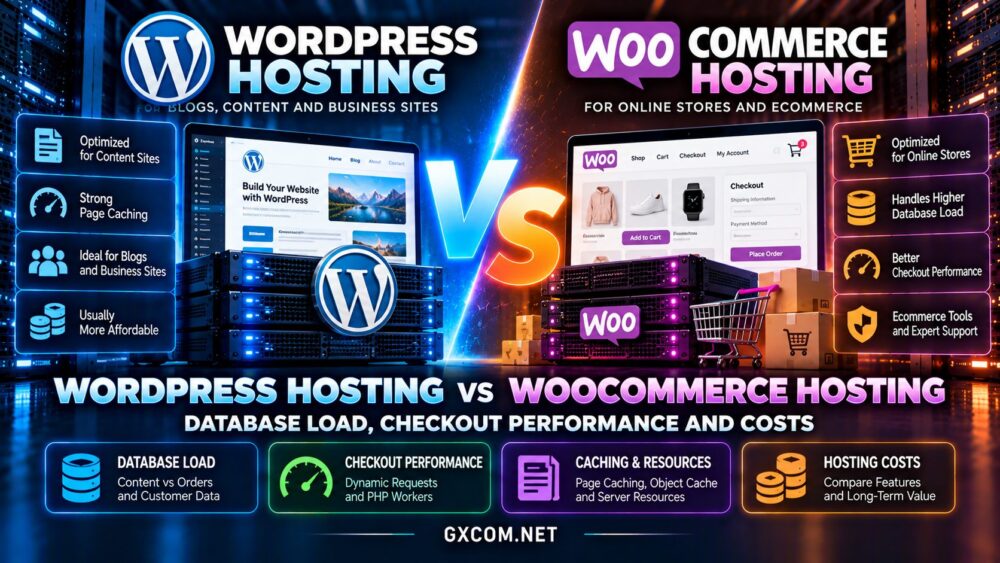
WordPress vs WooCommerce Hosting: Main Differences
| Feature | WordPress Hosting | WooCommerce Hosting |
|---|---|---|
| Primary workload | Publishing and general websites | Products, customers and orders |
| Page caching | Often effective across public pages | Must protect personalized sessions |
| PHP capacity | Depends on plan limits | Dynamic concurrency is critical |
| Database activity | Content and administrative queries | Additional order and inventory operations |
| Object caching | Helpful for complex websites | Often valuable under repeated queries |
| Backup priorities | Content and configuration | Orders, customers and transaction recovery |
| Typical cost | Often lower entry price | May include additional resources or services |
Providers package these features differently. Some WooCommerce plans are essentially WordPress plans with ecommerce tools, while others provide meaningfully different infrastructure.
Why WooCommerce Creates More Database Load
A traditional WordPress website mainly retrieves published content. Many anonymous page requests can be served from a full-page cache without repeatedly executing PHP or querying the database.
WooCommerce introduces additional operations involving product variations, stock levels, customer sessions, orders, coupons, and payment status.
Product filters and searches can also generate expensive queries, especially when stores have large catalogs or numerous attributes.
High-Performance Order Storage
WooCommerce’s High-Performance Order Storage, or HPOS, uses dedicated order tables instead of relying exclusively on the traditional WordPress posts and postmeta structure.
This can improve the organization and scalability of order-related database operations. However, HPOS does not remove every database bottleneck, and extensions must be compatible with the selected storage mode.
Store owners should verify plugin compatibility, database health, and query performance before changing production settings.
Database Size Is Not the Only Factor
A store with a modest catalog can still experience slow checkout if plugins perform inefficient queries or external integrations delay requests.
Conversely, a larger catalog may run efficiently with suitable indexes, caching, and sufficient database resources.

Measure query execution time, connection usage, and slow-query frequency rather than judging hosting needs solely by product count.
Checkout Performance: Why Caching Has Limits
Checkout is one of the most important differences between ordinary content hosting and ecommerce hosting.
Public blog posts and many product pages can benefit from full-page caching. Cart, checkout, and account pages contain personalized information and generally require different cache handling.
Incorrect caching can expose stale cart information, display the wrong customer session, or interfere with payment processing.
WooCommerce-aware hosting should provide appropriate cache exclusions and preserve session behavior without unnecessarily disabling caching across the entire store.
PHP Workers and Concurrent Shoppers
Dynamic requests require server-side execution. PHP workers process those requests, and each worker consumes CPU time and memory.
When available workers are occupied, additional requests may wait, increasing checkout latency even when cached product pages remain fast.
Before upgrading, examine worker saturation, CPU utilization, memory pressure, and application logs. More workers help only when the server has enough resources to run them effectively.
Payment Gateways and External Requests
Checkout performance also depends on payment providers, fraud checks, shipping calculations, and external APIs.
A slow third-party service cannot necessarily be fixed by purchasing a larger hosting plan.
Use application performance monitoring to separate server execution time from external request delays.
Redis, Object Caching and Database Efficiency
Persistent object caching can reduce repeated database work by storing reusable application data in memory.
Redis is commonly used for this purpose, but the benefits depend on the queries, cache configuration, and workload.
Object caching does not replace correct page-cache exclusions, and poorly designed plugins may still generate expensive uncached queries.
For busy stores, combine caching with query optimization, sufficient RAM, and database monitoring.
Our NVMe VPS vs SSD performance guide explains how storage latency can affect database-heavy applications.
How Much Hosting Power Does WooCommerce Need?
There is no universal visitor threshold at which a store must move to WooCommerce-specific hosting.
Resource requirements depend on simultaneous shoppers, dynamic requests, plugin behavior, catalog complexity, and background processing.
A small store with limited traffic may work on a properly configured shared or managed WordPress plan.
A growing business with frequent checkout activity may benefit from a managed cloud server or VPS offering greater resource control.
For an overview of infrastructure choices, read our VPS vs shared hosting comparison.
Backups, Security and Order Recovery
Recovering an ecommerce store is more complicated than restoring a mostly static website.
Orders and customer records may change throughout the day. Restoring an old database snapshot could overwrite transactions created after the backup.
Evaluate backup frequency, retention, off-site storage, restoration procedures, and whether the provider supports application-consistent recovery.
Payment security also requires properly configured HTTPS, timely software updates, restricted administrator access, and careful selection of extensions.
Hosting features can assist with security, but they do not eliminate the merchant’s operational responsibilities.
WordPress Hosting vs WooCommerce Hosting Costs
WooCommerce-focused plans may cost more because they include additional resources, managed services, staging tools, backups, or specialized support.
However, the lowest advertised monthly price rarely tells the full story.
Compare renewal rates, storage limits, CPU and memory allocations, worker restrictions, backup fees, and migration services.
Consider the business impact of slow checkout or downtime. A more expensive plan may be worthwhile if it removes a demonstrated bottleneck, but unused capacity is still wasted spending.
For broader purchasing options, see our best web hosting services comparison.
WooCommerce Hosting Providers Worth Comparing
SiteGround: Managed WordPress and Ecommerce Tools
SiteGround offers managed WordPress hosting and WooCommerce-oriented hosting products. Evaluate its caching features, available resources, backup options, and renewal terms.
It is worth considering for merchants who prefer an integrated hosting control panel and managed website services.
Hostinger: Budget-Friendly Entry Options
Hostinger provides WordPress and WooCommerce hosting options aimed at different site sizes and resource needs.
Compare the actual plan limits, ecommerce features, storage capacity, and renewal costs rather than relying on promotional pricing alone.
ScalaHosting: Managed VPS Flexibility
ScalaHosting offers managed VPS infrastructure that can be relevant when a growing store needs more control over server resources.
Evaluate its management scope, backup services, available RAM, and migration assistance before selecting a configuration.
Cloudways: Managed Cloud Hosting
Cloudways offers managed cloud hosting with WordPress and WooCommerce deployment workflows.

It may appeal to teams seeking managed cloud infrastructure without administering every server component directly. Check the selected cloud resources, backup charges, and scaling options.
Our managed cloud hosting comparison provides further context for this approach.
How to Test Hosting Before Migrating
Build a staging environment using a representative product catalog and compatible extensions.
Test uncached product searches, cart updates, checkout steps, and order-processing workflows with realistic concurrency.
Record p95 response time, PHP worker utilization, database query latency, and failed requests.
Also verify payment gateway behavior, transactional email, inventory updates, and backup restoration.
A hosting plan should be evaluated against real store operations, not only a homepage speed score.
Frequently Asked Questions
Can WooCommerce run on regular WordPress hosting?
Yes. WooCommerce is a WordPress plugin and can run on compatible WordPress hosting when the environment provides adequate resources.
Is WooCommerce hosting always faster?
No. Performance depends on infrastructure, configuration, plugins, caching, and database efficiency rather than the hosting label.
Does Redis speed up WooCommerce checkout?
It can reduce repeated database work, but checkout performance also depends on PHP execution, payment APIs, and uncached queries.
When should a store upgrade to VPS hosting?
Consider upgrading when measured resource limits, worker saturation, or growing operational requirements justify additional control and capacity.
Final Verdict: Which Hosting Should You Choose?
The WordPress hosting vs WooCommerce hosting decision should begin with your store’s actual workload.
Choose standard WordPress hosting when a small store performs reliably and has enough capacity for dynamic requests.
Consider WooCommerce-focused hosting or managed cloud infrastructure when checkout concurrency, database demand, recovery requirements, or support needs become more demanding.
Compare SiteGround, Hostinger, ScalaHosting, and Cloudways based on measurable resources and the services your business genuinely needs.
The best hosting investment is one that protects the customer experience and supports growth without unnecessary recurring costs.