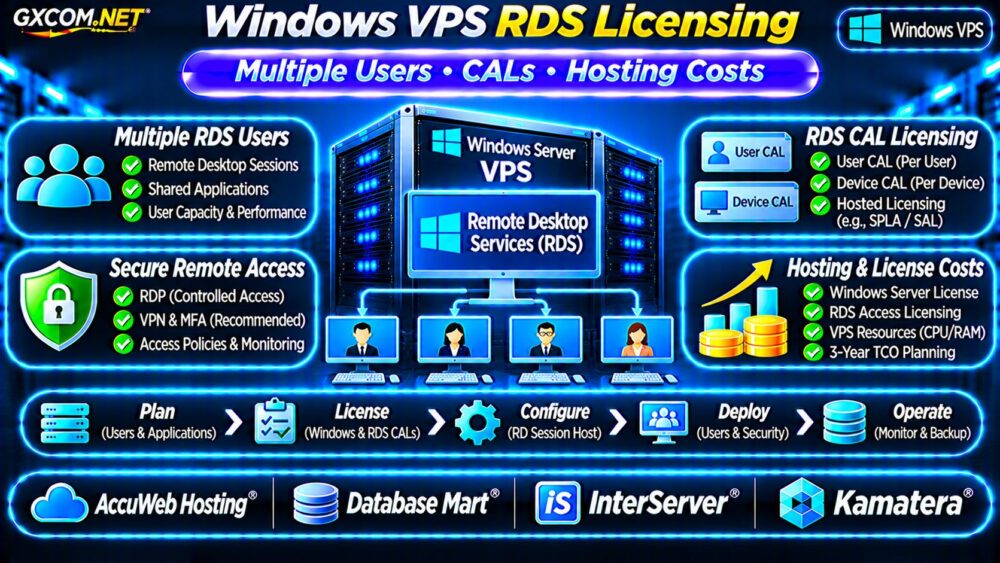
Choosing a Windows VPS for remote accounting software allows authorized employees to access business applications without relying on an office desktop. However, remote access introduces security, licensing, backup, and administration costs that should be evaluated before deployment.
A suitable Windows VPS must protect financial records, support the required accounting application, and provide predictable monthly expenses. This guide explains secure RDP access, multi-user licensing, server sizing, and provider selection.
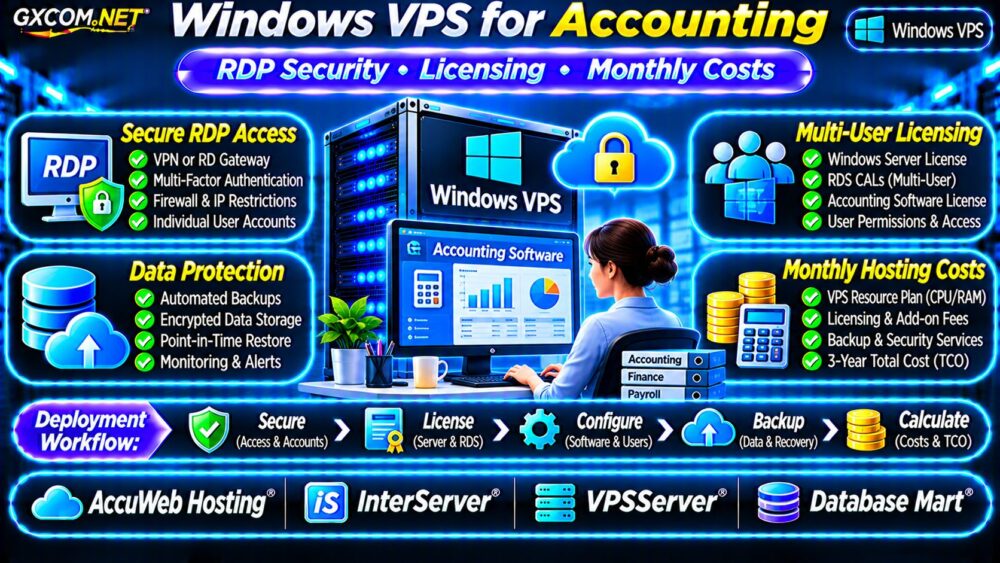
When Does Remote Accounting Need a Windows VPS?
A Windows VPS may be appropriate when an accounting application requires a Windows desktop environment, centralized files, or remote access to an installed program.
Typical users include accounting firms, distributed finance departments, and businesses running legacy desktop applications.
Before purchasing, confirm that the software vendor permits installation in a hosted virtual environment. Some applications require specific database configurations, supported Windows versions, or separate hosting permissions.
For QuickBooks-specific requirements, consult our Best VPS Providers Guide alongside the application’s official hosting documentation.
RDP Security: Never Rely on Passwords Alone
Remote Desktop Protocol (RDP) enables interactive Windows sessions. Exposing TCP port 3389 directly to the public internet creates an unnecessary attack surface, particularly when credentials are weak or reused.
Prefer access through a properly configured VPN, Remote Desktop Gateway, or another controlled remote-access solution.
Use MFA and Network Restrictions
Multi-factor authentication should protect the remote-access entry point. A gateway or identity-aware access service can provide additional controls beyond the Windows login screen.
Restrict inbound connections to authorized networks where practical. Apply least-privilege permissions and avoid giving routine accounting users administrator access.
Enable Network Level Authentication where supported, maintain security updates, and review failed login events.
Separate Employee Accounts
Each employee should use an individual account rather than sharing administrator credentials. This supports access revocation, auditing, and accountability.
Disable departed employees promptly and review remote-access permissions regularly.
Windows Server and RDS Licensing
Windows VPS pricing may include a Windows Server license, but that does not automatically authorize unlimited simultaneous accounting users.
Windows Server Remote Desktop Services (RDS) licensing can be required when employees use the server as a multi-user application desktop.
The two administrative Remote Desktop sessions commonly available for server management are not a substitute for properly licensed business-user sessions.

Depending on the deployment, Windows Server CALs, RDS CALs, service-provider licensing arrangements, and application licenses may apply.
Ask the hosting provider and software vendor to confirm the permitted licensing model in writing before allowing multiple employees to connect.
Our Windows Server Cost and Licensing Guide provides additional budgeting context.
How Much CPU and RAM Do Accounting Applications Need?
Server requirements depend on application architecture, database size, concurrent users, and reporting workloads.
| Illustrative Workload | Starting Configuration |
|---|---|
| Single-user lightweight application | 2 vCPU / 4GB RAM |
| Small accounting team | 4 vCPU / 8–16GB RAM |
| Multiple concurrent users | 4–8 vCPU / 16GB+ RAM |
These configurations are planning examples, not software certification requirements. Follow the application’s published specifications and test concurrent sessions.
Choose SSD or NVMe storage with sufficient free capacity for databases, temporary files, updates, and backups.
Protect Financial Data with Reliable Backups
Accounting systems contain sensitive records that require consistent backups and controlled access.
Use application-aware or database-consistent backups where supported. Maintain encrypted copies outside the primary VPS and test restoration periodically.
Define a recovery point objective (RPO) and recovery time objective (RTO) based on acceptable data loss and downtime.
A server snapshot alone may not guarantee that an accounting database can be restored consistently.
Read our VPS Snapshot Backup and Recovery Guide for recovery planning fundamentals.
Four Windows VPS Providers to Compare
The following GXCOM.NET-approved affiliate providers are relevant infrastructure candidates. Windows availability, licensing, support coverage, and product specifications must be verified for the selected plan.
AccuWeb Hosting: Windows VPS Options
AccuWeb Hosting is worth evaluating for Windows-based application hosting. Compare supported Windows Server versions, available management services, backup arrangements, and remote-access licensing.
InterServer: Windows VPS Cost Planning
InterServer provides another comparison point for Windows VPS resources. Confirm operating system charges, storage allocations, technical support boundaries, and applicable remote desktop permissions.
VPSServer: Flexible Remote Infrastructure
VPSServer can be assessed for configurable virtual server infrastructure. Verify Windows image availability, regional deployment options, network security features, and backup services.
Database Mart: Accounting Workload Hosting
Database Mart is relevant when comparing Windows VPS and database-oriented hosting options. Examine RAM capacity, application compatibility, RDP access arrangements, and licensing responsibilities.
Do not assume that any provider includes RDS CALs, application licensing, or unlimited accounting-user sessions unless explicitly documented.
Calculate Real Windows VPS Monthly Costs
The advertised VPS price is only one component of remote accounting infrastructure.
Consider the following hypothetical monthly budget for a small business:
| Expense | Monthly Estimate |
|---|---|
| Windows VPS infrastructure | $35 |
| Additional licensing allowance | $20 |
| Independent backups | $8 |
| Secure remote-access service | $10 |
| Monitoring and maintenance | $15 |
| Illustrative monthly total | $88 |
This equals $1,056 annually or $3,168 over three years if costs remain unchanged.
The licensing allowance is a fictional budgeting placeholder, not an RDS CAL quotation. Actual licensing may involve upfront purchases, subscriptions, or provider-specific arrangements.
Accounting software subscriptions, migrations, taxes, and exceptional support work are excluded.

Managed vs Unmanaged Windows VPS
Unmanaged hosting generally leaves operating system maintenance, firewall configuration, application installation, and incident response with the customer.
Managed services may reduce administrative work, but providers differ in whether they support third-party accounting software or only the underlying server.
Compare responsibility boundaries using our Managed vs Unmanaged VPS Guide.
Windows Accounting VPS Buying Checklist
- Verify application compatibility and hosting permissions.
- Confirm Windows Server and RDS licensing requirements.
- Protect remote access using a gateway or VPN with MFA.
- Provide individual accounts and restricted permissions.
- Test performance with realistic concurrent users.
- Validate encrypted backups and restoration procedures.
- Calculate complete monthly and three-year costs.
Frequently Asked Questions
Is RDP Safe for Accounting Software?
RDP can be used securely when protected by appropriate access controls, MFA, patching, monitoring, and restricted network exposure.
Can Multiple Accountants Share One Windows VPS?
Potentially, but application compatibility, server capacity, and the correct Windows/RDS licensing must be confirmed.
Does a Windows VPS Include Accounting Software?
Usually not by default. Verify software installation rights, licensing, and provider-specific application support.
Final Verdict
The best Windows VPS for remote accounting software combines secure access, compliant licensing, sufficient resources, and reliable backups.
Compare AccuWeb Hosting, InterServer, VPSServer, and Database Mart using current product terms. Prioritize documented security and total ownership costs over the lowest advertised monthly price.