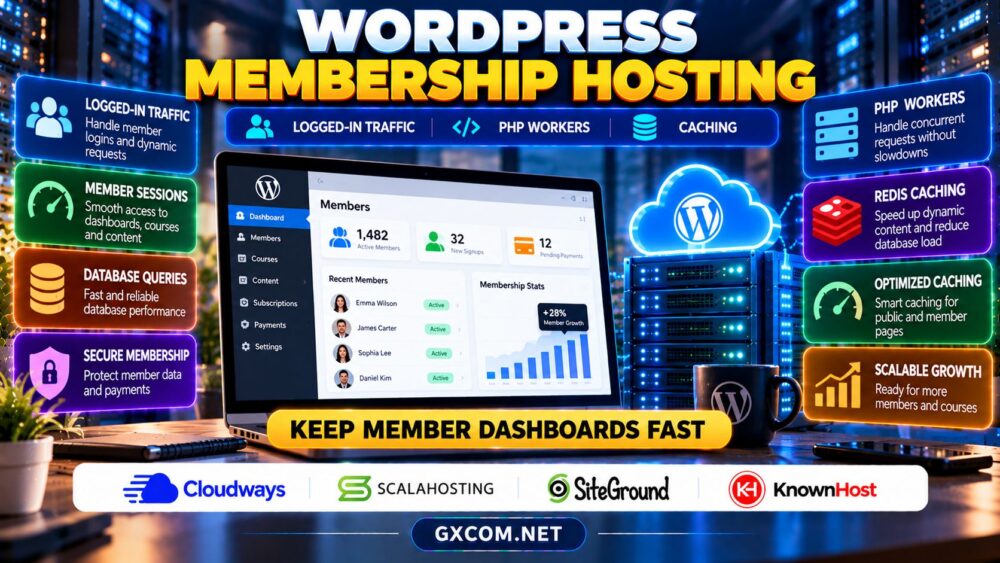
Choosing WordPress hosting for membership sites is different from selecting hosting for a public blog. Members sign in, open personalized dashboards, renew subscriptions, track courses, and access protected content. Those requests often require fresh PHP execution and database queries instead of a reusable cached page.
A plan that performs well for anonymous visitors can struggle when hundreds of members arrive together. Understanding logged-in traffic, PHP workers, object caching, and database behavior helps you choose a suitable hosting environment without paying for capacity you cannot use.
Why Membership Websites Need Different Hosting
Ordinary publishing sites can serve many visitors from full-page caches. Membership websites must verify identities, permissions, payment states, and user-specific information. This makes performance depend on application efficiency as well as server resources.
Plugins such as MemberPress, LearnDash, and WooCommerce Memberships can introduce additional database queries and background jobs. The exact workload depends on the theme, integrations, active sessions, and how frequently members perform actions. Evaluate real usage patterns rather than assuming every logged-in visitor consumes identical resources.
1. Logged-In Traffic and Page Cache Bypasses
Full-page caching stores an assembled response so later requests can avoid executing WordPress. It works particularly well for public articles and marketing pages. Personalized dashboards, account settings, and checkout sessions usually require more selective caching because they contain private or changing information.
Incorrect cache rules can expose one member’s information to another or display outdated subscription access. Exclude sensitive URLs and user-specific responses according to your membership plugin’s documentation. Test the configuration with multiple accounts and different permission levels.
Public landing pages can remain cacheable while private account pages are dynamic. This hybrid approach reduces server work without sacrificing membership functionality.
2. What Are PHP Workers?
PHP workers are execution slots that handle PHP requests. When all available workers are busy, additional requests may wait in a queue, become slow, or eventually time out. Hosting companies may describe worker limits differently, so confirm the actual execution model for the selected plan.
Worker demand depends on how long requests take, not just the number of members registered. A slow database query holds a worker longer than a fast request. Scheduled tasks, payment callbacks, and AJAX requests can also compete for processing capacity.
Ask whether the host limits PHP workers, concurrent processes, CPU usage, or memory. These controls interact, but they are not interchangeable. A higher worker count cannot compensate for an overloaded database or inefficient plugin.

3. Estimate Concurrent Member Demand
Do not size a website using total registered accounts alone. A community with 10,000 members might have modest simultaneous activity, while a live course launch can concentrate hundreds of requests into a few minutes.
Measure peak logged-in sessions, requests per second, average PHP execution time, and slow database queries. As a simplified illustration, five dynamic requests arriving each second and taking one second each require approximately five workers to keep pace under steady conditions, before allowing headroom for bursts.
Real applications have variable response times and background activity. Run representative load tests in staging, and monitor queueing, errors, and resource consumption during promotions or course launches.
4. Redis Object Cache vs Full-Page Cache
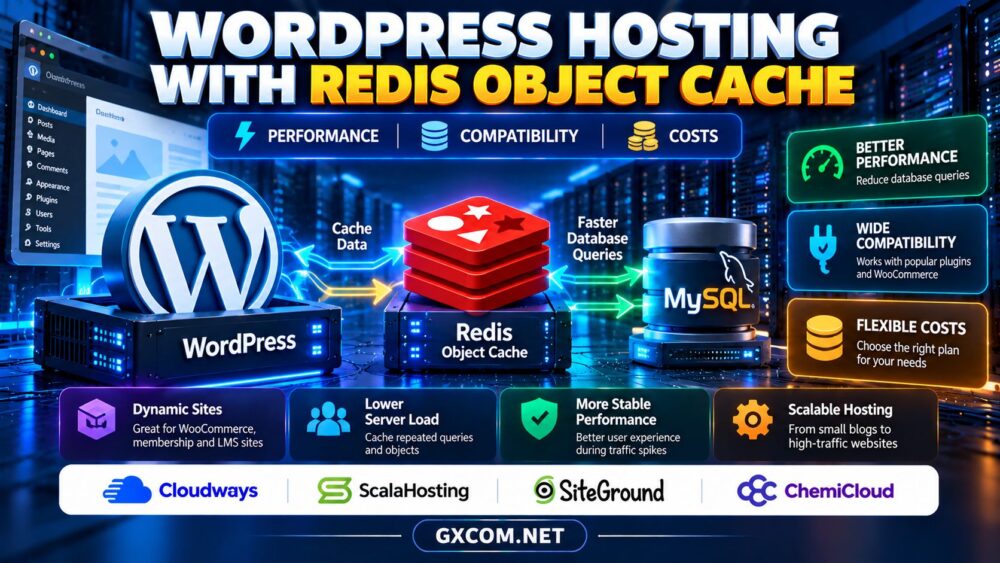
Redis object caching can store reusable database query results and application objects between requests. It may reduce repeated work even when logged-in pages cannot use a shared full-page cache. However, it does not eliminate every database query or automatically make slow PHP code efficient.
Verify compatibility with your membership plugin, cache invalidation behavior, and whether persistent object caching is supported on the chosen plan. Avoid caching sensitive data without proper separation and expiration controls.
Our WordPress hosting with Redis guide explains object caching, limitations, and practical costs in more detail.
5. Four Hosting Providers to Compare
Cloudways
Cloudways is worth evaluating when a membership business wants managed cloud infrastructure and flexible resource planning. Check its current application stack, caching options, server sizing, backup policies, and support responsibilities. Confirm how your specific membership plugin interacts with page caching.
ScalaHosting
ScalaHosting is relevant for sites considering managed VPS resources and additional server control. Compare available CPU and memory, PHP configuration access, database performance, and scaling procedures. Verify whether advanced caching features are included or require configuration.
SiteGround
SiteGround is a candidate for WordPress-focused membership projects. Review the exact plan’s resource limits, caching controls, staging availability, and handling of logged-in sessions. Do not assume a public-site speed result predicts performance for members.
KnownHost
KnownHost can be compared for managed hosting support and potential upgrade paths. Ask about PHP process limits, resource isolation, backup recovery, and assistance troubleshooting database or application bottlenecks. Document which optimization tasks remain your responsibility.
For a broader managed hosting perspective, read our managed hosting for agencies guide, especially if you maintain multiple client communities.
6. Database, Sessions and Background Jobs
Membership websites frequently read access rules, subscription records, progress data, and user metadata. Poorly indexed queries or excessive plugin lookups can increase response times even on powerful servers.
Use query profiling to identify slow operations before upgrading hardware. Check scheduled tasks, payment webhooks, and email queues for bursts that coincide with peak traffic. If the application uses external services, measure their response times too.
Keep database backups consistent with subscription transactions. Our WordPress backup and restore guide covers retention, recovery points, and database consistency.
7. Security and Membership Data Protection
Membership sites store account information and may process sensitive subscription workflows. Enable HTTPS, protect administrator accounts with multifactor authentication, restrict staff permissions, and apply WordPress and plugin updates promptly.
Payment details should be handled through appropriate payment providers rather than stored unnecessarily in WordPress. Review privacy requirements and ensure backups, logs, and staging environments do not expose member records.
Our managed hosting security responsibilities guide explains the division between provider maintenance and application security.
8. Calculate Hosting Costs and Upgrade Triggers
Compare hosting renewals, paid caching tools, backup retention, monitoring, developer support, and staging resources. A lower-priced plan may cost more if performance problems require repeated troubleshooting or emergency upgrades.

Upgrade when measurements show sustained PHP queues, resource throttling, slow database operations after optimization, or inadequate recovery options. Review our web hosting deals guide while prioritizing realistic logged-in performance over promotional pricing.
Compare WordPress Membership Hosting
Check PHP execution limits, object caching, backup recovery, and scaling options before purchasing.
Membership Hosting FAQ
Does page caching work for logged-in members?
Public pages can usually be cached, but personalized pages need careful exclusions or user-aware strategies to protect private information.
How many PHP workers does a membership site need?
There is no universal number. Measure dynamic request rates, execution times, and peak concurrency before choosing capacity.
Will Redis fix slow membership dashboards?
It may reduce repeated database work, but inefficient queries, external integrations, and slow PHP execution still require investigation.
Final Verdict
The best WordPress hosting for membership sites handles dynamic requests reliably, protects personalized content, and scales with actual usage. Compare Cloudways, ScalaHosting, SiteGround, and KnownHost using measured PHP performance, database behavior, cache compatibility, and recovery options rather than anonymous-visitor benchmarks alone.