Website performance directly affects user experience, search visibility and business results. A slow website can increase bounce rates, reduce conversions and create frustration for visitors.
Modern websites require more than attractive design and quality content. Hosting performance, server configuration, code optimization and loading speed all influence how quickly users can access online services.
This Website Performance Optimization Guide explains practical methods to improve website speed, reliability and user experience.
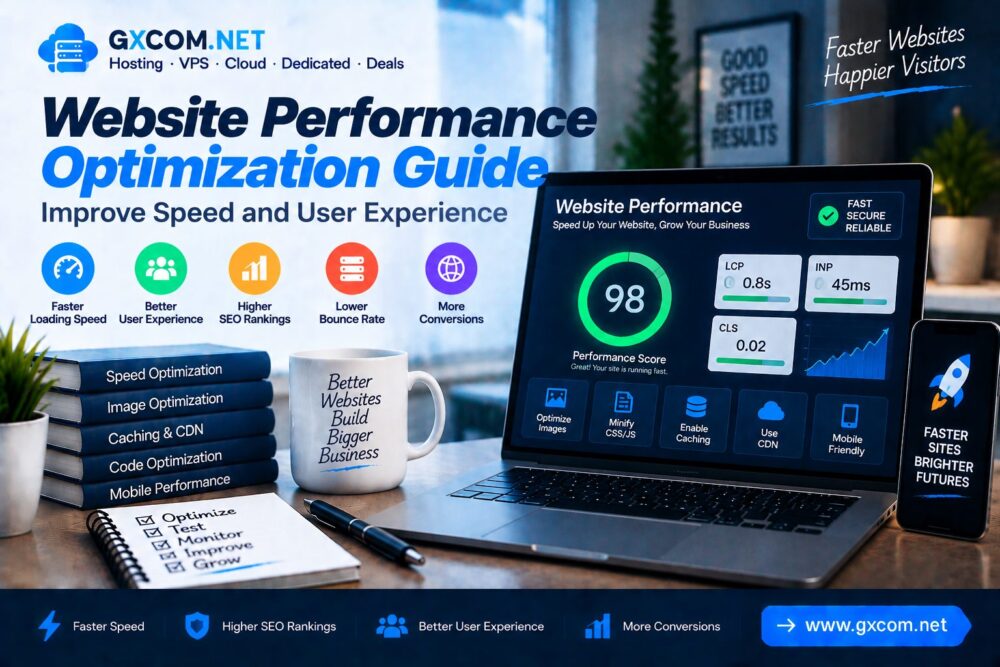
Why Website Performance Matters
Website speed is an important part of modern digital experiences. Visitors expect websites to load quickly across different devices and network conditions.
Good website performance helps improve:
- User experience
- Search engine performance
- Conversion rates
- Mobile usability
- Website reliability
Common Causes of Slow Websites
| Problem | Impact |
|---|---|
| Slow Hosting | Long server response time |
| Large Images | Slow page loading |
| Too Many Plugins | Extra processing requests |
| Unoptimized Code | Browser rendering delays |
| No Caching | Repeated resource loading |
1. Choose High Performance Hosting
Hosting infrastructure is one of the biggest factors affecting website performance.
A quality hosting environment should provide:
- Fast server response time
- SSD or NVMe storage
- Reliable network connectivity
- Scalable resources
- Modern server software
For websites requiring more control, explore our VPS Server Guide.
2. Optimize Website Images
Images often represent a large percentage of webpage size.
Image optimization methods include:
- Compress images
- Use modern formats like WebP
- Resize images correctly
- Enable lazy loading
3. Enable Website Caching
Caching stores frequently accessed content so websites can load faster.

Common caching methods include:
- Browser caching
- Page caching
- Object caching
- Server-side caching
4. Use Content Delivery Network (CDN)
A CDN distributes website content through multiple global servers.
CDN benefits include:
- Reduced latency
- Faster global access
- Lower server workload
- Improved availability
5. Optimize Website Code
Clean and efficient code improves browser loading performance.
Optimization areas include:
- Reduce unnecessary JavaScript
- Minify CSS files
- Optimize HTML structure
- Remove unused code
6. Improve WordPress Performance
WordPress websites require additional optimization because themes, plugins and databases affect performance.
Recommended improvements:
- Use lightweight themes
- Remove unused plugins
- Optimize databases
- Enable caching
- Update WordPress components
Learn more with our WordPress speed optimization guide.
7. Optimize Database Performance
Large and inefficient databases can slow down website operations.
Database optimization includes:
- Removing unnecessary records
- Optimizing database tables
- Cleaning old revisions
- Improving database queries
8. Improve Mobile Website Performance
Mobile users often experience slower networks, making performance optimization especially important.
Mobile optimization methods:
- Responsive design
- Smaller resources
- Fast loading layouts
- Mobile-friendly navigation
9. Optimize Core Web Vitals
Core Web Vitals measure important user experience factors.
| Metric | Measures |
|---|---|
| LCP | Loading performance |
| INP | Interaction responsiveness |
| CLS | Visual stability |
Improving these metrics can create better experiences for website visitors.
10. Monitor Website Performance
Continuous monitoring helps identify performance problems before they affect users.
Important measurements include:
- Page loading time
- Server response time
- Database performance
- Resource usage
- Error rates
Website Performance Optimization Checklist
| Optimization Area | Recommendation |
|---|---|
| Hosting | Use reliable infrastructure |
| Images | Compress and optimize |
| Caching | Enable caching layers |
| CDN | Recommended |
| Code | Optimize resources |
| Monitoring | Regular checks |
Website Speed and SEO Performance
Website performance is closely connected with technical SEO and user experience.
Important SEO performance factors include:
- Fast loading speed
- Mobile usability
- Stable page layout
- Efficient crawling
Read our Core Web Vitals Optimization Guide for more details.
Website Performance vs Server Performance
| Area | Main Focus |
|---|---|
| Server Performance | Infrastructure and hardware |
| Website Performance | Frontend and application optimization |
Common Website Performance Mistakes
- Choosing cheap slow hosting
- Uploading oversized images
- Ignoring mobile users
- Using excessive plugins
- Not monitoring speed regularly
Frequently Asked Questions
How can I improve website performance?
Improve performance by optimizing hosting, images, caching, code, databases and website resources.

Does hosting affect website speed?
Yes. Server resources, storage technology and network quality directly affect website loading speed.
Why is my website loading slowly?
Slow websites may result from poor hosting, large files, inefficient code or database issues.
Is website speed important for SEO?
Website performance is an important technical factor that supports better user experience and search optimization.
Final Thoughts
Website performance optimization is a continuous process involving hosting, infrastructure, code and user experience improvements.
By improving loading speed, optimizing resources and monitoring performance, website owners can create faster and more reliable online experiences.
A high-performance website provides a stronger foundation for SEO growth, customer engagement and long-term success.