A WordPress website can look fast on your computer but still deliver a frustrating experience to real visitors. Large hero images, heavy JavaScript, unstable layouts, and slow server responses can all affect Google's Core Web Vitals.
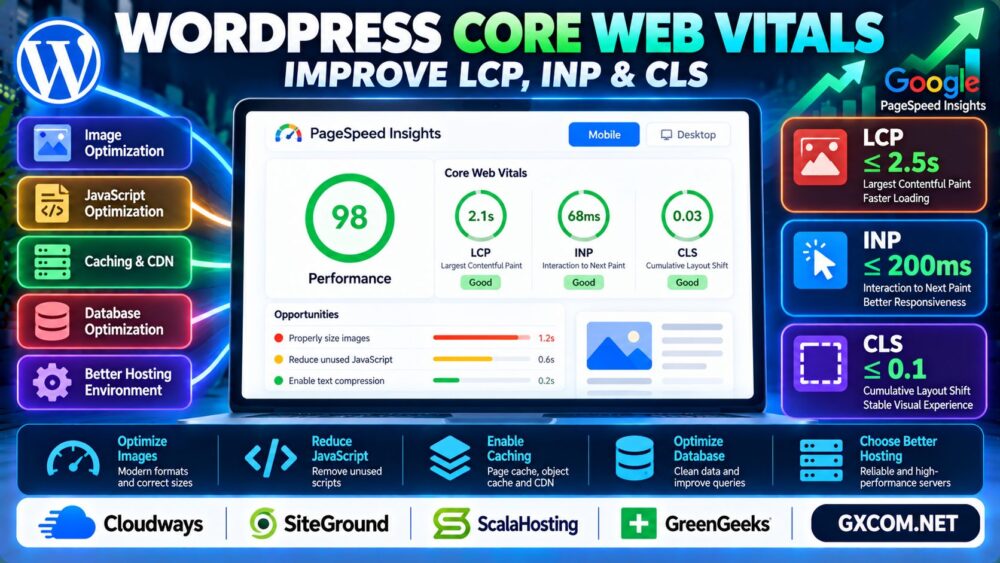
If you want to improve WordPress Core Web Vitals, focus on three metrics: Largest Contentful Paint (LCP), Interaction to Next Paint (INP), and Cumulative Layout Shift (CLS).
This guide explains what each metric measures, how to diagnose problems, and which WordPress optimizations deserve priority.
What Are WordPress Core Web Vitals?
Core Web Vitals measure important aspects of real-world page experience. Google evaluates them using field data collected from eligible Chrome users.
| Metric | Measures | Good Threshold |
|---|---|---|
| LCP | Main content loading | 2.5 seconds or less |
| INP | Interaction responsiveness | 200 milliseconds or less |
| CLS | Unexpected layout movement | 0.1 or less |
These thresholds are assessed at the 75th percentile of page visits, with mobile and desktop experiences considered separately.
Quick answer: Improve LCP by prioritizing visible content, improve INP by reducing main-thread blocking, and improve CLS by reserving space for elements before they load.
1. How to Test WordPress Core Web Vitals
Start with Google PageSpeed Insights to review available field data and Lighthouse diagnostics.
Use Google Search Console's Core Web Vitals report to identify groups of URLs with similar problems.
Remember that laboratory scores and real-user measurements serve different purposes. A strong Lighthouse score does not guarantee that every visitor experiences good performance.
Record your baseline before changing plugins, themes, or server configurations.
2. How to Improve LCP in WordPress
Largest Contentful Paint measures when the largest eligible visible content element finishes rendering.
Common WordPress LCP problems include oversized hero images, render-blocking stylesheets, slow server responses, and delayed image discovery.
Optimize the LCP Image
- Resize large images to appropriate display dimensions.
- Use modern image formats such as WebP or AVIF when suitable.
- Avoid lazy-loading the main above-the-fold LCP image.
- Use appropriate image priority hints for important resources.
For a hero image, fetchpriority="high" may help the browser prioritize loading when applied correctly.
Improve Server Response and Caching
Slow backend processing can delay the initial HTML response and affect LCP.

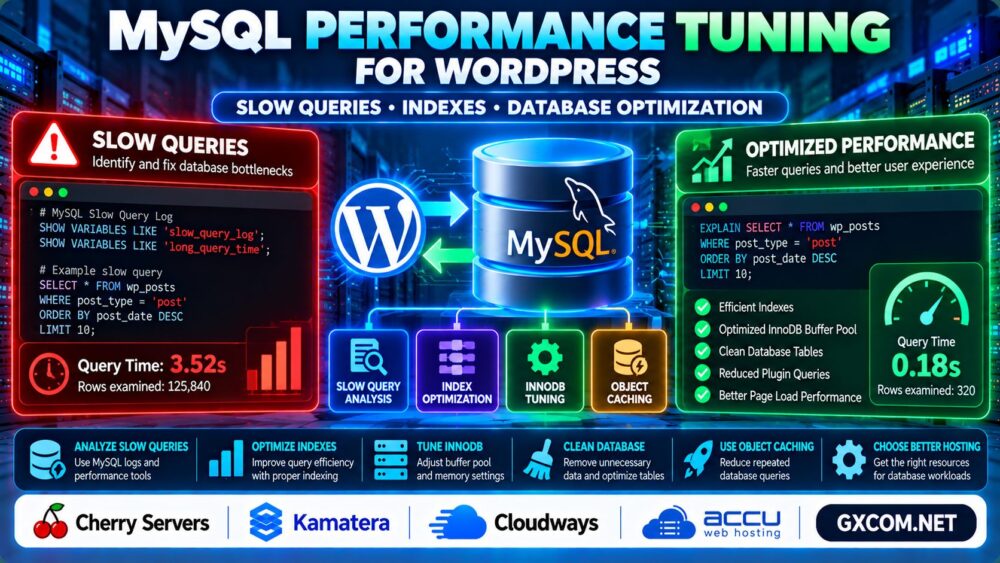
Review page caching, database workload, and hosting performance before increasing server resources.
Managed WordPress environments from Cloudways and SiteGround are relevant options to evaluate when your existing hosting setup becomes a bottleneck.
However, changing providers alone cannot fix oversized images or blocking JavaScript.
3. How to Improve INP in WordPress
Interaction to Next Paint measures how responsive a page feels during user interactions, such as clicks, taps, and keyboard input.
INP can suffer when JavaScript tasks occupy the browser's main thread for too long.
Reduce Unnecessary JavaScript
- Remove unused plugins that load scripts on every page.
- Limit heavy third-party widgets and tracking scripts.
- Split long JavaScript tasks where practical.
- Review expensive event handlers and DOM updates.
For interactive WordPress pages, test menus, search forms, filters, and other frequently used controls.
Delaying every script indiscriminately can break functionality, so verify changes on real devices.
4. How to Fix CLS in WordPress
Cumulative Layout Shift measures unexpected movement of visible page elements.
Common causes include images without dimensions, advertisements inserted above existing content, late-loading fonts, and dynamically added banners.
Reserve Space for Images and Ads
Specify image dimensions or appropriate CSS aspect ratios so browsers can allocate space before media loads.
Reserve stable containers for advertising placements and embedded content.
For fonts, use suitable loading strategies and consider metric-compatible fallback fonts to reduce visible movement.
Avoid injecting new content above the user's current reading position unless the interaction clearly requires it.
5. WordPress Caching and CDN Optimization
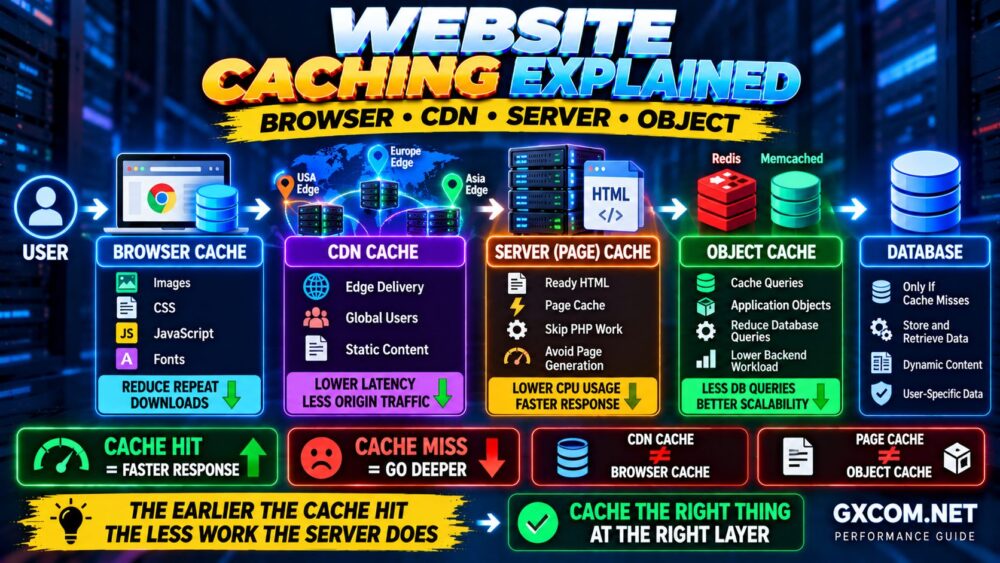
Page caching can reduce repeated server-side rendering, while a CDN can deliver static resources closer to visitors.
Object caching may improve repeated database operations, particularly for dynamic websites.
However, caching does not automatically resolve INP or CLS issues caused by browser-side behavior.
Hosting providers such as ScalaHosting and GreenGeeks are additional options when comparing WordPress hosting environments and performance-related features.
Check which caching technologies are actually supported by your chosen plan.
6. How Server Performance Affects Core Web Vitals
CPU saturation, memory pressure, slow storage, and overloaded database services can increase response times.
Our Server Performance Monitoring Guide explains how to identify these bottlenecks.
If WordPress database queries are failing or connections are unstable, investigate the underlying problem before relying on frontend optimization.
See our WordPress Database Connection Error Guide for related troubleshooting.
7. Core Web Vitals and Google SEO
Core Web Vitals are part of Google's broader page experience considerations, but excellent scores do not guarantee high search rankings.
Relevant content, search intent, accessibility, and a useful website structure remain essential.
For better content discovery, review our Internal Linking for SEO Guide.
When optimizing WordPress, also maintain accurate structured data. Our WordPress Schema Markup Guide covers that topic.
8. When Should You Upgrade WordPress Hosting?
Consider a hosting upgrade when measurements consistently show backend bottlenecks after reasonable application optimization.
Compare server response times, resource limits, caching support, database performance, and support responsibilities.
For a broader infrastructure comparison, read our Cloud Hosting vs VPS Guide.
Choose hosting based on measured workload requirements rather than assuming more CPU cores will automatically improve every Core Web Vitals metric.
WordPress Core Web Vitals Optimization Checklist
- Measure mobile and desktop field performance.
- Identify and prioritize the LCP element.
- Optimize images and critical loading resources.
- Reduce long JavaScript tasks affecting INP.
- Reserve layout space to prevent CLS.
- Review caching, CDN, and server response times.
- Retest after changes and monitor real-user trends.
Frequently Asked Questions
What is a good LCP score for WordPress?
A good LCP is 2.5 seconds or less, measured at the 75th percentile of page visits.

How can I reduce INP in WordPress?
Reduce unnecessary JavaScript, optimize interaction handlers, and avoid long main-thread tasks.
What causes CLS in WordPress?
Common causes include images without reserved dimensions, dynamic ads, late-loading fonts, and inserted content.
Does a CDN improve Core Web Vitals?
A CDN may improve resource delivery and loading performance, but it does not automatically fix every INP or CLS issue.
Will faster hosting improve Google rankings?
Faster hosting can improve some performance bottlenecks, but rankings depend on many factors and are not guaranteed.
How long does Google take to reflect improvements?
Field data trends take time to change. Google's CrUX-based reporting commonly uses a rolling 28-day measurement window.
Final Verdict
Improving WordPress Core Web Vitals requires targeted changes rather than blindly installing more optimization plugins.
Start with real-user measurements, fix the largest bottlenecks, and verify that every change improves the actual visitor experience.
Measure → Diagnose → Optimize LCP, INP and CLS → Validate → Monitor.