


Cloudways WordPress Agency Hosting: Team Access, Staging and Multi-Site Costs
Managing one WordPress website is relatively simple. Managing twenty client websites, several developers, recurring updates, and unpredictable traffic is a different business. Agencies need hosting that supports collaboration, safe deployments, predictable billing, and clear separation…
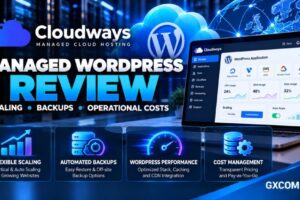
Cloudways Managed WordPress Cloud Review: Scaling, Backups and Operational Costs
Managed cloud hosting promises a simpler way to run WordPress without maintaining an entire server yourself. Yet convenience comes at a cost, and not every platform handles traffic spikes, backups, or resource upgrades in the…

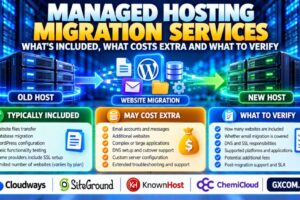
Managed Hosting Migration Services: What’s Included, What Costs Extra and What to Verify
Moving to a new hosting provider can improve your website’s infrastructure, support options, and long-term flexibility. However, transferring a live website involves more than copying files to another server. Managed hosting migration services can reduce…
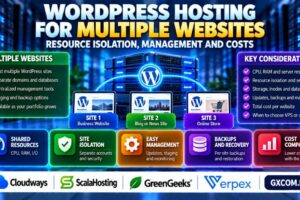
WordPress Hosting for Multiple Websites: Resource Isolation, Management and Costs
Running several WordPress websites under one hosting plan can reduce administrative work and simplify billing. However, a plan that supports multiple domains does not necessarily provide independent server resources, security boundaries, or backups for every…

Web Hosting Server Location: How Data Centers Affect Latency and Website Performance
Choosing a hosting provider involves more than comparing storage, CPU resources, and introductory discounts. The physical location of your website’s server can influence how quickly visitors connect to your website and receive content. Web hosting…

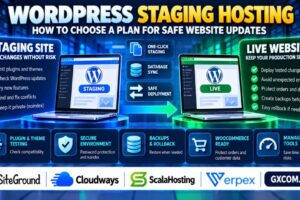
WordPress Staging Hosting: How to Choose a Plan for Safe Website Updates
Updating WordPress plugins, themes, or core software directly on a live website can introduce unexpected problems. A plugin conflict may break a contact form, a theme update may change page layouts, and a WooCommerce extension…
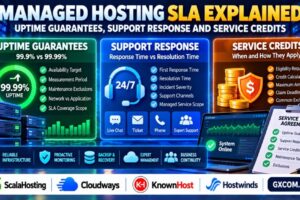
Managed Hosting SLA Explained: Uptime Guarantees, Support Response and Service Credits
A hosting provider may advertise 99.9% uptime, around-the-clock support, and reliable managed services. However, these claims do not automatically tell you what happens when your website goes offline or a critical support ticket remains unresolved.…
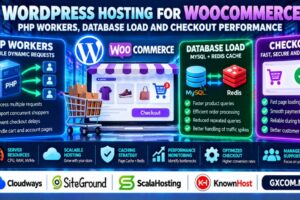
WordPress Hosting for WooCommerce: PHP Workers, Database Load and Checkout Performance
Choosing WordPress Hosting for WooCommerce requires more than checking storage space, bandwidth, or an advertised visitor allowance. An online store handles product searches, shopping carts, customer accounts, inventory updates, and payment requests that behave differently…

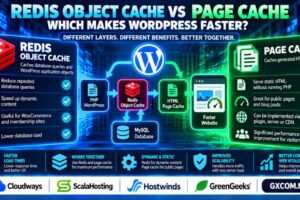
Redis Object Cache vs Page Cache: Which Makes WordPress Faster?
Caching is one of the most effective ways to improve WordPress performance, but not every caching method solves the same problem. Redis object caching and page caching operate at different layers of the application. Understanding…
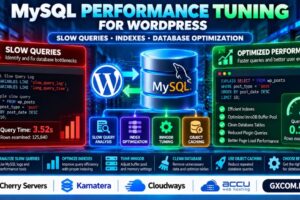
MySQL Performance Tuning for WordPress: Slow Queries, Indexes and Database Optimization
A WordPress website can have fast hosting and still suffer from slow page loads when MySQL queries become inefficient. Large database tables, missing indexes, expensive plugins, and insufficient database memory can increase response times. Effective…

How to Protect WordPress from Malware: Detection, Cleanup and Prevention
A hacked WordPress website can redirect visitors to suspicious pages, inject spam links, display unfamiliar advertisements, or expose sensitive information. Some infections remain hidden until search engines or security tools detect them. Effective WordPress malware…
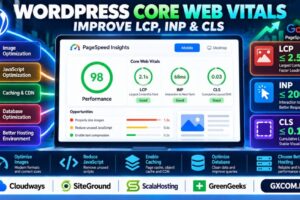
How to Improve WordPress Core Web Vitals: LCP, INP and CLS Optimization
A WordPress website can look fast on your computer but still deliver a frustrating experience to real visitors. Large hero images, heavy JavaScript, unstable layouts, and slow server responses can all affect Google’s Core Web…

WordPress Schema Markup Guide: How to Add Structured Data for Google
Want to help Google better understand your WordPress content? WordPress schema markup adds structured information about articles, organizations, breadcrumbs, products, and other page elements. Schema markup can make eligible pages easier for search engines to…
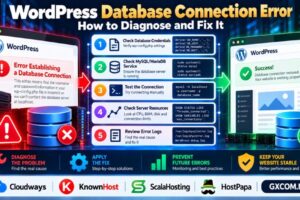
WordPress Database Connection Error: How to Diagnose and Fix It
Seeing “Error Establishing a Database Connection” on your WordPress website? This message usually means WordPress cannot connect to its MySQL or MariaDB database. The cause may be incorrect database credentials, an unavailable database server, exhausted…
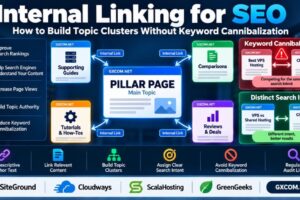
Internal Linking for SEO: How to Build Topic Clusters Without Keyword Cannibalization
Internal linking is one of the most practical ways to improve website navigation, help search engines discover related content, and organize pages around clear topics. However, adding links without a strategy can create confusing site…