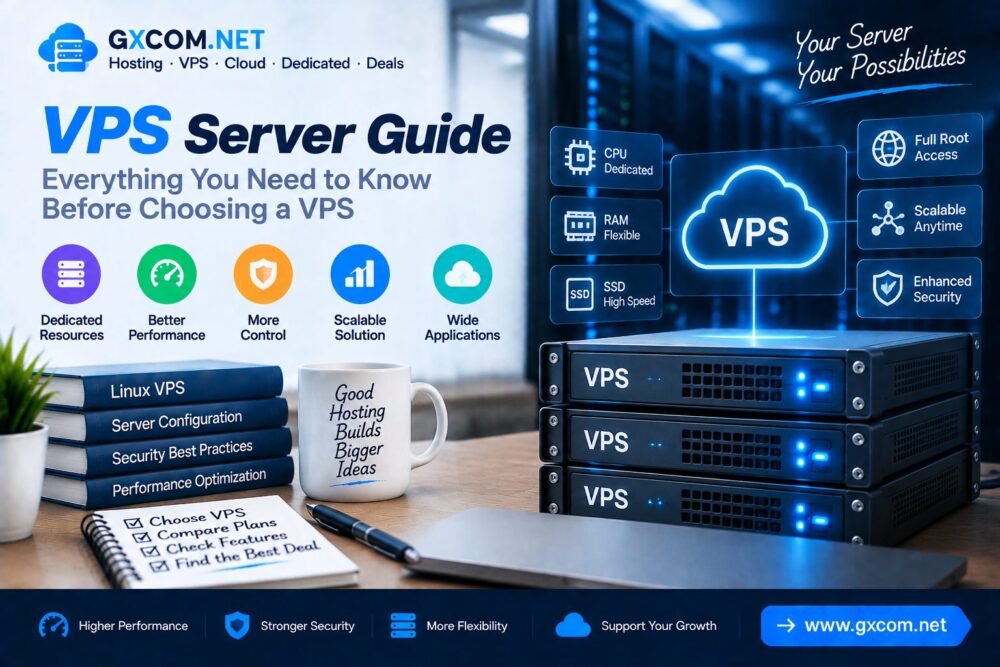
Virtual Private Servers (VPS) have become one of the most popular hosting solutions for websites, applications and online businesses that need more control and performance than traditional shared hosting.
A VPS provides dedicated resources inside a virtualized server environment, allowing users to customize their operating system, software and server configuration.
This VPS Server Guide explains what a VPS is, how VPS hosting works, its advantages, important features and how to choose the right VPS solution.
What Is a VPS Server?
A VPS (Virtual Private Server) is a virtual server created by dividing a physical server into multiple isolated environments.
Each VPS operates independently with its own:
- CPU resources
- RAM allocation
- Storage space
- Operating system
- IP address
- Server configuration
Unlike shared hosting, VPS users have more control over their server environment.
How Does VPS Hosting Work?
VPS hosting uses virtualization technology to create multiple independent virtual servers on one physical machine.
The virtualization layer separates each VPS environment, allowing users to operate their servers independently.
| Component | Function |
|---|---|
| Physical Server | Provides hardware resources |
| Virtualization Layer | Creates isolated VPS environments |
| Virtual Server | Runs website applications |
| Operating System | Controls server operations |
VPS Hosting vs Shared Hosting
| Feature | Shared Hosting | VPS Hosting |
|---|---|---|
| Resources | Shared | Dedicated allocation |
| Performance | Limited | Higher performance |
| Control | Low | High |
| Customization | Limited | Flexible |
| Technical Skill | Beginner friendly | Requires more knowledge |
Benefits of VPS Hosting
1. Dedicated Resources
VPS hosting provides allocated resources that are not shared directly with other users.
This helps improve:
- Website stability
- Application performance
- Traffic handling capability
2. Greater Server Control
Users can customize their VPS environment according to their requirements.

Common customization options include:
- Installing software
- Changing server settings
- Configuring security rules
- Managing applications
3. Better Scalability
Growing websites can upgrade VPS resources when traffic and application requirements increase.
4. Improved Security Isolation
Because each VPS operates separately, problems on other virtual servers are less likely to affect your environment.
Types of VPS Hosting
| Type | Description |
|---|---|
| Linux VPS | Popular option using Linux operating systems |
| Windows VPS | Designed for Windows-based applications |
| Managed VPS | Provider handles server maintenance |
| Unmanaged VPS | User manages server configuration |
Linux VPS vs Windows VPS
| Feature | Linux VPS | Windows VPS |
|---|---|---|
| Operating System | Linux distributions | Windows Server |
| Cost | Usually lower | Usually higher |
| Software Compatibility | Open-source applications | Microsoft applications |
| Management | Command-line focused | GUI friendly |
Important VPS Server Specifications
CPU
The processor determines how quickly your applications can process tasks.
Consider:
- CPU cores
- Processor generation
- Dedicated CPU allocation
RAM
Memory affects how many processes your server can handle.
More RAM is useful for:
- Large websites
- Databases
- Applications
- Multiple services
Storage
Modern VPS servers commonly use SSD or NVMe storage.
NVMe storage provides:
- Faster data access
- Improved application performance
- Lower latency
Bandwidth
Bandwidth determines how much data your server can transfer.
How to Choose VPS Hosting
Selecting the right VPS depends on your website requirements and technical needs.
Important factors include:
- Server location
- CPU performance
- RAM capacity
- Storage type
- Network speed
- Security features
- Technical support
Managed VPS vs Unmanaged VPS
| Feature | Managed VPS | Unmanaged VPS |
|---|---|---|
| Server Maintenance | Provider handles | User handles |
| Technical Knowledge | Lower requirement | Higher requirement |
| Customization | Moderate | High |
| Cost | Higher | Lower |
VPS Security Best Practices
Proper security configuration is important when managing a VPS.
Recommended practices:
- Use SSH keys
- Enable firewall protection
- Update software regularly
- Create backups
- Monitor server activity
Learn more about server protection in our server security guide.
When Should You Choose VPS Hosting?
VPS hosting is suitable for:
- Growing websites
- Business websites
- Online stores
- Web applications
- Development projects
- High traffic blogs
VPS Server vs Cloud Server
| Feature | VPS Server | Cloud Server |
|---|---|---|
| Infrastructure | Single physical server environment | Distributed cloud infrastructure |
| Scalability | Moderate | High |
| Flexibility | High | Very high |
Common VPS Hosting Mistakes
- Choosing resources only based on price
- Ignoring server security
- Not creating backups
- Selecting unsuitable server locations
- Using unmanaged VPS without technical knowledge
Frequently Asked Questions
What is a VPS server used for?
VPS servers are used for websites, applications, databases, development environments and online services requiring more control.

Is VPS better than shared hosting?
VPS provides more resources and control, making it suitable for websites that need higher performance and flexibility.
Do I need Linux knowledge for VPS?
Linux knowledge is helpful, especially for unmanaged VPS solutions.
How much RAM does a VPS need?
The required RAM depends on website traffic, applications and server workload.
Final Thoughts
A VPS server provides a balance between affordability, performance and control.
For websites that have outgrown shared hosting but do not require a dedicated server, VPS hosting can provide a flexible infrastructure solution.
Understanding server resources, security requirements and management options helps users choose a VPS environment that matches their long-term goals.