AI image generation is moving beyond individual experiments into production workflows for marketing, product visualization, creative automation, and software applications. For developers building these services, choosing a GPU cloud provider involves more than finding the lowest hourly rental price.
Vultr GPU Cloud offers NVIDIA-powered compute options for running image generation models, including Stable Diffusion XL and FLUX-based workflows. Its cloud infrastructure provides an alternative to purchasing GPUs or maintaining dedicated physical servers.
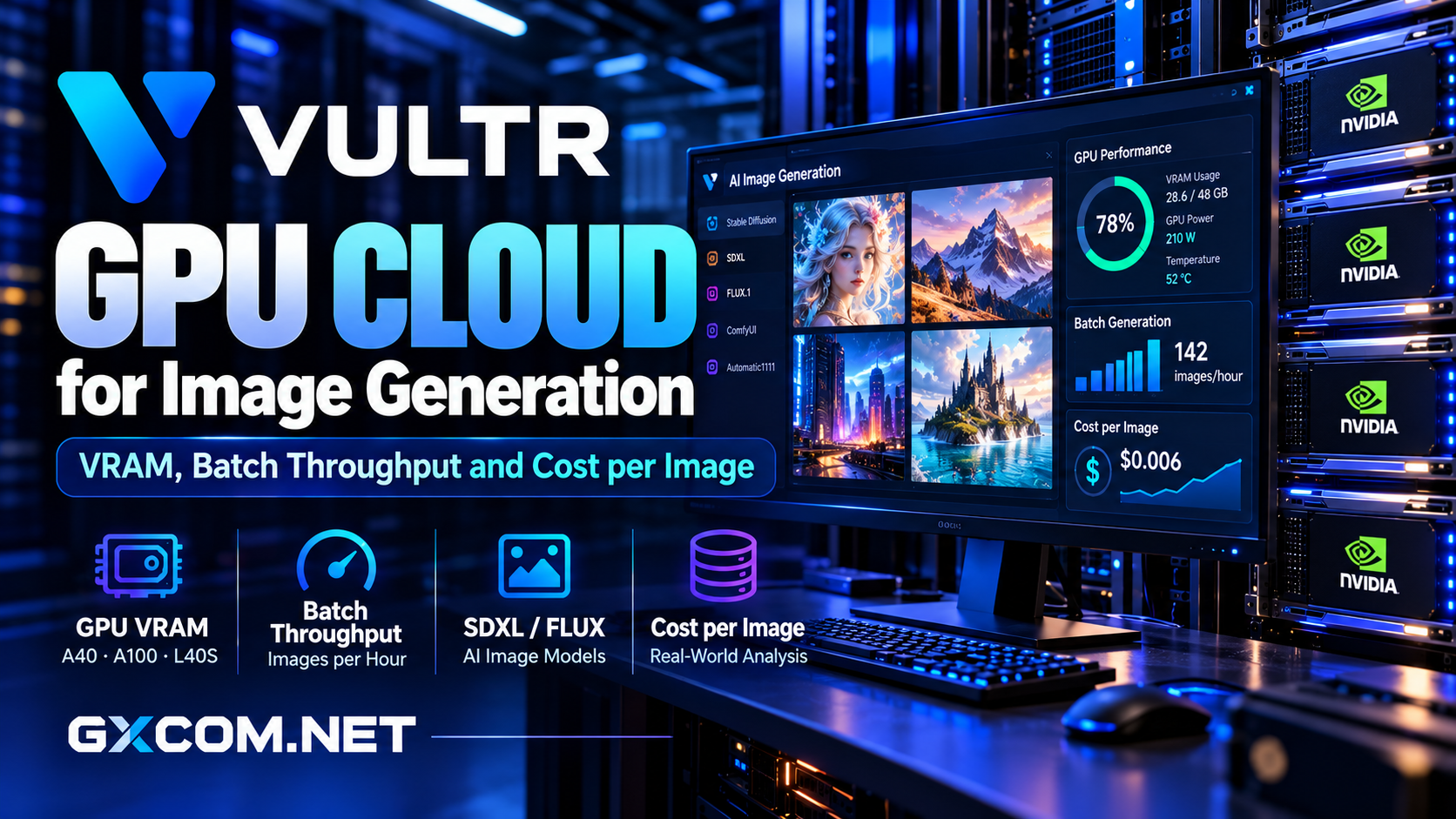
However, image generation economics depend on GPU memory, batch throughput, model loading time, and actual utilization. This review examines where Vultr fits, how to estimate cost per image, and when competing GPU hosting platforms deserve consideration.
Editorial note: GXCOM.NET evaluates published platform capabilities and practical deployment considerations. The performance examples below are illustrative, not independently measured Vultr benchmarks.
Why Consider Vultr GPU Cloud for Image Generation?
Vultr provides GPU-enabled cloud instances with configurable computing resources and access to supported NVIDIA accelerators. Developers can deploy Linux environments, install machine learning frameworks, and run image generation applications through familiar infrastructure workflows.
Vultr also publishes deployment tutorials for Stable Diffusion XL, FLUX.1-schnell, and other image models. These resources make it easier to evaluate software compatibility before committing to production infrastructure.
The platform is particularly relevant for teams that want to integrate GPU inference with cloud networking, storage, monitoring, and application servers.
Its main limitation is that cloud infrastructure still requires configuration and operational management. Users must account for drivers, model dependencies, security, and resource lifecycle costs.
Choosing GPU VRAM for Image Generation
Video memory determines whether a model and its working data can fit on an accelerator. Requirements vary according to architecture, numerical precision, image resolution, batch size, and optimization techniques.
16GB and Lower-Memory Configurations
Smaller GPU allocations can support selected optimized diffusion workloads, particularly when using reduced precision, memory-efficient attention, or CPU offloading.
Nevertheless, a configuration that successfully generates one image may fail with larger batches or additional processing stages. Buyers should test their complete pipeline rather than relying on minimum model-loading requirements.
48GB GPUs: Flexible Production Capacity
Vultr offers NVIDIA A40 and L40S GPU options associated with 48GB memory configurations. These accelerators can provide useful headroom for larger diffusion pipelines, multiple model components, and concurrent requests.
The L40S is especially relevant to graphics-intensive and AI inference applications, although real performance depends on the model and software stack.
Confirm the memory actually assigned to the selected instance. A GPU product family specification does not necessarily describe every virtualized plan.
80GB GPUs: Larger Models and Workflows
Vultr also offers A100-based configurations. Higher-memory options can accommodate demanding pipelines, larger batches, or workflows combining generation with additional model processing.
However, purchasing more VRAM than necessary can increase costs without improving useful throughput proportionally.

Our NVIDIA GPU server providers guide explains additional hardware considerations.
Stable Diffusion, SDXL, and FLUX Workloads
Different image generation models create different infrastructure demands.
Stable Diffusion pipelines can be attractive for smaller projects and customized workflows. SDXL introduces more demanding image generation requirements, particularly when combining base generation with refinement or high-resolution processing.
FLUX models can require substantial memory depending on the variant, quantization method, and supporting components.
Vultr documents both SDXL and FLUX deployment approaches, including workflows using PyTorch and ComfyUI.
Before choosing hardware, verify the exact model license, deployment method, output resolution, and memory requirements. A successful tutorial deployment is not proof that the same configuration will satisfy production throughput targets.
Batch Throughput: More Than Images per Second
Batch throughput measures how many images a GPU completes over a defined period. It is essential for applications generating product catalogs, advertising variations, or large collections of visual assets.
Batching can improve GPU utilization by processing multiple requests together. However, larger batches also increase memory pressure and may cause out-of-memory errors.
Latency Versus Throughput
An interactive design application prioritizes response time for individual users. A background image generation service may prioritize the total number of completed images per hour.
These goals require different scheduling decisions.
For interactive applications, excessive batching can increase waiting time. For offline workloads, a queue with controlled batching may improve hardware efficiency.
Measure Successful Outputs
Do not calculate throughput solely from images produced during an ideal benchmark.
Include model initialization, failed requests, retries, image saving, and preprocessing. Track GPU utilization alongside completed images and queue waiting times.
For meaningful comparisons, keep the model, resolution, inference steps, scheduler, precision, and quality settings consistent.
How to Calculate Cost per Image
The most useful commercial metric is the infrastructure cost of producing one acceptable image.
Cost per Image = Total Billable Infrastructure Cost / Successful Images Produced
Consider a hypothetical GPU instance costing $1.20 per hour. If it produces 240 acceptable images during one billable hour, the compute cost is $0.005 per image.
If the same workload produces only 60 acceptable images, compute cost rises to $0.02 per image.
These figures illustrate the calculation; they are not Vultr prices or measured generation speeds.
Include Hidden Infrastructure Expenses
Total costs may include instance runtime, persistent storage, backups, network transfer, application servers, and operational overhead.
Model downloads and startup time also matter when GPU instances are created frequently.
Vultr documents GPU-specific billing rules, so buyers should review current billing terms rather than assuming GPU instances behave like standard virtual servers.
Our affordable GPU servers comparison covers broader infrastructure cost considerations.
Storage and Deployment Architecture
Image generation environments need storage for model checkpoints, LoRA adapters, cached dependencies, prompts, and generated files.
Local storage can support fast model loading, while external storage may simplify sharing assets between application components.
Production deployments should separate valuable outputs from temporary working directories and implement reliable backup procedures.
For public-facing applications, protect generation endpoints with authentication, request limits, and monitoring. Unrestricted GPU APIs can quickly accumulate unexpected infrastructure costs.
Vultr Versus Alternative GPU Providers
RunPod: Experimentation and GPU Pods
RunPod is worth comparing for developers who prefer container-oriented GPU environments and flexible experimentation.
Its Pods can suit model testing and variable workloads, although users must understand storage persistence, instance availability, and idle compute charges.
GPU Mart: Dedicated GPU Servers
GPU Mart offers dedicated GPU hosting options for teams seeking more predictable hardware allocation or longer-running applications.
Compare accelerator models, VRAM, storage, operating-system support, and contractual commitments before selecting a configuration.
Cherry Servers: Bare Metal Infrastructure
Cherry Servers provides dedicated infrastructure for organizations requiring hardware control and sustained workloads.
Bare metal can be attractive when GPU utilization remains consistently high, but teams must account for administration, deployment, and fixed resource commitments.
Explore our AI GPU VPS providers comparison and bare metal server providers guide for related purchasing decisions.

Who Should Choose Vultr GPU Cloud?
Vultr is worth considering for developers building cloud-integrated image generation applications, teams needing configurable GPU instances, and businesses that prefer managing AI infrastructure alongside other cloud services.
It is less compelling when the workload requires minimal administration or when a dedicated server offers substantially better utilization economics.
Before deploying, run a representative batch benchmark and compare effective cost per accepted image across available GPU configurations.
Final Verdict
Vultr GPU Cloud provides a credible foundation for AI image generation, with NVIDIA accelerator options and documented workflows for popular diffusion models.
Its value depends on choosing sufficient VRAM, balancing batch throughput against latency, and controlling billable idle time.
For integrated cloud applications, Vultr deserves consideration. For short experiments, compare RunPod; for continuously utilized workloads, evaluate GPU Mart and Cherry Servers.
The best GPU platform is the one that consistently produces acceptable images at a sustainable total cost.
Frequently Asked Questions
Can Vultr run Stable Diffusion XL?
Yes. Vultr publishes documentation for deploying SDXL on Cloud GPU infrastructure. Actual requirements depend on the chosen pipeline and settings.
How much VRAM is needed for FLUX?
Requirements vary by model variant, precision, quantization, and workflow. Check the selected implementation before purchasing GPU capacity.
Does a larger GPU batch always reduce cost?
No. Batching may improve throughput, but memory pressure, queue delays, and failed jobs can reduce efficiency.
Is Vultr cheaper than dedicated GPU hosting?
That depends on usage. Cloud instances may suit variable workloads, while consistently busy applications can justify dedicated infrastructure.