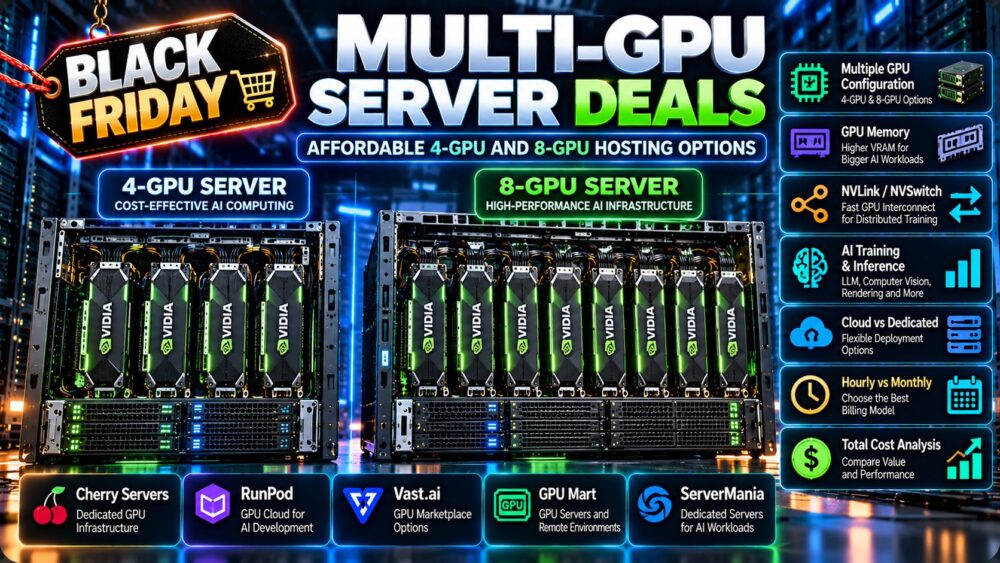
Renting NVIDIA H100 GPUs can accelerate large language model training, fine-tuning, and high-throughput inference without the capital expense of owning enterprise AI hardware. However, two H100 rental offers may differ significantly in performance, networking, storage, and total cost.
The best NVIDIA H100 GPU rental deals are not necessarily those advertising the lowest hourly rate. Buyers must consider GPU variants, memory bandwidth, multi-GPU connectivity, utilization, and billing terms.
This guide compares H100 rental options from RunPod, Vultr, GPU Mart, and Cherry Servers, helping AI teams select infrastructure that matches their workload and budget.
H100 GPU Rental Deals: What Are You Actually Renting?
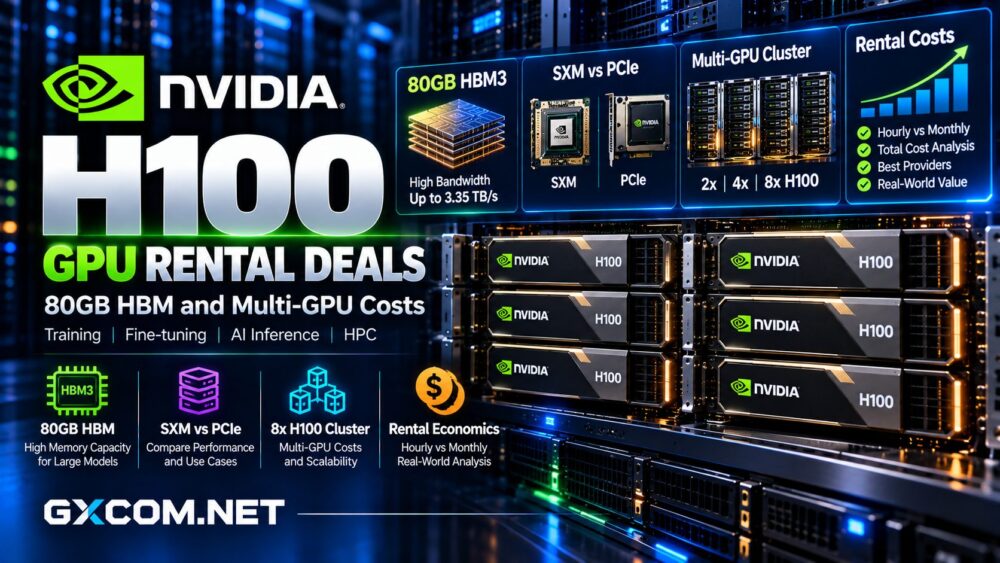
NVIDIA H100 accelerators use the Hopper architecture and support demanding AI workloads through fourth-generation Tensor Cores and Transformer Engine technology.
However, H100 configurations are not identical.
| GPU Variant | Memory | Primary Consideration |
|---|---|---|
| H100 SXM | 80GB HBM3 | High-bandwidth multi-GPU training |
| H100 PCIe | 80GB HBM2e | Flexible server deployments |
| H100 NVL | 94GB HBM3 | Memory-intensive inference |
H100 SXM offers approximately 3.35TB/s memory bandwidth and supports high-speed NVLink connectivity. Standard H100 PCIe delivers approximately 2TB/s memory bandwidth.
Before ordering, confirm the exact accelerator, allocated GPU count, system RAM, storage, and network configuration.
For a technical comparison, read our GPU PCIe vs SXM servers guide.
Best H100 GPU Rental Providers to Compare
RunPod: Flexible H100 Cloud Rentals
RunPod provides H100 PCIe, SXM, and NVL options through its GPU cloud infrastructure.
Its GPU Pods support development, training, and inference workflows, while cluster products target larger distributed workloads.
RunPod is particularly relevant for projects requiring flexible deployment periods rather than permanently allocated hardware.
Buyers should compare Community Cloud and Secure Cloud availability, persistent storage charges, and any cluster-specific pricing.
Our RunPod GPU Cloud review explains its infrastructure and billing models.
Vultr: Enterprise H100 GPU Cloud
Vultr offers NVIDIA H100 cloud GPU infrastructure for AI training, inference, and high-performance computing.

Its cluster capabilities make it relevant to organizations evaluating larger GPU deployments and enterprise infrastructure requirements.
Before committing, request the applicable instance specifications, region availability, networking details, and commercial terms.
For distributed training, confirm whether the quoted configuration includes the interconnect performance your application requires.
GPU Mart: Dedicated H100 Server Hosting
GPU Mart offers dedicated GPU infrastructure, including H100 server configurations.
This model may suit businesses running persistent AI services or recurring training workloads that benefit from predictable monthly infrastructure costs.
Compare the complete server specification rather than dividing its monthly price by the GPU count alone.
CPU capacity, RAM, local storage, bandwidth, and contract conditions can materially affect overall value.
See our GPU Mart review for its dedicated hosting approach.
Cherry Servers: Bare Metal GPU Alternatives
Cherry Servers is worth considering when dedicated infrastructure and hardware control are priorities.
Its GPU server options provide an alternative purchasing model, although buyers must verify current H100 availability before treating any quotation as directly comparable.
Ask about provisioning time, accelerator specifications, operating system access, and networking.
Hourly vs Monthly H100 Rental Costs
Hourly rental generally suits experiments, irregular training, and projects with uncertain compute requirements.
Monthly dedicated hosting becomes more interesting when utilization is consistently high.
A simple calculation is:
Monthly Compute Cost = GPU Hourly Rate × GPU Count × Billable Hours
Suppose a hypothetical H100 instance costs $3 per GPU-hour.
Running one GPU for 100 hours would cost $300 in base compute charges. Eight GPUs running for the same period would cost $2,400.
These numbers are illustrative, not current supplier quotations. Storage, networking, software, and other charges are excluded.
For a broader billing comparison, consult our hourly vs monthly GPU rental guide.
How Much Does an 8x H100 Cluster Cost?
Eight H100 SXM accelerators provide a substantial pool of GPU memory and processing resources for distributed AI workloads.
However, GPU count alone does not establish cluster performance.
NVLink, NVSwitch, network bandwidth, CPU resources, and storage throughput influence how efficiently training jobs scale.
For example, eight hypothetical GPUs rented at $3 per hour for 200 hours generate $4,800 in base compute charges.
Real cluster quotations may include additional infrastructure, minimum commitments, or separate networking costs.
Critically, eight independent cloud instances are not necessarily equivalent to one tightly interconnected eight-GPU server.
When Is Multi-GPU H100 Rental Worthwhile?
Multi-GPU rental is attractive when a model cannot fit within one accelerator, distributed training reduces completion time, or parallel processing improves throughput.
Nevertheless, scaling introduces communication overhead and operational complexity.
Training frameworks, tensor parallelism, dataset pipelines, and checkpoint strategies must support the selected architecture.
Teams should benchmark representative workloads before purchasing additional GPUs.
Hidden Costs in H100 GPU Deals
Advertised compute rates rarely describe every expense.
Persistent volumes may continue generating charges when GPU compute is stopped. Large datasets and checkpoints can increase storage requirements.
Network transfers, backup retention, operating system licensing, and engineering time also influence total expenditure.
Interrupted or failed training jobs can make apparently inexpensive infrastructure costly.
Before deployment, determine which resources remain billable when an instance is stopped, reserved, or terminated.
Cost per Training Job vs GPU Hourly Price
The most useful comparison measures completed work rather than raw GPU hours.

Cost per Successful Training Run = Total Billable Infrastructure Cost / Successful Runs
A faster H100 configuration may justify a higher hourly rate if it finishes training significantly sooner.
Conversely, smaller workloads may achieve better economics using A100, L40S, or RTX-based infrastructure.
GPU memory requirements, model architecture, precision, and utilization should guide the decision.
Explore our NVIDIA GPU server guide for broader accelerator selection.
H100 Rental Checklist Before Ordering
- Confirm H100 SXM, PCIe, or NVL specifications.
- Verify dedicated GPU access and allocated memory.
- Check NVLink, NVSwitch, and network topology.
- Compare hourly, reserved, and monthly commitments.
- Calculate persistent storage and transfer expenses.
- Review availability, cancellation, and support terms.
- Benchmark realistic training or inference workloads.
Final Verdict: Which H100 Deal Is Best?
RunPod is a practical comparison point for flexible H100 rentals, while Vultr deserves consideration for enterprise GPU cloud and cluster deployments.
GPU Mart provides a dedicated hosting alternative for persistent workloads. Cherry Servers can be evaluated for suitable bare metal GPU infrastructure, subject to hardware availability.
The best H100 GPU rental deal is the configuration that completes your AI workload reliably at the lowest sustainable total cost.
Compare hardware, interconnects, utilization, and contract terms before choosing based on the advertised hourly price.