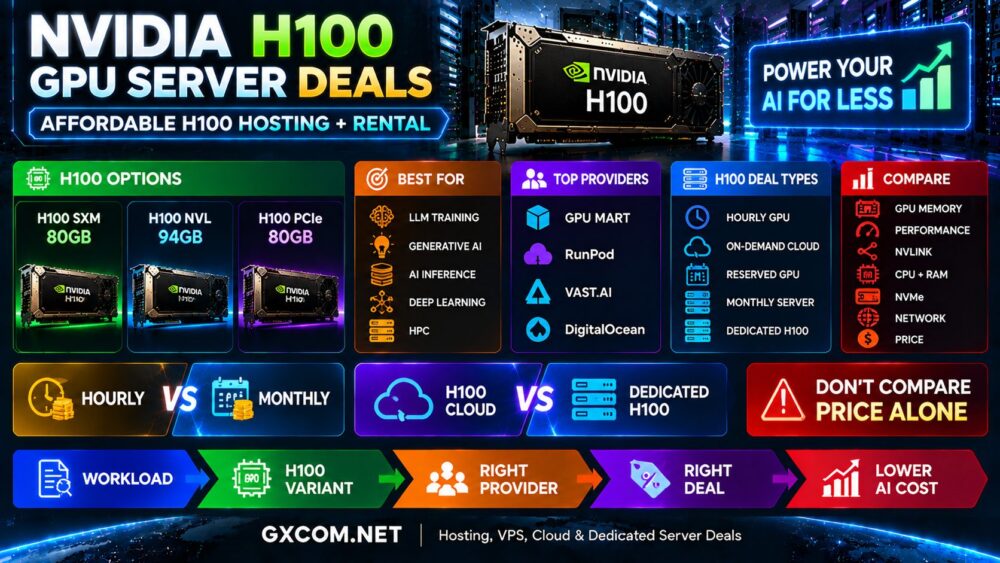
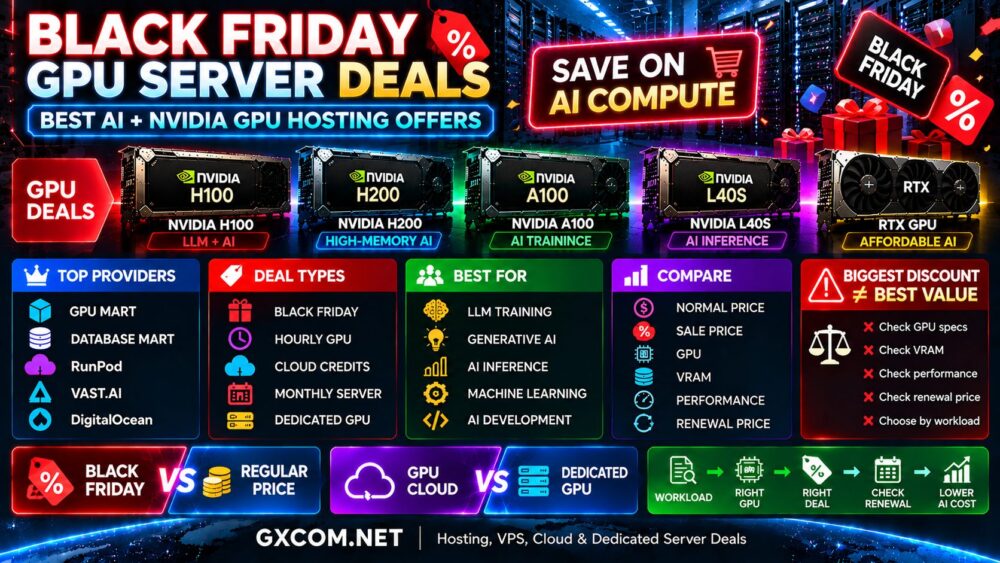
Renting GPU computing power has become one of the easiest ways to build artificial intelligence applications without spending thousands of dollars on physical hardware. Developers can now access powerful NVIDIA and AMD accelerators by the hour for LLM training, generative AI, machine learning, inference, image generation, and other GPU-intensive workloads.
But finding the best cheap GPU rental deals requires more than sorting providers by hourly price. GPU memory, performance, storage, networking, billing granularity, availability, and workload duration can dramatically change the real cost of an AI project.
This guide compares affordable on-demand GPU options from RunPod, Vast.ai, GPU Mart, DigitalOcean, and other infrastructure models. We also compare RTX, L40S, A100, H100, and AMD GPU rental options to help you find the right balance between performance and cost.
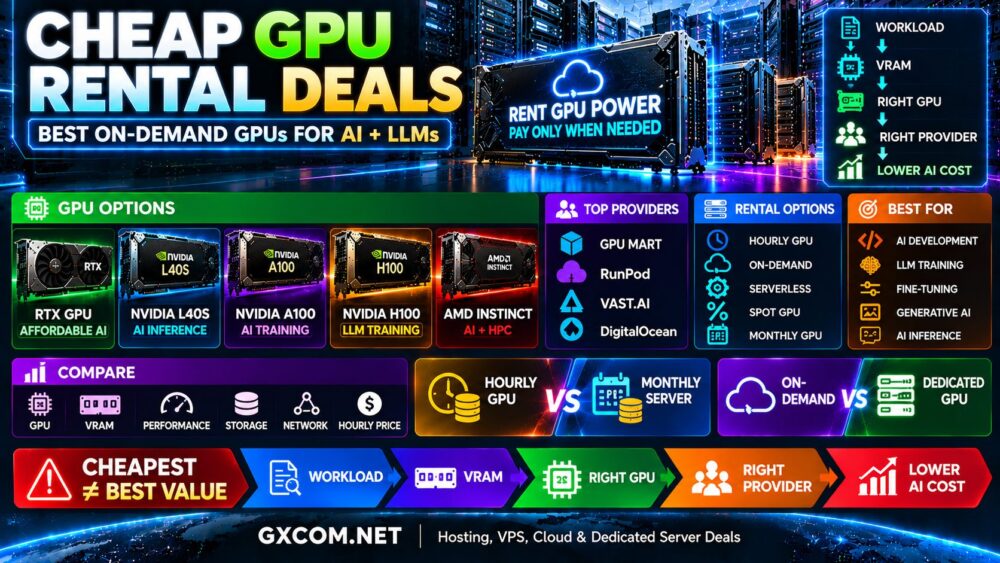
Cheap GPU Rental Deals at a Glance
| Provider | Rental Model | Best For | Pricing Style |
|---|---|---|---|
| RunPod | GPU cloud | AI, LLMs and development | Usage based |
| Vast.ai | GPU marketplace | Budget GPU computing | Market driven |
| GPU Mart | Hourly GPU hosting | Development and persistent workloads | Hourly + monthly |
| DigitalOcean | GPU cloud | Cloud-native AI | On-demand / reserved |
GPU rental prices and availability change frequently. Always verify the latest rate, complete instance specification, billing terms, and regional availability before deploying a workload.
What Is On-Demand GPU Rental?
On-demand GPU rental gives you access to GPU computing infrastructure without purchasing the physical hardware.
Depending on the provider, billing may be calculated by the second, minute, hour, or another usage interval.
This model is particularly useful for:
- AI development
- LLM training
- Model fine-tuning
- AI inference
- Machine learning
- Generative AI
- Image generation
- Rendering
Instead of purchasing a GPU server that may remain idle between projects, users can provision GPU resources when needed and release them when the workload is complete.
How Cheap Can GPU Rental Be?
Entry-level GPU cloud resources can cost well below one dollar per hour, while high-end AI accelerators such as NVIDIA H100, H200, B200, and B300 can cost several dollars per GPU hour.
The important question is not simply, “What is the cheapest GPU?”
A better question is:
Which GPU completes my workload at the lowest total cost?
For example, a GPU costing twice as much per hour can still be cheaper overall if it completes a training job substantially faster.
Current GPU Rental Price Examples
| GPU | Example Use | Current RunPod Secure Cloud Reference |
|---|---|---|
| RTX A5000 24GB | AI development | From about $0.27/hour |
| RTX 4090 24GB | Generative AI | About $0.74/hour |
| L40S 48GB | Inference | About $1.09/hour |
| A100 80GB | Training and fine-tuning | About $1.59/hour |
| H100 PCIe 80GB | LLM training | About $2.89/hour |
| H100 SXM 80GB | High-end AI training | About $3.49/hour |
These figures are examples rather than permanent prices. GPU cloud pricing changes as providers adjust capacity, products, and infrastructure.
RunPod: Flexible GPU Rental for AI
RunPod provides a broad range of GPUs through its AI-focused cloud platform.
Current options span affordable development GPUs through high-memory and high-performance accelerators, making the platform useful for workloads ranging from experimentation to LLM training.
RunPod can be particularly attractive for:
- AI development
- LLM training
- Fine-tuning
- Generative AI
- Inference
- Temporary GPU jobs
Lower-cost GPUs such as RTX-class cards can reduce development costs, while A100, H100, H200, and newer accelerators can handle more demanding models.
The key advantage of this model is flexibility: developers can select the GPU class that matches each stage of the project instead of using expensive training hardware for every task.
Vast.ai: GPU Marketplace for Budget Rentals
Vast.ai operates differently from a traditional standardized cloud provider.
Its marketplace allows users to search GPU resources offered across a large distributed supply of machines. Prices are influenced by supply and demand and can change dynamically.
This can make Vast.ai particularly interesting for users searching for cheap GPU rental.
However, compare more than price. Marketplace machines can differ in:
- GPU model
- GPU count
- Host reliability
- CPU performance
- System RAM
- Storage
- Network performance
- Location
- Availability
For flexible workloads that can tolerate differences between hosts, marketplace competition can create attractive GPU economics.
GPU Mart: Low-Cost Hourly GPU Hosting
GPU Mart offers pay-as-you-go GPU VPS and server options in addition to longer-term hosting.
Its hourly GPU service is useful for testing, development, experimentation, and short-term projects where committing to a full monthly GPU server may not make sense.
GPU Mart advertises entry-level hourly options starting around the low-$0.20 range, although the exact GPU and complete configuration determine the final cost.
One advantage of a provider offering both hourly and monthly options is that users can start with short-term GPU rental and later compare whether a monthly server becomes more economical for a persistent workload.
DigitalOcean: On-Demand GPU Cloud
DigitalOcean provides on-demand GPU Droplets as part of its broader cloud infrastructure.
Its current GPU portfolio includes options such as NVIDIA H100, H200, L40S, RTX-class GPUs, and AMD Instinct accelerators.
This makes DigitalOcean relevant for developers who need GPU compute alongside:
- Cloud virtual machines
- Storage
- Networking
- Databases
- Application infrastructure
DigitalOcean may not always display the lowest standalone GPU rate compared with specialized marketplaces, but integration with a broader developer cloud can be valuable for production AI applications.
Cheap GPU Rental Provider Comparison
| Provider | Strength | Good Fit | Watch For |
|---|---|---|---|
| RunPod | Wide GPU selection | AI and LLM workloads | GPU availability |
| Vast.ai | Marketplace competition | Budget computing | Machine differences |
| GPU Mart | Hourly + monthly options | Development and persistent GPU | Full server specs |
| DigitalOcean | Cloud ecosystem | Production AI apps | Total infrastructure cost |
RTX GPU Rental: Best for Affordable AI Development?
RTX-class GPUs are often worth evaluating before moving to expensive data center accelerators.
They can provide excellent value for:
- AI development
- Model experimentation
- Stable Diffusion
- Image generation
- Computer vision
- Smaller LLMs
- Rendering
The main constraint is usually VRAM.
A 24GB GPU can be extremely cost-effective when the model fits comfortably in memory, but it becomes unsuitable when the workload requires significantly more GPU memory.
L40S Rental: Balanced AI Inference
NVIDIA L40S provides 48GB-class GPU memory and combines AI acceleration with graphics capabilities.
It can be attractive for:
- AI inference
- Generative AI
- Image generation
- Computer vision
- Visualization
- Rendering
For inference workloads that do not require premium H100 infrastructure, L40S can offer a useful middle ground between affordable RTX hardware and high-end training accelerators.
A100 Rental: Strong Value for AI Training
NVIDIA A100 remains relevant for training, fine-tuning, machine learning, and AI research.
As newer generations become available, A100 pricing can make it an interesting option for workloads that do not specifically require H100-class performance.
A100 80GB is particularly useful when GPU memory requirements exceed what affordable consumer or workstation GPUs can provide.
H100 Rental: Best for High-End LLM Workloads
NVIDIA H100 targets demanding artificial intelligence workloads, including large language model training and high-performance inference.
H100 rental makes the most sense when the workload can actually use its capabilities.
Before paying the premium, ask:
- Does the model require this level of performance?
- Does it require 80GB-class GPU memory?
- Is multi-GPU training required?
- Will faster training reduce total project cost?
- Would A100 or L40S be sufficient?
For H100-specific offers, see our
NVIDIA H100 GPU Server Deals
comparison.
Best Cheap GPU Rental for LLMs
LLM workloads vary enormously, so there is no single best GPU for every language model.
| LLM Workload | GPU Direction to Evaluate |
|---|---|
| Development and testing | RTX / affordable GPU cloud |
| Smaller-model inference | RTX / L40S |
| Fine-tuning | L40S / A100 / H100 depending on model |
| Large-model inference | A100 / H100 / high-memory alternatives |
| Large LLM training | H100 / H200 / multi-GPU infrastructure |
For a deeper workload comparison, read our
Best GPU Servers for LLM Training and AI Inference
guide.
Hourly GPU Rental vs Monthly GPU Server
Cheap hourly GPU rental is not always cheaper over an entire month.
| Usage | Model to Compare |
|---|---|
| A few hours per month | Hourly GPU |
| Short development projects | On-demand GPU |
| Occasional training | Hourly GPU |
| Variable inference | Cloud / serverless |
| Continuous GPU use | Monthly / dedicated GPU |
| Stable production AI | Compare reserved and monthly |
A simple starting calculation is:
Estimated Monthly Compute Cost = GPU Hourly Rate × GPU Hours Used
Then add storage, data transfer, and any other infrastructure charges.
On-Demand vs Spot GPU Rental
Some providers also offer spot or interruptible GPU capacity.
These resources can cost less than standard on-demand instances because the provider can reclaim the capacity when needed.
Spot GPUs can work well for:
- Fault-tolerant training
- Batch processing
- Experiments
- Checkpointed workloads
- Jobs that can restart
They are less suitable for applications that require uninterrupted GPU availability.
GPU Rental vs Dedicated GPU Server
| Factor | On-Demand GPU | Dedicated GPU Server |
|---|---|---|
| Commitment | Low | Usually higher |
| Scaling | Flexible | Hardware dependent |
| Billing | Usage based | Often monthly |
| Deployment | Fast | Provider dependent |
| Best For | Variable workloads | Stable workloads |
If the GPU will run continuously, compare the total monthly cost against a dedicated server rather than assuming hourly rental remains cheaper.
See our
Best Dedicated GPU Servers
guide for long-running AI infrastructure.
Hidden Costs in Cheap GPU Rental
The GPU hourly rate is only part of the bill.
Check for:
- Persistent storage charges
- Data transfer fees
- Snapshots
- Idle resource billing
- CPU and RAM charges
- Minimum billing periods
- Public IP costs
- Serverless request charges
Billing behavior is especially important. Some services continue charging for reserved resources even when the virtual machine is powered off.
How to Find the Cheapest GPU for Your AI Workload
- Identify the workload.
- Determine the minimum VRAM required.
- Choose several suitable GPU models.
- Benchmark or estimate workload performance.
- Compare hourly rates.
- Check CPU, RAM, storage, and network specifications.
- Estimate actual GPU hours.
- Add storage and bandwidth costs.
- Compare hourly and monthly alternatives.
- Choose based on total workload cost.
Cheap GPU Rental Mistakes to Avoid
Choosing the Lowest Hourly Price
A slower GPU can cost more overall if the workload takes significantly longer.
Ignoring VRAM
An inexpensive GPU is useless if the model cannot fit efficiently in its memory.
Using H100 for Development
Many development and testing tasks can run on much cheaper RTX-class GPUs.
Leaving GPU Instances Idle
Unused GPU resources can quickly turn an affordable rental into an expensive bill.
Ignoring Marketplace Machine Quality
When using marketplace infrastructure, evaluate the complete machine and host rather than GPU price alone.
Are Cheap GPU Rental Deals Worth It?
For many AI projects, yes.
On-demand GPU rental eliminates the upfront cost of buying hardware and allows developers to move between GPU generations as workload requirements change.
RunPod offers a broad selection of AI-focused GPUs, Vast.ai provides marketplace-based competition, GPU Mart combines hourly and monthly hosting options, and DigitalOcean integrates GPU computing into a broader developer cloud.
The best platform depends on the GPU, workload, required reliability, utilization, and surrounding infrastructure.
Final Thoughts
The cheapest GPU rental is not necessarily the GPU with the smallest hourly price.
RTX-class GPUs can provide excellent value for development and smaller AI workloads. L40S can offer a useful balance for inference and generative AI. A100 remains relevant for training and fine-tuning, while H100 and newer accelerators target demanding LLM and high-performance AI workloads.
Start with the workload and determine the minimum GPU memory and performance you actually need. Then compare providers, billing models, storage, networking, and expected utilization.
The better decision path is:
Workload → VRAM → GPU → Provider → Hourly Cost → Total Workload Cost.