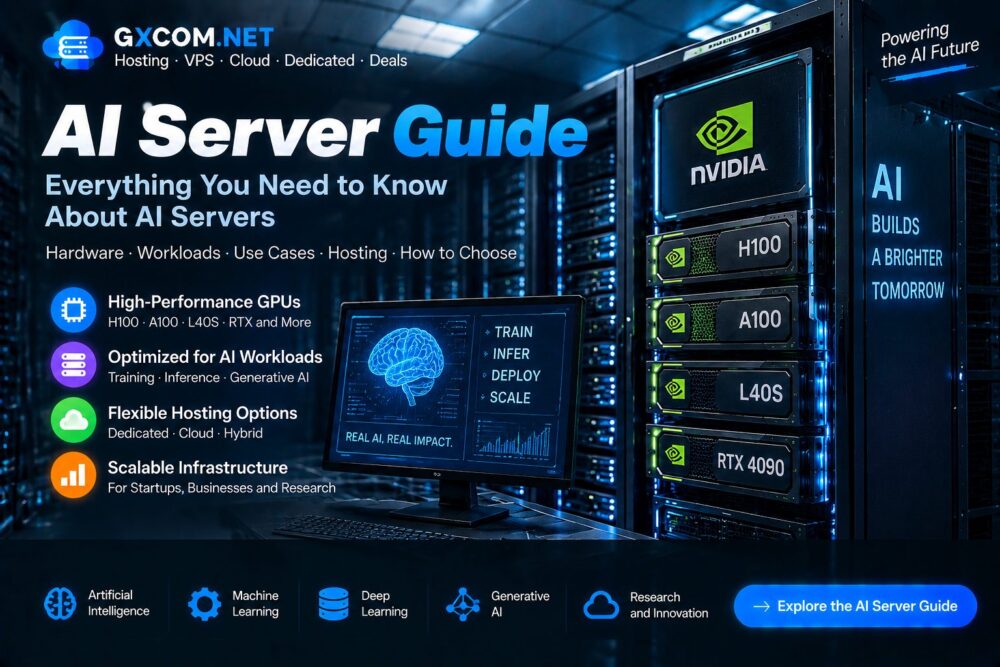
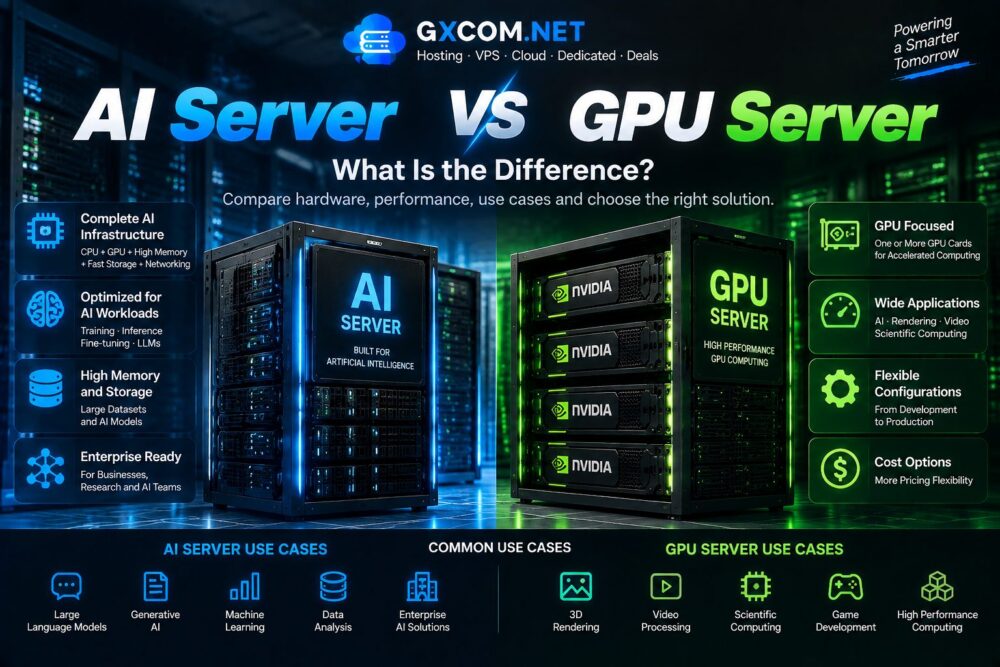
Artificial intelligence workloads require powerful computing infrastructure capable of processing massive datasets, training complex models and delivering fast AI applications.
The best AI servers combine advanced GPUs, high-performance CPUs, large memory capacity and optimized networking to support machine learning, deep learning and generative AI workloads.
This guide compares the best AI servers, hardware configurations, deployment options and AI computing solutions to help businesses and developers choose the right infrastructure.
What Are AI Servers?
AI servers are high-performance computing systems designed specifically for artificial intelligence workloads.
Unlike traditional servers, AI servers are optimized with accelerator hardware such as GPUs to handle parallel computing tasks efficiently.
Common AI server applications include:
- Machine learning training
- Large language model development
- AI inference
- Generative AI applications
- Computer vision
- Data analysis
Best AI Server Hardware Components
GPU Accelerators
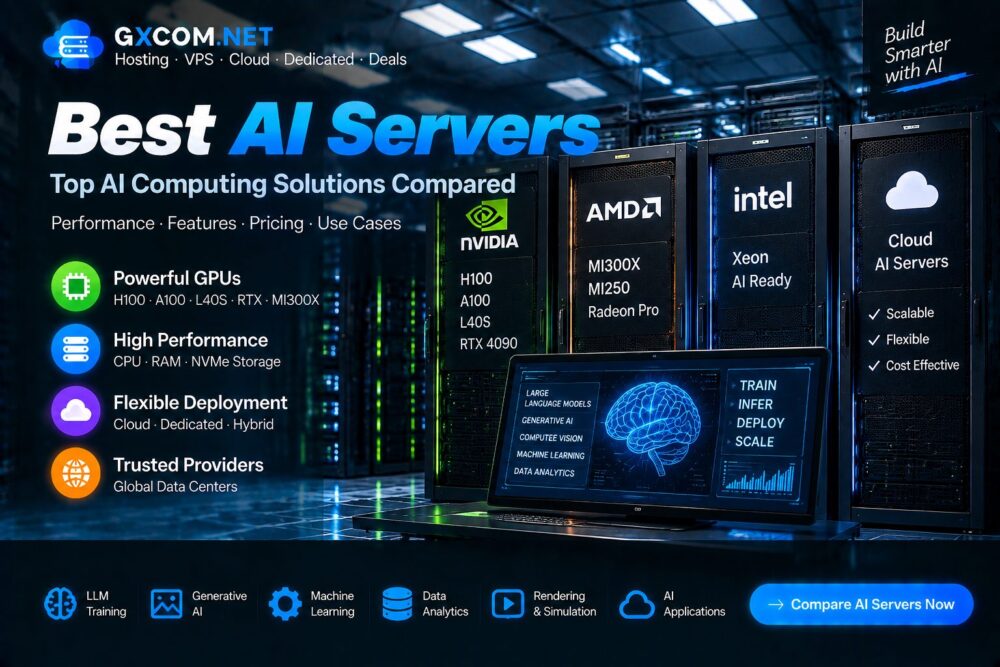
The GPU is the most important component in modern AI servers because AI workloads require massive parallel processing capability.
Popular options include:
- NVIDIA H100
- NVIDIA A100
- NVIDIA L40S
- NVIDIA RTX 4090
- AMD Instinct MI300X
CPU Performance
CPUs manage operating systems, data processing and communication between different hardware components.
Memory Capacity
AI workloads often require large amounts of RAM to process datasets and support complex models.
Storage Performance
Fast storage reduces data loading time and improves AI workflow efficiency.
Common storage options:
- NVMe SSD
- Enterprise SSD
- High-capacity storage systems
Best AI Servers Comparison
| AI Server Type | Best For | Main Advantage |
|---|---|---|
| NVIDIA GPU AI Server | Enterprise AI | Strong software ecosystem |
| AMD GPU AI Server | Cost-effective AI computing | Competitive performance |
| Cloud AI Server | Flexible workloads | Scalability |
| Dedicated AI Server | Long-term projects | Stable performance |
NVIDIA AI Servers
NVIDIA-powered AI servers are widely used because of strong GPU performance and mature AI software support.

NVIDIA H100 AI Servers
H100 servers are designed for advanced AI workloads including large language models and enterprise machine learning.
Suitable for:
- Generative AI
- Large model training
- Enterprise applications
NVIDIA A100 AI Servers
A100 remains a popular AI accelerator for research, cloud computing and deep learning workloads.
Suitable for:
- AI research
- Machine learning
- Data analytics
AMD AI Servers
AMD GPU servers provide an alternative option for organizations looking for competitive AI computing solutions.
AMD Instinct GPUs support:
- AI training
- High-performance computing
- Enterprise workloads
Cloud AI Servers vs Dedicated AI Servers
| Feature | Cloud AI Server | Dedicated AI Server |
|---|---|---|
| Deployment | Fast and flexible | Hardware based |
| Scaling | Easy expansion | Hardware upgrade |
| Pricing | Usage based | Monthly rental |
| Best For | Variable workloads | Long-term AI projects |
Best AI Server Use Cases
Generative AI
AI servers power applications including text generation, image creation and AI assistants.
Machine Learning
Developers use AI servers for model training, testing and optimization.
Large Language Models
Advanced AI models require powerful GPU infrastructure and large memory capacity.
Computer Vision
AI servers support image recognition, video analysis and automated systems.
How to Choose the Best AI Server
1. Define Your AI Workload
Training, inference and development require different hardware configurations.
2. Select the Right GPU
GPU choice depends on model size, performance requirements and budget.
3. Check GPU Memory
Large AI models require sufficient VRAM capacity.
4. Evaluate Networking
High-speed networking is important for distributed AI computing.
5. Consider Total Cost
Hardware price, electricity, management and hosting costs should all be considered.
AI Server Hosting Options
Businesses can choose different AI infrastructure models depending on requirements.
| Solution | Suitable Users |
|---|---|
| Cloud AI Hosting | Developers needing flexibility |
| Dedicated AI Servers | Businesses requiring stable resources |
| GPU Server Hosting | AI development workloads |
| Private AI Infrastructure | Enterprise applications |
Explore GPU infrastructure options in our
AI Server Guide
.
AI Server Security Considerations
AI servers often process valuable models and private datasets, making security an essential requirement.
Recommended practices:

- Access control
- Firewall protection
- System updates
- Data backup
- Network monitoring
Read our
Server Security Guide
.
Common Mistakes When Choosing AI Servers
- Choosing hardware only by price
- Ignoring GPU memory requirements
- Underestimating storage needs
- Selecting unsuitable deployment models
- Ignoring future scalability
Frequently Asked Questions
What is the best AI server?
The best AI server depends on workload requirements, GPU selection, budget and deployment goals.
Are AI servers expensive?
AI servers usually cost more than traditional servers because they use specialized acceleration hardware.
Which GPU is best for AI servers?
H100, A100, L40S and RTX GPUs are common choices depending on workload requirements.
Can I rent AI servers?
Yes. Many providers offer cloud AI servers and dedicated AI hosting solutions.
Final Thoughts
The best AI servers provide the computing foundation needed for modern artificial intelligence applications.
Choosing the right solution requires balancing GPU performance, memory capacity, storage speed, scalability and cost.
By comparing AI computing solutions carefully, businesses and developers can build reliable infrastructure for machine learning, generative AI and future workloads.