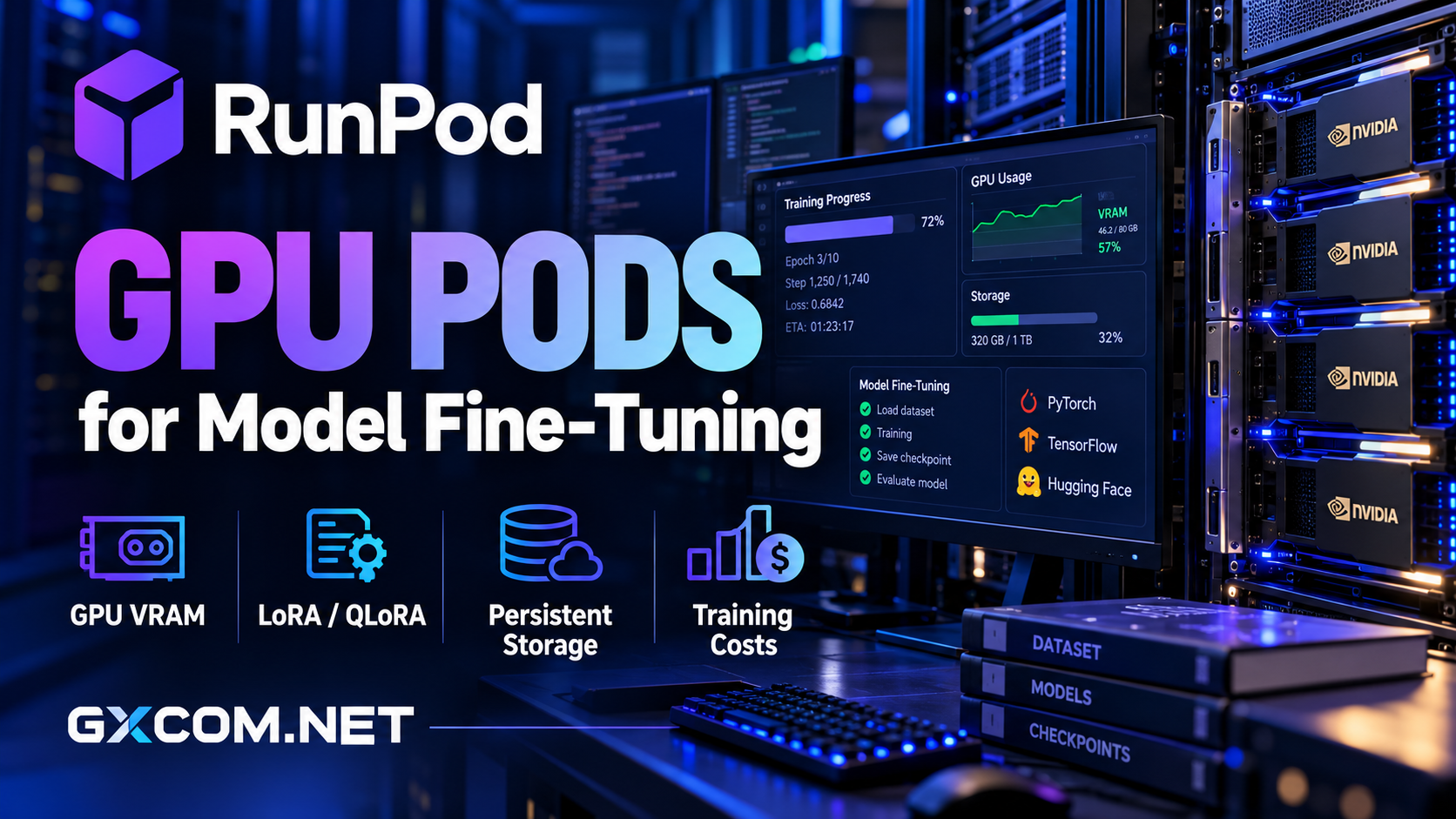
Fine-tuning an AI model does not always require an expensive multi-GPU cluster. For many developers, a single GPU with sufficient video memory, reliable storage, and an efficient training workflow can deliver better value than renting the most powerful accelerator available.
RunPod GPU Pods provide containerized GPU environments for machine learning development, including LoRA and QLoRA fine-tuning. Developers can choose different NVIDIA GPUs, configure storage, and run familiar frameworks without purchasing physical hardware.
However, GPU rental prices tell only part of the story. Insufficient VRAM, repeated dataset downloads, interrupted training, and poorly managed checkpoints can increase the cost of a successful experiment.
This review examines GPU selection, persistent storage, training costs, and alternatives for practical model fine-tuning.
Editorial note: This analysis uses published platform documentation and general machine learning planning principles. GXCOM.NET has not independently benchmarked RunPod fine-tuning throughput or training performance.
Why Use RunPod GPU Pods for Fine-Tuning?
RunPod Pods give developers access to GPU-backed containers where they can install training libraries, execute scripts, and manage model files. Supported workflows include PyTorch, Hugging Face Transformers, parameter-efficient fine-tuning, and custom training environments.
Compared with an inference-focused serverless endpoint, a Pod provides a more convenient interactive environment for experiments requiring notebooks, debugging, repeated training runs, and direct filesystem access.
RunPod also offers different GPU classes, allowing users to select hardware according to model requirements rather than committing to a dedicated GPU server.
For a broader overview of the platform, read our RunPod GPU cloud review.
How Much VRAM Does Model Fine-Tuning Need?
VRAM is frequently the first constraint developers encounter. GPU memory must accommodate model weights, gradients, optimizer states, activations, and temporary training buffers.
The required capacity depends on model architecture, parameter count, numerical precision, sequence length, batch size, and training method.
24GB GPUs: Efficient LoRA Experiments
GPUs with approximately 24GB VRAM, such as compatible RTX 4090 configurations, can be attractive for smaller models and carefully optimized parameter-efficient fine-tuning.
QLoRA uses quantization and trainable adapters to reduce memory requirements compared with conventional full-parameter training.
However, a model that fits for inference may still exceed available memory during training. Long sequences, larger batches, and additional activations can trigger out-of-memory errors.
Start with a small batch, gradient accumulation, and a representative dataset sample before launching a full training job.
48GB GPUs: More Training Headroom
GPUs offering around 48GB VRAM provide additional flexibility for larger models, longer context windows, or less aggressive memory optimization.
They can also reduce the need for CPU offloading, although the actual benefit depends on framework configuration and model behavior.
More memory does not automatically make training faster. GPU architecture, memory bandwidth, and compute performance remain important.
80GB and Higher: Demanding Workloads
High-memory accelerators such as the NVIDIA A100 80GB and H100 80GB become relevant when smaller GPUs cannot accommodate the required model configuration.
They may also provide stronger throughput for suitable workloads, but higher rental rates must be justified by reduced training time or improved feasibility.
Our NVIDIA GPU server providers guide a explores additional hardware choices.
LoRA, QLoRA, and Full Fine-Tuning
Not every fine-tuning technique has the same resource requirements.
LoRA trains a relatively small set of adapter parameters while keeping the original model weights frozen. This can substantially reduce trainable parameter counts and optimizer memory.

QLoRA extends this approach by using quantized base-model weights, often enabling experiments on hardware that would otherwise be insufficient.
Full fine-tuning updates all model parameters and typically requires considerably more GPU memory and optimizer storage.
For teams developing domain-specific assistants or adapting an existing language model, parameter-efficient methods are often a sensible starting point.
Nevertheless, compare output quality against a baseline. Lower memory usage is valuable only when the resulting model meets the application’s requirements.
RunPod Persistent Storage Explained
Training environments generate more than model outputs. Datasets, downloaded weights, tokenized caches, optimizer states, logs, and checkpoints can consume substantial disk space.
RunPod supports container disks, Pod volume storage, and network volumes, but their persistence and portability characteristics differ.
Container Disk Versus Volume Storage
Container disk space is associated with the Pod’s container environment and should not be treated as durable storage for irreplaceable training results.
Pod volume storage can retain files when a Pod is stopped, but it remains associated with the underlying host. Terminating the Pod can remove that local volume.
Store important files in the configured persistent mount rather than assuming every directory survives a restart or deployment change.
Why Network Volumes Matter
RunPod network volumes separate persistent data from a specific GPU machine. This makes it easier to terminate one Pod and deploy another compatible Pod with access to the same stored files.
For repeated fine-tuning experiments, this can reduce the need to download large datasets and base models again.
Check volume availability, supported deployment locations, capacity, and storage charges before relying on this workflow.
Persistent storage is not a substitute for independent backups. Export valuable checkpoints and final adapters to another controlled storage destination.
Checkpoint Management and Training Recovery
Checkpoints protect work completed during a training run. Their value becomes especially clear when a job fails because of insufficient memory, software errors, or infrastructure interruption.
Save checkpoints at intervals that balance recovery requirements against storage and I/O overhead.
For example, saving every few minutes may waste time on large models, while saving only at the end exposes the entire run to potential loss.
Test whether the training framework can resume correctly, including optimizer and scheduler states where required.
Keep final model adapters, configuration files, tokenizer assets, and evaluation results organized separately from temporary caches.
How to Calculate RunPod Training Costs
GPU hourly rates are useful for comparing hardware, but the meaningful metric is total cost per completed training experiment.
A practical calculation is:
Total Training Cost = GPU Runtime Cost + Storage Cost + Data Transfer Charges + Other Applicable Costs
GPU runtime includes preparation and evaluation periods during which the GPU remains allocated, not only the time spent executing optimization steps.
Illustrative Training Budget
Consider a hypothetical GPU costing $1 per hour. If dataset preparation, training, evaluation, and checkpoint export occupy ten billable hours, the compute component is $10.
If persistent storage and other applicable services add $3, the total becomes $13.
These are illustrative arithmetic assumptions, not current RunPod prices or measured benchmark results.
If the same experiment fails and must be repeated, the cost per successful result increases even when the advertised hourly GPU rate remains unchanged.
Compare Cost Per Completed Run
A faster GPU may justify a higher hourly price if it finishes the workload substantially sooner.
Conversely, a premium accelerator may be wasteful when training is limited by dataset preparation, CPU processing, or storage throughput.
Benchmark a short representative training segment before estimating full-job costs.
How to Reduce Fine-Tuning Expenses
Several operational decisions can reduce unnecessary spending without sacrificing model quality.
- Choose the smallest GPU that accommodates the required model and training configuration.
- Use LoRA or QLoRA when appropriate instead of automatically selecting full fine-tuning.
- Prepare datasets before starting expensive GPU sessions where practical.
- Keep reusable models and checkpoints on suitable persistent storage.
- Stop unused compute resources and review ongoing storage charges.
- Measure throughput and evaluation quality before scaling to larger hardware.
Also account for GPU availability when planning interrupted workloads. A stopped Pod may not immediately regain its previous GPU allocation, making portable storage particularly valuable.
RunPod Alternatives for AI Training
GPU Mart: Dedicated GPU Infrastructure
GPU Mart is worth comparing when a team prefers dedicated GPU server configurations rather than short-lived cloud instances.
Evaluate hardware availability, GPU memory, storage capacity, management requirements, and monthly commitment against actual utilization.
Vultr: Cloud GPU Deployment
Vultr provides another infrastructure option for organizations evaluating cloud-based GPU workloads.
Compare available accelerators, regional deployment, storage integration, and networking before deciding whether its environment suits fine-tuning.
Cherry Servers: Bare Metal Control
Cherry Servers may appeal to teams requiring greater control over dedicated infrastructure and hardware configuration.

Confirm the specific GPU inventory and provisioning conditions rather than assuming every bare metal server includes an accelerator.
For a broader purchasing comparison, explore our AI GPU VPS providers guide and affordable GPU servers comparison.
Who Should Choose RunPod GPU Pods?
RunPod Pods are particularly suitable for developers who need interactive GPU access, experiment with different model sizes, or run occasional fine-tuning jobs.
They are also attractive when workloads benefit from switching GPU types without purchasing new hardware.
Teams with continuously utilized infrastructure, strict hardware control requirements, or specialized networking needs should compare cloud rental against dedicated GPU hosting.
Final Verdict
RunPod GPU Pods offer a flexible environment for model fine-tuning, especially when developers combine appropriate VRAM capacity with reliable checkpoint storage and disciplined runtime management.
The strongest buying decision is not necessarily the cheapest GPU or the accelerator with the largest memory capacity. It is the configuration that completes the required training successfully at an acceptable total cost.
Start with a representative benchmark, calculate storage requirements, confirm recovery procedures, and compare alternatives before committing to a larger training budget.
Frequently Asked Questions
Is 24GB VRAM enough for LLM fine-tuning?
It can be sufficient for selected smaller models and optimized LoRA or QLoRA configurations. Requirements depend on model size, sequence length, and training settings.
Do RunPod files survive when a Pod stops?
Pod volume storage can persist while stopped, but its portability is limited. Network volumes offer a more flexible option for redeploying on compatible GPU infrastructure.
Does RunPod charge for storage when GPU compute is stopped?
Persistent storage may continue generating charges independently of active GPU compute. Review the applicable storage pricing and lifecycle rules.
Is an H100 always better value than an RTX GPU?
No. A higher-performance GPU can reduce runtime, but its total value depends on hourly cost, memory requirements, and actual training throughput.