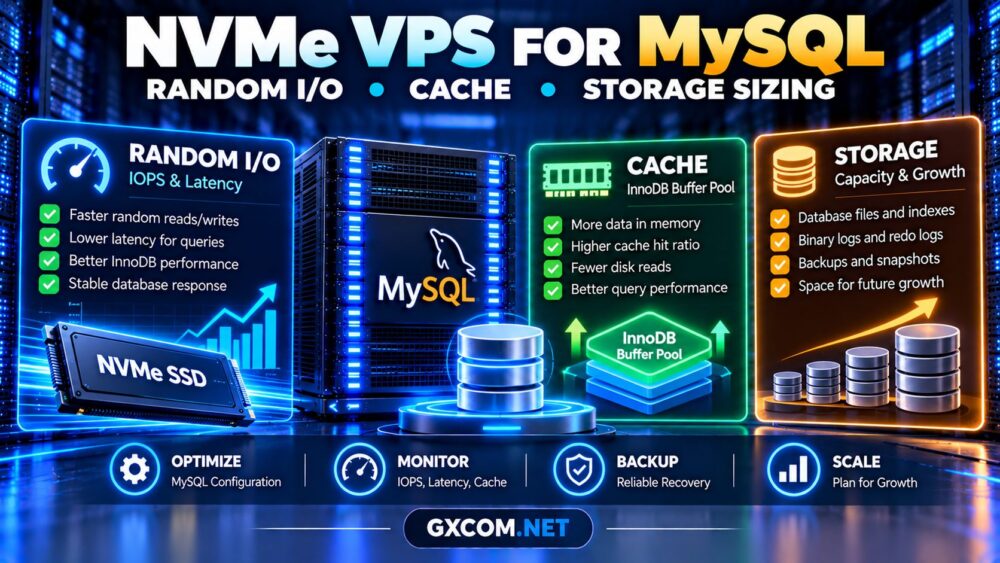
Choosing an NVMe VPS for MySQL databases involves more than selecting the fastest advertised storage technology. MySQL performance depends on random I/O latency, available RAM, InnoDB caching, CPU allocation, and the storage resources shared with other virtual machines.
NVMe can improve database responsiveness, particularly when queries frequently access data outside memory. However, a poorly configured database may remain slow even on premium storage.
This guide explains how to size a MySQL VPS, measure storage performance, and compare hosting options without paying for unnecessary resources.
Why NVMe Storage Matters for MySQL
MySQL’s InnoDB storage engine handles data pages, indexes, transaction logs, and background writes. Applications with frequent lookups or updates can generate substantial random disk activity.
NVMe storage can offer low latency and high parallel I/O capacity, making it attractive for transaction-heavy workloads.
However, VPS storage performance depends on the complete infrastructure, including the hypervisor, storage controller, shared capacity, and provider policies.
For testing methods, see our NVMe VPS IOPS and latency benchmarking guide.
Random I/O vs Sequential Throughput
Sequential throughput measures how quickly large blocks of data move through storage. Random I/O measures smaller operations scattered across different locations.
Many MySQL workloads depend more on random I/O latency than maximum sequential bandwidth.
| Storage Metric | Why It Matters |
|---|---|
| Random read IOPS | Index lookups and uncached pages |
| Random write IOPS | Data modifications and background writes |
| Read latency | Query response consistency |
| Write latency | Transaction and flushing behavior |
| Sequential throughput | Large scans and data transfers |
High advertised IOPS are not meaningful without understanding test conditions, block sizes, queue depths, and sustained performance.
How Much RAM Does MySQL Need?
RAM is often as important as NVMe performance because MySQL can serve frequently accessed data from memory instead of repeatedly reading storage.
InnoDB uses the buffer pool to cache data and index pages. A larger buffer pool can reduce disk reads when the application’s working set fits in memory.
| Database Workload | Starting VPS RAM |
|---|---|
| Development and testing | 2–4 GB |
| Small WordPress database | 4 GB |
| Growing business application | 8–16 GB |
| High-concurrency database | 16 GB or more |
These figures are illustrative starting points, not guaranteed requirements. Actual sizing depends on concurrency, database size, query patterns, and other services.

InnoDB Buffer Pool Sizing
On a dedicated MySQL server, allocating a substantial portion of RAM to innodb_buffer_pool_size may be appropriate. The commonly cited 70–80% range is not suitable for every VPS.
If the same server runs PHP, web services, monitoring agents, or other applications, reserve sufficient memory for those processes.
Check the current setting:
SHOW VARIABLES LIKE 'innodb_buffer_pool_size';Monitor memory pressure before increasing it. Excessive allocation can trigger swapping or out-of-memory failures.
Measure MySQL Cache Effectiveness
Start by checking InnoDB buffer pool activity:
SHOW GLOBAL STATUS LIKE 'Innodb_buffer_pool_read%';Compare Innodb_buffer_pool_reads with Innodb_buffer_pool_read_requests over a representative monitoring interval.
A high cache hit ratio can indicate that many logical reads are served from memory, but it does not prove that queries are efficient.
Investigate slow queries, missing indexes, temporary tables, and connection counts before buying more RAM or faster storage.
Benchmark NVMe VPS Storage Safely
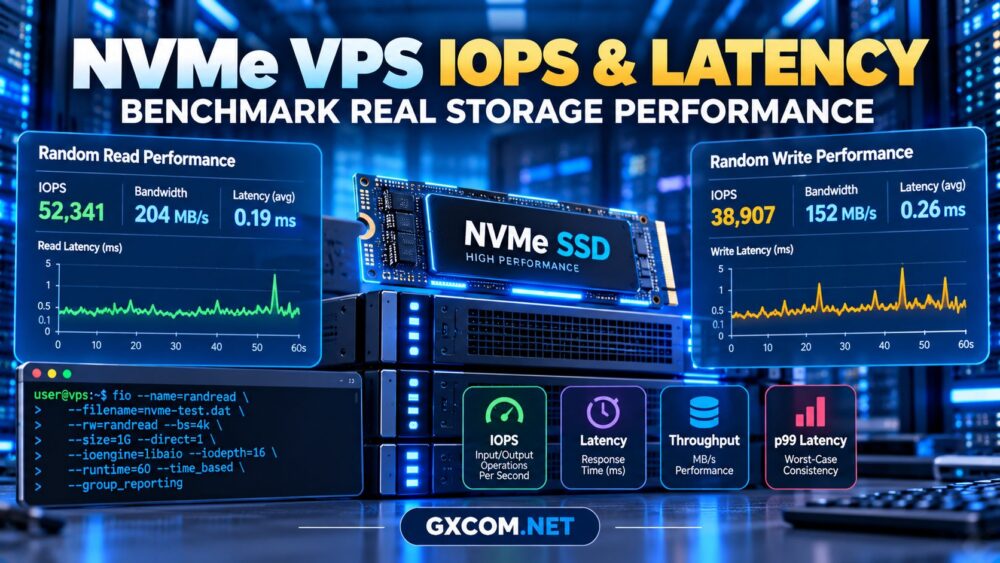
The Linux fio utility can measure random I/O under controlled conditions. For example, a read-only test against a dedicated test file may help compare storage latency.
fio --name=mysql-read-test \
  --filename=/mnt/testdata/fio-test.bin \
  --rw=randread --bs=4k \
  --iodepth=16 --numjobs=1 \
  --direct=1 --time_based \
  --runtime=30 --size=1G
Create the test file beforehand in an appropriate non-production test environment. Do not run destructive write benchmarks against database files or critical volumes.
Record average and tail latency, IOPS, and results during different periods. A benchmark is not a substitute for measuring real MySQL queries.
How Much Storage Does MySQL Require?
Database capacity includes tables, indexes, binary logs, redo logs, temporary files, and future growth.
For example, a database containing 40 GB of tables and indexes may require considerably more than 40 GB of usable storage.
Additional space is needed for maintenance, schema changes, binary-log retention, and temporary operations.
Plan storage using:
Required capacity = current data + indexes + logs + temporary space + growth allowance.
Keep independent backups outside the production VPS whenever possible. Our unmanaged VPS backup strategy covers offsite storage, recovery objectives, and restore testing.
CPU Performance and Database Concurrency
MySQL also needs predictable CPU resources for query execution, sorting, joins, and concurrent transactions.
Shared vCPU plans can be economical, but heavy contention may increase query latency even when disk performance is adequate.
Review our VPS CPU steal time explanation when investigating inconsistent processing performance.
Four VPS Providers to Compare for MySQL
Evaluate the selected plan’s memory, CPU policy, storage latency, backup options, and upgrade flexibility rather than relying on brand reputation alone.
Evoxt: Budget-Oriented Database Deployments
Evoxt is worth evaluating for development databases and smaller applications. Confirm the selected plan’s storage technology, memory capacity, and recovery options.
Vultr: Compute Configuration Choices
Vultr offers cloud compute options for different workloads. Compare instance families and storage arrangements, particularly when database performance is sensitive to resource contention.
RAKsmart: VPS and Cloud Infrastructure
RAKsmart can be considered for Linux database hosting. Verify the specific product’s disk technology, available memory, network location, and backup responsibilities.

Kamatera: Configurable Server Resources
Kamatera is another candidate for teams needing configurable cloud resources. Evaluate CPU allocation, storage performance, scaling options, and the complete monthly cost.
For additional choices, consult our best VPS providers comparison.
What Does MySQL NVMe VPS Hosting Cost?
Monthly expenses include compute, RAM, storage capacity, backup retention, network transfer, and system administration.
Storage upgrades may be necessary as database tables, indexes, and logs expand. Monitoring and disaster recovery can introduce further costs.
Compare relevant VPS hosting deals using total operating cost rather than introductory pricing alone.
Frequently Asked Questions
Does NVMe always make MySQL faster?
No. Performance improvements depend on the workload, caching, query efficiency, and underlying storage architecture.
Is 4GB RAM enough for MySQL?
It may be sufficient for smaller workloads, but production requirements depend on concurrency and memory usage.
Should MySQL backups stay on the same VPS?
No. Important databases should have independently recoverable copies outside the production failure domain.
Is dedicated CPU necessary for MySQL?
Not always. Predictable CPU resources become more valuable as concurrency and performance requirements increase.
Final Verdict
The right NVMe VPS for MySQL databases combines low-latency storage, sufficient InnoDB cache, predictable CPU resources, and room for database growth.
Benchmark real queries, monitor memory and disk activity, and verify backup recovery before choosing or upgrading a production VPS.