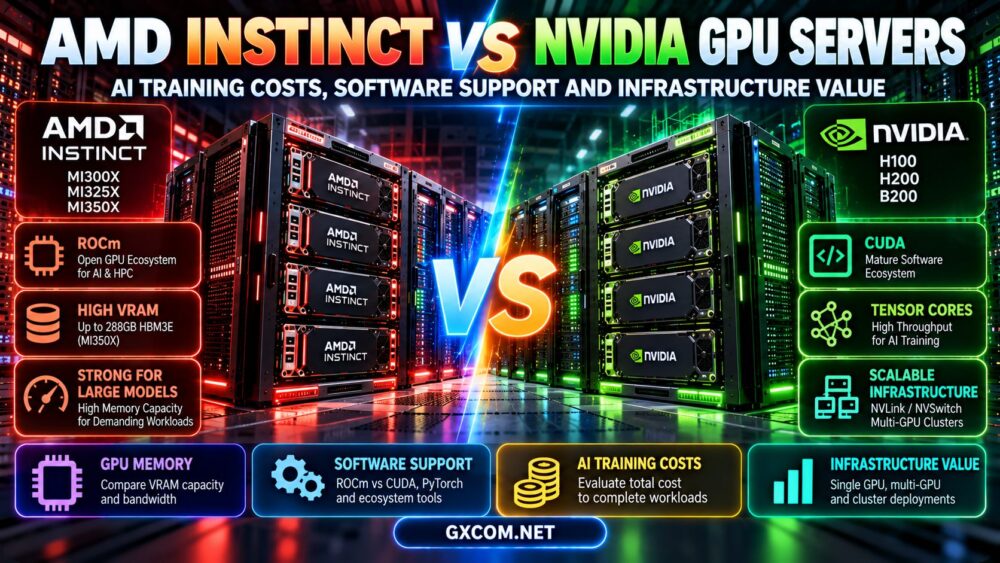
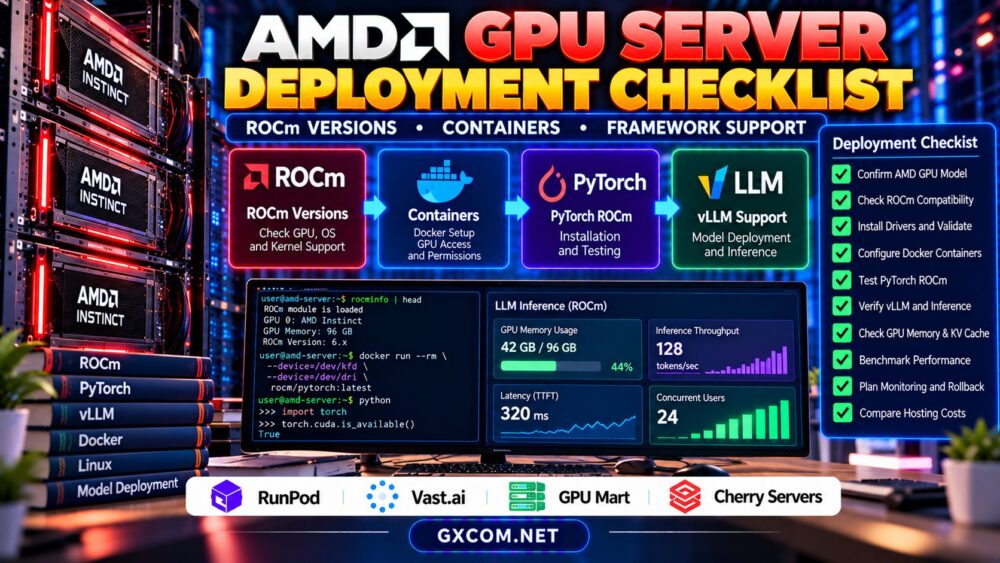
AMD GPU servers for LLM inference are increasingly relevant to teams evaluating alternatives to NVIDIA-based AI infrastructure. AMD Instinct accelerators can offer substantial memory capacity and computing resources, but selecting hardware is only part of the decision. Software compatibility, model support, inference performance, and hosting availability determine whether a deployment is practical.
Before renting an AMD GPU server, developers should verify their inference framework, ROCm environment, memory requirements, and operating costs. This guide explains the main considerations without assuming that every AMD accelerator or cloud provider supports the same workloads.
Why Consider AMD GPUs for LLM Inference?
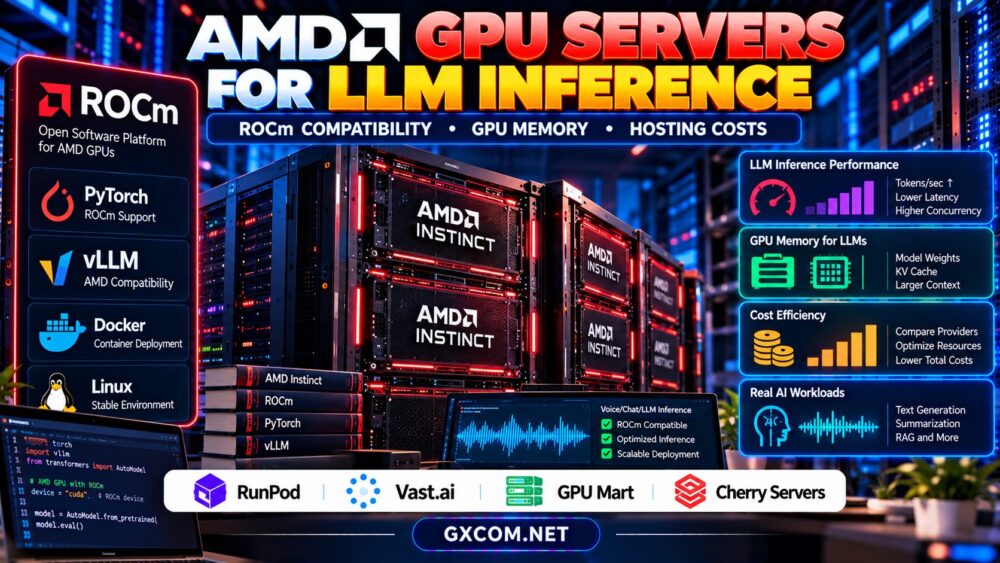
Large language model inference requires sufficient accelerator memory, efficient computation, and predictable response times. AMD Instinct accelerators are designed for demanding computing workloads, including AI applications on supported software stacks.
For some projects, AMD infrastructure may provide an additional hardware option when comparing available memory, procurement flexibility, and total costs.
However, theoretical specifications do not establish real-world inference performance. Model architecture, quantization, batch sizes, software optimization, and hardware availability all influence the result.
Our AMD Instinct GPU server guide provides broader hardware and infrastructure context.
ROCm Compatibility: The First Deployment Check
ROCm is AMD’s software platform for supported GPU computing workloads. It includes components used by machine learning frameworks, numerical libraries, and GPU-accelerated applications.
Compatibility depends on the exact GPU model, operating system, ROCm release, framework build, and sometimes the container environment.
Do not assume that an application supporting NVIDIA CUDA will run unchanged on AMD hardware. CUDA-specific kernels, dependencies, or extensions may require alternative implementations.
Before purchasing, consult AMD’s official ROCm compatibility matrix and verify support for the intended accelerator. Then confirm that your application dependencies have compatible builds.
PyTorch, vLLM, and Inference Framework Support
PyTorch provides ROCm-enabled builds for supported environments. However, installing a compatible framework does not guarantee that every model extension or optimization library will function correctly.
vLLM and other inference engines may support selected AMD GPU configurations, subject to their documented hardware and software requirements.
Evaluate model loading, attention implementations, quantization methods, distributed execution, and container compatibility before choosing a production platform.
For a deployment pilot, start with a supported framework release and a small representative model. Expand only after confirming stable execution and reproducible results.
GPU Memory and KV Cache Requirements
Memory capacity is particularly important when serving larger language models. GPU memory must accommodate model weights, runtime allocations, intermediate computations, and the key-value cache used during autoregressive generation.
KV cache requirements increase with active sequences and context usage, although the precise memory footprint depends on model architecture and serving implementation.

Quantization can reduce model weight storage, but its effect on output quality and inference speed must be tested.
Our GPU VRAM requirements for LLM inference explains these capacity considerations.
How to Benchmark AMD LLM Inference
Meaningful comparisons require identical models, precision settings, prompt distributions, output lengths, and concurrency targets wherever practical.
Measure time to first token, output tokens per second, aggregate throughput, memory usage, and request failures. Record software versions and configuration details alongside results.
Comparing different accelerators using unrelated public benchmarks can produce misleading purchasing conclusions.
For a structured testing approach, see our GPU hosting for AI model evaluation guide.
AMD GPU Hosting Providers to Evaluate
The following GXCOM-approved infrastructure providers represent potential procurement channels. Affiliate approval does not confirm current AMD Instinct inventory, ROCm compatibility, or support for a particular model.
| Provider | Infrastructure Approach | AMD-Specific Verification |
|---|---|---|
| RunPod | GPU cloud and containers | AMD listings, ROCm images, deployment options |
| Vast.ai | GPU marketplace | Actual accelerator, host software, reliability |
| GPU Mart | GPU server hosting | AMD hardware availability and driver control |
| Cherry Servers | Dedicated infrastructure | AMD GPU offerings, provisioning, administration |
RunPod: GPU Cloud Deployment Evaluation
RunPod is relevant for teams comparing GPU cloud environments and containerized AI workloads. Before considering it for AMD inference, verify that suitable AMD accelerators and compatible ROCm deployment options are actually offered.
Our RunPod GPU cloud review provides additional general provider context.
Vast.ai: Marketplace Hardware Selection
Vast.ai allows users to compare marketplace GPU listings. AMD availability must be checked against actual listings rather than inferred from the platform’s general GPU rental capabilities.
Evaluate hardware identity, software access, storage persistence, and host reliability before deploying a long-running inference service.
GPU Mart: Persistent Infrastructure Requirements
GPU Mart is an approved GPU infrastructure provider to investigate for longer-lived deployments. Confirm whether the required AMD accelerator is available and whether the environment permits appropriate ROCm installation and maintenance.
Persistent infrastructure may simplify operations, but idle capacity and storage retention affect overall spending.
Cherry Servers: Dedicated Server Procurement
Cherry Servers can be considered when evaluating dedicated infrastructure. Suitable AMD GPU configurations should be confirmed directly before treating the provider as an AMD Instinct hosting option.
Ask about remote administration, supported operating systems, maintenance responsibilities, and network policies.
AMD GPU Hosting Costs: Calculate Real Value
Hourly rental prices are insufficient for comparing inference economics. A useful calculation divides total operating spending by successfully processed output tokens or completed requests.
Suppose an illustrative AMD GPU server costs $1.20 per hour and sustains 150 useful output tokens per second. At full utilization, it would generate 540,000 output tokens per hour.
The simplified compute cost would be approximately $2.22 per million output tokens. This is hypothetical, not a supplier quotation or benchmark.
Actual spending must include input processing, idle capacity, storage, networking, operational support, and any additional infrastructure.
See our GPU cloud idle costs guide for related billing considerations.
AMD vs NVIDIA: What Should Buyers Compare?
Both ecosystems can support AI workloads, but software maturity and application compatibility vary by model and configuration.
Instead of comparing GPU specifications alone, test your actual inference engine, model, concurrency, memory footprint, and deployment workflow.
Also consider team expertise, available troubleshooting resources, migration effort, and the cost of maintaining separate software environments.

Pre-Purchase Deployment Checklist
Confirm the accelerator model, ROCm support, framework compatibility, container configuration, available VRAM, storage requirements, network policies, and complete pricing.
Run a representative pilot before committing to long-term capacity. Document successful installations, benchmark results, and recovery procedures.
Explore GPU Hosting for LLM Inference
Compare available accelerator models, ROCm compatibility, memory capacity, and total deployment costs. Confirm AMD GPU availability before purchasing.
Check RunPod GPU Options | Check Vast.ai Listings | Explore GPU Mart
Frequently Asked Questions
Can AMD GPUs run large language models?
Yes, supported AMD accelerators can run compatible LLM inference workloads. The exact model, ROCm version, and framework must be verified.
Does ROCm support every AMD GPU?
No. Official support varies by accelerator, operating system, and ROCm release. Always consult the current compatibility documentation.
Are AMD GPU servers cheaper than NVIDIA servers?
Not necessarily. Compare actual rental availability, measured throughput, utilization, and total operating costs rather than assuming a universal price advantage.
Final Verdict
AMD GPU servers for LLM inference deserve consideration when their hardware, ROCm environment, and application requirements align. Evaluate RunPod, Vast.ai, GPU Mart, and Cherry Servers only after confirming suitable AMD configurations. A verified deployment and realistic cost model provide a stronger purchasing basis than specifications or advertised hourly rates alone.