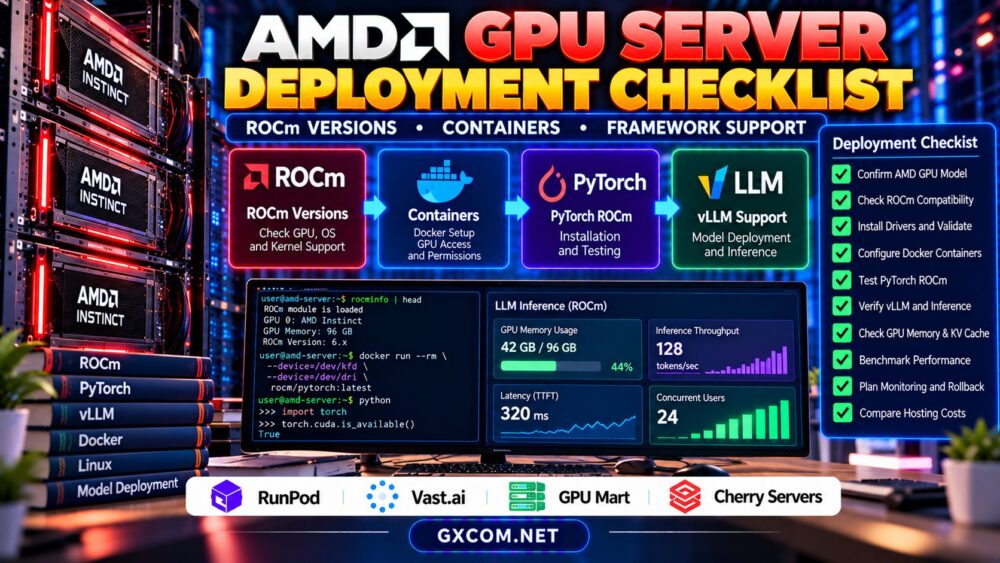
AMD Instinct GPU server procurement requires more than selecting an accelerator with impressive memory capacity. Enterprise buyers must verify hardware availability, ROCm software compatibility, technical support, deployment timelines, and long-term operating costs before signing a hosting agreement.
AMD Instinct accelerators are relevant to AI training, large language model inference, and high-performance computing. However, suitable hardware may not be available through every GPU hosting provider, and software support varies by configuration. This buying guide explains how to evaluate suppliers, reduce deployment risks, and avoid expensive procurement mistakes.
1. Define Your AMD GPU Workload Before Requesting Quotes
Start with the application rather than the hardware specification. A research team training models has different requirements from an enterprise operating a continuously available inference API.
Document model size, precision, expected concurrency, context length, storage requirements, and target latency. Determine whether the workload needs one accelerator, multiple GPUs within a server, or communication across several machines.
For inference-focused purchasing, review our AMD GPU servers for LLM inference guide before choosing a configuration.
2. Verify AMD Instinct Model Availability
AMD Instinct product families include accelerators designed for demanding data-center computing. However, specifications, supported features, and deployment requirements differ between models.
Request the exact accelerator model, GPU count, usable memory capacity, server configuration, and expected provisioning date. Avoid accepting generic descriptions such as “AMD AI GPU” without identifying the actual hardware.
Also clarify whether the quoted configuration is immediately available, requires procurement, or depends on future inventory.
A supplier’s advertised product page does not necessarily establish availability in your preferred location or under your requested contract terms.
3. Check ROCm and Framework Compatibility
ROCm compatibility should be evaluated before placing an order. Confirm that the selected accelerator supports the required operating system, ROCm release, machine learning framework, and inference engine.
PyTorch, vLLM, and other AI applications may support specific AMD configurations, but compatibility is not universal across hardware generations or software versions.
CUDA-specific extensions may also require modification or replacement. Ask the supplier whether you can install drivers, manage containers, and access diagnostic utilities.
Our AMD GPU deployment checklist covers ROCm versions, Docker device access, and framework validation.
4. Evaluate GPU Memory and Server Architecture
Accelerator memory is a major purchasing consideration, especially for large models and concurrent inference workloads. Nevertheless, memory capacity alone does not determine performance.
Compare memory bandwidth, compute capability, GPU interconnects, host RAM, CPU resources, and storage throughput. Multi-GPU deployments may introduce communication overhead that affects scaling efficiency.

Ask whether GPUs are dedicated to your workload and whether any virtualization or resource-sharing restrictions apply.
For large datasets, local NVMe storage and predictable network access can be as important as the accelerator itself.
5. Compare Hosting Models and Support Responsibilities
AMD GPU infrastructure may be offered through cloud instances, marketplace rentals, managed environments, or dedicated servers. Each approach creates different operational responsibilities.
Managed services may simplify infrastructure administration while limiting driver control. Dedicated systems can offer greater flexibility but may require additional technical expertise.
Before purchasing, establish who is responsible for hardware failures, operating-system maintenance, ROCm installation, network troubleshooting, and service recovery.
Do not assume that general infrastructure support includes debugging application-level machine learning problems.
6. AMD GPU Hosting Providers to Evaluate
The following GXCOM-approved providers are relevant infrastructure procurement candidates. Their inclusion does not confirm current AMD Instinct inventory or specific ROCm support.
| Provider | Procurement Approach | Required Verification |
|---|---|---|
| RunPod | GPU cloud evaluation | AMD availability, deployment type, software access |
| Vast.ai | Marketplace GPU rental | Exact hardware, host reliability, storage |
| GPU Mart | Persistent GPU infrastructure | AMD models, driver control, contract terms |
| Cherry Servers | Dedicated server evaluation | GPU offerings, provisioning, support scope |
RunPod: Cloud Infrastructure Evaluation
RunPod is worth investigating for AI cloud deployments. Confirm whether suitable AMD accelerators are offered and whether the required ROCm environment is supported.
For general platform context, consult our RunPod GPU cloud review.
Vast.ai: Marketplace Procurement
Vast.ai provides marketplace-based GPU rental. Hardware availability and host characteristics may vary between listings, so buyers should verify the actual accelerator and operating environment.
For production applications, assess reliability, storage persistence, and recovery options alongside rental costs.
GPU Mart: Persistent Server Requirements
GPU Mart is an approved provider to investigate for longer-running GPU infrastructure. Request confirmation of AMD accelerator availability, administrative permissions, storage capacity, and applicable support arrangements.
Cherry Servers: Dedicated Infrastructure
Cherry Servers can be evaluated for dedicated infrastructure requirements. Confirm whether an appropriate AMD GPU configuration is offered before requesting a detailed procurement proposal.
7. Review Contracts, SLAs, and Provisioning Risks
Procurement decisions should consider more than the monthly price. Ask about minimum commitments, cancellation terms, provisioning delays, hardware replacement procedures, and service-level agreements.
Clarify whether support covers the physical server, operating system, GPU drivers, or application environment. Request written answers for requirements that are essential to production operations.
For dedicated infrastructure, determine how failures are diagnosed and what replacement or recovery procedures apply.
8. Calculate Total AMD GPU Hosting Costs
Compare total operating costs rather than assuming that one accelerator family is always cheaper than another.
Suppose a hypothetical server costs $2 per hour and runs continuously for a 30-day month. Its base compute cost would be $1,440 before storage, networking, backups, support, and other charges.
If utilization is low, the cost per useful inference request increases. Conversely, efficient batching and sustained workloads may improve overall economics.
Our GPU cloud idle costs guide</a explains additional spending risks.
9. Require Deployment Acceptance Testing
Before approving a long-term commitment, run a representative workload on the intended hardware and software configuration.
Verify GPU detection, ROCm compatibility, model loading, memory allocation, inference throughput, latency, and application stability.
Record the results and agree on acceptance criteria. If the provider cannot offer a trial, ask what verification or cancellation arrangements are available.
Testing should also cover network connectivity, storage performance, monitoring access, and recovery procedures.

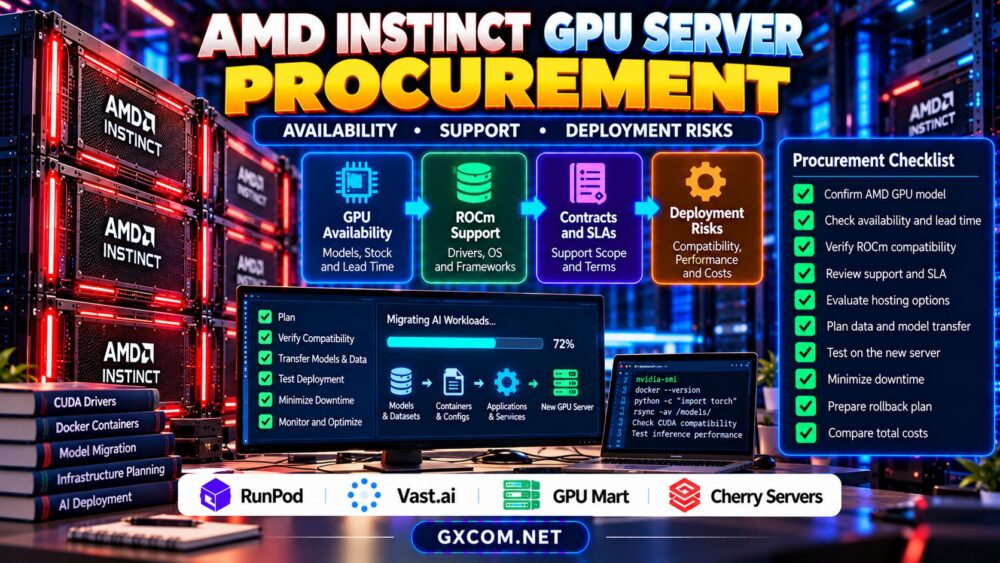
10. AMD Instinct Procurement Checklist
- Confirm exact AMD GPU model, count, and memory.
- Verify current availability and provisioning timeline.
- Check ROCm, operating-system, and framework support.
- Clarify driver control and container permissions.
- Review support scope, SLA, and hardware recovery.
- Compare total costs and contract commitments.
- Complete representative deployment acceptance tests.
Compare GPU Infrastructure Before Purchasing
Verify AMD accelerator availability, ROCm compatibility, administrative access, and total hosting costs before making a procurement commitment.
Check RunPod GPU Options | Check Vast.ai Listings | Explore GPU Mart
Frequently Asked Questions
Can every GPU hosting provider supply AMD Instinct servers?
No. Hardware availability varies by provider, location, product type, and procurement conditions. Confirm the exact model before ordering.
Is ROCm compatibility guaranteed on AMD hardware?
No. Compatibility depends on the accelerator, software release, operating system, and application requirements.
Should businesses rent or purchase dedicated AMD GPU servers?
The decision depends on workload duration, utilization, capital requirements, support responsibilities, and deployment flexibility.
Final Verdict
Successful AMD Instinct GPU server procurement combines verified hardware availability, compatible software, clear support responsibilities, and realistic financial planning. Evaluate approved infrastructure providers only after confirming suitable AMD offerings. Written technical requirements and representative acceptance testing provide the strongest protection against expensive deployment surprises.