Choosing the right GPU servers for 3D rendering can make a major difference to production workflows, render completion times, scene compatibility, and infrastructure costs. However, the most expensive graphics processor is not automatically the best choice for every rendering project.
Whether you work with Blender Cycles, Redshift, OctaneRender, V-Ray GPU, or another rendering engine, server selection should begin with software compatibility, available GPU memory, CPU requirements, and the way your team processes rendering jobs.
Some studios need dedicated GPU servers for continuous production. Others benefit from cloud GPU instances for temporary rendering projects or additional capacity during demanding deadlines.
This guide explains how to choose GPU rendering servers by GPU architecture, VRAM, CPU, system RAM, storage, networking, and total workload cost. It also explores infrastructure options from Cherry Servers, RunPod, GPU Mart, Vast.ai, and ServerMania.
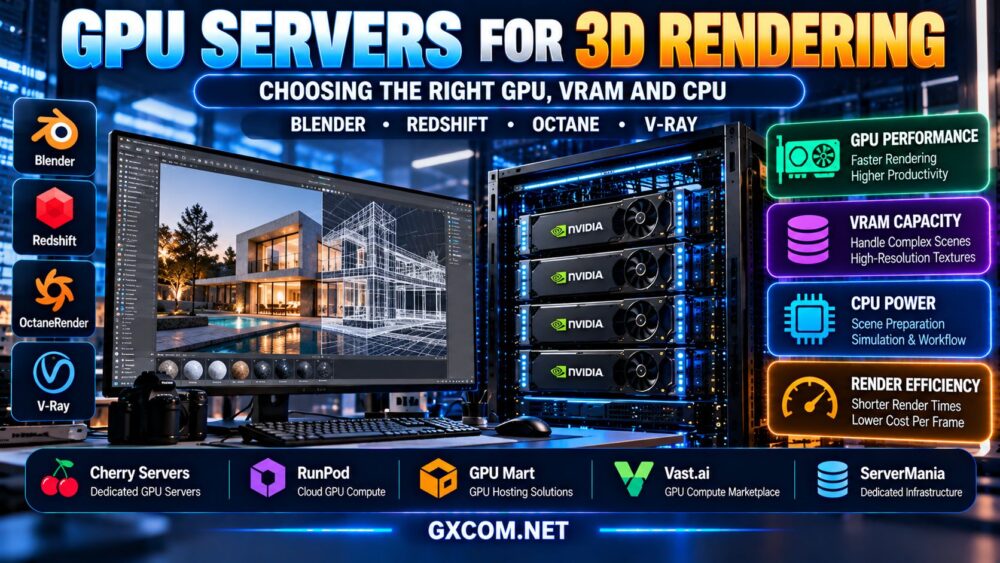
What Is a GPU Server for 3D Rendering?
A GPU rendering server is a computer equipped with one or more graphics processors that accelerate supported rendering operations. Unlike a traditional CPU-only rendering system, a GPU server uses compatible graphics hardware to perform rendering calculations.
GPU rendering can be particularly useful for applications that support GPU-accelerated path tracing, ray tracing, or other parallel processing tasks.
However, not every rendering engine or feature runs entirely on the GPU. Scene preparation, asset loading, simulation, geometry processing, and application management may still rely heavily on the CPU and system memory.
Before purchasing infrastructure, confirm that the rendering software supports the selected GPU model, operating system, driver, and rendering backend.
GPU Rendering vs CPU Rendering: Which Server Do You Need?
The choice between GPU and CPU rendering depends on the software, scene requirements, and rendering features.
| Factor | GPU Rendering | CPU Rendering |
|---|---|---|
| Primary hardware | Compatible graphics accelerator | Processor cores and system memory |
| Memory capacity | Often constrained by usable GPU VRAM | Uses system RAM |
| Performance | Can be highly efficient for supported workloads | Depends on CPU architecture and rendering engine |
| Compatibility | Requires supported GPU backend and drivers | May support a different set of rendering features |
| Scaling | May support multiple GPUs | May scale across CPU cores or render nodes |
| Best use | Supported GPU-accelerated rendering pipelines | CPU-focused workflows and compatible render jobs |
Neither method is universally faster. Benchmark the actual scenes and rendering settings used in your production environment.
For a broader hardware comparison, see our GPU vs CPU server comparison.
Choosing the Right GPU for 3D Rendering
The best GPU for rendering is not determined by the number of CUDA cores, advertised clock speed, or VRAM capacity alone.
Important considerations include:
- Rendering engine compatibility and supported GPU backend.
- Available GPU memory.
- GPU architecture and supported hardware features.
- Driver compatibility with the selected operating system.
- Performance with representative production scenes.
- GPU availability and deployment options.
- Software licensing and commercial usage requirements.
NVIDIA GPUs for Rendering
NVIDIA accelerators are widely relevant to GPU rendering because several professional rendering engines support CUDA or OptiX-based workflows.
However, CUDA and OptiX are not interchangeable requirements. A rendering application may support one backend, both, or different feature sets depending on the version.
Check the rendering engine's current hardware compatibility documentation before selecting a server.
AMD GPUs for Rendering
AMD GPUs can be suitable for rendering applications that support the appropriate AMD graphics backend.
For example, Blender Cycles supports HIP on compatible hardware and software configurations. Support in other commercial rendering engines varies.
Do not assume that an application requiring CUDA or OptiX can run on AMD hardware without changes.
Professional vs Consumer GPUs
Professional accelerators may offer features or memory capacities that benefit certain workflows, while consumer GPUs can provide attractive rendering performance where supported.
Evaluate the actual workload, software requirements, reliability expectations, and hosting availability instead of treating the professional label as an automatic performance advantage.
How Much VRAM Do You Need for 3D Rendering?
GPU VRAM is one of the most important specifications for complex scenes, high-resolution textures, large geometry datasets, and rendering workloads that must keep substantial data in GPU-accessible memory.
A scene that exceeds available GPU memory may experience slowdowns, fail to render, or require an alternative memory-management approach, depending on the rendering engine and hardware.
The following ranges are practical planning categories rather than universal minimum requirements.
| GPU VRAM | Potential Workload | What to Check |
|---|---|---|
| 8–12 GB | Smaller scenes and learning projects | Texture size and actual scene memory |
| 16 GB | Moderate scenes and selected professional projects | Geometry, textures and render settings |
| 24 GB | More demanding scenes and asset-heavy projects | Peak VRAM usage under production settings |
| 32–48 GB | Large scenes and memory-intensive workflows | Software compatibility and total system balance |
| Above 48 GB | Specialized high-memory rendering requirements | Hardware availability and cost justification |
These ranges are not guaranteed scene-size limits. Some small scenes require substantial memory because of textures or geometry, while well-optimized complex scenes may fit within smaller allocations.
Does More VRAM Make Rendering Faster?
Not necessarily. More VRAM increases the amount of data a GPU may be able to accommodate, but rendering speed also depends on compute performance, memory bandwidth, architecture, and software efficiency.
If a scene already fits comfortably within GPU memory, adding VRAM without improving other hardware characteristics may provide little speed benefit.
Can Two 24GB GPUs Render a 48GB Scene?
Do not assume so.
Many multi-GPU rendering configurations replicate scene data across devices rather than combining all GPU memory into one shared pool.
Some applications and hardware configurations support additional memory-sharing or out-of-core techniques, but their capabilities and performance implications vary.
Always confirm how your rendering engine handles multi-GPU memory before buying multiple accelerators.
CPU Requirements for GPU Rendering Servers
Even when the GPU performs most rendering calculations, the CPU remains important for many parts of a 3D production pipeline.

CPU-dependent tasks may include:
- Loading scenes and preparing assets.
- Processing geometry and certain modifiers.
- Running scripts, plugins, and automation tools.
- Preparing render jobs and coordinating devices.
- Handling simulations or effects that use CPU processing.
- Managing file transfers and background services.
For GPU-focused rendering, a balanced modern CPU may provide better overall value than allocating most of the server budget to CPU cores that remain underused.
However, animation, simulation, procedural geometry, and hybrid workflows may benefit from additional CPU performance.
CPU Clock Speed vs Core Count
Some scene preparation and application operations are sensitive to single-thread performance, while other workloads benefit from additional cores.
The right balance depends on your software and workflow. Test actual scene preparation and rendering tasks instead of choosing a CPU solely by advertised core count.
System RAM, NVMe Storage and Network Performance
A GPU rendering server needs more than a suitable accelerator.
System RAM
System memory supports the operating system, rendering applications, scene preparation, asset handling, and other processes.
Large production scenes can require substantial system RAM even when GPU VRAM is the main rendering constraint.
Monitor peak RAM usage during scene loading and rendering before selecting a server configuration.
NVMe Storage
Fast local storage can improve project loading, asset access, cache operations, and output handling.
NVMe does not automatically accelerate GPU rendering calculations, but it can reduce delays in storage-intensive parts of the workflow.
Networking
For remote rendering, consider the size of scene files, textures, caches, and completed outputs.
A high advertised network port speed does not guarantee equivalent real-world transfer performance. Routing, congestion, storage throughput, and traffic limits also matter.
Blender, Redshift, OctaneRender and V-Ray GPU Requirements
Rendering engine compatibility should be checked before ordering GPU hosting.
| Rendering Engine | Hardware Considerations | Buying Priority |
|---|---|---|
| Blender Cycles | Supported CUDA, OptiX, HIP or other available backends | GPU compatibility, VRAM, scene benchmarks |
| Redshift | Supported GPU models, drivers and operating systems | Official compatibility and production VRAM |
| OctaneRender | Supported GPU backend and product version | Device compatibility and licensing |
| V-Ray GPU | Supported acceleration backend and render features | Software compatibility and scene performance |
Software vendors can change hardware requirements between releases. Confirm the requirements for the exact version you intend to deploy.
Also review how licenses are activated on remote servers, whether unattended rendering is permitted, and whether additional render-node licenses are necessary.
Single-GPU vs Multi-GPU Rendering Servers
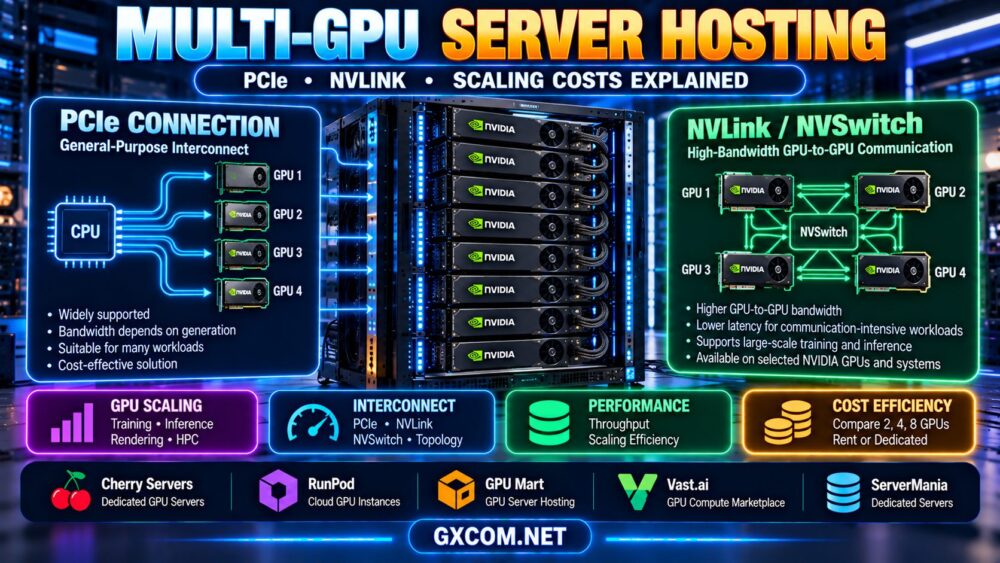
Multiple GPUs can increase rendering throughput when the rendering engine supports multi-GPU execution and the workload scales effectively.
However, doubling the number of GPUs does not guarantee twice the rendering speed.
Potential limitations include:
- Scene preparation overhead.
- Memory duplication between GPUs.
- PCIe connectivity and device communication.
- CPU and storage bottlenecks.
- Power and cooling constraints.
- Rendering engine scaling efficiency.
For animation, distributing separate frames across multiple machines may be an alternative to rendering each frame using several GPUs in one server.
Evaluate both approaches using representative production jobs and the actual rendering software.
Cloud GPU vs Dedicated GPU Servers for Rendering
GPU rendering infrastructure generally falls into several deployment categories.
Cloud GPU Instances
Cloud GPU capacity can suit temporary rendering projects, testing, and workload spikes.
Platforms such as RunPod and Vast.ai are relevant for comparing GPU compute availability, instance configurations, and flexible deployment options.
However, customers may need to install rendering software, configure drivers, manage licenses, and arrange persistent storage.
Dedicated GPU Servers
Dedicated GPU servers can be attractive for studios with steady workloads or specific hardware requirements.
Providers such as Cherry Servers may be worth evaluating when exclusive physical GPU infrastructure is preferred.
Dedicated hosting can provide predictable access to hardware, but customers should verify management responsibilities, available GPU models, minimum contract terms, and support coverage.
Buying GPU Hardware
Owning GPU servers provides control over equipment and configuration, but introduces hardware investment, electricity, cooling, maintenance, and upgrade responsibilities.
For a detailed comparison, read our GPU server rental vs buying guide.
GPU Rendering Server Providers Worth Comparing
Different hosting providers serve different infrastructure needs. Some offer flexible cloud GPU compute, while others focus on GPU-oriented hosting or dedicated physical servers.
The following companies are worth evaluating based on your workflow. Their inclusion does not mean every provider offers preconfigured rendering servers, commercial rendering software, or identical GPU hardware.
| Provider | Infrastructure Role | What to Verify |
|---|---|---|
| Cherry Servers | Dedicated GPU and bare metal infrastructure | GPU configurations, provisioning and contract terms |
| RunPod | Cloud GPU compute | GPU availability, storage and rendering software setup |
| GPU Mart | GPU-oriented hosting products | GPU allocation, VRAM, drivers and remote access |
| Vast.ai | GPU compute marketplace | Individual host reliability, GPU specifications and data handling |
| ServerMania | Dedicated infrastructure evaluation | Current GPU-equipped options and support scope |
Cherry Servers: Dedicated GPU Infrastructure
Cherry Servers is a relevant candidate for studios considering dedicated GPU servers for sustained rendering workloads.
Evaluate current accelerator options, available VRAM, CPU specifications, system memory, storage, and network capacity.
For continuous production, calculate total monthly infrastructure costs alongside the expected rendering throughput.
RunPod: Flexible Cloud GPU Resources
RunPod can be considered for cloud GPU workloads that require flexible provisioning.
Before deploying a rendering application, verify the selected GPU, compatible operating environment, persistent storage options, software installation requirements, and billing policies.
Cloud GPU availability does not automatically mean that a commercial rendering engine or its license is included.
Our RunPod GPU cloud review</a provides additional platform background.
GPU Mart: GPU Hosting Configuration
GPU Mart is worth evaluating for GPU-focused hosting requirements.
Check whether the selected product offers exclusive GPU hardware or virtualized GPU access, and confirm driver support, usable VRAM, Windows or Linux compatibility, and remote desktop functionality.
For rendering studios, the exact operating environment can be as important as the accelerator specification.
Vast.ai: Marketplace GPU Capacity
Vast.ai provides a marketplace-style way to compare GPU compute resources.
Review individual listings carefully, including GPU memory, CPU and RAM resources, storage arrangements, network performance, and host availability.
Marketplace infrastructure may suit technically experienced users who can manage rendering environments and evaluate the operational trade-offs of different hosts.
ServerMania: Dedicated Server Options
ServerMania can be considered when researching dedicated server infrastructure and custom hardware requirements.
Confirm whether GPU-equipped servers suitable for your rendering application are currently offered. Do not assume a standard dedicated server includes a GPU.
Review hardware specifications, provisioning time, support responsibilities, and contract terms before requesting a configuration.
GPU Rendering Cost: Compare Price per Completed Frame
For commercial rendering, the most useful cost metric may be the expense of completing a representative frame or project rather than the advertised hourly GPU rate.
Compute cost per frame = billable compute cost ÷ completed frames
For example, consider two hypothetical GPU hosting configurations:
- Server A costs $1 per billable hour and completes 10 frames per hour.
- Server B costs $2 per billable hour and completes 30 frames per hour.
Under these simplified assumptions, Server A costs $0.10 per frame, while Server B costs approximately $0.067 per frame.
Although Server B has a higher hourly rate, it produces a lower compute-only cost per completed frame.
These are illustrative calculations, not actual provider prices or benchmark results. Real costs also depend on scene preparation, storage, transfers, software licenses, failed jobs, and idle capacity.
Rendering Farm vs Single GPU Server
A rendering farm distributes jobs across multiple computing nodes. This can be useful for animation projects involving many independent frames.
A single GPU server may be sufficient for smaller projects, interactive development, or jobs that benefit from one powerful machine.
When comparing these approaches, evaluate:
- Number of frames or rendering tasks.
- Average and worst-case frame rendering time.
- Asset synchronization requirements.
- Render queue and job scheduling software.
- Network transfer and shared storage.
- Licensing rules for render nodes.
- Failure recovery and job retry mechanisms.
For some studios, distributing frames across multiple smaller GPU instances can be more flexible than renting one large multi-GPU server.
Remote GPU Workstations vs Headless Rendering Servers
A remote GPU workstation is designed for interactive graphics work, while a headless rendering server is primarily used to process jobs without a continuously connected graphical desktop.

Remote workstations require suitable display protocols, GPU driver support, operating system compatibility, and low-latency network access.
Headless rendering may be easier to automate, but some applications and licensing systems require additional configuration.
If your primary goal is interactive 3D modeling rather than batch rendering, verify remote desktop and graphics acceleration capabilities before buying.
How to Choose the Best GPU Server for 3D Rendering
- Identify your rendering engine: Confirm supported GPUs, drivers, and operating systems.
- Measure scene VRAM: Test representative projects at production quality settings.
- Check CPU requirements: Include scene preparation, simulation, and application overhead.
- Size system RAM: Allow capacity for assets, caches, and background processes.
- Evaluate storage: Consider scene loading, temporary files, and rendered outputs.
- Choose the deployment model: Compare cloud GPU, dedicated rental, and ownership.
- Verify licensing: Check render-node, remote access, and commercial software terms.
- Benchmark real scenes: Measure completed frames per hour and memory usage.
- Calculate total cost: Include compute, storage, transfers, licenses, and operational work.
- Plan recovery: Confirm backups, checkpoints, job retries, and data retention.
For broader purchasing considerations, our affordable GPU servers guide</a provides another perspective on hardware value and hosting choices.
Frequently Asked Questions
What GPU is best for 3D rendering servers?
The best GPU depends on the rendering engine, scene complexity, usable VRAM, supported drivers, performance, and cost. Benchmark your actual scenes rather than choosing solely by model name.
Is 24GB VRAM enough for 3D rendering?
It can be sufficient for many projects, but requirements depend on textures, geometry, rendering settings, and software memory management. Some scenes require considerably more memory.
Is CPU important for GPU rendering?
Yes. The CPU handles many supporting tasks, including scene preparation, scripting, certain simulations, and job management. The importance of CPU performance varies by application.
Can I use cloud GPUs for Blender rendering?
Yes, if the selected cloud environment provides a compatible GPU, driver, operating system, Blender version, and suitable storage. Remote deployment and automation may require additional configuration.
Are multiple GPUs better than one GPU for rendering?
Multiple GPUs can improve throughput in supported applications, but scaling varies and GPU memory is not always combined. Compare actual performance and cost before choosing a multi-GPU configuration.
Is GPU rendering always faster than CPU rendering?
No. Performance depends on the rendering engine, hardware, scene, and enabled features. Some workflows favor CPU rendering or require capabilities not available in the selected GPU backend.
Should a studio rent or buy GPU rendering servers?
Renting can suit temporary projects and variable workloads. Buying may make sense for predictable, sustained demand when the studio can manage the hardware and operating costs.
Do GPU hosting providers include rendering software licenses?
Not necessarily. Many GPU hosting services provide infrastructure rather than commercial rendering software licenses. Confirm licensing and deployment requirements before purchasing.
Final Verdict: Match the GPU Server to Your Rendering Workflow
The best GPU servers for 3D rendering combine compatible graphics hardware, sufficient VRAM, balanced CPU and system memory, suitable storage, and a deployment model that matches production demand.
For temporary projects, cloud GPU infrastructure such as RunPod or Vast.ai may be worth evaluating. For sustained workloads, dedicated infrastructure options from Cherry Servers or suitable GPU hosting configurations from GPU Mart can be considered. ServerMania may also be relevant when researching available dedicated hardware configurations.
Before choosing any provider, verify current GPU availability, rendering engine compatibility, software licensing, support responsibilities, and the total cost of completing real rendering jobs.
RENDER ENGINE → GPU COMPATIBILITY → VRAM → CPU & RAM → STORAGE → RENDER TIME → COST PER FRAME
Choose the server that helps your studio complete production work reliably and efficiently, not simply the one with the most impressive specifications.