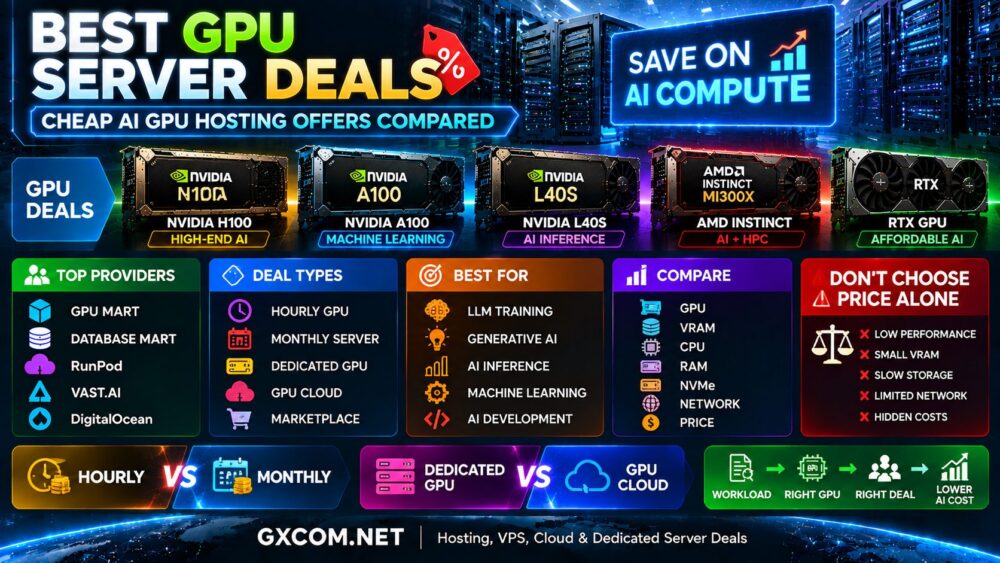
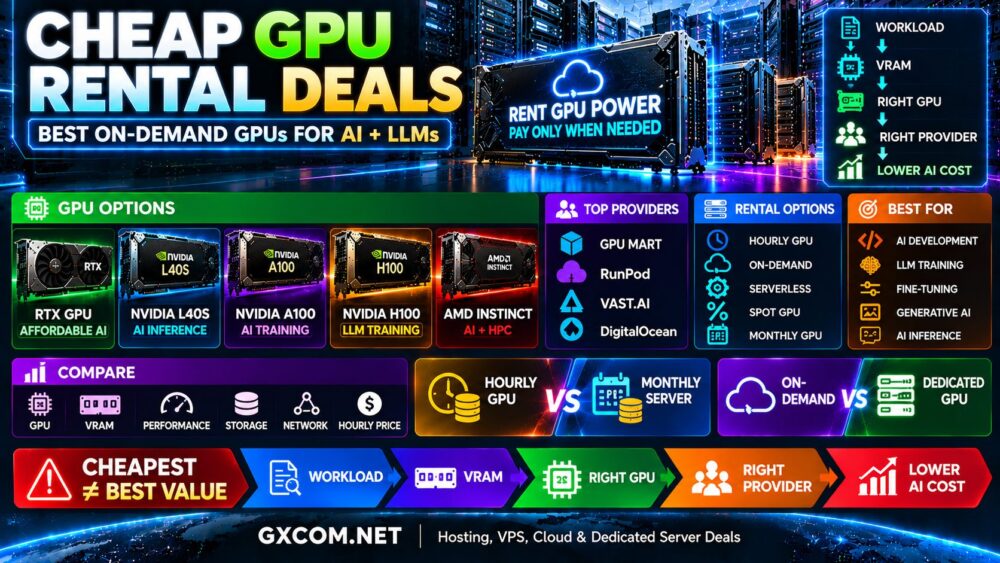
NVIDIA H100 has become one of the most recognizable GPUs for large language models, generative AI, deep learning, AI inference, and high-performance computing. But H100 infrastructure is expensive, and the difference between a good H100 deal and an inefficient deployment can add up quickly when GPUs run for hundreds of hours.
Finding the best NVIDIA H100 GPU server deals therefore requires more than comparing advertised hourly prices. H100 PCIe, H100 SXM, and H100 NVL configurations can differ in memory, bandwidth, interconnect, server architecture, and pricing. Providers also use different billing models, including hourly GPU rental, reserved cloud capacity, monthly servers, and dedicated infrastructure.
This guide compares affordable H100 hosting and rental options, explains the major H100 configurations, and shows how to evaluate RunPod, Vast.ai, DigitalOcean, GPU Mart, and other H100 infrastructure without choosing on price alone.
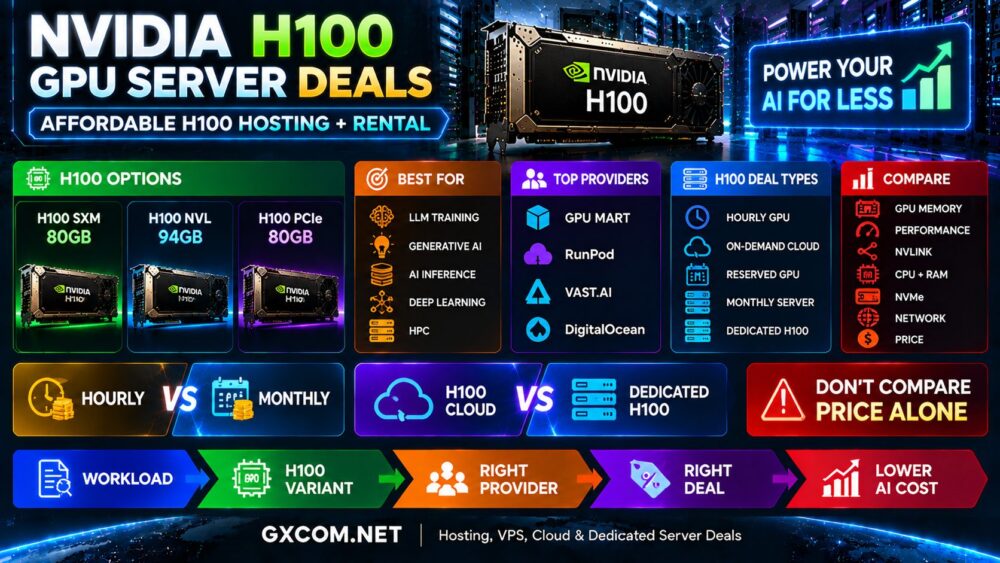
H100 GPU Server Deals at a Glance
| Option | Billing Model | Best For | Main Consideration |
|---|---|---|---|
| RunPod | Usage-based GPU cloud | AI training and flexible workloads | GPU type and availability |
| Vast.ai | GPU marketplace | Price-sensitive GPU rental | Host and machine specifications |
| DigitalOcean | On-demand / reserved cloud | Cloud-native AI | Total cloud architecture |
| GPU Mart | GPU-focused hosting | Persistent GPU workloads | Server configuration and term |
| Dedicated H100 Hosting | Monthly / contract | High, stable utilization | Commitment and scalability |
H100 availability and pricing change frequently. Treat advertised prices as a snapshot and verify the current offer, GPU variant, billing terms, storage, bandwidth, and availability before ordering.
Why Is NVIDIA H100 Hosting Expensive?
H100 is a data center accelerator built for demanding artificial intelligence and high-performance computing workloads.
The cost of H100 hosting reflects more than the GPU itself. Providers must support high-power servers, cooling, CPUs, large amounts of system memory, fast NVMe storage, high-speed networking, and potentially multiple interconnected GPUs.
Typical H100 workloads include:
- Large language model training
- Generative AI
- LLM fine-tuning
- Large-model inference
- Deep learning
- Scientific computing
- High-performance computing
For a broader technical overview, read our
NVIDIA H100 Server Hosting
guide.
H100 SXM vs H100 NVL vs H100 PCIe
One of the biggest mistakes when comparing H100 deals is assuming that every listing represents exactly the same GPU configuration.
| H100 Option | Typical Memory | Good Fit |
|---|---|---|
| H100 SXM | 80GB-class configurations commonly offered | Training and multi-GPU AI |
| H100 NVL | 94GB | Large-model inference and memory-heavy AI |
| H100 PCIe | 80GB-class configurations commonly offered | Flexible server deployments |
Do not compare an H100 SXM offer directly with an H100 PCIe or NVL offer without checking memory, bandwidth, interconnect, and the complete server architecture.
Current H100 Rental Price Examples
H100 pricing varies substantially between providers and service models. As a current market reference, public provider pricing can range from under $3 per GPU hour for some H100 configurations to more than $4 per GPU hour on other cloud platforms.
This does not automatically mean the lowest hourly listing is the best deal.
A useful comparison should include:
- Exact H100 variant
- GPU memory
- Dedicated or virtualized allocation
- CPU resources
- System RAM
- NVMe storage
- Network bandwidth
- Data transfer charges
- Persistent storage
- Minimum billing period
Prices change frequently, so this page should be reviewed periodically rather than treating any hourly rate as permanent.
RunPod H100 GPU Rental
RunPod is one of the platforms AI developers can evaluate when looking for flexible H100 access.
Its GPU cloud model is particularly relevant for:
- LLM training
- Fine-tuning
- AI development
- Generative AI
- Inference
- Temporary GPU workloads
RunPod offers multiple H100 configurations, so compare H100 PCIe, SXM, and NVL options rather than treating “H100” as a single product.
Usage-based billing can be attractive when an expensive GPU is required for a limited number of hours. The economics become more complicated when the instance runs continuously throughout the month.
Vast.ai H100 Deals
Vast.ai approaches GPU rental differently through a marketplace model.
This can create attractive H100 pricing because multiple hosts can compete for workloads. However, individual machines can differ substantially.
When evaluating a Vast.ai H100 listing, compare:
- GPU model and count
- Host reliability
- CPU performance
- System RAM
- Storage capacity
- Storage performance
- Network bandwidth
- Internet upload and download performance
- Machine availability
Marketplace pricing can be useful for cost-sensitive projects, but the cheapest listing is not necessarily equivalent to a standardized premium cloud instance.
DigitalOcean H100 GPU Hosting
DigitalOcean provides H100 GPU infrastructure within a broader developer cloud environment.
This makes it particularly relevant to teams that need GPU compute alongside:
- Cloud servers
- Storage
- Networking
- Databases
- Application infrastructure
DigitalOcean offers both on-demand GPU pricing and longer-term reserved options for some GPU infrastructure.
The headline hourly price may be higher than some specialized GPU platforms, but cloud integration, predictable infrastructure, and the surrounding platform can also contribute to overall value.
GPU Mart H100 Hosting
GPU Mart is worth checking when the project favors persistent GPU infrastructure and a more traditional server-hosting model.
Unlike purely ephemeral GPU workloads, monthly or dedicated-style hosting can make sense when an AI application needs to operate continuously.
When evaluating an H100 server offer from GPU Mart or another dedicated hosting provider, verify:
- Exact H100 configuration
- Number of GPUs
- Dedicated resource allocation
- CPU model
- RAM
- NVMe storage
- Network port speed
- Bandwidth allowance
- Server location
- Contract length
H100 Cloud vs Dedicated H100 Server
| Factor | H100 Cloud | Dedicated H100 |
|---|---|---|
| Deployment | Usually fast | Provider dependent |
| Billing | Often usage based | Often monthly / reserved |
| Scaling | Flexible | Hardware dependent |
| Control | Platform dependent | Generally higher |
| Ideal Utilization | Variable | Stable / high |
| Commitment | Usually lower | Potentially higher |
Cloud H100 instances can be attractive when GPU demand changes from week to week. Dedicated or reserved H100 infrastructure becomes more interesting as utilization becomes predictable.
For more options, see our
Best Dedicated GPU Servers
comparison.
Hourly vs Monthly H100 Rental
The best billing model depends heavily on utilization.
| Workload Pattern | H100 Model to Evaluate |
|---|---|
| Occasional AI experiments | Hourly H100 |
| Short LLM training run | On-demand H100 |
| Temporary fine-tuning | Hourly / cloud H100 |
| Variable inference | Cloud / reserved capacity |
| Continuous AI workload | Monthly / dedicated H100 |
| Long-running production AI | Compare reserved and dedicated |
A simple calculation can help:
Monthly GPU Compute Cost = Hourly GPU Rate × Actual GPU Hours Used
But this is only the starting point. Storage, data transfer, CPU, RAM, networking, idle time, and support can change the final bill.
How to Calculate the Real H100 Deal
Suppose one provider has a lower hourly rate but your workload takes longer to complete because of weaker CPU, storage, or networking.
The cheaper GPU hour may produce a higher total project cost.
A better metric is:
Total Workload Cost = Compute + Storage + Network + Data Transfer + Idle Time + Other Infrastructure Costs
For training jobs, another useful metric is cost per completed training run. For inference, cost per request or cost per token can be more meaningful than GPU price alone.
Best H100 Deals for LLM Training
Large language model training can keep multiple GPUs under heavy load for long periods.
For LLM training, prioritize:
- H100 variant
- GPU memory
- Tensor performance
- Memory bandwidth
- Multi-GPU interconnect
- NVMe throughput
- Network architecture
- Availability of multiple GPUs
A cheap single H100 instance may not be useful if your workload requires a tightly connected multi-GPU node.
See our
Best GPU Servers for LLM Training
guide for workload-specific recommendations.
Best H100 Deals for AI Inference
Inference changes the economics.
Rather than maximizing training throughput, production inference may prioritize:
- Latency
- Tokens per second
- Concurrent users
- Batch size
- Context length
- GPU memory
- Cost per request
H100 NVL can be particularly relevant to memory-intensive inference, but H100 is not automatically the most economical GPU for every model.
For smaller inference workloads, A100, L40S, newer GPU generations, or other accelerators may offer better workload economics.
When H100 Is Not the Best Deal
One of the easiest ways to save money on H100 hosting is not to rent H100 at all when the workload does not require it.
Consider alternatives when:
- The model fits comfortably on a cheaper GPU
- You are only developing or testing code
- The workload is primarily graphics-oriented
- Inference requirements are modest
- GPU utilization is very low
- A newer or alternative accelerator provides better workload economics
Our
H100 vs A100 vs L40S
comparison can help determine whether H100 is actually necessary.
H100 Rental vs Buying an H100 Server
Purchasing H100 hardware gives an organization ownership and greater control, but the GPU purchase is only part of the investment.
Ownership can also require:
- Server hardware
- Data center space
- Power
- Cooling
- Networking
- Maintenance
- Replacement hardware
- Technical staff
Renting transfers much of this infrastructure responsibility to the provider and avoids a large upfront hardware investment.
For temporary projects and uncertain workloads, rental can therefore reduce financial commitment even when the hourly rate appears expensive.
Hidden Costs in Cheap H100 Hosting
Before calling an H100 offer a deal, check for additional charges.
Potential costs include:
- Persistent storage
- NVMe volumes
- Snapshots
- Internet egress
- Public IP addresses
- CPU and system RAM
- Idle instances
- Managed services
- Setup fees
- Minimum commitments
Also determine whether billing stops when an instance is powered off. Some cloud resources remain reserved and can continue generating charges until they are destroyed or released.
How to Find the Best H100 GPU Server Deal
- Define the AI workload.
- Determine whether H100 is actually required.
- Choose H100 SXM, PCIe, or NVL based on the workload.
- Determine how many GPUs are required.
- Estimate monthly GPU utilization.
- Compare hourly, reserved, and dedicated pricing.
- Check CPU, RAM, NVMe, and networking.
- Calculate storage and data transfer costs.
- Check availability in the required region.
- Calculate total workload cost rather than GPU price alone.
H100 Deal Red Flags
“H100” Without the Exact Variant
Always identify whether the offer is H100 PCIe, SXM, NVL, or another configuration.
Very Low Price Without Server Specifications
The surrounding CPU, memory, storage, and network can materially affect workload performance.
Ignoring Minimum Billing and Storage
An attractive GPU rate can be offset by storage, bandwidth, or minimum commitment costs.
Comparing Only One Provider
H100 pricing varies across specialized GPU clouds, marketplaces, general cloud providers, and dedicated server hosts.
Renting H100 for a Workload That Does Not Need It
The biggest discount is irrelevant if a less expensive GPU can complete the workload efficiently.
Are Cheap H100 GPU Deals Worth It?
They can be, particularly when the workload genuinely benefits from H100 and the billing model matches expected utilization.
RunPod provides flexible H100 cloud access, Vast.ai can expose marketplace pricing, DigitalOcean integrates H100 into a broader cloud environment, and GPU-focused hosting providers can be worth comparing for persistent workloads.
The correct choice depends on whether you need a GPU for a few hours, several weeks, or continuous production operation.
Final Thoughts
The best NVIDIA H100 GPU server deal is not necessarily the provider displaying the lowest hourly number.
H100 SXM, PCIe, and NVL configurations serve different infrastructure needs. Cloud platforms offer flexibility, marketplaces can create aggressive pricing, while reserved or dedicated servers can become attractive for predictable high-utilization workloads.
Compare the exact H100, GPU memory, CPU, RAM, NVMe storage, networking, data transfer, billing model, and expected workload duration before making a decision.
Most importantly, calculate the cost of completing the AI workload rather than the cost of renting one GPU for one hour.
The better decision path is:
Workload → H100 Variant → GPU Count → Usage → Provider → Deal → Total Cost.