Artificial intelligence, machine learning, and high-performance computing require powerful GPU resources. However, purchasing and maintaining physical GPU servers can be expensive, especially for startups, developers, and businesses that only need accelerated computing occasionally.
GPU Server Rental provides a flexible alternative by allowing users to access NVIDIA GPU computing without purchasing expensive hardware. Instead of investing in servers, users can rent GPU resources based on workload requirements.
This guide explains how GPU server rental works, compares rental options, and helps you choose affordable GPU computing for AI, machine learning, rendering, and other workloads.
GPU Server Rental Compared
| Rental Type | Best For | Advantages |
|---|---|---|
| Cloud GPU Rental | Flexible workloads | Fast deployment |
| Dedicated GPU Rental | Long-term projects | Full hardware access |
| Hourly GPU Rental | Testing and experiments | Pay only when used |
| Monthly GPU Rental | Production workloads | Predictable costs |
What Is GPU Server Rental?
GPU server rental is a service that allows users to rent GPU-powered servers from cloud providers, hosting companies, or specialized AI infrastructure platforms.
Instead of buying hardware, users pay for access to computing resources.
Typical rental resources include:
- NVIDIA GPUs
- CPU cores
- System RAM
- NVMe storage
- Network bandwidth
- Operating system environments
Why Rent a GPU Server Instead of Buying?
GPU hardware is expensive and can become outdated quickly. Rental models reduce the need for large upfront investments.
Advantages include:
- No hardware purchase
- Lower initial cost
- Flexible scaling
- Access to latest GPUs
- Fast deployment
- No maintenance responsibility
GPU Server Rental vs Buying Hardware
| Feature | GPU Rental | Buying GPU Server |
|---|---|---|
| Initial Cost | Low | High |
| Deployment Speed | Fast | Slower |
| Hardware Ownership | No | Yes |
| Maintenance | Provider managed | User responsibility |
| Scaling | Easy | Requires new hardware |
GPU Server Rental for AI Workloads
AI is one of the fastest-growing applications for GPU rental services.
Common AI workloads include:
- Machine learning
- Deep learning
- Large language models
- AI inference
- Generative AI
- Computer vision
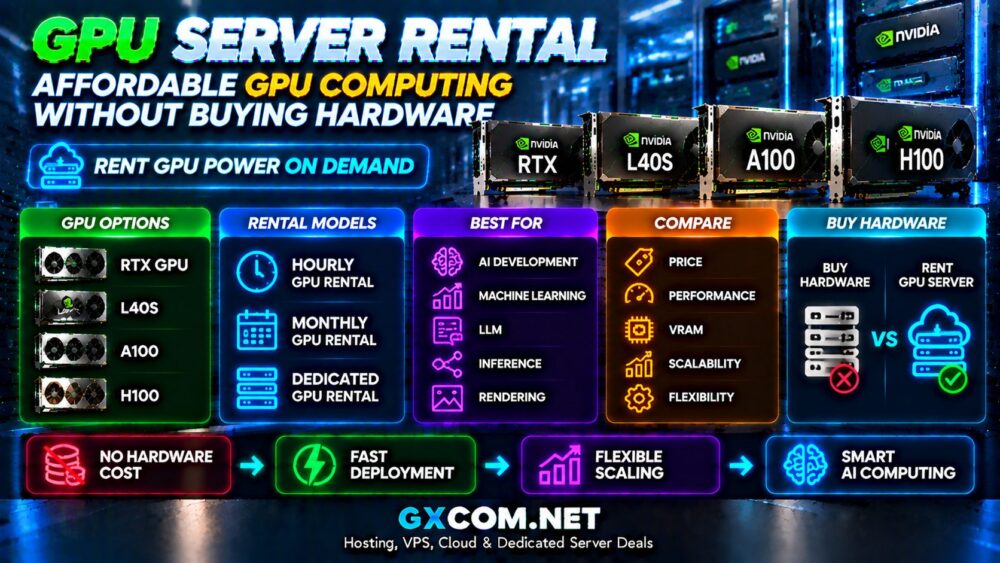
NVIDIA GPU Rental Options
| GPU | Best Use |
|---|---|
| RTX GPU | AI development and testing |
| L40S | AI inference and applications |
| A100 | Machine learning workloads |
| H100 | Large AI training |
For NVIDIA GPU comparisons, see:
H100 vs A100 vs L40S
Hourly GPU Server Rental
Hourly GPU rental is popular among developers who need computing power temporarily.
Suitable for:
- AI experiments
- Model testing
- Short-term projects
- Training small models
The advantage is paying only for actual usage instead of maintaining idle hardware.
Monthly GPU Server Rental
Monthly GPU rental is better for continuous workloads.
Common users include:
- AI startups
- SaaS companies
- Research teams
- Production applications
Cloud GPU Rental vs Dedicated GPU Rental
| Feature | Cloud GPU Rental | Dedicated GPU Rental |
|---|---|---|
| Flexibility | Excellent | Medium |
| Performance | High | Maximum |
| Cost Efficiency | Short-term advantage | Long-term advantage |
| Control | Medium | High |
Best GPU Server Rental Providers
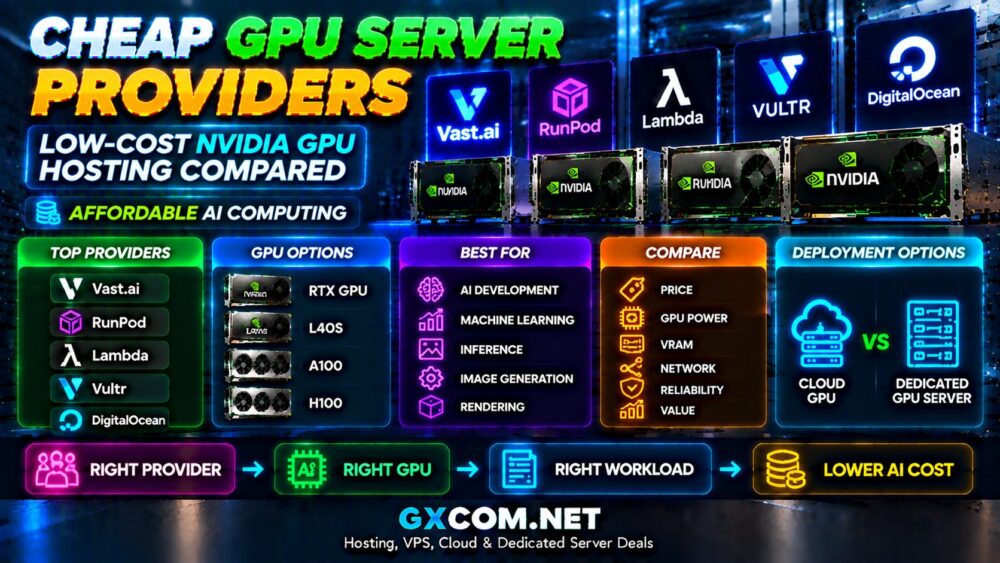
Popular GPU rental platforms include:
- Vast.ai
- RunPod
- Lambda
- Vultr GPU Cloud
- DigitalOcean GPU infrastructure
For provider comparisons, read:
Cheap GPU Server Providers
GPU Server Rental Cost Factors
GPU rental prices depend on several factors:
- GPU model
- GPU memory
- Rental duration
- CPU configuration
- Storage
- Bandwidth
- Location
How to Reduce GPU Rental Costs
- Select the right GPU for the workload.
- Avoid running unused instances.
- Use hourly rental for testing.
- Choose monthly plans for stable workloads.
- Optimize AI models.
- Monitor GPU utilization.
GPU Rental for Developers
Developers often choose GPU rental because it provides access to powerful hardware without large investments.
Typical applications:
- AI application development
- Prototype testing
- Model deployment
- Data analysis
- Computer vision projects
GPU Rental for Small Businesses
Small businesses can use GPU rental to access AI capabilities without building expensive infrastructure.
Examples include:
- AI customer service
- Content generation
- Automation systems
- Business analytics
Common GPU Rental Mistakes
Choosing GPU Based Only on Price
The cheapest GPU may not provide the performance required for the workload.
Ignoring VRAM
AI applications depend heavily on GPU memory capacity.
Leaving Servers Running
Unused GPU instances can create unnecessary costs.
GPU Server Rental Checklist
- Define workload requirements.
- Select GPU model.
- Estimate required VRAM.
- Choose rental duration.
- Compare providers.
- Calculate total cost.
- Plan future scaling.
Final Thoughts
GPU server rental provides an affordable and flexible way to access powerful AI computing without purchasing expensive hardware.
Cloud GPU rental works well for experiments and flexible workloads, while dedicated GPU rental can provide better value for continuous high-performance applications.
The best GPU rental solution depends on workload requirements, budget, performance expectations, and future growth plans.