Website security has become an essential part of running any modern online platform. Whether it is a personal blog, business website, online store or cloud application, protecting visitor data is a basic requirement.
An SSL certificate is one of the most important technologies used to secure websites. It encrypts communication between visitors and servers while enabling HTTPS connections.
This SSL Certificate Guide explains what SSL certificates are, how HTTPS works, why websites need SSL and how this technology improves website security.
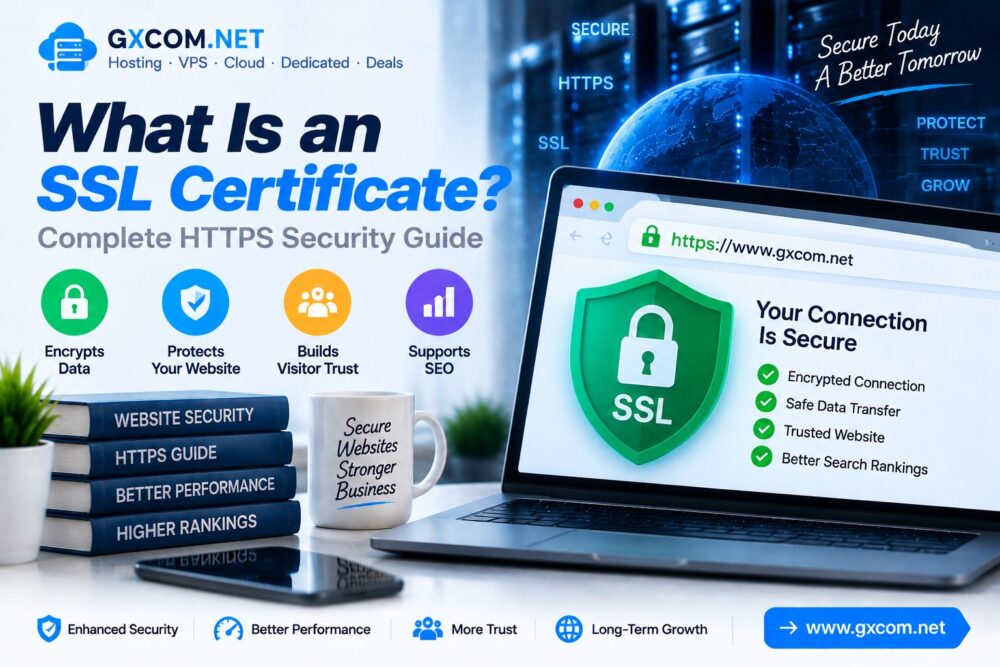
What Is an SSL Certificate?
An SSL certificate is a digital certificate that authenticates a website identity and encrypts data transferred between a user’s browser and a web server.
SSL stands for Secure Sockets Layer. Although modern websites mainly use TLS (Transport Layer Security), the term SSL is still commonly used when referring to HTTPS security.
When a website has a valid SSL certificate, browsers display a secure connection indicator and use HTTPS instead of HTTP.
How Does an SSL Certificate Work?
SSL certificates use encryption technology to protect information exchanged between users and websites.
The basic process includes:
- A visitor opens a website using HTTPS.
- The browser checks the SSL certificate.
- The server confirms its identity.
- An encrypted connection is established.
- Data is transferred securely.
HTTP vs HTTPS: What Is the Difference?
| HTTP | HTTPS |
|---|---|
| Data is transferred without encryption | Data is encrypted |
| No SSL certificate required | Requires SSL certificate |
| Lower security | Protected communication |
| Browser warnings may appear | Shows secure connection |
Why Do Websites Need an SSL Certificate?
SSL certificates provide several important benefits for website owners and visitors.
1. Protect User Data
SSL encryption helps protect sensitive information such as:

- Login credentials
- Payment information
- Personal details
- Contact information
2. Enable HTTPS Security
HTTPS creates a secure connection between browsers and servers.
This helps prevent unauthorized access and protects information during transmission.
3. Improve Visitor Trust
Modern browsers show security indicators for HTTPS websites.
A secure connection helps visitors feel more confident when browsing or submitting information.
4. Support SEO Performance
Website security is an important part of modern technical optimization.
Using HTTPS provides a stronger technical foundation alongside other SEO practices such as speed optimization and website performance improvements.
Types of SSL Certificates
| SSL Type | Description |
|---|---|
| Domain Validation (DV) | Basic certificate verifying domain ownership |
| Organization Validation (OV) | Includes organization verification |
| Extended Validation (EV) | Higher level business verification |
Free SSL vs Paid SSL Certificate
| Feature | Free SSL | Paid SSL |
|---|---|---|
| Encryption | Yes | Yes |
| HTTPS Support | Yes | Yes |
| Validation Level | Usually DV | DV, OV or EV |
| Support | Limited | Additional support |
SSL Certificate and Website Hosting
SSL configuration is closely connected with website hosting infrastructure.
A reliable hosting environment should support:
- Easy SSL installation
- Automatic certificate renewal
- HTTPS configuration
- Secure server settings
- Modern encryption standards
Choosing suitable hosting is an important part of website security. Explore our best web hosting services guide for hosting comparisons.
How To Check If a Website Has SSL
You can identify SSL protection through several methods:
- Website address starts with HTTPS
- Browser shows a lock icon
- Certificate information is available in browser settings
- No security warning appears
Common SSL Certificate Problems
| Problem | Cause |
|---|---|
| Certificate Expired | Renewal not completed |
| Mixed Content Warning | Some resources still use HTTP |
| Wrong Domain Certificate | Certificate does not match website |
| Configuration Errors | Incorrect server settings |
SSL Certificate Best Practices
- Always use HTTPS
- Renew certificates before expiration
- Redirect HTTP traffic to HTTPS
- Remove mixed content issues
- Use secure hosting infrastructure
SSL Security Checklist
| Security Action | Status |
|---|---|
| SSL Installed | Required |
| HTTPS Enabled | Required |
| Certificate Renewal | Required |
| Mixed Content Fixed | Recommended |
| Secure Hosting | Recommended |
SSL Certificate vs Website Firewall
| Technology | Main Purpose |
|---|---|
| SSL Certificate | Encrypts communication |
| Firewall | Blocks malicious traffic |
| Backup System | Recovers website data |
Frequently Asked Questions
What does an SSL certificate do?
An SSL certificate encrypts communication between visitors and websites and confirms website identity.

Is SSL certificate necessary for every website?
Yes. Modern websites should use HTTPS to provide secure connections and improve visitor trust.
Does SSL improve SEO?
SSL helps create a secure technical foundation for websites and works together with other SEO optimization factors.
Can I get a free SSL certificate?
Many hosting providers support free SSL certificates through services such as automated certificate authorities.
Final Thoughts
An SSL certificate is a fundamental security technology for modern websites.
By enabling HTTPS encryption, protecting visitor data and improving website trust, SSL creates a safer online environment.
Combined with reliable hosting, performance optimization and regular security practices, SSL helps websites build a stronger technical foundation for long-term growth.