The best managed VPS deals with cPanel are not always the plans advertising the lowest introductory price. Control panel licensing, backup storage, server administration, and renewal rates can substantially change the amount businesses pay every month.
For agencies, WordPress owners, and growing ecommerce stores, a managed VPS can reduce technical maintenance while providing more control than shared hosting. However, management coverage varies between providers, and cPanel is not necessarily included.
This guide compares ScalaHosting, KnownHost, and Hostwinds, explains licensing and backup costs, and shows how to evaluate long-term hosting value.
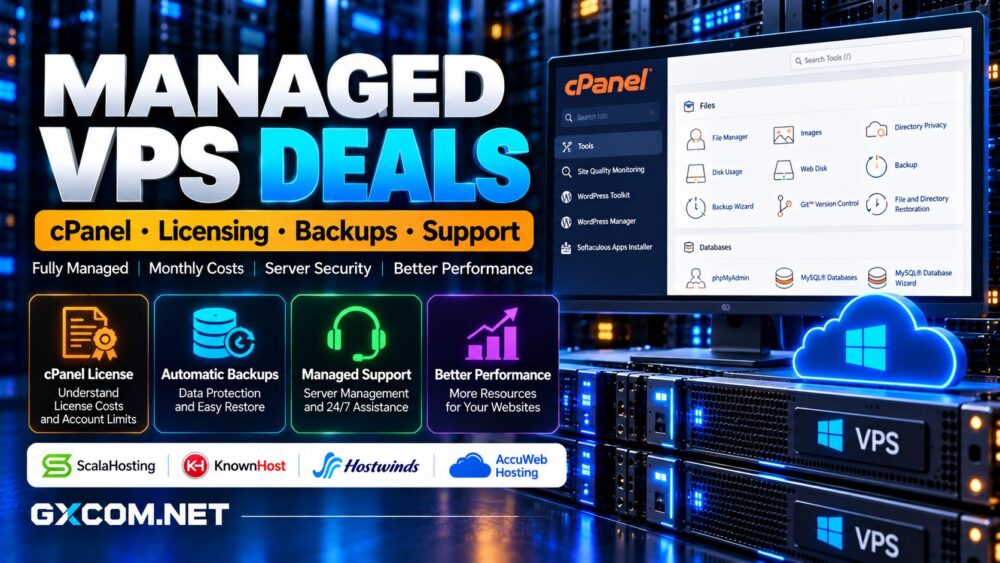
What Is Managed VPS Hosting with cPanel?
A managed VPS provides allocated virtual server resources alongside technical assistance with supported server administration tasks. Depending on the provider, management may cover operating system updates, security configuration, monitoring, control panel maintenance, and troubleshooting.
cPanel manages individual hosting accounts, websites, email, databases, and files. WHM provides administrative tools for creating accounts and configuring server services.
Managed hosting does not automatically include website development, custom application debugging, or unlimited migration work. Review the provider’s support policy before buying.
For a broader explanation, see our managed vs unmanaged hosting comparison.
Best Managed VPS Providers with cPanel Options
ScalaHosting: Managed cPanel VPS and SPanel Choice
ScalaHosting offers fully managed VPS hosting with cPanel/WHM support. Its cPanel plans provide familiar account management, website administration, and server controls for agencies and established hosting users.
The company also offers SPanel, an alternative control panel included with eligible ScalaHosting VPS services. This creates a useful cost comparison for buyers who do not specifically require cPanel.
Choose cPanel when existing workflows, client expectations, or migration requirements depend on its ecosystem. Consider SPanel when reducing recurring software expenses matters more than retaining the same interface.
Confirm the selected license tier, migration scope, backup arrangements, and renewal quote.
KnownHost: Fully Managed VPS with Defined Support
KnownHost provides managed Linux VPS hosting with control panel options including cPanel, Plesk, and DirectAdmin.
Its published support coverage includes operating system management, initial security hardening, control panel troubleshooting, and assistance with supported web, email, and database services.

This makes KnownHost attractive for businesses that prioritize operational support over the lowest server-only price.
However, third-party applications and custom configurations may receive best-effort assistance rather than comprehensive development support. Confirm the selected plan’s license and backup inclusions at checkout.
Hostwinds: Managed VPS with Optional cPanel Licensing
Hostwinds offers managed cloud VPS services and supports cPanel/WHM installation through separately purchased licensing.
This approach allows buyers to configure server resources and select the software they need. It also makes careful checkout review essential: a VPS price without cPanel is not equivalent to a competing package that includes the panel.
Hostwinds documents optional monitoring and cloud backup services. Check whether these are selected automatically and whether their charges appear separately.
For more hosting choices, explore our best VPS providers comparison.
How Much Does a cPanel VPS License Cost?
cPanel licenses are generally priced according to the number of hosting accounts managed on a server. Cloud licenses apply to supported virtual environments, while dedicated servers use the applicable Metal licensing arrangements.
Solo covers one account, Admin supports up to five, Pro supports up to thirty, and Premier accommodates larger deployments.
Importantly, one cPanel account may manage multiple domains. Agencies requiring separate client logins usually need more accounts than businesses managing several websites under one account.
Compare the hosting provider’s bundled license price with its current upgrade charges. Software fees can become a significant expense as the number of client accounts grows.
Backup Costs: What Is Actually Included?
Backups are essential, but the word “included” does not explain how well a service protects your data.
Ask whether the provider includes automated backups, off-server storage, retention periods, and restoration assistance. Also determine whether full-server recovery differs from individual website restoration.
Snapshots can help with rapid recovery, but they should not be your only protection against account compromise, storage failure, or accidental deletion.
For business-critical websites, maintain an independent backup copy and test restoration regularly.
What Does Fully Managed Support Cover?
Management quality matters when websites experience security incidents, failed updates, database errors, or unexpected resource exhaustion.
Look for written commitments covering operating system patches, firewall configuration, malware response, monitoring, and control panel troubleshooting.
Distinguish initial server setup from ongoing maintenance. A provider may install software without accepting responsibility for custom applications or website code.
Evaluate ticket response expectations, escalation procedures, and emergency support availability rather than relying exclusively on the phrase “24/7 support.”
Calculate the Real Monthly VPS Cost
Consider a hypothetical managed VPS costing $35 monthly. If cPanel adds $25, backup storage costs $8, and additional monitoring costs $5, the recurring total becomes $73.
These figures illustrate cost calculation, not current provider quotations.
Total Monthly Cost = VPS Hosting + Control Panel + Backups + Required Add-ons
Compare the first invoice with renewal pricing and annual commitments. Also account for migration fees, additional accounts, and storage upgrades.
Our cheap VPS providers guide offers useful alternatives when budget is the primary constraint.
How Much RAM and NVMe Storage Do You Need?
A small WordPress site may run comfortably on modest VPS resources, but multiple client accounts, WooCommerce stores, and busy databases require additional headroom.

Evaluate CPU allocation, available RAM, PHP workers, database usage, and storage capacity together. Avoid selecting a server solely because it advertises NVMe disks.
Faster storage helps some workloads, but insufficient memory or overloaded CPU resources can remain the actual bottleneck.
Read our NVMe VPS performance guide for storage-related buying considerations.
Managed cPanel VPS vs Managed WordPress Hosting
A managed cPanel VPS is useful when you operate several applications, need account-level separation, or require more server configuration flexibility.
Managed WordPress hosting may be simpler when every website uses WordPress and the provider handles application-specific maintenance.
Agencies should compare client isolation, staging tools, migration support, and administrative workload before choosing.
See our managed WordPress hosting comparison for related options.
Final Verdict: Which Managed cPanel VPS Is Worth Buying?
ScalaHosting is worth considering when choosing between cPanel and a lower-license-cost alternative. KnownHost appeals to businesses prioritizing documented server management. Hostwinds offers flexibility for buyers willing to configure optional licensing and backup services.
Before checkout, request a complete recurring quote and confirm support responsibilities, backup restoration, account limits, and renewal terms.
The best managed VPS deal with cPanel combines reliable server resources, appropriate licensing, recoverable backups, and support that genuinely reduces operational work.