Choosing managed cloud hosting for ecommerce involves protecting orders and revenue, not simply keeping product pages online. A store can survive a short interruption more easily than corrupted inventory, missing transactions, or an unsuccessful database restore. During promotions, infrastructure problems also demand a clear escalation path rather than an unanswered support ticket.
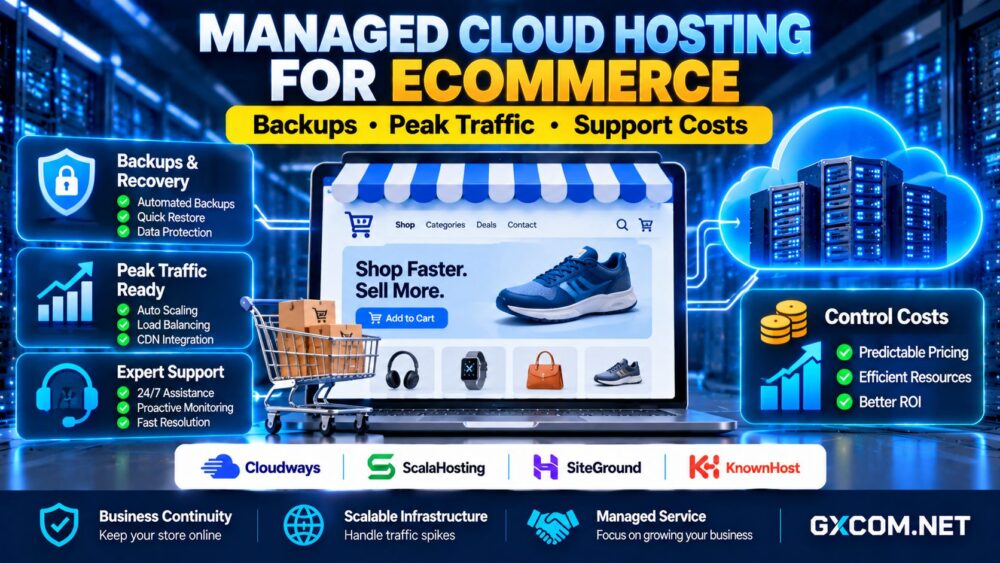
This guide compares backup policies, peak-traffic readiness, incident response, and management costs. It examines Cloudways, ScalaHosting, SiteGround, and KnownHost as options to investigate, while distinguishing documented service responsibilities from features that must be verified for an individual plan.
What Makes Ecommerce Hosting Different?
An ecommerce website continually changes. Orders, customer accounts, stock levels, coupons, and payment statuses may be updated even when product content remains unchanged. Recovering yesterday’s files does not necessarily restore the transactions recorded since then.
Managed hosting can reduce infrastructure administration, but the merchant still needs a recovery plan, an application owner, and a procedure for reconciling payments. Evaluate the complete service around business continuity, not just advertised uptime.
Backups: Frequency, Retention, and Order Recovery
Ask how frequently files and databases are backed up, where copies are stored, how long they are retained, and whether backup jobs are monitored. A daily backup might be adequate for a small catalog but create unacceptable order-data exposure for a busy store.
Two useful planning concepts are the recovery point objective (RPO), the maximum acceptable period of data loss, and the recovery time objective (RTO), the targeted time to restore service. Neither objective is automatically guaranteed by purchasing a managed plan.
Confirm whether restoration can recover an individual database, a full instance, or selected files. Test a restore in a separate environment and verify orders, inventory, customer accounts, and payment integrations. Keep independent copies when business requirements justify them.
Snapshots may accelerate server recovery, but they are not always application-consistent backups. Review retention charges, off-site replication, encryption, and who performs emergency restoration before signing a contract.
Prepare for Peak Traffic Without Losing Orders
Seasonal sales generate browsing traffic and transaction-heavy requests. A content delivery network can reduce static traffic, but checkout, inventory updates, and external payment calls still consume application and database capacity.

Before a campaign, run realistic tests using sandbox payments and representative customer sessions. Monitor uncached response times, worker queues, CPU pressure, database connections, error rates, and successful checkout completion. A server upgrade alone will not fix a failing payment integration.
Ask whether vertical resource upgrades require a restart, whether additional instances can be provisioned, and how long changes take. Automatic scaling, load balancing, and shared sessions should never be assumed unless the selected architecture explicitly supports them.
Our WooCommerce cloud hosting performance guide covers checkout caching and dynamic request bottlenecks in greater detail.
Managed Cloud Hosting Providers for Ecommerce
Cloudways: Application Operations and Managed Workflows
Cloudways is worth comparing when a merchant wants cloud deployment tools and a managed application workflow. Examine the selected plan’s backup scheduling, staging tools, monitoring, server resizing, and available support tiers.
Determine which ecommerce application problems are covered and which require a developer. Ask whether emergency restores, advanced troubleshooting, or premium assistance carry additional conditions or fees.
ScalaHosting: Managed Server Responsibilities
ScalaHosting is relevant for businesses evaluating managed VPS-style infrastructure with administrative assistance. Compare resource allocation, backup arrangements, control-panel features, and the scope of security maintenance for the specific product.
Check how a traffic-related incident is escalated and whether technicians address operating-system faults, web server issues, or application-level errors. Confirm upgrade paths before the next sales campaign.
SiteGround: WordPress and Cloud Options
SiteGround offers hosting options that ecommerce operators may wish to evaluate, including WordPress-oriented services and cloud products. Compare these product categories separately; their resource models and included tools may differ.
Verify current backup retention, restoration procedures, staging availability, support boundaries, and renewal terms. Do not infer that a feature offered on one subscription applies to every plan.
KnownHost: Support Scope and Recovery Planning
KnownHost is another provider to assess when managed assistance is a purchasing priority. First confirm which available hosting product fits the store’s cloud or VPS requirements, then review backups, monitoring, migration assistance, and escalation procedures.
Request written clarification about malware cleanup, database restoration, third-party plugins, and emergency support. The value of management depends on the specific responsibilities included, not the provider name alone.
Support Response Times Are Not Recovery Guarantees
First response time measures when a request receives attention; resolution time measures how long recovery takes. An immediate acknowledgment cannot guarantee that a damaged database or failed checkout will be repaired within minutes.
Review priority classifications, around-the-clock escalation channels, service exclusions, and maintenance procedures. Establish who contacts the payment gateway, who approves a restore, and who communicates with customers during an incident.
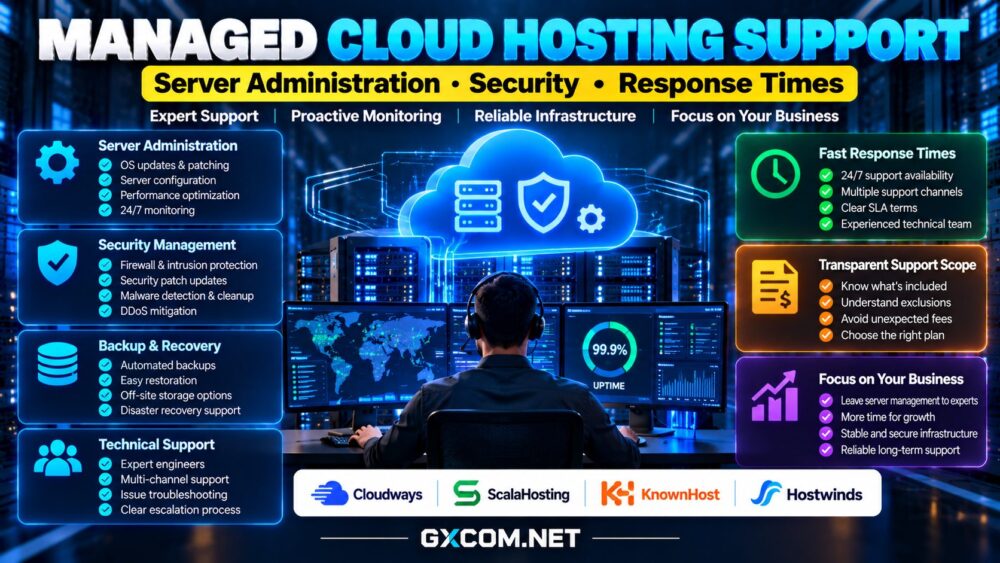
For a deeper explanation of management boundaries, read our managed cloud hosting support comparison.
Calculate the Total Cost of Managed Ecommerce Hosting
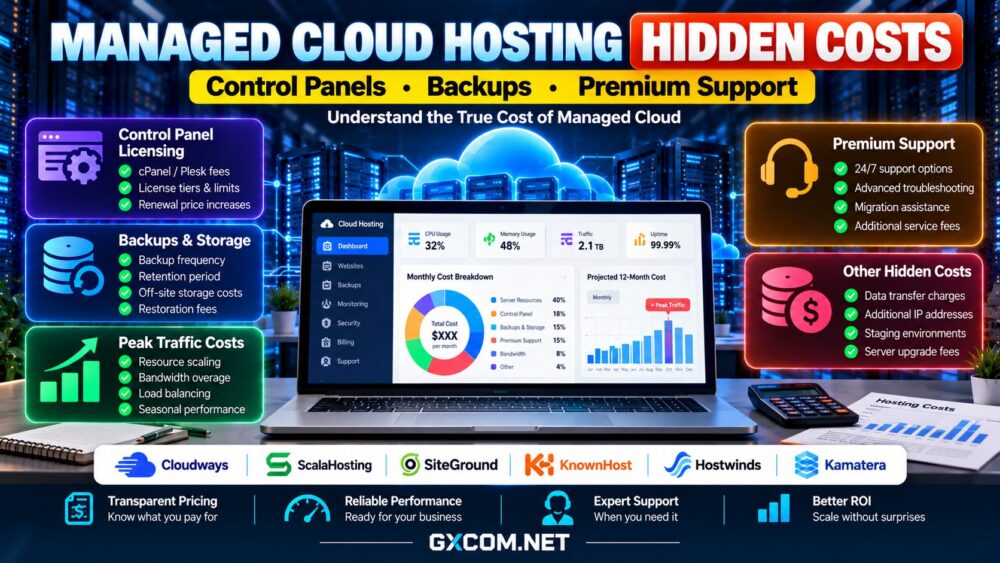
Include infrastructure, backups, off-site storage, security services, premium support, staging resources, and developer administration. Compare these costs against the expected consequences of downtime and lost orders without pretending every incident can be prevented.

For example, a hypothetical $75 monthly hosting plan, $15 backup service, and $20 monitoring package total $110 per month before developer labor. A temporary capacity upgrade costing another $40 for two promotional months adds $80 annually. These are illustrative calculations, not supplier quotations.
Compare broader managed offerings through our managed cloud hosting providers comparison, then examine cloud hosting offers for purchasing alternatives.
An Ecommerce Hosting Purchase Checklist
Before ordering, request backup and restore documentation, test the support escalation process, and identify the person responsible for application maintenance. Confirm resource upgrade lead times, contract renewal terms, data-export options, and whether test environments generate extra charges.
Choose a hosting arrangement that fits your order volume and recovery requirements. Our cloud hosting services guide provides additional context for evaluating infrastructure models.
Final Verdict: Prioritize Recoverable Transactions
The best managed ecommerce cloud hosting is not necessarily the plan with the longest feature list. Cloudways, ScalaHosting, SiteGround, and KnownHost represent different management approaches worth checking against the actual workload and service agreement.
Prioritize recoverable order data, realistic peak-traffic testing, clearly assigned incident responsibilities, and predictable operating costs. Verify every material feature on the exact plan before purchasing, then rehearse recovery before a real outage tests your assumptions.