Choosing a game hosting provider is not simply about finding the lowest monthly price. Two plans with similar advertised specifications can deliver very different experiences when players explore new terrain, install large modpacks, or join during peak hours.
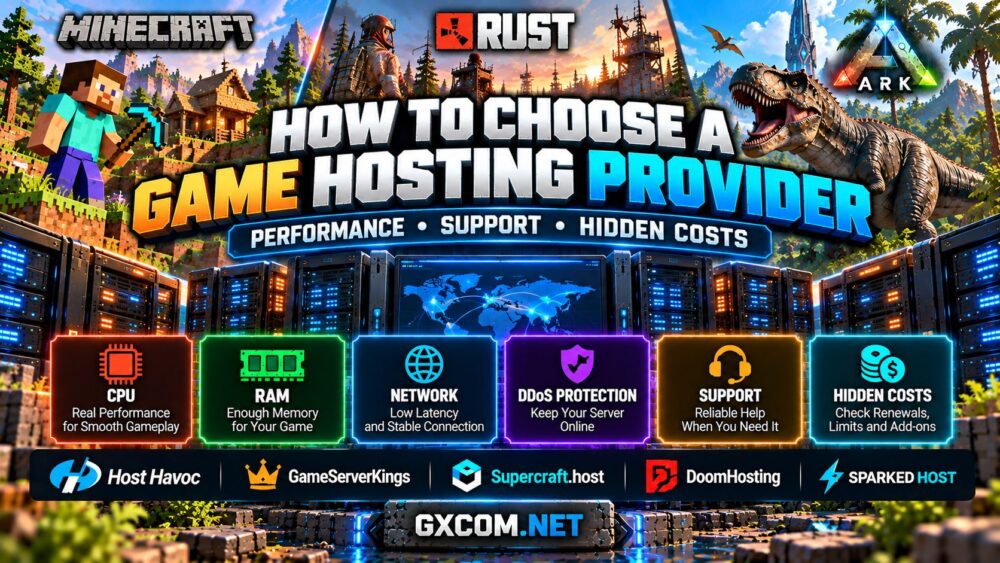
If you are wondering how to choose a game hosting provider, focus on the resources and services that affect real gameplay: CPU performance, memory, server location, network stability, backups, technical support, and the total cost of ownership.
This guide explains what to compare before purchasing Minecraft, Rust, ARK, or other multiplayer game hosting, including the hidden limitations that are easy to overlook.
1. Match the Hosting Plan to Your Game and Player Count
Start with the exact game, version, expected concurrent players, and whether you intend to install mods or plugins. A lightweight private Minecraft server has different requirements from a public Rust community or a multi-map ARK cluster.
Do not assume that a plan advertising 100 player slots can maintain stable performance with 100 active players. Real capacity depends on CPU processing time, memory usage, map complexity, entities, and the game's optimization.
For Minecraft, consider view distance, world generation, and modpacks. Rust administrators should account for map size, player-built structures, and plugin activity. ARK buyers must distinguish Survival Evolved from Survival Ascended because their server requirements and mod ecosystems differ.
Our game server requirements guide provides a starting point for matching hardware to multiplayer workloads.
2. Compare CPU Performance, RAM, and NVMe Storage
CPU performance is one of the most important factors in multiplayer hosting. Many games depend heavily on a main simulation thread, so modern processor architecture and strong per-core performance can matter more than the total number of advertised cores.
Ask the provider which CPU models are used and whether processor resources are shared, prioritized, or dedicated. A vague claim such as “premium gaming CPU” does not explain how much processing capacity your server can actually use.
RAM requirements depend on the game and configuration. Check the memory allocation included in the plan and whether upgrading is straightforward. Leave enough headroom for updates, plugins, world activity, and temporary usage spikes.
NVMe SSD storage is useful for loading game files, saving worlds, and handling backups. Also check usable storage capacity, because large maps, modpacks, logs, and saved worlds can consume space over time.
For demanding workloads, our dedicated game server requirements guide explains how hardware choices affect player capacity.
3. Choose the Right Server Location and Network
Server location affects player latency. A powerful machine in the wrong region may provide a worse experience than a more modest server closer to your community.
Choose a data center near the majority of your players and, where possible, test connectivity before committing to a long billing term. Check packet loss, routing consistency, and actual in-game responsiveness rather than relying on ping alone.
DDoS protection is another important consideration for public multiplayer communities. Confirm whether it is included, which traffic is protected, and whether any game-specific configuration is required.

Advertised port speeds and unlimited bandwidth claims do not guarantee low latency or immunity from network disruption. Ask about traffic restrictions, fair-use policies, and any additional charges.
4. Evaluate the Control Panel, Mods, and Backups
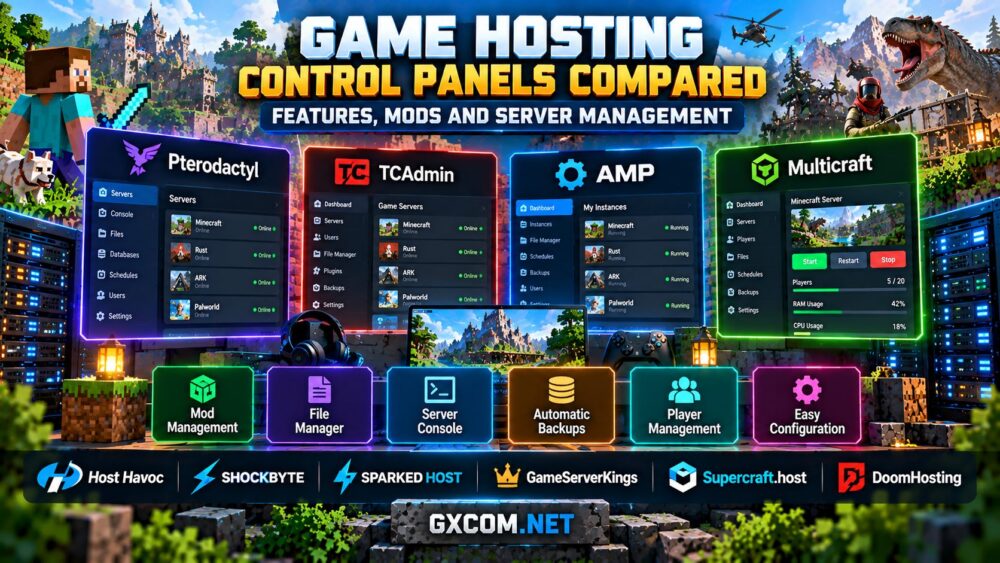
A good game hosting control panel should make everyday administration easier without restricting essential access to your files.
Look for a live console, file manager, supported game installers, scheduled tasks, server logs, and appropriate file transfer access. If you use mods, verify compatibility with the exact game version and modding ecosystem.
Backups deserve special attention. Ask whether automatic backups are included, how many restore points can be retained, and whether you can download copies independently.
A backup feature is only useful if restoration works. Test the process before making major world or mod changes, and keep important data outside the primary server when practical.
For more details, read our game hosting control panels comparison covering popular administration approaches.
5. Check Support Quality Before You Buy
Technical support can become critical when a game update breaks a server, a mod prevents startup, or players cannot connect during a scheduled event.
Do not judge support solely by a “24/7” label. Check which channels are available, what issues the team handles, and whether staff can assist with the particular game you intend to host.
A useful pre-sales test is to ask a specific question about your game version, mod requirements, or migration process. Evaluate whether the response addresses the technical issue rather than repeating a generic sales message.
Also review the provider's documentation, status communications, and procedures for handling outages. Support responsiveness and problem resolution are related, but they are not the same thing.
6. Understand Hidden Game Hosting Costs
The lowest advertised price may exclude resources or services you need. Before purchasing, compare the complete cost of operating the server throughout the intended billing period.
| Cost Factor | What to Verify |
|---|---|
| Renewal pricing | Whether introductory discounts expire |
| CPU and RAM upgrades | Charges for additional resources or priority |
| Backups | Included storage, retention, and restoration fees |
| Additional storage | World files, mods, and backup capacity |
| Extra servers | Charges for additional game instances or ARK maps |
| Network options | Dedicated IPs, traffic limits, and protection add-ons |
| Billing terms | Taxes, cancellation rules, and refund eligibility |
For example, a low-cost plan that requires frequent memory upgrades may eventually cost more than a better-equipped alternative. Similarly, running several separate game instances can change the economics of managed hosting versus dedicated hardware.
Always review the provider's current checkout details and terms. Avoid assuming that a feature listed on one product is included across every plan.
7. Compare Game Hosting Providers by Use Case
Different providers are worth considering for different reasons. Instead of choosing a universal winner, compare the exact product that supports your game and management preferences.
Host Havoc is relevant for administrators seeking managed hosting across popular multiplayer games. Its game hosting platform includes options for Minecraft, Rust, and ARK: Survival Evolved, while its broader infrastructure portfolio also includes VPS and dedicated servers. Check the selected product's features and available locations.
GameServerKings is worth comparing for supported survival game communities. Review the game-specific plan, resource allocation, management tools, backup options, and support arrangements before ordering.
Supercraft.host can be considered when comparing managed game hosting and administration convenience. Confirm the exact game edition, mod support, resource limits, and available upgrades for the plan you select.
DoomHosting offers managed game hosting options with a control panel and game installers. Compare its available game catalog, included resources, and backup arrangements against your intended workload.
Sparked Host is another option for game communities, particularly when evaluating Minecraft-related hosting. Check the current game catalog and product-specific features rather than assuming that every multiplayer title is supported.
These providers offer different products and service models. The most suitable choice depends on your game, location, technical experience, and resource requirements—not a single marketing claim.
Our best game server hosting providers guide explores the broader provider comparison.
8. Managed Game Hosting vs VPS vs Dedicated Servers
Managed game hosting is generally convenient for players who want to launch a supported game through a control panel without administering an operating system.

A self-managed VPS offers greater flexibility for administrators comfortable with Linux or Windows, but software updates, security, backups, and troubleshooting become their responsibility.
A dedicated physical server provides exclusive access to its hardware resources and can make sense for large communities, multiple instances, or resource-intensive workloads. However, dedicated hosting usually involves greater cost and management responsibility.
Choose based on actual needs. A small private world rarely requires an entire physical server, while a growing multi-game community may eventually benefit from consolidating workloads.
Our managed vs self-hosted game servers</a guide explains the trade-offs in greater detail.
Game Hosting Provider Checklist Before Checkout
- Confirm the exact game and server version are supported.
- Identify the CPU model and resource allocation.
- Check RAM, NVMe capacity, and upgrade flexibility.
- Choose a location close to your player community.
- Verify DDoS protection and network policies.
- Review control panel, file access, and mod compatibility.
- Confirm backup retention and restoration options.
- Test technical support with a relevant question.
- Review renewal pricing, add-ons, and cancellation terms.
- Keep an independent copy of important world data.
Final Verdict: Choose Value, Not Just a Low Price
Understanding how to choose a game hosting provider means comparing the complete hosting experience rather than selecting the cheapest plan or the largest advertised player limit.
Start with your game's requirements, prioritize CPU performance and network location, verify backups and support, and calculate the cost after any promotional period ends.
Whether you choose Host Havoc, GameServerKings, Supercraft.host, DoomHosting, Sparked Host, or another provider, the right plan is the one that supports your actual community reliably and gives you room to grow.