A good game server control panel can make the difference between spending your evening playing with friends and spending it troubleshooting configuration files. Whether you run Minecraft, Rust, ARK, or Palworld, the right interface should simplify everyday administration without taking away the control you need.
However, not all game hosting control panels work the same way. Some are designed for people managing their own VPS or dedicated hardware. Others are commercial platforms used by hosting companies, while many managed game hosts provide customized dashboards.
This comparison explores Pterodactyl, TCAdmin, AMP, and Multicraft, then looks at how game hosting providers approach mod installation, backups, player management, and server administration.
Game Hosting Control Panels: Quick Comparison
Before comparing features, it helps to separate self-hosted panel software from the control panel included with a managed game server plan. Buying hosting with a convenient dashboard is not the same as purchasing a software license or installing a panel on your own machine.
| Control Panel | Best For | Key Strength | Consideration |
|---|---|---|---|
| Pterodactyl | Self-managed multi-game hosting | Open source, Docker isolation, flexible game configurations | Requires technical installation and maintenance |
| TCAdmin | Professional game hosting operations | Multi-server administration, user access, game templates | Commercial licensing and configuration |
| AMP | Individuals and multi-game communities | Guided setup, file management, automation, broad game support | Licensing and feature limits vary by edition |
| Multicraft | Minecraft-focused administration | Player tools, Minecraft configuration, server management | Primarily designed around Minecraft |
| Managed Host Panel | Players who prefer convenience | Ready-to-use controls with provider support | Available features depend on the hosting company |
The most suitable choice depends on whether you want to manage the operating system, run several games, or simply maintain a private Minecraft world.
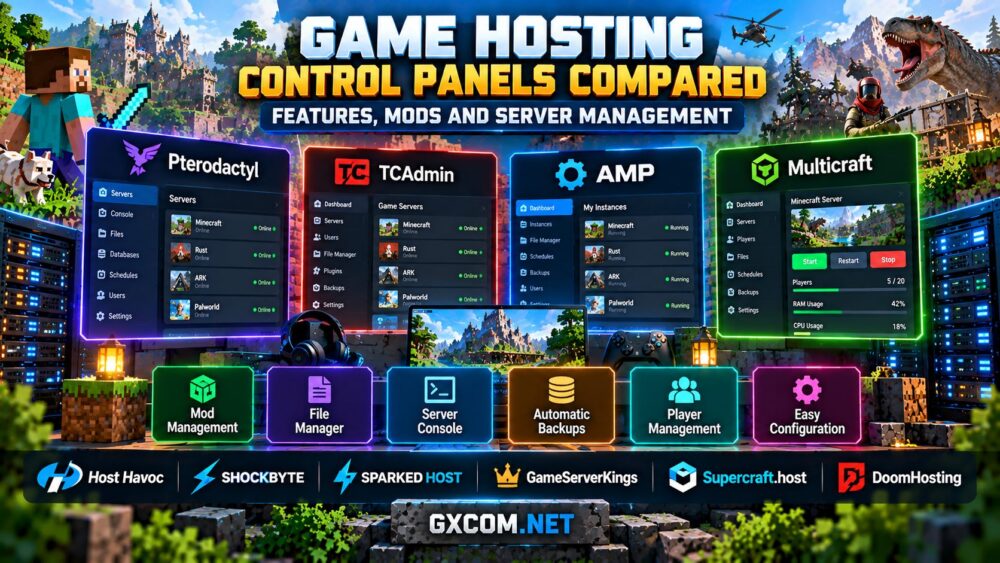
Pterodactyl vs TCAdmin vs AMP vs Multicraft
Pterodactyl is an open-source game server management platform built around isolated Docker containers. It provides a browser-based console, file access, backups, scheduled tasks, and game-specific installation configurations known as Eggs. It is appealing to technically confident administrators running several services on Linux infrastructure.
The software itself is free, but deployment still involves server administration, security updates, resource planning, and ongoing maintenance. A panel cannot eliminate the cost of the hardware underneath it.
TCAdmin is a commercial game hosting management platform designed for providers and administrators operating multiple services. Its strengths include centralized management, FTP access, user permissions, and game templates. It is particularly relevant when coordinating several customer or community servers.
AMP, developed by CubeCoders, offers a more guided self-hosted experience across Windows and Linux. Its features include a graphical settings editor, file manager, SFTP, scheduling, and supported game modules. Mod and plugin installation capabilities vary by game and integration, so check the exact application before relying on one-click setup.
Multicraft concentrates on Minecraft administration. It includes server consoles, player permissions, scheduled tasks, configuration editing, backups, and tools for managing multiple Minecraft instances. It is a sensible comparison point for Minecraft-focused operators rather than communities hosting many unrelated games.

None of these panels automatically improves game tick rates or fixes inadequate hardware. Their main value is making the server easier to deploy, configure, secure, and maintain.
Mods, Plugins, Backups, and Player Management
For most server owners, the most important panel features are the ones used every week: installing updates, uploading files, changing game settings, reviewing logs, and restoring backups after something goes wrong.
Mod and plugin management: Minecraft administrators should look for support for their intended server software, such as Paper, Fabric, or Forge. Rust servers may require compatible plugin frameworks, while ARK installations depend on the game edition and its supported mod ecosystem. A generic one-click mod installer does not guarantee compatibility with every game or version.
File access: A browser-based file manager is convenient for small edits, but FTP or SFTP becomes important when transferring large worlds, modpacks, and backup archives. Check whether the provider permits custom files and server startup configuration.
Backups and automation: Scheduled restarts and backups can reduce repetitive work. More importantly, verify backup retention, storage location, download access, and the actual restoration process. A backup button is useful only when the saved data can be recovered successfully.
Permissions and security: Subuser accounts allow trusted moderators to perform specific tasks without sharing the owner's credentials. Look for role-based access, secure authentication, activity logs, and restricted access to sensitive configuration files.
If you are building a Minecraft community, our Minecraft Java vs Bedrock server hosting guide explains why edition compatibility should be considered before selecting management tools.
How Popular Game Hosting Providers Handle Control Panels
Managed hosting providers can offer a simpler route than installing a panel yourself. However, the exact software, interface, and included features may differ by game and hosting product.
Host Havoc provides a game control panel with tools for server management, configuration, and backups. Its published documentation describes TCAdmin-based backup and restoration workflows, making it relevant for administrators who value documented operational procedures.
Sparked Host offers its Apollo Panel, which includes a server console, file manager, modpack and plugin installers, scheduled tasks, backups, and subuser management. It is particularly attractive for Minecraft communities that want accessible setup tools.
Shockbyte provides a Minecraft-oriented management experience with support for server software changes and custom modpack installation. Its documentation covers choosing compatible mod loaders and uploading server files, although individual features should be checked against the selected hosting plan.
GameServerKings is worth evaluating for communities running Rust and other supported multiplayer servers. When comparing its hosting products, confirm which panel is included, what file and console access is available, and whether backups and plugins can be managed without support intervention.
Supercraft.host offers another option for game communities comparing managed hosting. Before ordering, verify the control panel provided with the specific game plan, including supported mod installation methods, backup access, and administrative permissions.
DoomHosting is relevant for players comparing Minecraft and other supported game hosting products. Review its current control panel features, server configuration options, and available backup tools to determine whether they match your preferred workflow.
These providers should be compared on actual usability and included services, not merely whether a product page advertises an easy-to-use panel. For broader hosting choices, see our best game server hosting providers guide.
Choosing the Right Panel for Minecraft, Rust, and ARK
For Minecraft, prioritize easy version switching, modpack support, file access, world backups, and a console that makes troubleshooting straightforward. Sparked Host and Shockbyte are useful managed-hosting comparisons, while Multicraft and Pterodactyl deserve consideration for self-managed deployments.
For Rust, look for clear startup settings, RCON access, plugin compatibility, log visibility, and reliable update procedures. Administrators who want operating system control may prefer a self-managed machine, but that choice brings additional security and maintenance responsibilities.
Our Rust dedicated server setup guide explains the installation and configuration tasks a panel may help simplify.
For ARK, edition-specific support is essential. Survival Ascended and Survival Evolved use different server environments, and mod compatibility cannot be assumed. Multi-map communities should also check whether the panel makes it practical to manage several instances and coordinate backups.

Read our ARK Survival Ascended vs Evolved hosting comparison before choosing a control panel for an existing ARK community.
For Palworld and other games, confirm that the provider supports the exact dedicated server version and configuration features you need. A broad list of supported games does not necessarily mean every panel function is available for every title.
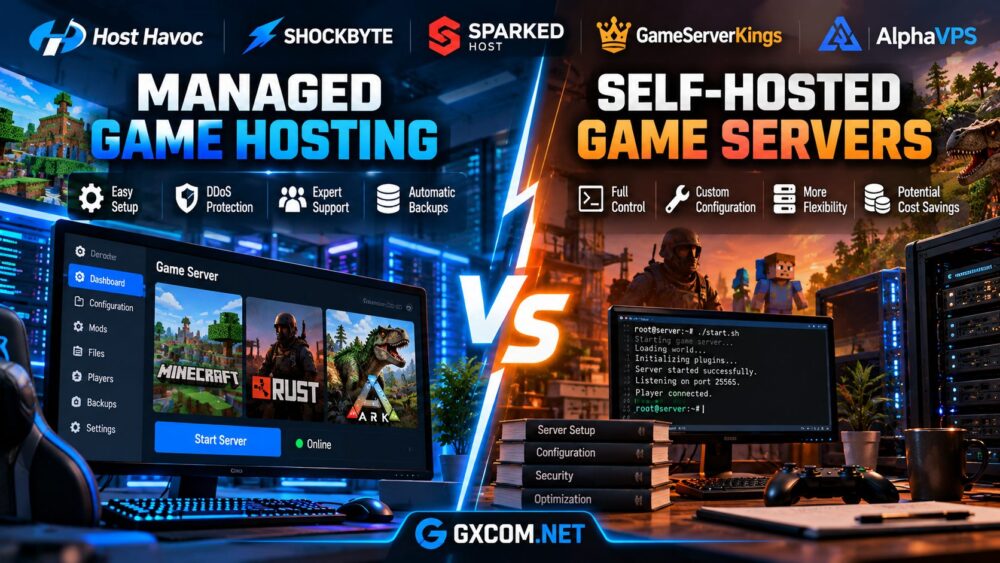
Managed Hosting or Your Own Control Panel?
Self-hosting a control panel makes sense when you already operate a VPS or dedicated server, need several game instances, or want complete control over the software environment. Pterodactyl and AMP are particularly relevant for this approach, depending on your operating system and administrative preferences.
Managed game hosting is often better for beginners, smaller communities, and players who do not want to maintain system packages, panel services, firewall rules, and security updates.
There is also a middle ground: some dedicated hosting providers offer game management tools alongside exclusive hardware. This can simplify operations while retaining greater resource control, although it may not provide the same administrative freedom as an unmanaged server.
Our managed vs self-hosted game servers guide examines those responsibilities in more detail.
Final Verdict: Features Matter More Than the Dashboard Design
The best game server control panel is the one that supports your actual workload and reduces unnecessary administration.
Pterodactyl stands out for flexible open-source deployments, TCAdmin for commercial multi-server management, AMP for approachable self-hosted administration, and Multicraft for Minecraft-focused operations.
For managed hosting, compare the real tools offered by Host Havoc, Sparked Host, Shockbyte, GameServerKings, Supercraft.host, and DoomHosting. Pay particular attention to mod compatibility, backup restoration, file access, and user permissions.
Before choosing, ask whether you can manage the server confidently when an update fails, a plugin causes a crash, or a world needs to be restored. Those practical details usually matter more than an impressive-looking dashboard.