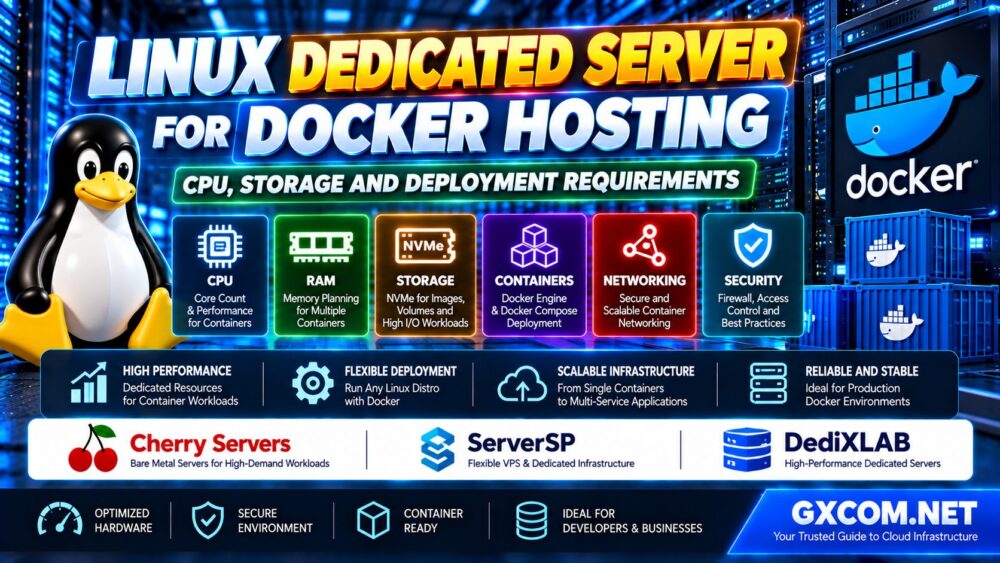
A Linux dedicated server for Docker gives developers and businesses exclusive physical hardware for running containerized applications. Unlike shared hosting, it provides direct control over the operating system, Docker Engine, storage configuration, networking, and resource allocation.
However, Docker does not automatically make an application faster or eliminate infrastructure bottlenecks. Containers still share the host kernel and compete for CPU time, memory, disk I/O, and network capacity.
Choosing the right dedicated server means understanding the workload before selecting hardware. A lightweight web application has different requirements from a database-backed API, a build server, or a container platform running dozens of services.
This guide explains how to size CPU and RAM, choose NVMe storage, select a Linux distribution, configure Docker Compose, secure container networking, and compare dedicated hosting providers.
Why Use a Linux Dedicated Server for Docker?
Docker packages applications and their dependencies into containers, making deployment more consistent across compatible environments.
A dedicated server adds exclusive access to physical resources and greater control over the host operating system.
Potential advantages include:
- Exclusive CPU and memory resources
- Direct control over Linux and Docker configuration
- Flexible storage and filesystem options
- Ability to deploy multiple isolated application services
- Control over container networking and security policies
- Custom monitoring, backups, and automation
Dedicated hardware can be attractive for predictable workloads, persistent databases, resource-intensive builds, or applications requiring a specific server configuration.
But a dedicated server also creates operational responsibilities. Unless management services are included, the customer must maintain the host, Docker runtime, applications, and security controls.
Docker Dedicated Server Requirements at a Glance
| Component | What to Evaluate | Why It Matters |
|---|---|---|
| CPU | Core count, generation, per-core speed | Application execution and parallel workloads |
| RAM | Container usage, host overhead, headroom | Prevents memory pressure and OOM failures |
| Storage | NVMe latency, IOPS, capacity, endurance | Image layers, volumes, databases and builds |
| Linux OS | Supported release, kernel and architecture | Docker Engine compatibility |
| Network | Port speed, transfer limits, latency | Application traffic and image transfers |
| Security | Firewall, privileges, secrets and updates | Reduces container and host exposure |
| Backups | Persistent data and restore procedures | Protects application state |
These are evaluation categories, not a universal minimum specification. The right configuration depends on the number and type of containers.
1. CPU Requirements for Docker Hosting
Docker containers share the host's CPU resources. Containerization does not reserve a dedicated processor core for every container.
A single server can run many containers, but the number of containers is a poor measure of actual CPU demand.
For example, a reverse proxy, a lightweight API, and a background worker may consume very different amounts of CPU time.
Core Count vs Per-Core Performance
Additional cores can help when workloads execute tasks in parallel. Strong per-core performance matters for latency-sensitive or poorly parallelized applications.
Before buying hardware, consider:
- Expected concurrent requests
- CPU-intensive background jobs
- Database query processing
- Container image builds
- Application runtime behavior
- Peak workload patterns
Do not assume that a higher advertised core count always means faster application performance.
For a deeper explanation of processor selection, see our Dedicated Server Hardware Selection Guide.
Docker CPU Limits
Docker supports CPU resource controls that can prevent one container from monopolizing the host.
For example, administrators can configure CPU quotas or CPU shares according to the deployment model.
Limits should be tested under realistic load. An overly restrictive CPU quota can create throttling and increase application response times.
2. How Much RAM Does a Docker Dedicated Server Need?
RAM planning is especially important when multiple services share one Linux host.
Each container consumes memory according to its application processes, libraries, caches, and runtime behavior.
Databases, Java applications, analytics services, and in-memory caches can have substantially different requirements.
A practical capacity model includes:
- Linux operating system and background services
- Docker Engine and supporting components
- Application memory consumption
- Database buffers and caches
- Expected concurrent workloads
- Operational headroom
Docker allows administrators to set container memory limits. Without appropriate constraints, a container may consume substantial host memory.
However, memory limits are not a substitute for proper capacity planning.
If a container exceeds its available memory, it may experience out-of-memory termination or application failures.
Buying tip: Measure peak memory usage before selecting a fixed RAM configuration.
3. NVMe vs SSD Storage for Docker Containers
Storage performance affects container image extraction, application startup, database operations, logging, and build pipelines.
NVMe storage can be particularly useful for workloads that generate substantial random I/O or require low latency.
However, not every Docker workload benefits equally from the fastest available storage.
Docker Images and Container Layers
Docker uses layered images and storage mechanisms that reduce duplication between compatible image layers.
Frequent builds and image pulls can consume considerable disk capacity over time.
Administrators should monitor image storage, build caches, and unused artifacts.
Persistent Volumes
Container writable layers are not the right place to depend on for durable application data.

Docker volumes or appropriately managed bind mounts are commonly used for persistent databases, uploads, and application state.
Storage planning should consider:
- Database read and write patterns
- Persistent volume capacity
- Filesystem compatibility
- Backup consistency
- Storage redundancy
- Expected data growth
RAID may improve availability after certain disk failures, but it does not replace independent backups.
4. Best Linux Distribution for Docker Dedicated Hosting
Ubuntu Server and Debian are common choices for Docker Engine deployments because Docker provides official installation procedures for supported releases.
Other Linux distributions may also be suitable, depending on their package repositories, kernel features, and container runtime support.
Ubuntu Server
Ubuntu LTS can be attractive for developers who value extensive documentation and a widely used application ecosystem.
Debian
Debian Stable can be appealing to administrators who prefer conservative package updates and a relatively minimal server installation.
AlmaLinux and Rocky Linux
These distributions may be appropriate for teams familiar with enterprise Linux and RPM-based administration.
However, Docker's official support and installation procedures should not be assumed identical across all RHEL-compatible derivatives.
Check the exact distribution release and installation method before deployment.
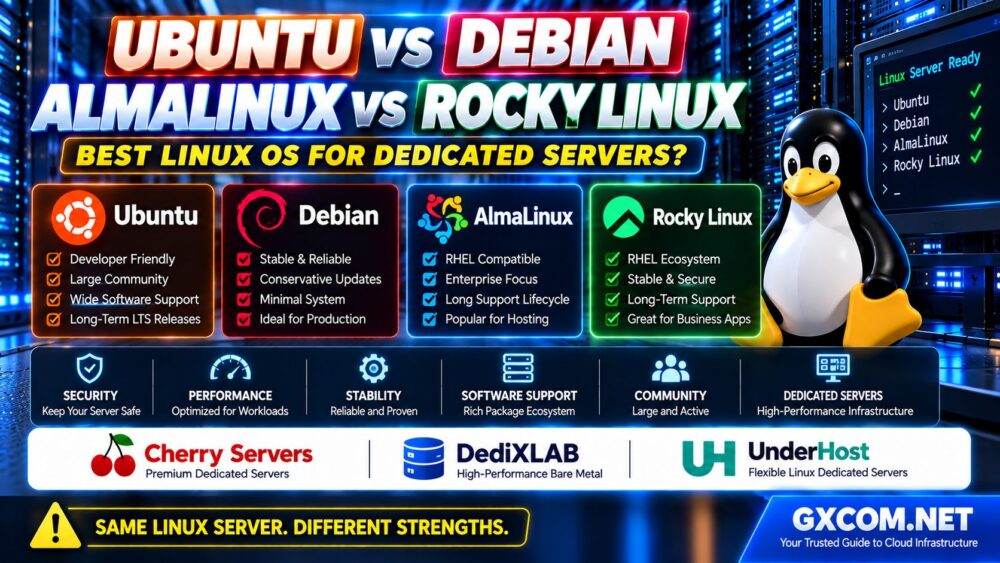
For a detailed operating system comparison, read our Ubuntu vs Debian vs AlmaLinux vs Rocky Linux Guide.
5. Docker Engine vs Docker Desktop on a Dedicated Server
Docker Engine is generally the relevant component for a headless Linux dedicated server.
Docker Desktop is a separate product intended primarily for desktop development workflows.
For production server deployments, administrators typically install Docker Engine, the Docker CLI, and the required Compose plugin through supported package repositories.
Always follow the official installation instructions for the selected Linux distribution.
6. Docker Compose for Production Deployment
Docker Compose allows administrators to define multiple application services, networks, and volumes in a configuration file.
It is useful for single-server deployments involving components such as:
- Reverse proxy
- Web application
- Background worker
- Database
- Cache
- Monitoring service
A production Compose deployment should define appropriate restart policies, health checks, storage volumes, network exposure, and resource limits.
Environment-specific settings should be managed carefully, and sensitive credentials should not be committed to public repositories.
Compose can simplify single-host deployment, but it does not automatically provide multi-node high availability.
7. Docker Networking and Port Management
Docker provides networking features that allow containers to communicate with each other and expose selected services to external clients.
For example, a public-facing reverse proxy may need HTTPS access while an internal database should remain inaccessible from the public internet.
Administrators should distinguish between:
- Container-to-container communication
- Host-to-container communication
- Publicly published ports
- Private application networks
Docker's networking and firewall rules require special attention.
Depending on configuration, publishing container ports may bypass certain firewall rules managed through tools such as UFW.
Do not assume that a host firewall automatically blocks every Docker-published port.
Test network exposure from outside the server and follow Docker's official firewall guidance.
8. Docker Security Best Practices
Containers provide process isolation, but they are not a complete security boundary against every threat.
All containers share the underlying host kernel, so host security remains critical.
Recommended practices include:
- Keep Linux and Docker Engine updated
- Use trusted and maintained container images
- Run applications with the least necessary privileges
- Avoid privileged containers unless specifically required
- Restrict access to the Docker socket
- Consider rootless Docker where appropriate
- Protect application secrets
- Limit published network ports
- Scan images for vulnerabilities
- Monitor containers and host activity
Membership in the Docker group can grant privileges equivalent to root on many standard Docker installations.
Only trusted administrators should receive access to Docker management interfaces.
9. Monitoring CPU, RAM and Container Performance
A production Docker dedicated server should be monitored at both host and container levels.
Important metrics include:
- Host CPU utilization
- Container CPU throttling
- Memory usage and OOM events
- Disk latency and I/O utilization
- Filesystem capacity
- Network throughput and errors
- Container restart counts
- Application response times
Tools such as Docker's built-in statistics command can provide basic visibility, while dedicated monitoring platforms offer historical trends and alerting.
Monitoring should help identify the actual bottleneck before additional hardware is purchased.
10. Docker Backups and Disaster Recovery
Container images can often be rebuilt or downloaded, but persistent application data requires a separate recovery strategy.
Back up:
- Persistent volumes
- Database data using application-consistent methods
- Compose configuration files
- Application deployment configuration
- Required secrets through a secure backup process
Do not assume that copying a live database volume always produces a consistent backup.
Database-aware backup procedures and tested restores are essential for stateful applications.
Define recovery objectives and store backup copies independently of the production server.
11. When Does Docker Need a Dedicated Server Instead of a VPS?
A VPS can be suitable for development, testing, small web applications, and lightweight production services.
A dedicated server may become more attractive when workloads need:
- Exclusive physical CPU resources
- Large memory capacity
- High sustained storage I/O
- Custom host configurations
- Predictable resource availability
- Specific network or hardware requirements
However, dedicated hardware is not automatically better than a modern VPS for every application.
Compare real performance, support, reliability, scalability, and total cost.
Our Dedicated Server vs VPS Comparison explains the broader infrastructure tradeoffs.
12. Linux Dedicated Server Providers for Docker Hosting
When selecting a Docker hosting provider, focus on hardware flexibility, Linux installation options, root access, storage performance, and network reliability.
Cherry Servers, ServerSP, and DediXLAB are three providers worth including in a dedicated infrastructure shortlist.
These are evaluation candidates rather than a claim that every current product supports the same Docker deployment features.
Cherry Servers: Bare Metal Infrastructure for Container Workloads
Cherry Servers is relevant for buyers evaluating Linux bare metal servers with configurable infrastructure requirements.
For Docker workloads, verify the available CPU models, RAM capacity, NVMe storage, Linux images, and remote management features.
Ask whether the chosen server supports the required installation and recovery procedures.
Best evaluation angle: Bare metal flexibility and hardware suitability for sustained container workloads.
ServerSP: Evaluate Dedicated Infrastructure and Network Requirements
ServerSP is another candidate when comparing VPS and dedicated infrastructure for containerized applications.
Review the exact product's Linux support, root access, network configuration, storage options, and administration responsibilities.
For production services, confirm whether the selected configuration supports the required container networking and persistent storage model.
Best evaluation angle: Infrastructure fit, Linux deployment options, and network requirements.
DediXLAB: Self-Managed Linux Dedicated Server Options
DediXLAB can be considered by buyers evaluating self-managed dedicated servers for Docker deployments.
Compare processor generation, memory capacity, storage performance, and remote access features before selecting a configuration.
Verify whether your preferred Linux release is supported and whether operating system maintenance remains the customer's responsibility.
Best evaluation angle: Hardware selection and self-managed Docker hosting.
13. Docker Dedicated Server Buying Checklist
| Requirement | What to Confirm |
|---|---|
| CPU | Exact processor model and expected workload |
| RAM | Peak usage and operational headroom |
| Storage | NVMe performance, redundancy and volume capacity |
| Linux | Supported distribution and release |
| Docker | Installation permissions and kernel compatibility |
| Network | Port speed, transfer policy and firewall behavior |
| Remote Access | SSH, rescue mode and console access |
| Security | Patch responsibility and access controls |
| Backups | Independent storage and tested recovery |
| Support | Hardware support versus Docker administration |
For broader Linux hosting recommendations, see our Best Linux Dedicated Server Hosting Guide.

14. Common Docker Hosting Mistakes
- Buying hardware based only on the number of containers.
- Ignoring application memory usage and peak workloads.
- Using container writable layers for important persistent data.
- Exposing databases through publicly published ports.
- Assuming Docker containers have strict resource limits by default.
- Granting Docker management access to untrusted users.
- Running outdated container images without maintenance.
- Failing to control log growth and image storage usage.
- Relying on RAID instead of independent backups.
- Assuming a single Docker host provides high availability.
Frequently Asked Questions
Is a dedicated server good for Docker hosting?
Yes. A Linux dedicated server can be a strong option for sustained container workloads requiring exclusive hardware resources and control over the host environment.
How many Docker containers can a dedicated server run?
There is no universal limit based only on container count. Capacity depends on CPU, memory, storage, networking, and the resource consumption of each application.
How much RAM is needed for Docker?
RAM requirements depend on the containers and their workloads. Plan for Linux overhead, application memory, databases, peak demand, and operational headroom.
Is NVMe necessary for Docker hosting?
Not always. NVMe is particularly useful for storage-intensive databases, build pipelines, and workloads sensitive to disk latency.
Which Linux OS is best for Docker?
Ubuntu Server and Debian are common choices with official Docker Engine installation documentation. Other distributions may also be appropriate when supported by the required runtime and deployment method.
Can Docker Compose run in production?
Yes. Docker Compose can be used for production applications on a single server when configuration, security, monitoring, and recovery requirements are properly addressed.
Is Docker hosting cheaper on a VPS or dedicated server?
It depends on resource needs, workload consistency, support, and total operating costs. A VPS may be sufficient for smaller workloads, while dedicated hardware may offer advantages for sustained resource-intensive services.
Does Docker automatically isolate CPU and RAM?
No. Docker supports resource constraints, but containers do not automatically receive strict CPU and memory limits unless they are configured.
Final Verdict: Size the Server for the Workload, Not the Container Count
A Linux dedicated server for Docker can provide a flexible foundation for containerized applications, databases, and production services.
The most important purchasing decision is matching CPU performance, RAM capacity, NVMe storage, network quality, and operational support to the actual workload.
Cherry Servers, ServerSP, and DediXLAB are relevant providers to investigate, but the final choice should depend on the exact hardware configuration, Linux compatibility, and support terms.
WORKLOAD → CPU & RAM → STORAGE → LINUX → DOCKER → SECURITY → TOTAL COST.
The best Docker dedicated server is not the one with the most containers. It is the one that runs your applications reliably, securely, and efficiently under real production demand.