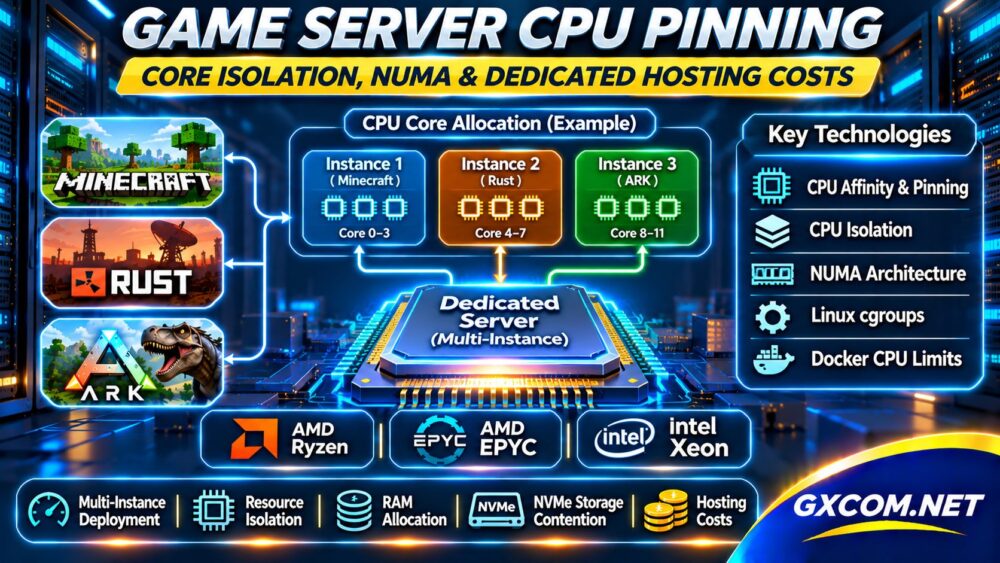
Dedicated game server upgrades should address measurable resource shortages rather than simply follow community growth. A larger player population may require faster processing, additional memory or more storage, but these investments solve different problems. Before ordering new hardware, compare the cost of expanding the existing machine with the expense of migrating to another physical server.
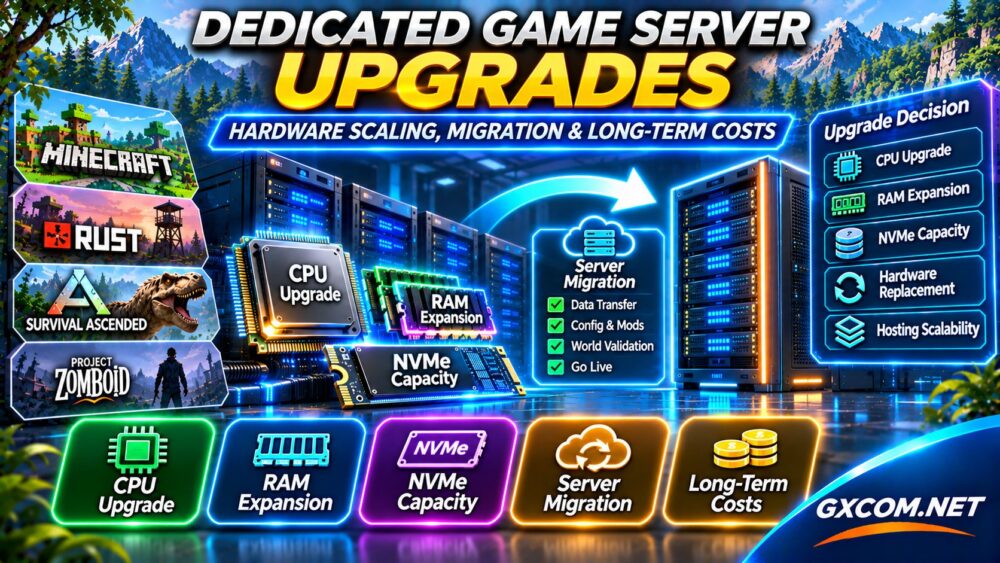
Identify the Resource That Limits Community Growth
Collect performance observations during ordinary gameplay, peak attendance and scheduled maintenance. Compare server responsiveness, individual CPU thread utilization, available memory, storage usage and network conditions. Average processor utilization alone may conceal a heavily loaded simulation thread.
For Minecraft, examine tick duration during exploration and complex automated builds. Rust communities should consider simulation workload as their worlds develop. Project Zomboid administrators should observe persistent world growth and mod behavior. ARK Survival Ascended operators must account for each active map separately.
Additional memory cannot directly resolve a saturated simulation thread. Similarly, a processor upgrade will not eliminate inadequate disk capacity or poor network routing. Review our game server CPU allocation guide before investing in more processing capacity.
Choose Between CPU, RAM and NVMe Upgrades
| Observed limitation | Potential investment | Purchase consideration |
|---|---|---|
| Slow simulation with saturated threads | Faster CPU | Processor architecture and game workload |
| Persistent memory pressure | Additional RAM | Compatible memory and available slots |
| Insufficient world storage | Larger NVMe capacity | Drive bays and usable capacity |
| Multiple competing instances | More cores or another machine | Workload isolation and recurring costs |
CPU replacement may require a different motherboard, cooling system or complete chassis. Furthermore, memory expansion depends on platform compatibility and installed modules. Ask the provider whether technicians can modify the rented machine and how much downtime the work requires.
Storage expansion presents another decision. Adding a separate drive may preserve the original installation, whereas replacing an existing drive may require restoring data onto new storage. Compare usable capacity after redundancy and reserve room for updates. Our dedicated game server storage guide explains these considerations.

Understand Three Hardware Upgrade Models
Expand the Existing Physical Server
An approved memory or storage upgrade can avoid a complete application migration. However, the provider must confirm component availability, installation charges and the resulting monthly rental. Do not assume customers can install their own hardware in a rented machine.
Replace the Physical Machine
A newer processor platform may require another server entirely. Hardware replacement following a fault is also different from a voluntary performance upgrade. Ask whether the provider preserves disks, network addresses and contractual terms during either process.
Order a Higher Specification Server
Running both machines temporarily provides time to prepare the destination and validate the application. This approach introduces overlapping rental charges but may reduce the length of the final maintenance window. Confirm cancellation notice periods before committing to the new order.
Compare Dedicated Hosting Providers
Cherry Servers: Configurable Hardware
Cherry Servers lists a Ryzen 7700X dedicated configuration with 64 GB RAM and two 1 TB NVMe drives at EUR 159 monthly. The listing advertises memory configurations up to 128 GB, network speeds up to 10 Gbps and 100 TB of included monthly traffic.
Its custom server documentation specifies a one time setup charge of EUR 99 or USD 109 for custom hardware orders. Configuration at deployment does not establish that an existing rental can be modified under identical terms.
HOSTKEY: Fixed Configuration Alternatives
HOSTKEY lists an instant Ryzen 5950X machine with 128 GB RAM, 1 TB NVMe storage and a 1 Gbps connection with 50 TB traffic. Its USA listing displays EUR 140 monthly and explicitly marks the configuration as nonupgradeable. Availability requires confirmation because the listing indicates preorder or sold out status.
InterServer: Inventory Based Purchasing
InterServer lists a New York region Ryzen 5600X server with 128 GB RAM, 2 TB NVMe storage and a 1 Gbps unmetered connection at USD 211 monthly. This provides a reference configuration for comparing replacement hardware. Ask about upgrade eligibility and address portability before purchasing.
These published examples use different currencies, locations and hardware. They are not equivalent performance comparisons. Request written details of game traffic protection, backup pricing, additional IPv4 charges and renewal conditions for each shortlisted configuration.
Calculate Upgrade and Migration Costs
Consider an illustrative existing machine costing USD 100 monthly. An approved hardware expansion adds USD 20 monthly and a USD 60 installation charge. A replacement machine costs USD 130 monthly with a USD 40 setup fee. Both alternatives require USD 10 monthly for independent backups.
Assume migration requires half a month of additional old server rental at USD 50, with prorated billing explicitly available. The replacement also requires USD 3 monthly for an additional address.
| Expense | Existing machine upgrade | New machine migration |
|---|---|---|
| Recurring monthly total | $130 | $143 |
| Setup or installation | $60 | $40 |
| Overlapping rental | $0 | $50 |
| First year total | $1,620 | $1,806 |
Migration costs USD 186 more in this example. If the old provider charges a complete additional month, the migration total increases to USD 1,856. These hypothetical budgets exclude taxes and administrator labor. A faster machine may still justify the premium when it resolves a genuine performance limitation.
Plan Migration Around Persistent Game Data
Prepare compatible server software, modifications and configuration on the destination. Preserve independent recovery copies and test representative worlds before announcing the final transition. During the maintenance window, stop gameplay and transfer the final consistent data set. Verify player access and world integrity before retiring the old machine.
For multiple ASA maps, coordinate world saves and shared transfer data. Our ARK cluster scaling and backup guide explains the additional recovery dependencies. Retain a rollback option and prevent simultaneous independent gameplay on both copies of the same world.
Match Investment to Community Size
Private groups should avoid unnecessary commitments and consider managed hosting or virtual servers when physical hardware is excessive. Small modded communities may benefit from targeted memory expansion. Larger networks should consider distributing instances across machines to reduce the consequences of a single hardware failure.
Before purchasing, compare rental responsibilities with our dedicated hosting and colocation cost guide. Dedicated game server upgrades deliver the greatest value when verified resource needs, recovery plans and predictable annual expenses support the investment.