Website speed has become one of the most important factors when choosing WordPress hosting. A slow website can increase bounce rates, reduce conversions and create a poor user experience. In this Fastest WordPress Hosting Providers guide, we compare popular WordPress hosting solutions based on server performance, caching technology, infrastructure, optimization features and overall speed potential.
The fastest WordPress hosting is not determined by hardware alone. Server location, caching systems, CDN integration, database optimization, PHP performance and website configuration all influence real-world loading speed.
Managed WordPress hosting providers often invest heavily in performance optimization, while affordable shared WordPress hosting can still achieve good results when properly configured.
Last updated: September 2026. Actual website speed depends on themes, plugins, images, traffic and configuration. Hosting performance can vary by location and plan.
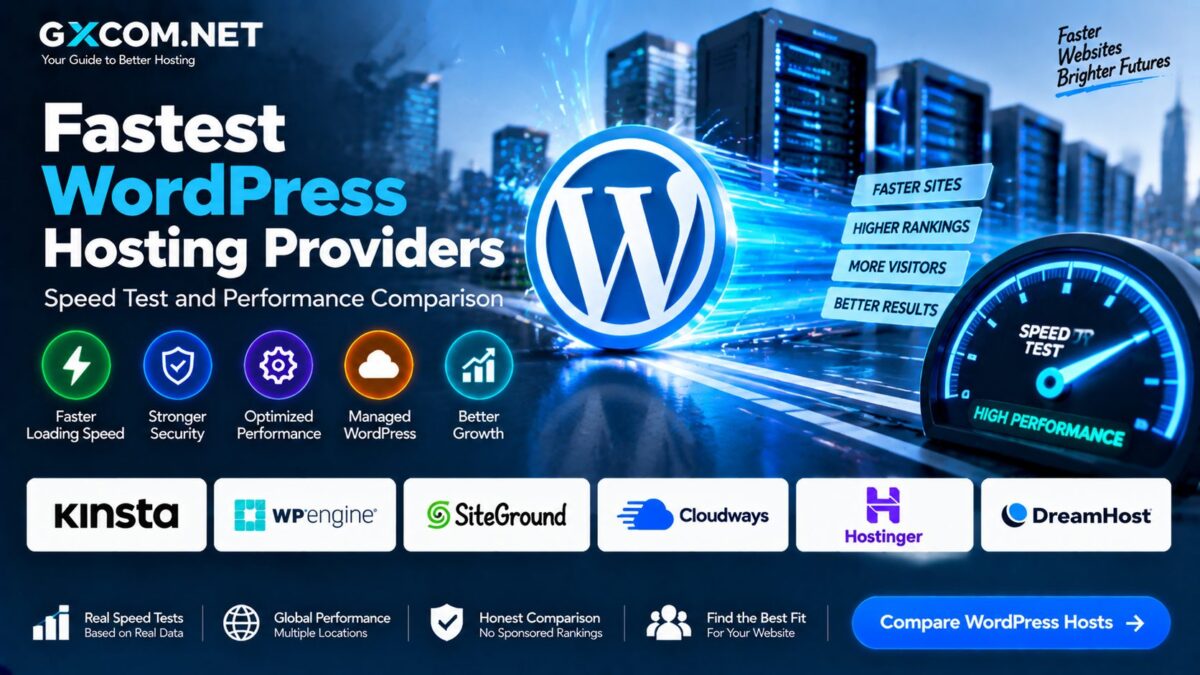
Fastest WordPress Hosting Providers 2026 Overview
| Provider | Performance Focus | Main Speed Advantage |
|---|---|---|
| Kinsta | Premium Managed WordPress | Google Cloud infrastructure and caching |
| WP Engine | Enterprise WordPress | Advanced optimization tools |
| SiteGround | Managed WordPress | Built-in caching and CDN features |
| Cloudways | Cloud WordPress Hosting | Flexible cloud resources |
| Hostinger | Affordable WordPress Hosting | Optimized servers at low cost |
| DreamHost | WordPress Hosting | WordPress-focused environment |
What Makes WordPress Hosting Fast?
WordPress performance depends on multiple layers working together.
The most important hosting speed factors include:
- Server hardware
- CPU performance
- RAM allocation
- NVMe SSD storage
- PHP version
- Database optimization
- Caching technology
- Content delivery network
- Server location
WordPress Hosting Speed Test Factors
A meaningful WordPress hosting speed comparison should evaluate more than homepage loading time.
Time to First Byte (TTFB)
TTFB measures how quickly the server begins responding after receiving a request.
A lower TTFB usually indicates better server responsiveness.
Page Loading Speed
Page speed measures how quickly website content becomes visible to visitors.
Factors affecting page speed include:
- Server response time
- Image optimization
- JavaScript loading
- CSS delivery
- Caching
Core Web Vitals
Google uses Core Web Vitals to evaluate user experience.
The main metrics include:
- Largest Contentful Paint (LCP)
- Cumulative Layout Shift (CLS)
- Interaction to Next Paint (INP)
Kinsta WordPress Performance
Kinsta is positioned as a premium managed WordPress hosting provider focused on speed and reliability.

The platform uses Google Cloud infrastructure and provides performance features including:
- Container-based hosting architecture
- Server-level caching
- CDN integration
- Automatic backups
- Performance monitoring
Kinsta is commonly selected by businesses, agencies and high-traffic WordPress websites that prioritize performance.
WP Engine WordPress Performance
WP Engine specializes in managed WordPress hosting with performance optimization built around the WordPress platform.
Speed-related features include:
- Managed caching
- Performance monitoring
- Development environments
- Security optimization
- WordPress-specific infrastructure
It is mainly designed for professional websites requiring managed WordPress operations.
SiteGround WordPress Speed Performance
SiteGround provides managed WordPress hosting with multiple optimization technologies.
Performance features include:
- Server-side caching
- CDN integration
- Database optimization
- PHP optimization
- Security tools
SiteGround is often considered by users who want managed features without moving to premium enterprise hosting.
Cloudways WordPress Performance
Cloudways approaches WordPress performance differently by providing managed cloud hosting on top of cloud infrastructure providers.
Users can deploy WordPress on platforms including:
- DigitalOcean
- AWS
- Google Cloud
- Vultr
- Linode
The advantage is flexibility. Users can increase server resources as traffic grows.
Read our Cloudways Review 2026.
Hostinger WordPress Speed Performance
Hostinger focuses on providing affordable WordPress hosting with performance features suitable for beginners and small websites.
Common optimization features include:
- SSD storage
- Caching tools
- WordPress acceleration
- Free CDN options
- Optimized server configuration
It is a popular option for users who want good performance without premium hosting costs.
See our Hostinger VPS Review.
DreamHost WordPress Performance
DreamHost provides WordPress-focused hosting with features designed for website owners who prefer simplicity.
Performance features include:
- WordPress optimization
- SSD storage
- Caching options
- Automatic updates
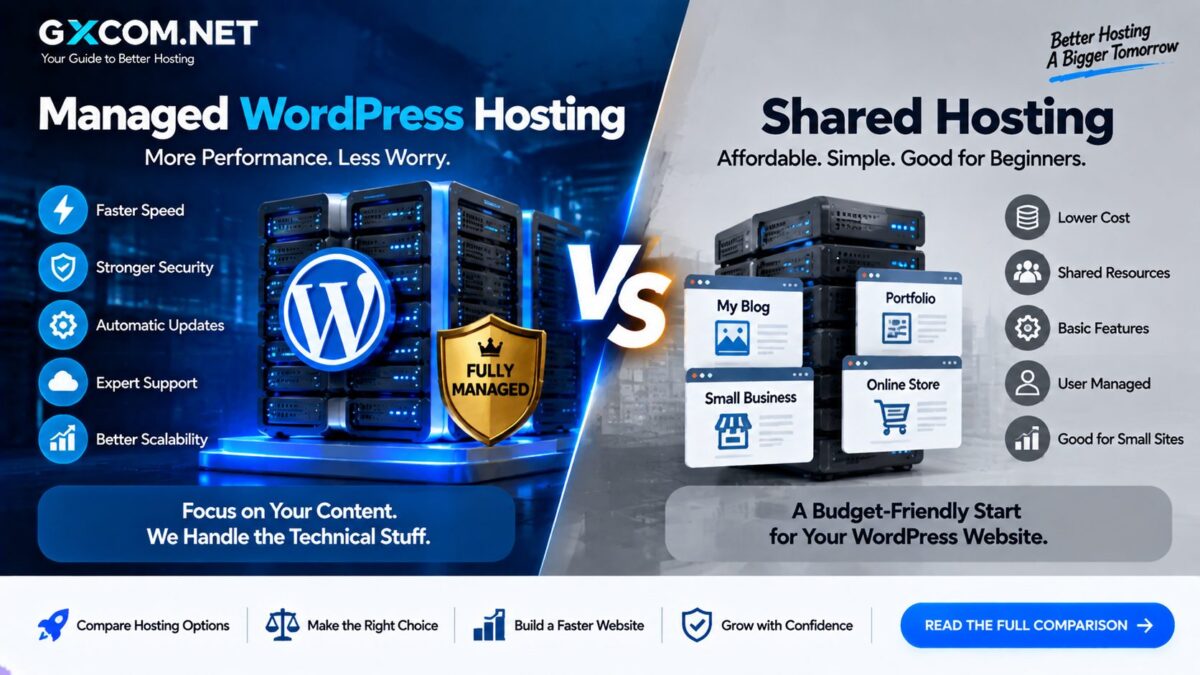
Managed WordPress Hosting vs Shared WordPress Hosting Speed
| Feature | Shared WordPress Hosting | Managed WordPress Hosting |
|---|---|---|
| Server Optimization | General | WordPress focused |
| Caching | Basic | Advanced |
| Traffic Handling | Limited | Better scalability |
| Technical Management | User managed | Provider managed |
| Price | Lower | Higher |
NVMe Storage and WordPress Speed
Storage technology affects how quickly WordPress can read and write website data.
Modern WordPress hosting increasingly uses NVMe SSD storage because it provides faster data access compared with traditional SATA SSD solutions.
Benefits include:
- Faster database queries
- Improved plugin performance
- Quicker media loading
- Better overall responsiveness
CDN and WordPress Website Speed
A Content Delivery Network (CDN) helps deliver website content from servers closer to visitors.
CDN technology can improve:
- Image delivery
- Static file loading
- Global website performance
- Traffic handling
Many managed WordPress hosting providers include CDN integration as part of their plans.
How to Improve WordPress Hosting Speed
Even fast hosting requires proper website optimization.
Recommended improvements include:
- Use lightweight WordPress themes
- Remove unnecessary plugins
- Optimize images
- Enable caching
- Use a CDN
- Keep WordPress updated
- Optimize databases
Fastest WordPress Hosting for Beginners
Beginners should focus on balance rather than maximum performance.

Important features include:
- Easy setup
- Automatic updates
- Security tools
- Reliable support
- Affordable pricing
Affordable providers can deliver excellent results for small websites when properly optimized.
Fastest WordPress Hosting for Business Websites
Business websites usually require stronger performance and reliability.
Important requirements include:
- High uptime
- Fast server response
- Backup systems
- Security monitoring
- Scalable resources
Common WordPress Speed Mistakes
Using Too Many Plugins
Poorly optimized plugins can slow down WordPress websites.
Large Unoptimized Images
Images are often one of the largest contributors to page size.
Ignoring Hosting Resources
Low-resource hosting plans may struggle as websites grow.
Not Using Caching
Caching can significantly improve WordPress loading speed.
Fastest WordPress Hosting Providers: Final Verdict
The fastest WordPress hosting provider depends on website requirements, budget and traffic levels.
Premium managed WordPress providers such as Kinsta and WP Engine focus on maximum optimization and professional website management. SiteGround and Cloudways provide strong performance options for users who want managed features and flexibility. Hostinger offers an affordable solution for smaller websites that still need good speed.
When comparing WordPress hosting performance in 2026, look beyond marketing claims. Server technology, caching systems, CDN support, security features and scalability all influence real-world website speed.
The best WordPress hosting choice is the one that delivers reliable performance while matching your website’s current needs and future growth plans.