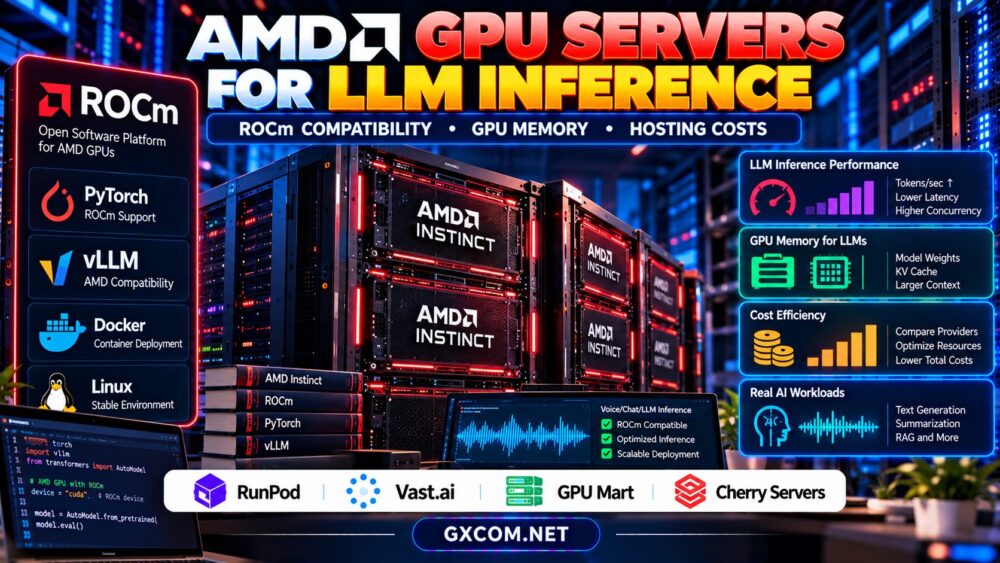
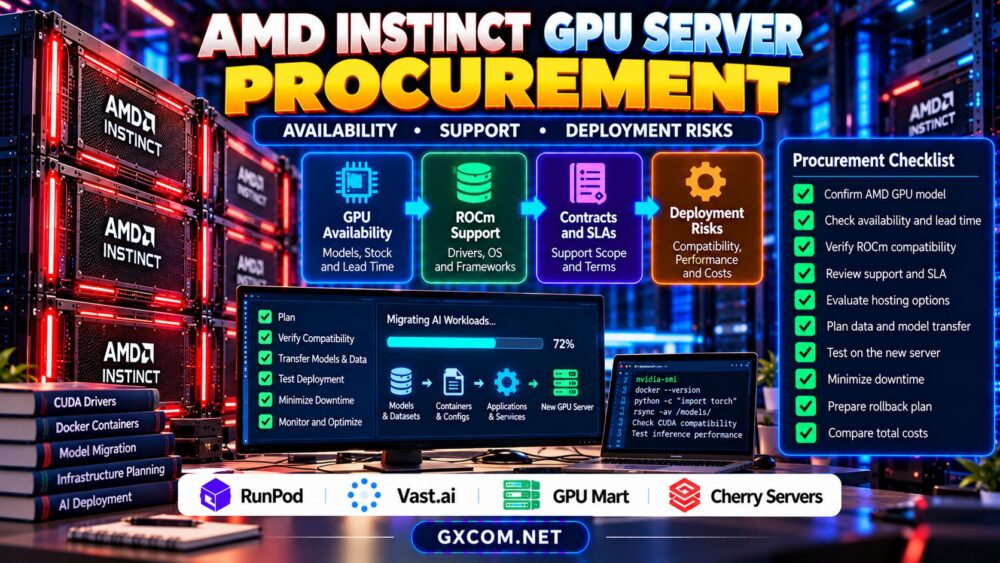
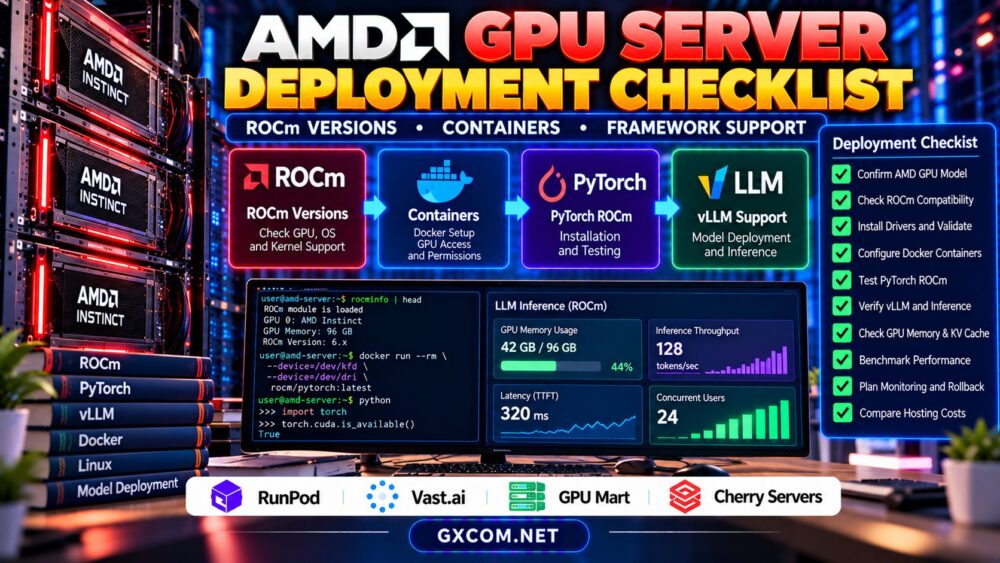
An AMD GPU server deployment checklist helps AI teams avoid costly compatibility problems before launching training or inference workloads. Installing ROCm is not enough: the accelerator, operating system, kernel, container runtime, and machine learning framework must work together.
A server with impressive specifications can still fail to run a required model because of unsupported software versions or missing GPU kernels. This guide provides a practical deployment sequence, troubleshooting checks, and hosting considerations for AMD GPU infrastructure.
1. Identify the Exact AMD GPU Model
Begin by recording the accelerator model, available memory, server architecture, and intended workload. AMD Instinct accelerators and consumer Radeon products do not necessarily share identical ROCm support.
Confirm whether your application requires specific matrix operations, quantization methods, or multi-GPU communication features. Hardware capability alone does not guarantee framework support.
For model selection and memory planning, read our AMD GPU servers for LLM inference guide.
2. Verify ROCm Versions and Operating System Support
ROCm compatibility depends on the accelerator, Linux distribution, kernel, and software release. Before installation, consult AMD’s official compatibility documentation for the exact environment.
Do not assume that the newest ROCm version supports every older accelerator or framework. Likewise, an operating system that runs normally may not be validated for the required GPU software stack.
Record the intended configuration in a deployment manifest:
| Component | Required Verification |
|---|---|
| GPU | Exact model and ROCm support |
| Operating system | Supported distribution and release |
| Kernel | Driver compatibility |
| ROCm | Supported release and installation method |
| Framework | Compatible build and GPU architecture |
| Container | Device access and runtime permissions |
3. Install Drivers and Validate GPU Detection
Follow the installation procedure appropriate to the supported operating system and ROCm release. Avoid combining unrelated driver packages or mixing repository versions without documented compatibility.
After installation, use available ROCm diagnostic utilities to inspect the environment:
rocminfo
amd-smi version
These commands require the corresponding utilities to be installed. Some environments provide different management tools, so verify the applicable documentation.
If GPU detection fails, inspect kernel modules, device permissions, driver logs, and virtualization restrictions before reinstalling application frameworks.
4. Configure AMD GPU Containers
Containers simplify dependency management, but they still rely on compatible host drivers and accessible GPU devices. An image containing ROCm libraries cannot compensate for an unsupported host configuration.

On supported Linux deployments, AMD GPU containers commonly require access to the relevant device interfaces, including /dev/kfd and appropriate render devices under /dev/dri.
For example, a deployment may use Docker device mappings such as:
--device=/dev/kfd
--device=/dev/dri
These are illustrative arguments, not a complete deployment command. Actual permissions, security policies, and runtime requirements depend on the platform.
Prefer official, version-matched ROCm container images. Avoid unnecessary privileged access, especially on shared infrastructure.
5. Test PyTorch ROCm Support
Install a PyTorch build documented as compatible with your ROCm environment. Then verify that the framework recognizes the accelerator.
import torch

print(torch.__version__)
print(torch.version.hip)
print(torch.cuda.is_available())

if torch.cuda.is_available():
    print(torch.cuda.get_device_name(0))
PyTorch uses the torch.cuda interface for supported ROCm devices, despite the CUDA-oriented naming. This does not mean the server is running NVIDIA CUDA.
A successful detection test should be followed by a small tensor operation and an application-specific model test. Device visibility alone does not establish complete framework compatibility.
6. Validate vLLM and Other Inference Frameworks
vLLM and other inference engines support selected AMD configurations, but compatibility can vary by release, model architecture, and optimization feature.
Verify supported attention implementations, quantization formats, GPU architectures, and distributed execution options before choosing a serving stack.
Start with a small supported model, then test representative prompts, concurrency, and context lengths. Monitor memory allocation and request failures throughout the experiment.
Our GPU VRAM requirements for LLM inference guide explains model memory and KV cache planning.
7. Compare AMD GPU Hosting Environments
Infrastructure providers differ in hardware availability, administrative access, storage persistence, and software management. The following GXCOM-approved providers are procurement candidates, not verified guarantees of AMD Instinct inventory.
| Provider | Evaluation Focus |
|---|---|
| RunPod | AMD availability and supported container environments |
| Vast.ai | Actual marketplace hardware and host configuration |
| GPU Mart | AMD server availability and driver administration |
| Cherry Servers | Dedicated GPU offerings and provisioning requirements |
RunPod is relevant when comparing container-oriented GPU cloud deployments. Confirm that a suitable AMD accelerator and ROCm-compatible environment are actually available. Our RunPod GPU cloud review provides general provider context.
Vast.ai may be considered for marketplace GPU evaluation. Check the exact accelerator, host software, storage policies, and reliability of each listing.
GPU Mart is an option to investigate for persistent GPU server infrastructure. Verify AMD hardware availability, operating-system access, and supported driver installation procedures.
Cherry Servers is an approved dedicated infrastructure provider. Confirm suitable AMD GPU products before considering it for ROCm workloads.
8. Benchmark Performance and Hosting Costs
After compatibility testing, measure actual application performance. Record throughput, latency, GPU memory consumption, model loading time, and stability under sustained demand.
For example, a hypothetical GPU server costing $1 per hour and processing 200 completed requests hourly would incur $0.005 in compute spending per request at that utilization level.
Real costs also include idle time, persistent storage, networking, backups, and engineering work. See our GPU cloud idle costs guide for additional billing considerations.
9. Prepare Production Monitoring and Rollback
Production deployment requires more than a successful installation. Monitor accelerator utilization, memory pressure, application errors, temperature where supported, and service latency.
Record the tested ROCm release, container image digest, framework version, and model configuration. Preserve recovery instructions before changing drivers or operating-system packages.
Test upgrades in staging and maintain a rollback path. A software update should never be assumed safe merely because it installs successfully.

AMD GPU Deployment Checklist Before Purchase
- Confirm the exact GPU model and official ROCm support.
- Match Linux, kernel, driver, and framework versions.
- Verify container device access and security requirements.
- Test PyTorch or vLLM with the intended model.
- Measure realistic throughput, memory use, and latency.
- Confirm storage persistence, support, and total pricing.
Explore GPU Hosting for ROCm Workloads
Check available AMD accelerator models, software compatibility, administrative access, and deployment costs before purchasing GPU capacity.
Check RunPod Options | Check Vast.ai Listings | Explore GPU Mart
Frequently Asked Questions
Does ROCm work with every AMD GPU?
No. Support depends on the accelerator, ROCm release, operating system, and application requirements.
Can AMD GPUs run Docker containers?
Yes, supported Linux environments can expose AMD GPU devices to compatible containers. Host drivers and permissions must be configured correctly.
Can PyTorch use AMD GPUs?
Yes, supported PyTorch ROCm builds can access compatible AMD accelerators. Verify the specific hardware and software combination.
Final Verdict
A reliable AMD GPU server deployment starts with verified hardware and ROCm compatibility, followed by container, framework, and workload testing. Compare RunPod, Vast.ai, GPU Mart, and Cherry Servers only after confirming suitable AMD offerings. Documented benchmarks and recovery procedures provide a stronger purchasing foundation than advertised specifications alone.