Managed hosting security can reduce the operational burden of protecting a website, but the word “managed” does not mean every threat is covered. A provider may maintain server software while leaving WordPress plugins, administrator accounts, and incident recovery to the customer.
Before choosing a plan, compare malware removal, patch management, monitoring, backups, and contractual responsibilities. This guide explains where hosting security services usually begin and end, and how to evaluate four established providers without relying on vague promises.
What Does Managed Hosting Security Include?
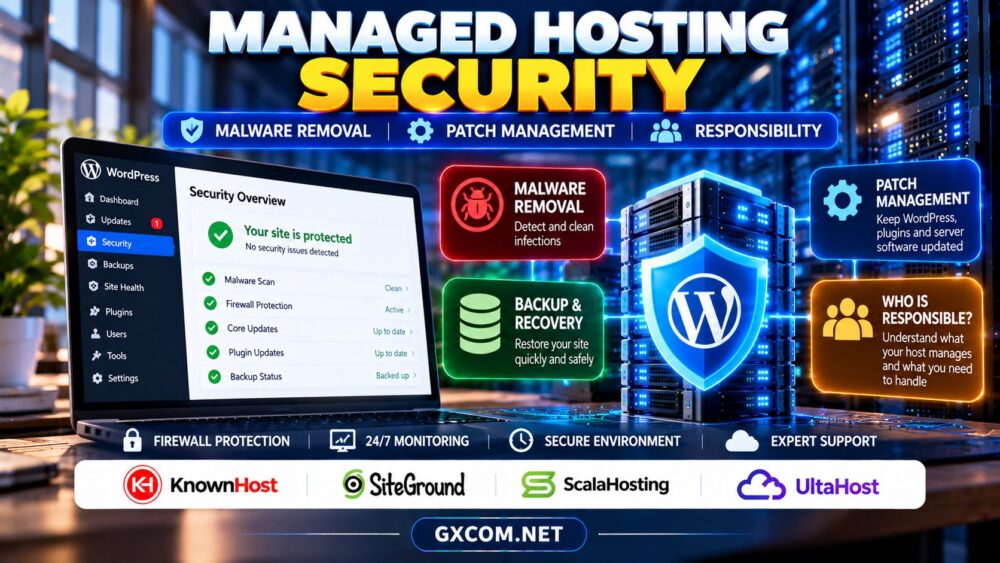
Managed hosting describes a service arrangement, not a universal security standard. Depending on the product, management may cover operating-system updates, server monitoring, firewall configuration, or technical assistance. Application security can be a separate service with different conditions.
Request a written scope of management for the exact package. Identify who maintains the server, hosting control panel, PHP runtime, WordPress installation, plugins, and customer credentials. A clear division prevents urgent disputes during an incident.
1. Malware Detection Is Not Malware Removal
Security scanning may identify suspicious files, known signatures, or unusual behavior. Detection does not necessarily include investigation, cleanup, or restoration. Some hosts quarantine infected files, while others notify customers and require them to resolve the issue.
Ask whether malware removal is included, limited to certain infections, billed separately, or provided through a third party. Confirm whether cleanup includes database injections, compromised administrator accounts, malicious scheduled tasks, and reinfection analysis.
Removing a visible malicious file is not enough if the original vulnerability remains. A useful response identifies the entry point, replaces compromised components, rotates credentials, and validates the recovered website.
2. Patch Management: Server vs Application
Operating-system and server-software patches may be part of managed infrastructure, but WordPress themes and plugins often remain under website-owner control. Even a provider that updates WordPress core may exclude custom code and commercial extensions.
Verify patch frequency, emergency update procedures, compatibility testing, and rollback options. Ask whether critical vulnerabilities trigger proactive action or merely an email notification.
Updates can also disrupt production websites. Agencies should use staging and tested backups for changes that affect payment forms, membership permissions, or business-critical integrations.

Our managed versus unmanaged hosting comparison explains the broader division of operational work.
3. Firewalls, Isolation and Account Protection
A web application firewall can block some malicious requests, but it cannot eliminate vulnerabilities or guarantee protection from every attack. Compare available firewall rules, rate limiting, malware monitoring, and procedures for responding to suspicious traffic.
Account isolation also matters. A compromised website should not automatically expose unrelated customer files or databases. Ask how users, permissions, and application environments are separated on the selected hosting tier.
Customers still need strong passwords, multifactor authentication where available, limited administrator privileges, and secure access to email and domain accounts. Provider security cannot compensate for a stolen master login.
4. Backups and Recovery After an Attack
Backups are essential to recovery, but restoring an old copy without closing the vulnerability can immediately reintroduce the compromise. Confirm retention periods, backup independence, restore permissions, and the availability of clean recovery points.
For transactional websites, a full database rollback may remove legitimate orders or registrations. Preserve evidence and recent business records before restoration when feasible, and coordinate recovery with relevant developers.
Read our WordPress backup and restore guide for database consistency and recovery planning.
5. Four Managed Hosting Providers to Compare
KnownHost
KnownHost is relevant for businesses comparing managed server administration and support. Examine the selected product’s security maintenance scope, incident assistance, backup coverage, and any exclusions for application-level malware cleanup.
SiteGround
SiteGround deserves consideration for WordPress-focused hosting and security workflows. Check the specific plan’s available protections, backup tools, update controls, and whether infected-site investigation or remediation requires an additional service.
ScalaHosting
ScalaHosting is worth evaluating when managed VPS resources and server configuration matter. Compare its management boundaries, security tooling, patch responsibilities, and the assistance available if a website or server account is compromised.
UltaHost
UltaHost can be considered for managed hosting and VPS requirements. Verify which security tasks are included in the chosen package and whether malware remediation, backups, or custom application troubleshooting carry limitations.
Our UltaHost managed hosting review provides additional provider context; always verify current security terms separately.
6. Security Responsibility Checklist Before Buying
Ask providers to identify who handles operating-system patches, control-panel updates, PHP security fixes, WordPress updates, plugin vulnerabilities, firewall rules, malware investigation, and backup restoration. Record the answers alongside the applicable service agreement.
Also confirm support availability, escalation channels, incident communication, and what happens if a compromised account is suspended. A promised response window is not the same as a guaranteed resolution time.
For agencies serving multiple clients, document customer obligations and access ownership. Our managed hosting for agencies guide covers client permissions, staging, and support workflows.
7. Compare Security Costs and Service Limits
Calculate the total cost of hosting, premium security tools, backups, malware cleanup, developer labor, and possible downtime. A low introductory price may be less attractive when essential protection is sold separately.
For example, a hypothetical $20 monthly hosting plan plus $15 in security services costs $420 annually before emergency assistance. This is a budgeting illustration, not a quote from any provider.

Compare renewal terms and available packages through our web hosting deals guide, but prioritize documented security responsibilities over headline discounts.
Compare Managed Hosting Security Options
Verify patch coverage, malware response, backups, and support exclusions before purchasing.
Managed Hosting Security FAQ
Does managed hosting include free malware removal?
Not automatically. Cleanup eligibility, scope, and fees vary by provider and product tier.
Who updates WordPress plugins?
Often the website owner or agency, unless the selected service explicitly includes application maintenance.
Can managed hosting prevent every cyberattack?
No. Security requires layered controls, timely updates, restricted access, monitoring, and tested recovery plans.
Final Verdict
Managed hosting security is valuable when the provider’s responsibilities match your operational needs. Compare KnownHost, SiteGround, ScalaHosting, and UltaHost by documented patch coverage, malware remediation, incident support, and recovery options. Choose a service with clear boundaries rather than assuming “fully managed” means fully protected.