Training large language models requires more than raw GPU processing power. Memory capacity, memory bandwidth, inter-GPU communication, storage throughput, and infrastructure utilization all influence how quickly a training job finishes.
The NVIDIA H100 GPU server remains an important reference point for enterprise AI infrastructure. Built on NVIDIA’s Hopper architecture, the H100 combines high-bandwidth memory, Transformer Engine acceleration, and advanced GPU interconnects for demanding machine learning workloads.
But renting an H100 is not automatically the most economical choice. This review examines its hardware capabilities, multi-GPU scaling, and rental economics to help AI teams choose appropriate infrastructure.
Editorial note: GXCOM.NET evaluates published technical specifications and infrastructure planning considerations. No independent H100 training benchmarks were conducted for this review.
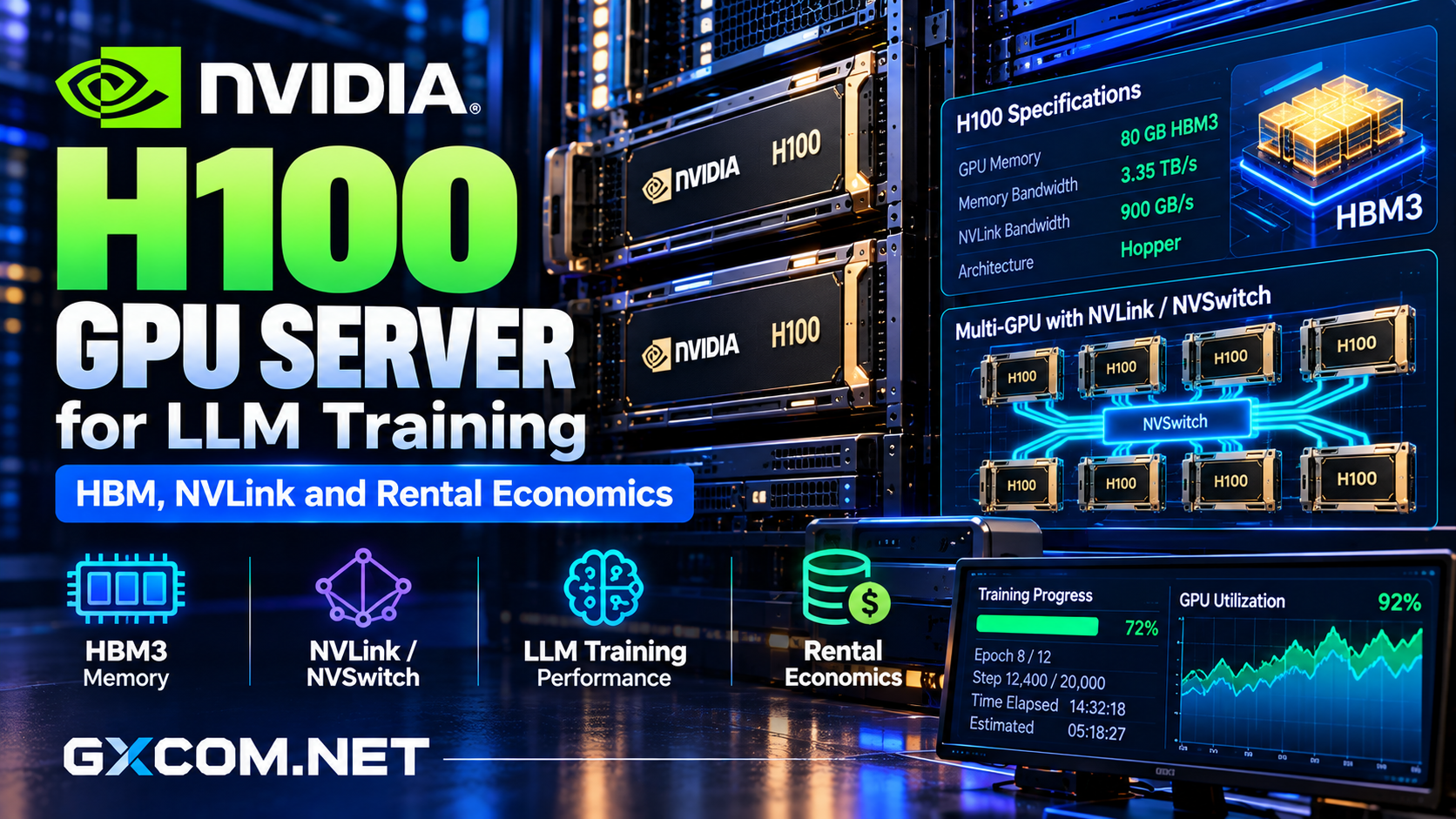
NVIDIA H100 Specifications: SXM vs PCIe
The H100 is available in different configurations, including SXM and PCIe models. Although both standard versions provide 80GB GPU memory, their bandwidth, power limits, and connectivity differ.
| Specification | H100 SXM | H100 PCIe |
|---|---|---|
| GPU Memory | 80GB HBM3 | 80GB HBM2e |
| Memory Bandwidth | 3.35TB/s | 2TB/s |
| NVLink Bandwidth | Up to 900GB/s | Up to 600GB/s |
| Maximum TDP | Up to 700W | Up to 350W |
These figures represent NVIDIA’s published hardware specifications, not guaranteed application performance. Actual results depend on server design, cooling, software, and workload configuration.
For a broader hardware comparison, explore our NVIDIA GPU server providers guide.
Why HBM Matters for LLM Training
High-bandwidth memory is a major advantage of the H100 architecture. Training requires frequent movement of model parameters, activations, gradients, and optimizer data between memory and processing units.
The H100 SXM delivers substantially greater memory bandwidth than the PCIe configuration, making it attractive for memory-intensive operations.
However, 80GB VRAM does not mean every large language model can be fully trained on one GPU. Full-parameter training may require considerably more memory than inference because optimizer states and gradients increase the working footprint.
Memory Capacity Versus Bandwidth
Capacity determines what fits in GPU memory. Bandwidth influences how quickly the processor can access that data.

A workload can be limited by either factor. Quantization, gradient checkpointing, and parameter-efficient methods may reduce memory pressure, but they can introduce additional computational overhead.
Before renting hardware, estimate the model’s complete training memory requirements rather than considering parameter count alone.
NVLink and NVSwitch for Multi-GPU Training
Large language model training frequently distributes work across multiple accelerators. GPUs must exchange gradients, activations, or model parameters during distributed execution.
NVIDIA’s fourth-generation NVLink enables high-speed communication between supported H100 GPUs. HGX H100 platforms combine NVLink with NVSwitch to provide connectivity across eight accelerators.
This architecture can reduce communication bottlenecks in tensor parallelism and other distributed training strategies.
Why GPU Topology Matters
Eight GPUs connected through an appropriate NVSwitch fabric are not equivalent to eight independent GPUs communicating over ordinary network connections.
Interconnect topology affects collective operations, including all-reduce, which synchronizes information between training processes.
When comparing rentals, ask whether the advertised GPUs occupy one server, whether NVLink is enabled, and how multiple nodes communicate.
Also verify network bandwidth between nodes. NVLink accelerates supported local GPU communication; it does not replace a suitable inter-node networking architecture.
Transformer Engine and FP8 Training
The H100 introduces Transformer Engine capabilities designed to accelerate suitable transformer workloads using mixed-precision computation.
FP8 can reduce certain memory and computational requirements compared with higher-precision formats, but successful deployment depends on framework support and numerical stability.
Teams should validate training convergence, model quality, and reproducibility before assuming that lower precision delivers acceptable results.
PyTorch-based workflows and distributed training frameworks can benefit from Hopper acceleration when configured appropriately.
How Much Does H100 GPU Rental Cost?
H100 rental rates vary according to GPU variant, provider, location, availability, and whether the deployment uses shared cloud infrastructure or reserved capacity.
RunPod lists H100 PCIe and H100 SXM configurations, offering a practical starting point for comparing different deployment requirements.
However, hourly rental prices alone cannot establish the cheapest training solution.
A useful formula is:
Total Training Cost = GPU Hours × Hourly Rate + Storage + Networking + Operational Expenses
Illustrative Training Calculation
Suppose eight GPUs cost a hypothetical $2.50 each per hour. A 100-hour training job would generate $2,000 in compute charges before additional expenses.
If poor utilization extends the job to 140 hours, compute costs rise to $2,800.
These numbers are illustrative assumptions, not provider quotations or measured training performance.
The relevant purchasing metric is cost per completed training run, including preparation, checkpoints, failures, and recovery.
Our affordable GPU servers comparison examines additional cost considerations.
Storage, Networking, and GPU Utilization
Even expensive accelerators can sit idle while waiting for datasets, CPU preprocessing, or checkpoint writes.
Training infrastructure should provide sufficient system memory, fast NVMe storage, reliable data pipelines, and suitable network connectivity.
Monitor GPU utilization, memory consumption, data-loading delays, and training throughput before upgrading hardware.
Checkpoint storage deserves particular attention. Large distributed jobs can produce substantial intermediate files, making recovery planning essential.
H100 Hosting Providers Worth Comparing
RunPod: Flexible H100 GPU Cloud
RunPod provides documented H100 rental options and container-based GPU deployment workflows. It is worth considering for experimentation, fine-tuning, and teams requiring flexible compute access.
Review storage persistence, availability, and cluster configuration before committing to longer training runs.
Vultr: Enterprise Cloud GPU Infrastructure
Vultr offers GPU cloud infrastructure relevant to enterprise AI deployments. Buyers should verify current H100 availability, accelerator allocation, deployment regions, and networking specifications.

GPU Mart: Dedicated GPU Server Alternatives
GPU Mart provides dedicated GPU hosting options. Compare its available accelerators, VRAM, storage, and rental terms against the H100 requirements of your workload.
Cherry Servers: Custom Bare Metal Infrastructure
Cherry Servers offers configurable dedicated infrastructure for AI workloads. Confirm whether an appropriate GPU configuration is available rather than assuming every bare metal server includes H100 hardware.
For additional purchasing guidance, see our AI GPU VPS providers comparison and bare metal server providers guide.
Who Should Rent an NVIDIA H100?
H100 servers are most appropriate for teams training demanding transformer models, running distributed workloads, or requiring substantial memory bandwidth and accelerated mixed-precision computation.
Smaller fine-tuning experiments may be more economical on lower-cost GPUs, especially when LoRA or QLoRA reduces memory requirements.
Before purchasing, benchmark a representative workload and compare H100 against available A100, H200, or newer accelerator options.
Final Verdict
The NVIDIA H100 GPU server remains a capable platform for serious LLM training, particularly where HBM bandwidth, Transformer Engine acceleration, and NVLink connectivity are valuable.
Its economic value depends on training throughput, utilization, infrastructure configuration, and rental terms.
Choose H100 when the workload justifies its capabilities, not simply because it is a recognized AI accelerator. For every deployment, compare total completed-job costs before selecting a provider.