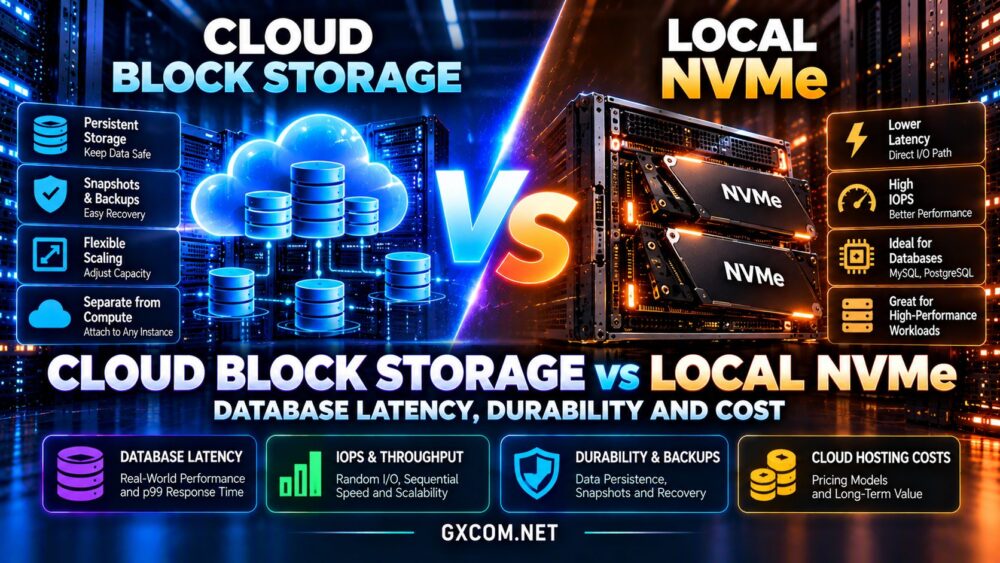
Your website becomes slow during a traffic spike. Should you upgrade to a larger cloud server or place a load balancer in front of multiple smaller instances? Both approaches can improve capacity, but they solve different infrastructure problems.
This cloud load balancer vs vertical scaling comparison explains high availability, traffic spikes, database bottlenecks, operational complexity, and hosting costs. The goal is to help you select an architecture that matches your actual traffic rather than paying for unnecessary infrastructure.
Cloud Load Balancer vs Vertical Scaling: Quick Verdict
Choose vertical scaling when a single server is running out of CPU, RAM, or other resources and a larger instance can meet your requirements. It is usually simpler to deploy and maintain.
Choose load balancing with horizontal scaling when your application can run across multiple instances and needs additional capacity, fault tolerance, or flexible response to changing demand.
Neither option automatically fixes inefficient code, slow database queries, or poorly configured caching. Start by identifying the bottleneck.
For infrastructure fundamentals, read our cloud hosting vs VPS comparison.
How Vertical Scaling Works
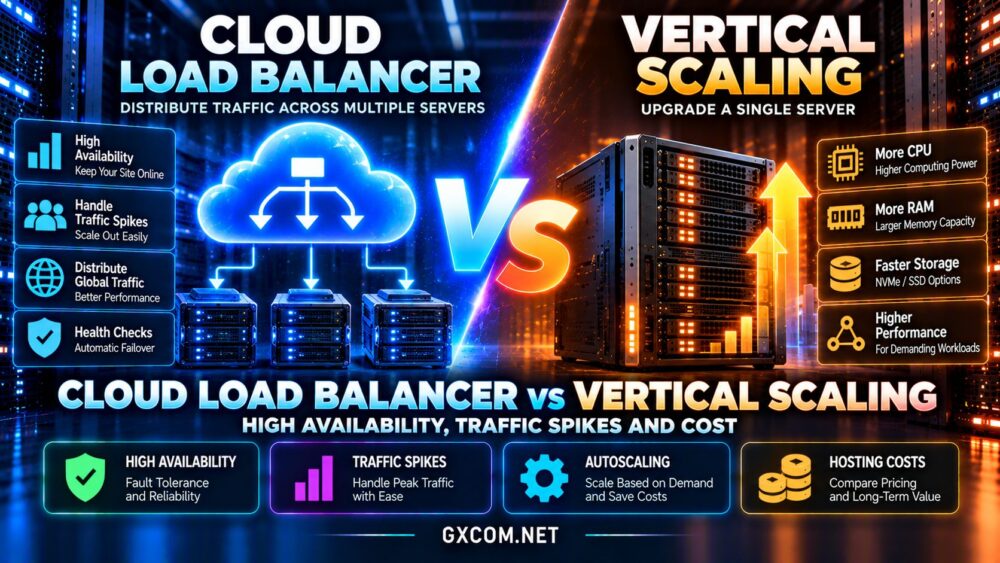
Vertical scaling, also called scaling up, increases the resources available to an existing server. Typical upgrades include additional virtual CPUs, RAM, and sometimes faster storage or greater network capacity.
For example, a WordPress application experiencing memory pressure may benefit from moving to a larger cloud instance without changing its architecture.
The advantage is simplicity. Your application, database connections, and deployment workflow can often remain largely unchanged.
However, some upgrades require a restart, migration, or scheduled maintenance. Larger instances also have practical and commercial limits.
How Cloud Load Balancing Works
A cloud load balancer receives incoming requests and distributes them among configured backend servers.
Distribution methods may include round-robin, least connections, or other provider-specific algorithms. Health checks help determine which backends should receive traffic.
Importantly, a load balancer does not create processing capacity. To handle more requests, you must provision additional application instances or use existing spare capacity.
This combination is commonly called horizontal scaling, or scaling out.
Load Balancing vs Scaling Up: Key Differences
| Factor | Load Balancer + Multiple Servers | Vertical Scaling |
|---|---|---|
| Capacity growth | Add application instances | Upgrade one instance |
| Failure tolerance | Possible with healthy redundant backends | Single-instance dependency remains |
| Traffic spikes | Can integrate with autoscaling | Limited by selected instance size |
| Application changes | May require shared state and stateless design | Usually fewer changes |
| Database scaling | Requires separate planning | Can increase database server resources |
| Costs | Balancer, instances, networking and operations | Larger instance and supporting services |
| Operational complexity | Higher | Lower |
These differences explain why a larger server can be the better first upgrade even when a distributed architecture appears more sophisticated.
High Availability: What Actually Prevents Downtime?
High availability means designing services to remain accessible when individual components fail.
A single vertically scaled server still represents a potential failure point. Additional CPU cores do not protect against a failed instance, operating system crash, or unavailable host.

A load balancer can route requests away from unhealthy application instances, provided other healthy backends exist.
Load Balancer Redundancy Matters
The load balancing service must also be resilient. A self-managed proxy running on one virtual machine may become another single point of failure.
Managed cloud load balancers often provide availability features, but the precise architecture and service guarantees differ by provider.
For stronger resilience, distribute backends across appropriate failure domains and test failover rather than assuming redundancy exists.
Health Checks and Recovery
Health checks should validate meaningful application behavior. A server that accepts TCP connections may still be unable to complete customer requests.
Configure reasonable failure thresholds, monitor recovery, and verify that unhealthy instances stop receiving new traffic.
Traffic Spikes and Autoscaling
Traffic spikes create two different problems: insufficient capacity and unpredictable demand.
Vertical scaling can address a known capacity shortage, but an instance cannot grow indefinitely. Some upgrades also introduce downtime.
Horizontal scaling can add or remove application instances as demand changes, provided an autoscaling mechanism is configured.
Autoscaling is not instantaneous. New instances require startup time, application initialization, and successful health checks.
For sudden spikes, maintain sufficient baseline capacity and use caching or a content delivery network to reduce unnecessary origin requests.
WordPress and WooCommerce Scaling
For many WordPress websites, optimizing page caching, PHP execution, and database queries delivers better initial value than introducing a load balancer.
WooCommerce creates additional complexity because carts, checkout sessions, and customer accounts involve personalized requests.
Multiple application instances may need shared session handling, consistent plugin files, centralized media storage, and coordinated deployments.
Checkout performance also depends on database response time and external payment services.
Read our WordPress hosting vs WooCommerce hosting comparison for a closer look at dynamic application workloads.
Database Bottlenecks: Why More Web Servers May Not Help
A load balancer distributes application traffic, but it does not automatically distribute database writes.
Adding web servers can increase the number of simultaneous database connections and potentially worsen an existing database bottleneck.
Before scaling horizontally, investigate slow queries, missing indexes, lock contention, memory pressure, and storage latency.
A larger database instance may be the appropriate solution when memory or CPU capacity is insufficient.
For demanding systems, read replicas, caching, connection pooling, and database-specific high-availability designs may also be relevant.
Our cloud block storage vs local NVMe guide explains additional database performance considerations.
Session Persistence and Application Design
Applications that store user sessions only in local server memory can encounter problems when consecutive requests reach different backends.
Session affinity, sometimes called sticky sessions, can reduce disruption by directing a client to the same backend.
However, affinity is not a substitute for resilient session storage. If the selected backend fails, locally stored session information may become unavailable.
Shared session stores or appropriately designed stateless applications generally provide greater flexibility when scaling across instances.
Uploads, scheduled jobs, and application configuration also require coordination across a multi-server deployment.
Cloud Load Balancer vs Vertical Scaling Costs
Vertical scaling generally has a straightforward cost structure: rent a larger instance and pay for any additional storage, backups, or associated services.
A distributed setup introduces multiple compute instances, load balancing charges, networking, monitoring, and potentially shared storage.
Some providers bill load balancers by provisioned service, usage, processed traffic, or other metrics. Check current terms before calculating costs.
Compare Cost per Useful Request
Instead of comparing server prices alone, measure the cost of serving requests within your performance objectives.
A larger single server may be economical for steady workloads. Multiple smaller instances may provide better flexibility when demand changes substantially.
Include maintenance effort, deployment complexity, backup requirements, and downtime exposure in the calculation.
Explore our cloud hosting offers when comparing infrastructure options.
Cloud Hosting Providers to Compare
Vultr: Cloud Compute and Load Balancing
Vultr offers cloud compute and load balancing products, making it relevant when comparing a larger virtual machine with a multi-instance deployment.
Evaluate regional availability, instance performance, health-check options, and the total cost of the proposed architecture.
Kamatera: Configurable Cloud Resources
Kamatera provides configurable cloud infrastructure suitable for evaluating resource upgrades and more complex server deployments.
Confirm available scaling controls, load balancing arrangements, management responsibilities, and billing terms for your intended configuration.
OVHcloud: Public Cloud Infrastructure
OVHcloud offers public cloud instances and load balancing solutions that may suit applications requiring multiple backend servers.
Compare supported regions, networking features, deployment complexity, and service-level terms.
Cloudways: Managed Cloud Operations
Cloudways offers managed cloud hosting for teams that prefer assistance with application deployment and server operations.

Its scaling and high-availability capabilities depend on the selected product and architecture. Do not assume a standard managed server includes a multi-instance load balancer.
See our managed cloud hosting comparison for related purchasing considerations.
How to Test Before Choosing
Run realistic load tests against your current application. Measure p95 response time, CPU utilization, memory usage, database latency, and error rates.
Test a larger single instance first, then compare it with multiple appropriately sized instances behind a load balancer.
Include cold starts, session handling, backend failures, and database saturation in your tests.
Calculate monthly infrastructure costs at normal traffic and peak demand. Choose the design that meets reliability and performance objectives with manageable operational overhead.
Frequently Asked Questions
Is a load balancer better than vertical scaling?
Not universally. Vertical scaling is simpler for resource-constrained single-server workloads, while load balancing supports distributed applications and redundancy.
Does a cloud load balancer improve performance?
It can distribute requests across available backends, but it cannot compensate for insufficient total capacity or a shared database bottleneck.
Can vertical scaling provide high availability?
Increasing one server’s resources does not eliminate its failure risk. High availability requires additional redundancy and recovery planning.
When should WordPress use a load balancer?
Consider it when measured traffic demand or availability requirements justify multiple application instances and the site supports distributed operation.
Final Verdict: Which Scaling Strategy Wins?
The cloud load balancer vs vertical scaling decision depends on your bottleneck, traffic patterns, and availability requirements.
Choose vertical scaling when a larger instance solves the problem without unnecessary complexity.
Choose load balancing with horizontal scaling when your application needs multiple backends, fault tolerance, and flexible capacity.
Compare Vultr, Kamatera, OVHcloud, and Cloudways according to the actual architecture each product supports.
Above all, measure performance before upgrading and design redundancy around genuine failure risks.