Choosing WordPress hosting involves more than finding a low introductory price. CPU quotas, memory limits, caching technology, backup retention, and renewal charges can all influence how well a website performs as traffic grows.
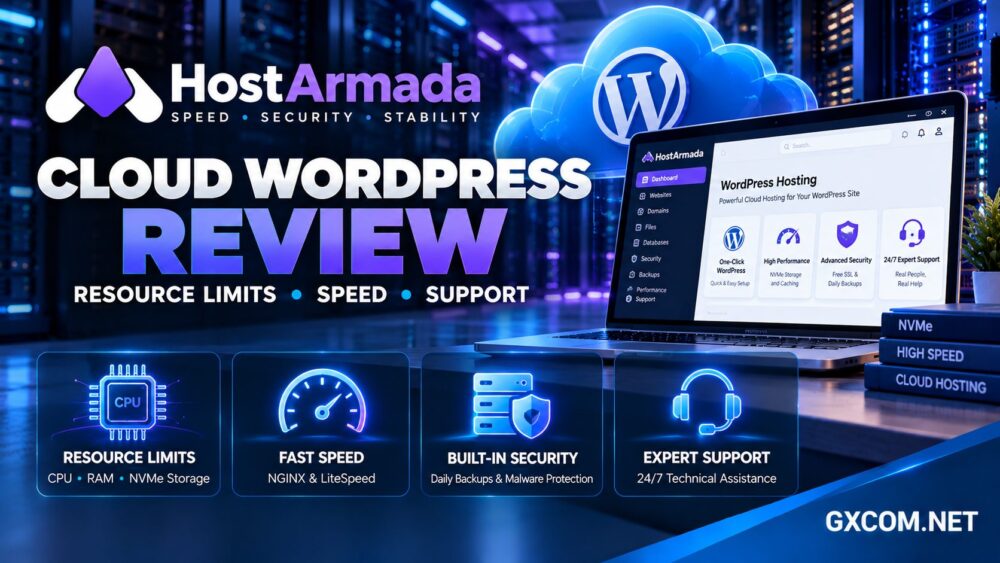
In this HostArmada Cloud WordPress Hosting review, we examine the provider’s shared cloud infrastructure, plan resources, speed-related features, customer support, and long-term value for website owners.
HostArmada markets cloud-based shared hosting for WordPress websites, with three main plans: Start Dock, Web Warp, and Speed Reaper. Each targets a different combination of resource requirements, website count, and performance features.
HostArmada Cloud WordPress Hosting Review: Quick Verdict
HostArmada is worth considering for blogs, professional websites, small businesses, and growing WordPress projects that need managed hosting conveniences without administering a VPS.
Its strengths include published CPU and RAM quotas, NVMe storage, daily backup options, security tools, and several hosting tiers.
The important limitation is that cloud-based shared hosting remains shared hosting. Advertised CPU allocations are plan quotas, not a promise of exclusive physical processor cores.
Our verdict: HostArmada offers a useful balance of features and accessible administration, but buyers should select a plan according to actual WordPress workload and renewal costs.
HostArmada Plans: Start Dock, Web Warp and Speed Reaper
The three main shared hosting tiers differ in website allowances, storage, CPU, memory, backup retention, and web server technology.
| Plan | CPU / RAM | NVMe Storage | Backup Points |
|---|---|---|---|
| Start Dock | 2 CPU / 2 GB | 15 GB | 7 daily |
| Web Warp | 4 CPU / 4 GB | 30 GB | 14 daily |
| Speed Reaper | 6 CPU / 6 GB | 40 GB | 21 daily |
Start Dock is intended for a single website. Web Warp and Speed Reaper advertise support for multiple websites, subject to their underlying resource quotas.
The number of allowed domains should not be confused with unlimited processing capacity. Several busy websites can exhaust shared hosting resources even when a plan permits many domains.
Our managed WordPress vs shared hosting guide explains when a more specialized hosting environment becomes worthwhile.
CPU, RAM and I/O Limits: What They Mean
HostArmada publishes CPU and memory allocations for its shared hosting packages. These figures help customers compare relative plan capacity, but they do not represent ownership of dedicated physical hardware.
CPU demand increases when WordPress processes uncached page requests, executes complex plugins, generates reports, or handles WooCommerce checkout operations.
Memory usage rises when multiple PHP processes, database requests, and background jobs operate simultaneously.
Disk I/O is another potential bottleneck. A website can have sufficient storage capacity while experiencing delays during intensive file or database operations.
How to Identify Resource Pressure
Common warning signs include slow uncached pages, intermittent errors, delayed WordPress administration, and performance degradation during traffic spikes.
Administrators should review hosting resource metrics, PHP errors, database activity, and caching behavior before assuming that upgrading the plan will solve every problem.

A poorly optimized plugin may continue causing problems even after additional resources are allocated.
Website Speed: NGINX vs LiteSpeed
HostArmada uses different web server technologies across its shared hosting lineup.
Its Start Dock and Web Warp plans use an NGINX-based architecture, while Speed Reaper advertises LiteSpeed Web Server and additional caching capabilities.
LiteSpeed can be attractive for WordPress sites using compatible caching configurations, especially when dynamic page generation creates substantial server load.
However, web server branding alone does not establish a universal speed advantage. Results depend on the WordPress theme, plugins, database, caching rules, and traffic characteristics.
Why Cached and Uncached Pages Matter
Full-page caching can dramatically reduce PHP execution for anonymous visitors. Logged-in dashboards, shopping carts, checkout pages, and personalized content may bypass that cache.
Consequently, a homepage benchmark can look excellent while actual business transactions remain slow.
Test both cached and uncached paths, and compare performance under realistic concurrent traffic.
Our NVMe VPS and SSD performance guide provides additional context on storage technology and real-world application responsiveness.
WordPress Setup, Migration and cPanel
HostArmada provides familiar hosting management tools and WordPress installation options designed to reduce setup complexity.
Its shared hosting services use cPanel-based administration, allowing customers to manage domains, email accounts, databases, SSL certificates, and website files.
HostArmada also advertises website transfer assistance, with the number of eligible transfers varying by hosting plan.
Before migration, confirm whether email, DNS records, custom applications, and staging environments are covered.
After moving WordPress, test contact forms, redirects, scheduled tasks, and any payment integrations before switching production traffic.
Backups, Malware Protection and Security
HostArmada advertises daily backups with different retention allowances across Start Dock, Web Warp, and Speed Reaper.
The published plan comparison lists seven, fourteen, and twenty-one daily recovery points respectively.
This is useful for website recovery, but retention length is not the same as a complete disaster recovery strategy.
Businesses should confirm restoration procedures, backup scope, and whether independent downloads are available.
Security features advertised across the hosting lineup include SSL certificates, malware scanning, malware removal, and web application firewall protections.
Nevertheless, customers remain responsible for secure administrator accounts, appropriate plugin selection, and WordPress application hygiene.
Customer Support: What Should You Expect?
HostArmada emphasizes technical support and managed shared hosting assistance, which can be valuable for website owners without server administration experience.
Support may help with hosting configuration, account access, migration questions, and platform-related troubleshooting.
However, customers should not assume that every custom plugin conflict, theme modification, or application programming issue is included.
Before purchasing, clarify the provider’s responsibilities for malware cleanup, WordPress optimization, website restoration, and third-party software problems.
For businesses with limited technical staff, support scope can be more important than a small difference in advertised hosting resources.
HostArmada Pricing and Renewal Costs
HostArmada advertises introductory discounts across its shared hosting plans. These promotions can make the initial purchase attractive, particularly with longer billing commitments.
However, the provider separately displays regular rates, and the renewal cost may be substantially higher than the promotional equivalent monthly price.
Before ordering, calculate the complete expense across your intended ownership period.
- Initial hosting payment and billing duration
- Regular renewal charges
- Domain registration and renewal costs
- Optional backup or security services
- Email requirements and website migrations
- Potential upgrades when resource usage increases
A longer contract may reduce the introductory effective monthly rate but creates a larger upfront commitment.
Our web hosting deals comparison explains how to evaluate promotions against long-term hosting expenses.
HostArmada vs Other WordPress Hosting Providers
HostArmada competes with several established hosting providers, each emphasizing different aspects of WordPress management and website performance.
ChemiCloud is worth comparing for WordPress-focused hosting, website migration assistance, and customer support. Review its renewal pricing and resource allowances.
FastComet may appeal to users comparing managed hosting conveniences, server locations, and performance-related features.
SiteGround deserves consideration for businesses prioritizing WordPress management tools, security features, and a more integrated hosting environment.
Verpex offers another option for budget-conscious WordPress projects and customers comparing hosting flexibility.
Compare the actual resource quotas, backup retention, support scope, and total renewal cost rather than choosing solely on promotional pricing.
Our best web hosting services guide provides a broader framework for selecting a provider.

When Should You Upgrade from Shared Cloud Hosting?
Shared cloud hosting can serve many WordPress websites effectively, but it is not appropriate for every workload.
Consistent CPU saturation, resource-limit errors, high concurrent traffic, and demanding background processes may indicate that a VPS or more specialized managed platform is necessary.
Before migrating, optimize caching, review plugins, reduce unnecessary database queries, and identify the actual bottleneck.
Our VPS vs shared hosting comparison explains when greater resource isolation becomes valuable.
Frequently Asked Questions
Is HostArmada cloud WordPress hosting a dedicated cloud server?
No. Its standard WordPress-oriented shared hosting plans operate on cloud-based shared infrastructure rather than providing an exclusive physical server or dedicated virtual machine.
Does HostArmada use LiteSpeed?
Its Speed Reaper shared hosting plan advertises LiteSpeed Web Server. Other plans use different web server configurations.
Does HostArmada include daily backups?
Yes. Its published shared hosting comparison lists daily backup retention allowances that vary by plan.
Can HostArmada host multiple WordPress websites?
Selected plans advertise multiple website support, but CPU, memory, storage, and other resource limits still apply.
Is HostArmada suitable for WooCommerce?
It may support smaller WooCommerce websites, but checkout activity, database demand, and concurrent traffic should determine the appropriate plan.
Final Verdict: Is HostArmada Worth It?
This HostArmada Cloud WordPress Hosting review finds a practical shared hosting option for WordPress users who value published resource allocations, backup features, security tools, and accessible administration.
Its strongest appeal is the ability to choose between entry-level hosting and higher-resource plans with additional caching capabilities.
Its main limitations are shared-resource constraints and the difference between promotional and renewal pricing.
For blogs, professional websites, and smaller businesses, HostArmada deserves consideration. Compare your real workload, required support, and long-term cost before selecting a plan.