Choosing the right VPS hosting for a website requires more than simply finding the cheapest server. Website performance depends on CPU resources, RAM, storage technology, network quality, security features and the ability to scale as traffic grows.
For websites that have outgrown shared hosting, VPS hosting provides a balance between affordability and control. It offers dedicated virtual resources while avoiding the high cost of a physical dedicated server.
This guide compares the Best VPS Hosting for Websites and explains which VPS solutions are suitable for blogs, business websites, ecommerce stores and high-traffic platforms.

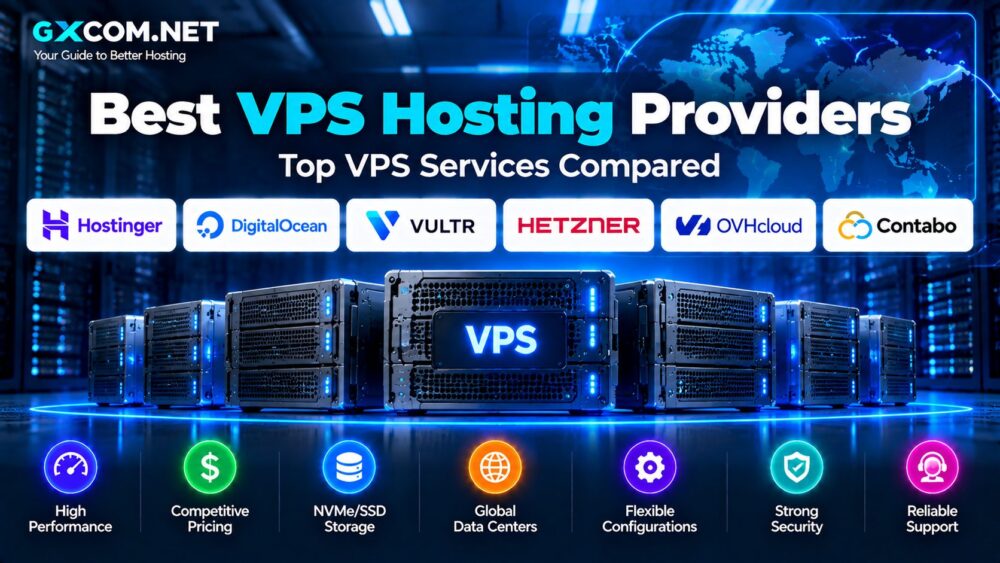
Best VPS Hosting for Websites Comparison
| Provider | Best Feature | Recommended For |
|---|---|---|
| Hostinger VPS | Beginner-friendly VPS with NVMe storage | Business websites and WordPress |
| DigitalOcean | Developer-focused cloud infrastructure | Applications and custom websites |
| Vultr | Global data center options | International websites |
| Hetzner Cloud | Strong infrastructure value | Technical website owners |
| OVHcloud | Advanced infrastructure options | Growing businesses |
Why Choose VPS Hosting for a Website?
Many websites begin with shared hosting because it is affordable and easy to use.
However, as traffic increases, websites may encounter limitations:
- Slow loading during traffic spikes
- Limited server customization
- Restricted software installation
- Resource limitations
- Database performance issues
A VPS solves many of these problems by providing:
- Dedicated virtual resources
- Better performance consistency
- Root access
- Custom server configuration
- Improved scalability
1. Hostinger VPS – Best VPS Upgrade for Websites
Hostinger is a popular choice for website owners who want VPS performance without moving into complex cloud infrastructure.
The company's KVM VPS plans provide:
- AMD EPYC processors
- NVMe storage
- Dedicated virtual resources
- Full root access
- Weekly backups
The entry VPS configuration includes:
- 1 vCPU core
- 4GB RAM
- 50GB NVMe storage
- 4TB bandwidth
This configuration is suitable for:
- Business websites
- Blogs
- Small ecommerce websites
- Growing WordPress websites
Best for: website owners who want an easier VPS experience.
2. DigitalOcean – Best VPS for Custom Websites
DigitalOcean is widely used by developers building custom websites and applications.
The platform provides cloud servers called Droplets.
Advantages include:
- Simple deployment
- Multiple regions
- API management
- Snapshots
- Developer tools
DigitalOcean works well for websites built with:
- Laravel
- Node.js
- Python frameworks
- Custom PHP applications
- APIs
Best for: developers managing custom website environments.
3. Vultr – Best Global VPS Hosting for Websites
Website visitors located in different regions can benefit from choosing a VPS provider with multiple data centers.
Vultr provides cloud servers across many global locations.
Important features include:
- Multiple deployment regions
- Flexible server configurations
- Cloud automation
- SSD storage
- Operating system choices
Best for: websites serving international audiences.
4. Hetzner Cloud – Best Value VPS for Technical Users
Hetzner is known for competitive infrastructure pricing and efficient cloud servers.
It is commonly used for:
- Linux websites
- Docker deployments
- Self-hosted applications
- Development environments
The platform offers excellent value but requires more technical knowledge than traditional website hosting providers.
Best for: experienced users comfortable managing servers.
5. OVHcloud – VPS for Growing Websites
OVHcloud provides VPS and cloud infrastructure across multiple regions.
It is suitable for websites that need:
- More infrastructure options
- Business-level hosting
- Scalable resources
- Additional cloud services
Best for: businesses planning long-term growth.
VPS Hosting Requirements for Websites
The ideal VPS configuration depends on the website type.
Small Websites
Suitable configuration:
- 1-2 CPU cores
- 2-4GB RAM
- 40-80GB storage
Business Websites
Recommended:
- 2-4 CPU cores
- 4-8GB RAM
- NVMe storage
- Regular backups
Ecommerce Websites
Consider:
- 4+ CPU cores
- 8GB+ RAM
- Fast database storage
- Reliable backups
- Scalable resources
VPS Hosting for WordPress Websites
WordPress websites can benefit significantly from VPS hosting when traffic and database usage increase.
A VPS allows:
- Custom PHP versions
- Database optimization
- Advanced caching
- Server-level security configuration
- Better resource control
Common WordPress VPS users include:
- High-traffic blogs
- News websites
- WooCommerce stores
- Membership websites
For dedicated WordPress solutions, see our WordPress Hosting Guide.
NVMe VPS for Website Performance
Storage performance affects websites that frequently access databases and files.
NVMe VPS can provide:
- Lower storage latency
- Higher I/O performance
- Better database responsiveness
However, website speed depends on the entire hosting stack.
CPU, RAM, caching and application optimization remain important.
Learn more in our NVMe VPS vs SSD VPS comparison.
Managed VPS vs Unmanaged VPS for Websites
Website owners should decide whether they want to manage the server themselves.
Managed VPS
Suitable for users who need:
- Server support
- Security assistance
- Maintenance help
- Less technical work
Unmanaged VPS
Suitable for:
- Developers
- System administrators
- Users wanting full control
Read our Managed VPS vs Unmanaged VPS comparison.
VPS Hosting vs Shared Hosting for Websites
| Feature | Shared Hosting | VPS Hosting |
|---|---|---|
| Resources | Shared | Allocated |
| Performance | Variable | More predictable |
| Customization | Limited | High |
| Scalability | Limited | Better |
For websites expecting growth, VPS provides a smoother upgrade path.
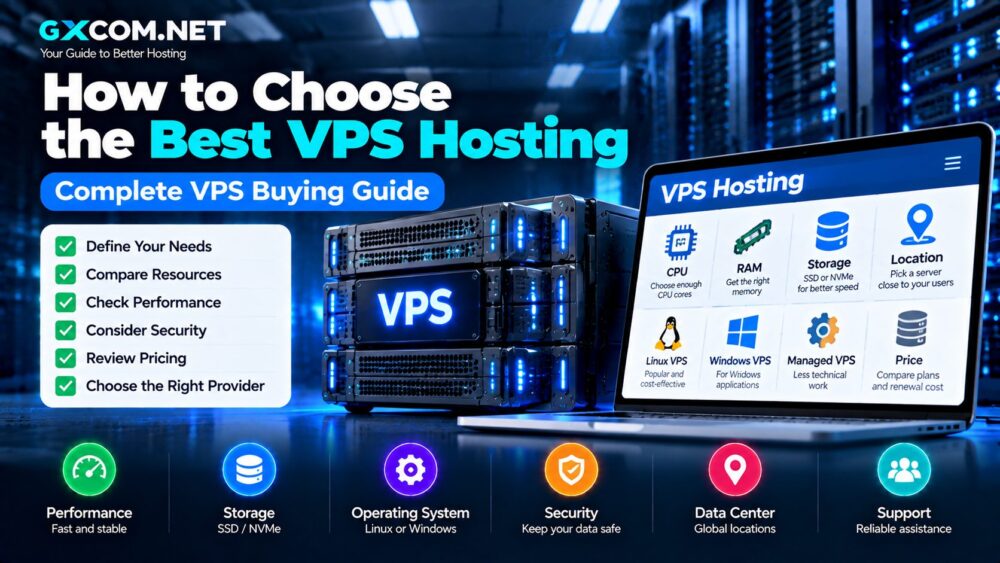
How to Choose VPS Hosting for a Website
1. Estimate traffic.
Higher traffic requires more CPU and RAM.
2. Check storage type.
NVMe storage can improve database-heavy websites.
3. Select enough RAM.
Memory affects website stability and application performance.
4. Choose the right location.
Data center location affects visitor latency.
5. Consider management needs.
Beginners may prefer managed VPS.
6. Review backup options.
Reliable backups are essential for business websites.
Best VPS Hosting for Websites: Final Thoughts
The best VPS hosting for a website depends on traffic, technical requirements and future growth plans.
Hostinger provides a beginner-friendly VPS upgrade path with strong resources. DigitalOcean and Vultr are excellent choices for developers building custom websites. Hetzner offers strong infrastructure value, while OVHcloud suits users looking for broader cloud options.
A good website VPS should provide enough performance today while allowing room for future expansion.
Choose based on your actual needs rather than simply selecting the cheapest server available.