Why Cloud VPS Bandwidth Costs Matter
A cloud VPS can look affordable until traffic grows. The advertised monthly server charge may cover compute and storage while network usage follows separate rules. Understanding cloud VPS bandwidth costs helps buyers compare realistic operating expenses instead of relying on headline prices.
Before selecting a plan, estimate monthly outbound traffic, expected peak throughput, and how the provider treats excess usage. Our cloud hosting vs VPS comparison explains the broader infrastructure tradeoffs, while this guide focuses specifically on network billing.
Bandwidth Is Not the Same as Data Transfer
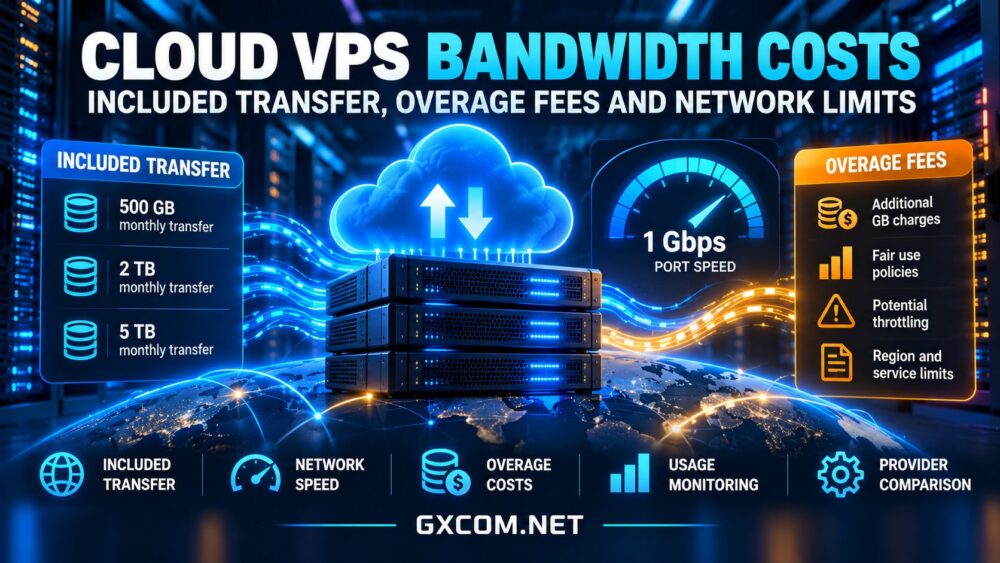
Bandwidth usually describes a connection’s transmission capacity, commonly expressed in Mbps or Gbps. Data transfer measures how much information moves over time, usually in GB or TB. A 1 Gbps port is not a promise of unlimited monthly traffic or continuous gigabit throughput.
Real throughput depends on shared network capacity, routing, congestion, packet loss, protocol overhead, and the destination. A provider may advertise a fast interface while enforcing a monthly transfer allowance, a fair-use policy, or sustained-speed restrictions.
Inbound, Outbound, and Internal Traffic
Many cloud platforms distinguish ingress from egress. Inbound traffic may be free while outbound internet traffic is metered, but policies differ. Transfers between regions, private networks, object storage, and public IP addresses can have separate charges. Never assume that traffic inside one provider is automatically free.
How Included Transfer and Overage Fees Work
An included transfer allowance is the quantity of traffic covered by a plan’s billing terms. Some services pool allowances across eligible instances; others calculate usage per server. Some reset allowances monthly, prorate them, or exclude particular traffic categories.
When usage exceeds the allowance, a provider might bill per additional GB, throttle throughput, suspend service, or require an upgrade. The precise treatment matters as much as the advertised allowance. Read the current service terms and confirm whether excess traffic creates charges automatically.
A Simple Monthly Cost Example
Consider a hypothetical VPS with a $24 base fee, 2 TB of included outbound transfer, and an illustrative $0.02 charge for each extra GB. If outbound usage reaches 2.5 TB, roughly 500 GB exceeds the allowance, producing about $10 in extra charges and a $34 total before taxes or other services. This is a teaching example, not a quotation from any provider; billing units and rounding can change the calculation.

For a reliable forecast, model ordinary months and unusually busy periods separately. Include application downloads, API responses, image delivery, backup exports, and software distribution. A small website with effective caching may use less transfer than a media-heavy application with fewer visitors.
Five Cloud VPS Providers to Compare
The following providers offer useful starting points for comparing network allowances, transfer billing, and infrastructure flexibility. Product families and regional policies can differ, so verify the exact service before purchasing.
Vultr
Vultr is relevant for cloud instances where network transfer allocations and excess usage deserve attention. Compare the selected compute family, eligible included transfer, regional conditions, and current overage rules. Do not assume every instance family shares identical billing.
OVHcloud
OVHcloud offers several VPS and cloud product lines with different network descriptions. Review whether traffic is described as unmetered, subject to fair use, or limited by bandwidth speed. An unmetered designation should not be interpreted as a guarantee of unrestricted sustained throughput.
Kamatera
Kamatera is useful for teams assessing configurable cloud resources and consumption-based costs. Verify the chosen network billing option, outbound usage assumptions, and any region-specific terms before forecasting total spend.
Akamai Cloud
Akamai Cloud (formerly Linode) is worth comparing for included transfer policies and potential pooled allowances across eligible services. Confirm what qualifies for any shared allowance and how additional transfer is calculated under current terms.
Contabo
Contabo VPS and VDS products are another option for buyers considering transfer policies alongside compute and storage. Examine the actual package’s traffic wording, port specifications, and any fair-use or throttling conditions rather than assuming that a generous headline allowance guarantees maximum speed.
For a wider vendor shortlist, use our best VPS providers comparison, then verify each candidate’s current network documentation directly.
Network Limits That Affect Real Performance
Port Speed Versus Sustained Throughput
A nominal 1 Gbps interface describes a potential connection rate, not a performance commitment. Congested routes, upstream peering, virtual network policies, and destination bottlenecks may reduce achievable speeds. Test from multiple locations and at different times using representative traffic.
Fair Use, Throttling, and Traffic Shaping
Some plans restrict prolonged high utilization even when monthly transfer is described as unlimited. Look for terms covering acceptable use, burst rates, traffic shaping, DDoS mitigation, and abuse responses. For latency-sensitive applications, packet loss and jitter can matter more than headline download speed.
Backups, CDNs, and Cross-Region Transfers
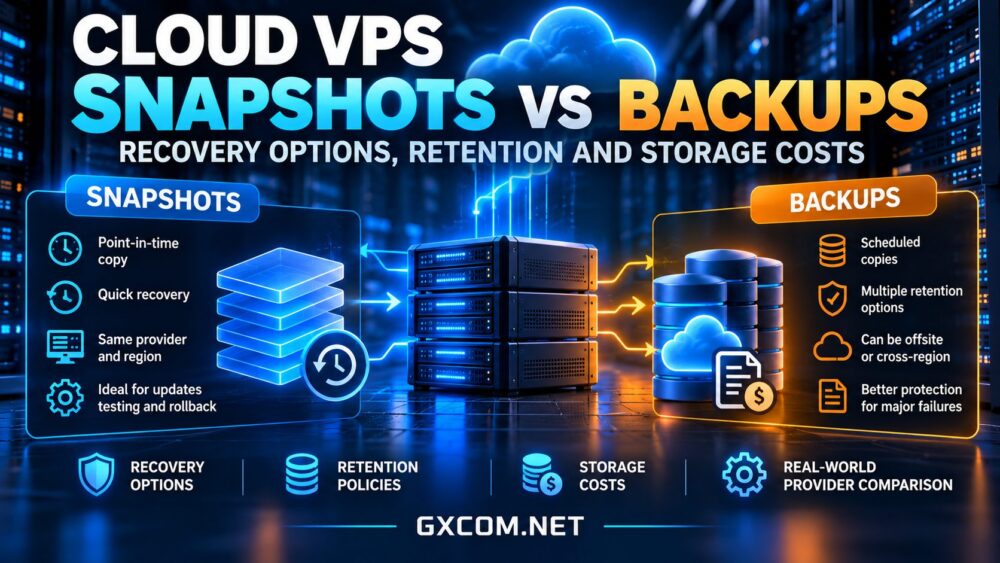
Backup exports and disaster-recovery replication can generate substantial outbound traffic. Our cloud VPS snapshots vs backups guide explains recovery tradeoffs; ask whether moving copies to another region or storage provider creates additional egress charges. A CDN can reduce origin traffic, but its own delivery and request charges must also be considered.
How to Choose the Right Bandwidth Plan
Start with monitoring rather than guesses. Record inbound and outbound traffic over several weeks, identify recurring peaks, and estimate growth from planned features or marketing campaigns. For new deployments, use realistic assumptions and revisit them after launch.
Compare plans using total expected monthly cost rather than base instance price. Our affordable cloud VPS deals guide can help identify candidates, but inspect renewal terms and bandwidth conditions before committing. If network costs dominate, consider caching, compression, efficient media formats, and regional placement before buying a larger server.

Finally, set usage alerts where available and establish an internal threshold for reviewing traffic spikes. Monitoring cannot prevent every unexpected bill, but it can reveal abnormal downloads, compromised workloads, or inefficient application behavior early.
Questions to Ask Before Purchasing
Ask whether the allowance covers inbound and outbound traffic separately, whether unused transfer rolls over, and whether multiple servers can share an allowance. Confirm the billing unit, overage rate, notification options, and consequences of exceeding fair-use thresholds.
For global applications, check whether network conditions vary by region. Also investigate charges for load balancers, public IP addresses, cross-region replication, and external backup destinations. These services may create costs that are not visible in the initial VPS configuration.
Document the answers before committing to an annual plan. If a provider’s transfer policy is unclear, request clarification rather than assuming unlimited usage.
Final Verdict
Cloud VPS bandwidth costs depend on more than a port-speed label or a generous transfer headline. Included allowances, outbound billing, overage policies, fair-use restrictions, and network quality all influence value. Choose a provider whose documented rules match your workload, test performance in practice, and budget for traffic growth rather than assuming the cheapest monthly instance will remain the cheapest to operate.