AWS EC2 vs VPS Hosting: Understanding the Real Difference
Choosing between AWS EC2 vs VPS hosting is not simply a decision between enterprise cloud and budget servers. Both can run websites, APIs, databases, and business applications. The important differences involve infrastructure flexibility, billing complexity, operational responsibility, and how predictably your workload consumes resources.
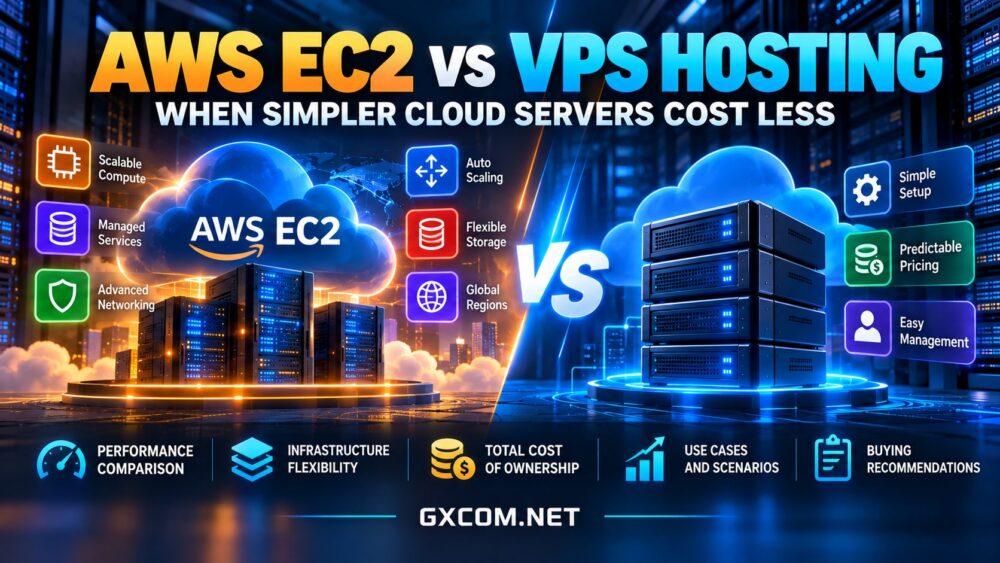
Amazon EC2 provides configurable virtual computing within the wider AWS ecosystem. A conventional VPS typically packages virtual CPUs, memory, storage, and transfer into a simpler plan. Neither model is automatically faster or cheaper. Our cloud hosting vs VPS comparison explains the broader architectural distinctions.
Where EC2 Offers More Control
EC2 supports numerous instance families, operating systems, deployment regions, and integration options. Organizations can combine instances with load balancing, Auto Scaling, managed databases, monitoring, identity controls, and other AWS services. This flexibility is valuable when infrastructure must change with demand or comply with detailed architecture requirements.
However, flexibility creates configuration work. Selecting an instance is only one step; teams may also need to design storage, security groups, network routing, backups, and cost monitoring. A single EC2 instance is not automatically highly available. Redundancy requires additional architecture and expense.
Compute and Performance Guarantees
EC2 instance families vary in processor generation, memory ratios, networking, and baseline or burst behavior. Some burstable instances use CPU credit mechanisms. Conventional VPS providers also differ: shared vCPUs can experience contention, while dedicated-capacity offerings may provide stronger allocation commitments.
Do not compare providers using vCPU count alone. Measure sustained throughput, p95 application latency, storage I/O, and network behavior under representative load. A dedicated vCPU does not necessarily mean an exclusive physical core.
Why VPS Pricing Often Feels Simpler
Many VPS packages combine compute, an included storage allocation, and a specified transfer allowance into one recurring price. This can make forecasting easier for a small business running one website or a stable application. Simplicity is particularly valuable when there is no dedicated cloud engineering team.
But a VPS headline price can still omit backups, control panels, licenses, managed support, and excess traffic. Examine renewal terms and the provider’s CPU and acceptable-use policies before assuming the advertised price represents the complete operating cost.

Breaking Down EC2 Total Cost
EC2 costs depend on the selected purchasing model, instance runtime, region, and operating system. Storage through services such as EBS, snapshots, internet data transfer, public IPv4 addresses, and optional monitoring or network components may contribute additional charges. Some architecture choices, including NAT gateways and load balancers, can materially change the bill.
Consider an entirely hypothetical comparison: a VPS package costs $30 per month, while an EC2-based deployment has $28 of compute, $9 of storage, and $8 of other network and infrastructure charges. That produces $45 before support and labor. These figures are illustrative only, not current AWS or provider prices.
The comparison changes if EC2 instances run only when needed, reserved capacity reduces eligible compute costs, or the application requires multiple servers regardless of platform. Conversely, a continuously running small workload may benefit from the VPS plan’s simpler recurring bill.
Traffic and Storage Can Change the Winner
Bandwidth labels require scrutiny. Included transfer is not the same as port speed, and outbound traffic can be priced differently from inbound or internal traffic. Read our cloud VPS bandwidth costs guide before comparing transfer-heavy deployments. Also include backup retention, snapshot storage, and recovery testing in both budgets.
Four VPS and Cloud Alternatives to Evaluate
These providers are relevant comparison candidates, not interchangeable replacements for every AWS service. Verify current instance families, regional availability, management scope, and pricing directly before purchasing.
Vultr: Flexible Cloud Compute
Vultr offers cloud compute options suitable for teams that want selectable infrastructure without adopting the entire AWS service ecosystem. Compare its compute families, transfer allowances, backups, and available regions against the EC2 configuration your application actually requires.
Akamai Cloud: Developer-Friendly Instances
Akamai Cloud (formerly Linode) is worth considering for straightforward Linux applications, developer workflows, and predictable deployments. Evaluate shared versus dedicated compute choices, storage, and network policies instead of assuming every instance offers equivalent performance.
Kamatera: Configurable Server Resources
Kamatera may suit teams that want flexibility in resource sizing while retaining a server-centered deployment model. Review configuration options, bandwidth billing, backup services, and administration responsibilities. Greater configurability does not automatically make a platform less expensive.
OVHcloud: VPS and Public Cloud Choices
OVHcloud offers both VPS and broader cloud infrastructure products. Buyers should compare the specific product family, resource limits, network terms, and recovery features. A standard VPS should not be presented as equivalent to a multi-service AWS architecture.
Use our best VPS providers guide to develop a shortlist based on workload requirements rather than brand familiarity.
When EC2 Is Worth the Additional Complexity
EC2 is a strong candidate when an application needs AWS-native integrations, automated fleet scaling, specialized instance types, advanced networking, or a deployment architecture spanning multiple availability zones. Teams already operating AWS services may also gain efficiency from shared tooling and governance.
Those benefits matter less for a single WordPress site, a modest internal application, or a consistently busy service with straightforward dependencies. Paying for flexibility that remains unused can reduce the value of an otherwise capable platform.

When a Simpler VPS Costs Less
Choose a VPS shortlist when resource demand is stable, the software stack is conventional, and the team prefers transparent monthly planning. Check whether the plan provides sufficient memory, predictable CPU access, acceptable backup options, and room to upgrade without disruptive migration.
For commercial comparisons, review affordable cloud VPS deals, but calculate renewal pricing and required add-ons. A promotional discount is not proof of long-term savings.
Migration and Operational Costs
Switching from EC2 to VPS may require changes to networking, object storage, database services, deployment automation, and access controls. Estimate migration labor, parallel server runtime, data export, testing, and rollback. Our cloud server migration guide covers these practical switching risks.
Before deciding, create a twelve-month total-cost estimate for each realistic architecture. Include infrastructure, backups, bandwidth, monitoring, support, staff time, and expected growth. Then test performance with the same application and comparable traffic.
Final Verdict
AWS EC2 delivers extensive flexibility, but that flexibility is valuable only when the workload needs it. A simpler VPS can cost less for stable applications with modest infrastructure requirements, especially when packaged resources reduce billing surprises. Compare complete architectures, not isolated instance prices, and choose the smallest reliable setup that satisfies performance, recovery, and operational needs.