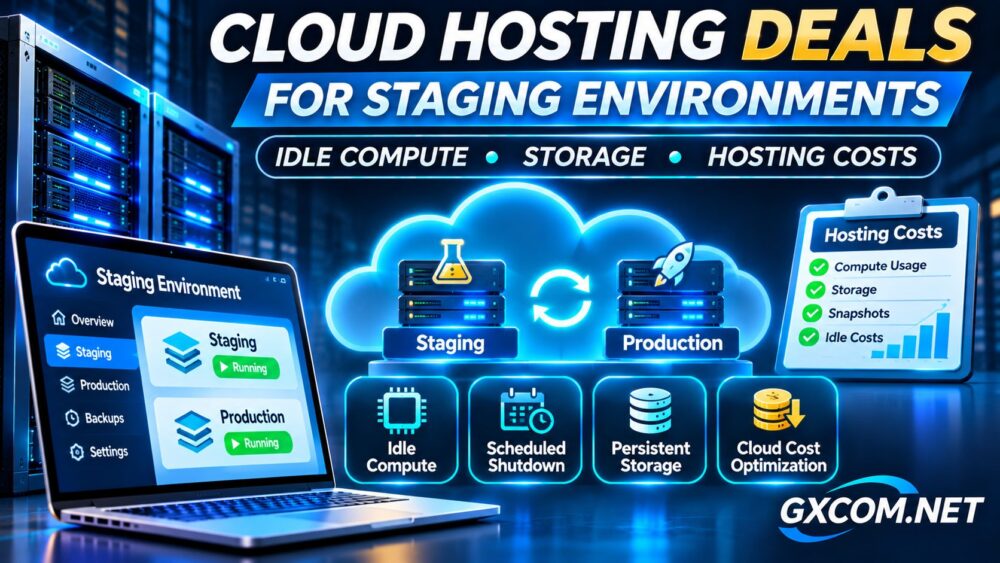
Cloud server deals for Redis hosting can reduce application infrastructure expenses, but advertised RAM and monthly rental prices tell only part of the story. Redis needs enough memory for its working dataset, internal structures, connected clients and background operations. A cheap instance that repeatedly runs out of memory may cost more to operate than a larger configuration.
This guide compares three cloud infrastructure providers and explains how to budget for self-managed Redis, including memory headroom, persistent storage, backups and replication. These are infrastructure offers, not fully managed Redis database subscriptions.
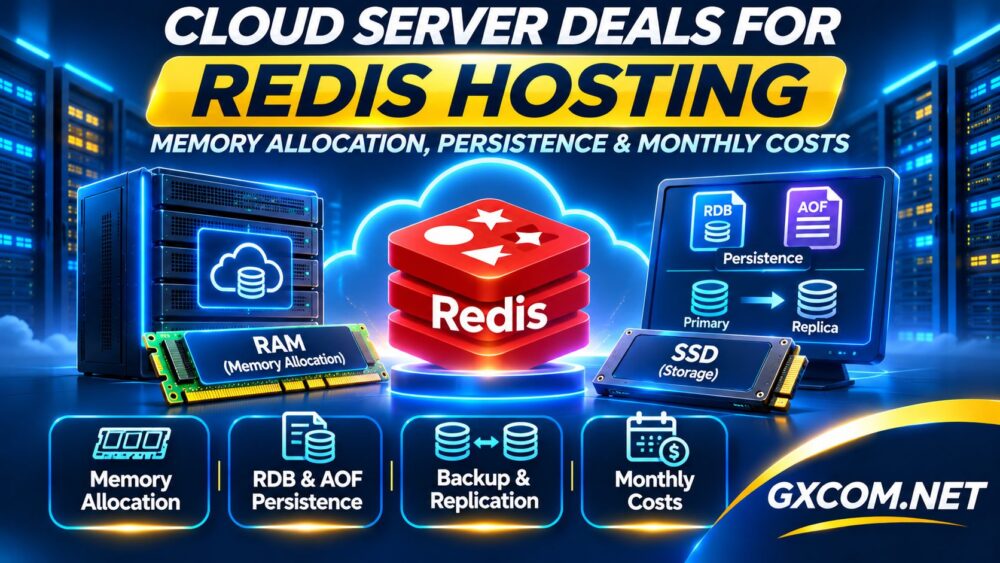
Cloud Server Deals for Redis Hosting: Price Comparison
Published pricing examples reviewed on November 24, 2026, provide a starting point for comparing Linux deployments. Confirm regional availability, taxes and checkout terms before ordering.
| Provider and plan | RAM | Storage | Base cost |
|---|---|---|---|
| InterServer Debian 2 Slices | 4GB | 80GB SSD | $6/month |
| InterServer Debian 4 Slices | 8GB | 160GB SSD | $12/month |
| IONOS Memory Cube S | 8GB | 120GB | $13.68/30 days |
| IONOS Memory Cube M | 16GB | 240GB | $25.20/30 days |
| Kamatera Pro Type B | 4GB | 20GB NVMe SSD | $39/month |
These standard published prices are not verified promotional discounts. CPU allocation, storage architecture and support conditions differ, so the table should not be interpreted as a performance ranking.
Calculate Usable Redis Memory Before Ordering
Start with measured Redis memory rather than the size of an exported database file. Key metadata, data structures and allocator behavior can make an imported dataset occupy substantially more memory than its serialized representation.
Consider an illustrative workload with 3GB of measured steady-state Redis resident memory. Allow another 1GB for Linux and supporting processes, 1.5GB for temporary persistence and buffer growth, and 1GB for future demand. This produces a planning requirement of 6.5GB, making an 8GB instance a reasonable candidate for testing.
These allowances are assumptions, not universal sizing rules. Observe peak resident memory during representative write traffic and background saves. Avoid double-counting overhead already included in measured resident memory.

The maxmemory setting controls eviction accounting rather than imposing a strict ceiling on total process memory. Some replication and persistence buffers are excluded from that accounting. Disposable caches can use an appropriate eviction policy, while important sessions or queues require careful handling of rejected writes and data retention. See our Linux VPS Redis configuration guide for further technical details.
Three Cloud Providers for Redis Deployments
InterServer: Fixed Monthly Resource Bundles
InterServer publishes Debian cloud compute plans using resource slices. Its four-slice configuration includes two CPU cores, 8GB memory and 160GB SSD storage for $12 monthly. This provides a straightforward budget for smaller continuously running caches.
Each additional slice changes the resource bundle rather than adding memory independently. Check upgrade procedures, CPU scheduling and backup options before purchasing. The published Linux configuration does not establish that Redis installation or database administration is included.
IONOS: Memory-Oriented Cloud Configurations
IONOS CLOUD lists Memory Cube S with two vCPUs and 8GB RAM at $0.019 per hour. Memory Cube M provides four vCPUs and 16GB RAM at $0.035 per hour. Their published 30-day equivalents are $13.68 and $25.20 respectively.
These bundles are relevant when memory capacity matters more than a high core count. The platform also publishes flexible vCPU and RAM rates for separately configured instances. Compare the complete configuration rather than assuming flexible resources inherit the bundled Cube price.
Kamatera: Custom Resource and CPU Selection
Kamatera offers configurable cloud servers with monthly or hourly billing. Its published Pro configuration includes two Type B general-purpose vCPUs, 4GB RAM and 20GB NVMe SSD storage for $39 monthly.
Type B reserves physical CPU threads according to the provider’s CPU documentation. This differs from its lower-cost availability CPU category. Buyers concerned about scheduling contention can compare these options using their own latency measurements. Request a customized memory configuration and confirm backup charges before deployment. Optional operating system management should not be confused with database administration.
Persistence and Storage Requirements
A replaceable cache may operate without persistence if the application can tolerate rebuilding its contents. For important state, determine acceptable data loss and recovery time before choosing storage.
RDB persistence creates periodic snapshots. AOF records data-changing operations and can synchronize writes according to the selected durability policy. Both can require background processes and additional disk activity. During background saves or rewrites, modifications to memory pages can increase physical memory consumption through copy-on-write.
Budget space for existing persistence files, temporary rewrite files, operating system logs and recovery operations. A larger SSD does not compensate for insufficient RAM. Measure disk latency during persistence and keep independent backups outside the primary instance.
Monthly Costs for Single Nodes and Replicas
The following illustrative budget uses the published $12 monthly InterServer configuration as its base. Backup and monitoring allowances are hypothetical, not provider add-on quotations.
| Expense | Single node | Primary and replica |
|---|---|---|
| Server rental | $12 | $24 |
| Backup budget | $4 | $6 |
| Monitoring budget | $2 | $4 |
| Monthly subtotal | $18 | $34 |
| Annual subtotal | $216 | $408 |
Replication alone does not provide automatic failover or guarantee that acknowledged writes survive every failure. Include separate failure domains, quorum infrastructure where required, network charges and operational labor in a production availability budget.
For purchasing decisions, divide the complete monthly budget by the measured usable dataset capacity. This exposes the cost of safety margins that a simple advertised price per gigabyte cannot capture.
Hourly Billing or Fixed Monthly Rental?
Development instances may benefit from hourly billing, provided shutdown actually releases billable compute resources. Persistent disks and reserved addresses may continue generating costs. Production Redis services usually need continuous availability, making full-month costs more meaningful than short-session rates.
Compare billing rules using our cloud hosting pricing models guide and include incidental expenses described in our cloud server cost optimization guide.
Choose a Redis Cloud Server Based on Measured Demand
Test peak memory, eviction rates, persistence duration and application tail latency before accepting a long commitment. Restrict Redis network access, use appropriate authentication and encryption, and verify recovery from independent backups. If virtualized infrastructure cannot meet measured requirements, consider our dedicated Redis server guide.
InterServer offers inexpensive resource bundles, IONOS provides memory-oriented configurations, and Kamatera supports more granular resource selection. Choose according to actual capacity, CPU requirements and recovery objectives. The best deal is the one that meets those requirements at a sustainable total cost.