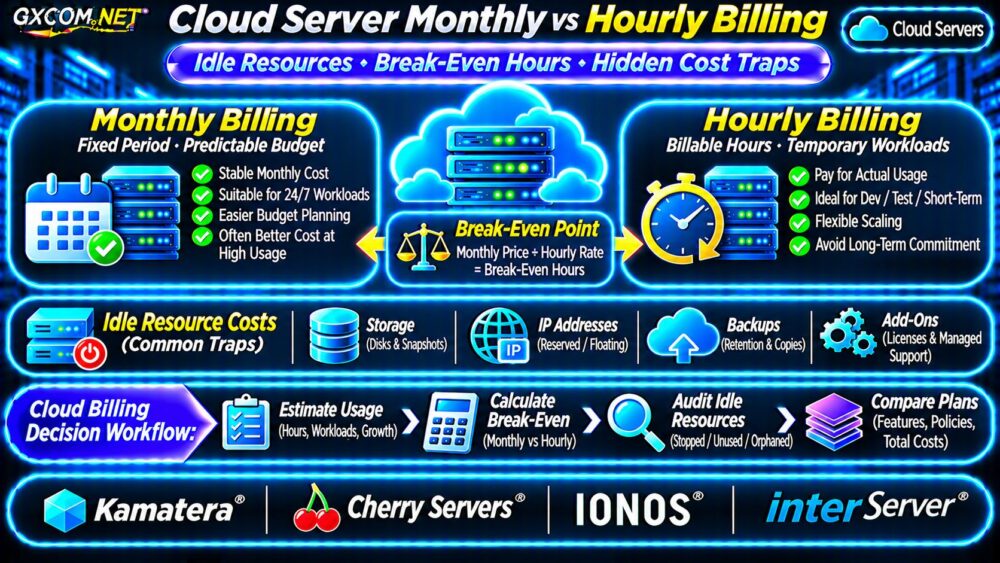
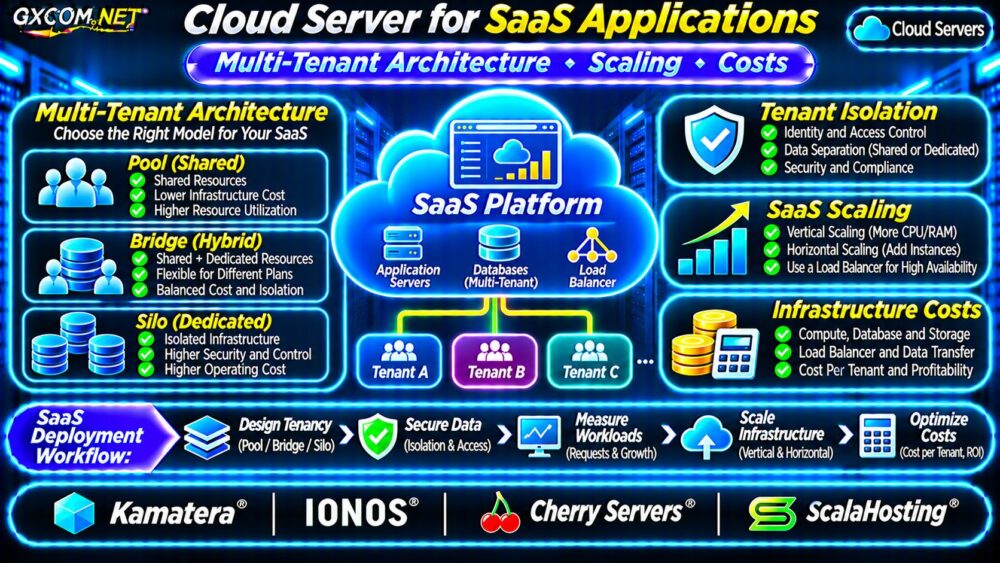
Cloud load balancer costs extend beyond the advertised price of a traffic-routing service. Depending on the provider, businesses may pay for forwarding rules, provisioned capacity, processed traffic, health monitoring, and the servers receiving requests. Failover also requires enough healthy backend capacity to handle an outage.
This guide explains the main billing models, practical health-check settings, traffic charges, and the total cost of managed load balancing versus a self-hosted proxy.
What Determines Cloud Load Balancer Pricing?
A load balancer accepts client connections and distributes requests across application servers. Layer 4 services route using transport information such as TCP ports, while Layer 7 services can inspect HTTP requests and apply application-aware routing rules.
Cloud providers use different billing structures. Compare the complete service rather than treating a low hourly price as the final monthly cost.
| Cost Component | What to Verify |
|---|---|
| Base service | Hourly fee, subscription, or capacity plan |
| Forwarding rules | Included rules and additional-rule charges |
| Traffic | Processed bytes, egress, and transfer allowances |
| Health monitoring | Included checks, endpoints, and monitoring limits |
| Backend servers | Compute, storage, and standby capacity |
| Operations | Configuration, testing, maintenance, and support |
Health Checks: Availability and Operational Cost
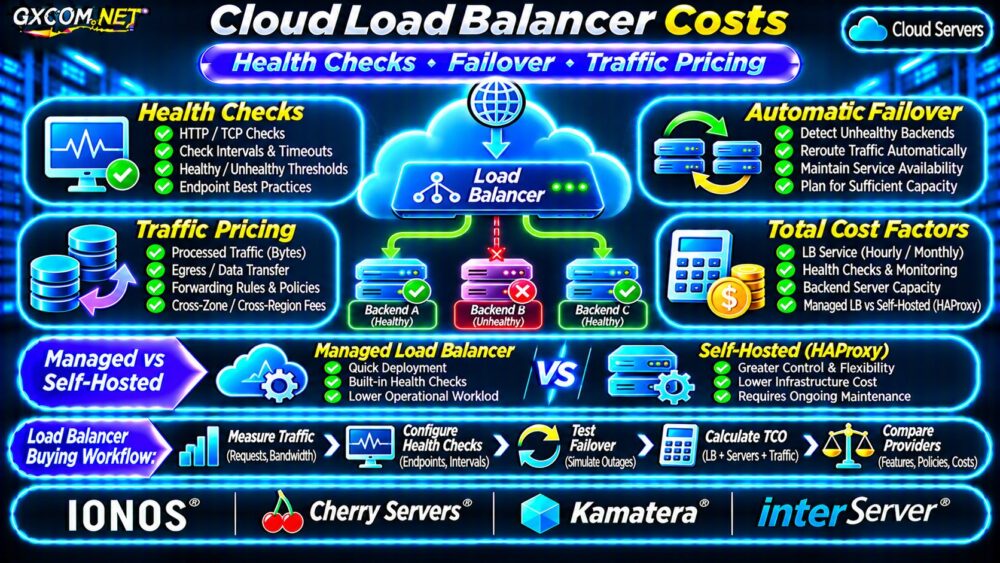
Health checks determine whether a backend should receive new traffic. A basic TCP check confirms connectivity, while an HTTP readiness endpoint can verify that the application is prepared to serve requests.
For example, an application might expose /ready and return HTTP 200 only when essential dependencies are available. Avoid expensive database queries or write operations inside every probe.
Calculate Health-Check Frequency
With three backend servers, one monitoring source, and a ten-second interval, the approximate probe count is:
3 × (86,400 ÷ 10) = 25,920 checks per day.
Multiple monitoring locations increase this count. Whether checks are separately billable depends on the product. Probe traffic also consumes application resources, even when the provider includes monitoring in its service price.
Shorter intervals may detect failures sooner, but overly aggressive thresholds can remove healthy servers during temporary latency spikes.
Failover Costs More Than a Load Balancer
Automatic failover requires healthy destinations. If two servers normally share traffic, losing one can double the remaining server’s workload unless spare capacity or scaling is available.

Consider application sessions, database connections, background jobs, and regional dependencies. A load balancer cannot repair an unavailable shared database or restore corrupted application data.
Our cloud VPS high availability guide examines redundancy, replication, and failover architecture in greater detail.
Estimate Failure Detection Time
Suppose health checks run every ten seconds and mark a backend unhealthy after three consecutive failures. Detection may take roughly twenty to thirty seconds after the first failed observation, depending on scheduling and timeout behavior.
Actual recovery also includes routing updates, connection retries, application readiness, and client behavior. Never advertise a guaranteed failover time based only on the check interval.
Traffic Pricing and Hidden Network Charges
Some managed load balancers include processed traffic in their base price. Others meter processed bytes, bandwidth, requests, or provisioned capacity. Internet egress and cross-zone transfers may be separate charges.
Estimate monthly transfer using:
Monthly data = average requests per second × average response bytes × seconds per month.
At 20 requests per second with an average 100 KB response, thirty days generate approximately 5.18 TB of response data using decimal units. This excludes request bodies, retries, monitoring, and other traffic.
Compare the result against the load balancer’s allowance and the backend servers’ network policies. Our cloud VPS bandwidth overages guide explains why port speed and included transfer are different purchasing criteria.
Managed Load Balancer vs Self-Hosted HAProxy
A managed service reduces responsibility for operating the load-balancing platform, although application routing, health-check design, and backend availability still require attention.
Self-hosted HAProxy provides extensive configuration control on a Linux VPS. However, the operator must maintain the operating system, TLS certificates, monitoring, updates, and proxy availability.
A single HAProxy VPS can itself become a single point of failure. A resilient self-hosted design may require two proxy nodes, suitable address failover, and infrastructure capable of supporting that mechanism.
Illustrative Monthly Cost Comparison
Consider a hypothetical managed setup with a $20 load balancer, two $35 application servers, and $15 in additional network and monitoring expenses. Its estimated total is $105 per month.
A hypothetical self-hosted design uses two $12 proxy VPS instances, the same $70 application capacity, $10 in networking, and two administrative hours valued at $30 each. Its estimated total is $164 per month.
These figures are illustrative, not supplier quotations. They exclude taxes, incident response, database redundancy, and any provider-specific networking requirements. The self-hosted example assumes an appropriate failover mechanism is available.
For wider infrastructure budgeting, see our cloud server cost optimization guide.
Four Approved Infrastructure Providers to Compare
IONOS: Managed Load Balancing
IONOS documents managed application and network load balancers with forwarding-rule-based pricing. Its network product includes configurable health checks and redundant service architecture. Confirm the applicable region, rules, and related network charges.
Cherry Servers: Capacity-Based Load Balancer Plans
Cherry Servers offers a managed proxy load balancer supporting HTTP, HTTPS, and TCP. Its published plans differ in session capacity, bandwidth, and traffic allowances, making workload sizing important.
Kamatera: Configurable Cloud Architecture
Kamatera is relevant for businesses comparing configurable cloud servers and load-balancing infrastructure. Check the selected product’s management responsibilities, networking configuration, and current billing terms.

InterServer: Self-Hosted Proxy Alternative
InterServer can be evaluated as a Linux VPS host for customer-managed HAProxy. This is a software deployment option, not a claim that its VPS plans include a native managed load balancer.
Load Balancer Purchasing Checklist
- Confirm Layer 4 or Layer 7 routing requirements.
- Measure requests, concurrency, response sizes, and peak traffic.
- Check health-monitor intervals, thresholds, and billing rules.
- Verify backend capacity during a server failure.
- Include network egress, certificates, and operational labor.
- Test failover and rollback before production cutover.
For recovery planning, review our VPS snapshot and backup recovery guide. Load balancing does not replace recoverable backups.
Frequently Asked Questions
Are Cloud Load Balancer Health Checks Free?
Not universally. Some products include monitoring, while others apply limits or separate charges. Verify the specific service terms.
Does a Load Balancer Guarantee Zero Downtime?
No. Shared dependencies, insufficient backend capacity, incorrect checks, and routing delays can still interrupt service.
Final Verdict
Compare cloud load balancer costs using the complete architecture: service fees, health checks, traffic, backend capacity, and operational responsibilities. Managed solutions may simplify maintenance, while self-hosted proxies provide control at the expense of additional engineering work.
Evaluate IONOS, Cherry Servers, Kamatera, and InterServer according to the actual deployment model. Test failure scenarios and calculate total monthly costs before choosing.