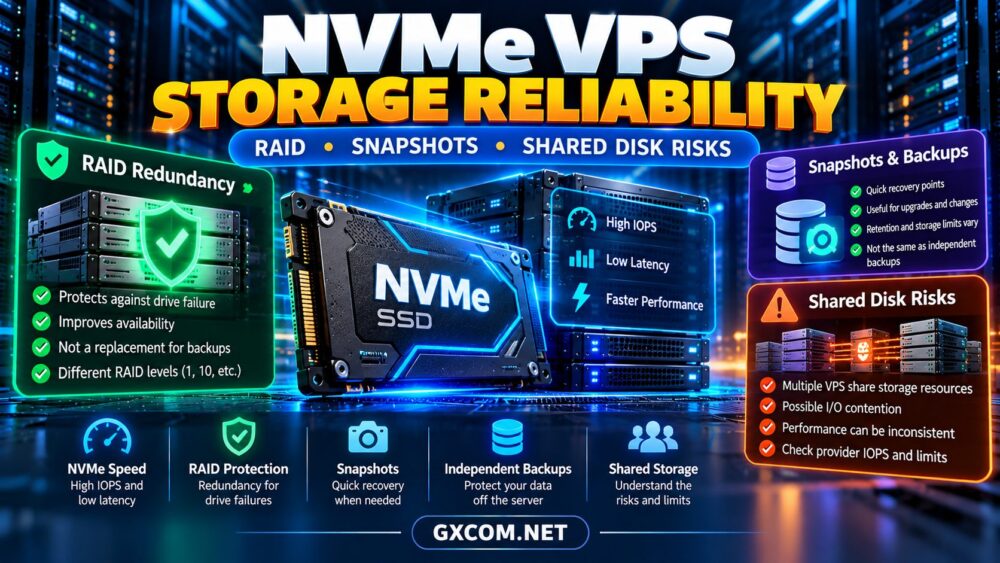
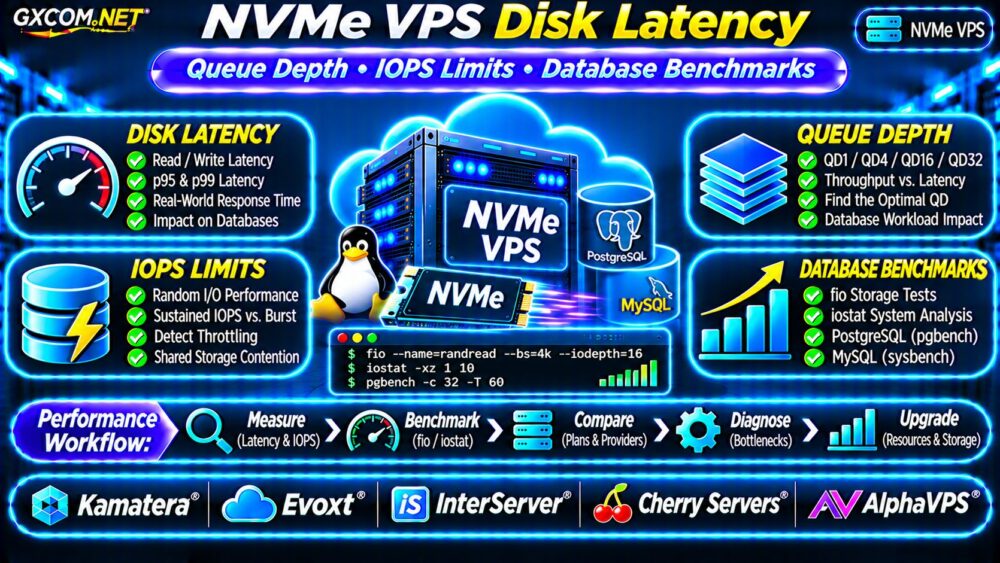
Choosing an NVMe VPS for PostgreSQL involves more than selecting the fastest advertised SSD. Database performance depends on write-ahead logging (WAL), transaction durability, random I/O, memory availability, and storage latency under sustained load.
For SaaS applications, ecommerce platforms, and business databases, slow transaction commits can affect user experience even when CPU usage appears normal. This guide explains which metrics matter, how to test them, and how to compare VPS hosting options.
Why PostgreSQL Storage Performance Matters
PostgreSQL uses memory buffers to reduce disk access, but durable transactions still require storage operations. Database writes, WAL activity, checkpoints, and background maintenance compete for available I/O capacity.
NVMe storage can offer lower latency and higher throughput than older storage interfaces. However, a VPS may use shared or network-attached storage with performance limits unrelated to the physical drive’s maximum specifications.
Our NVMe VPS vs SSD Performance Guide explains these broader storage differences.
PostgreSQL WAL and Transaction Commit Latency
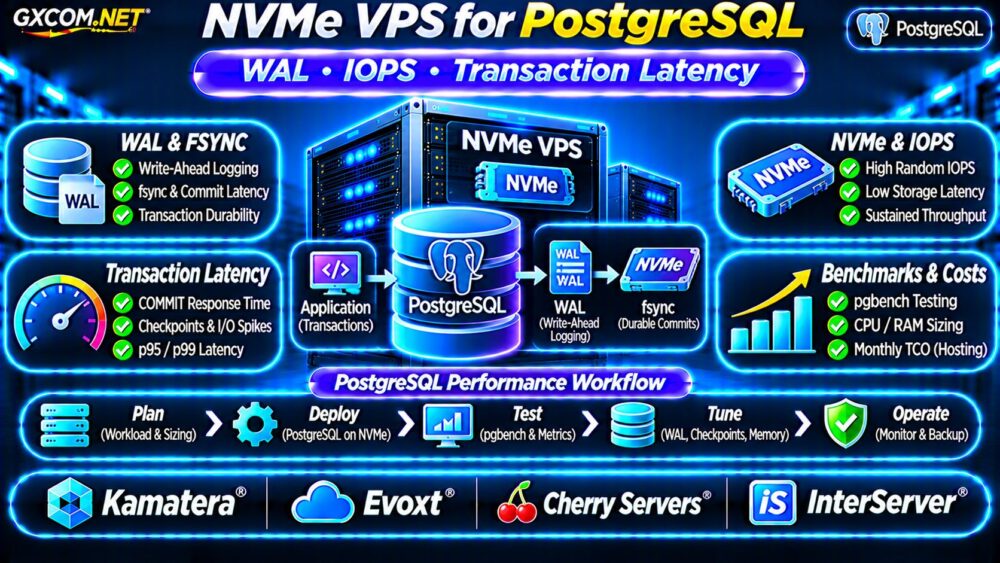
Write-ahead logging records database changes before modified data pages are written to their final locations. WAL supports crash recovery and transaction durability.
With synchronous commit enabled, transaction completion generally requires the relevant WAL records to be flushed according to PostgreSQL’s configured durability behavior.
Why WAL fsync Latency Matters
A storage device may deliver impressive sequential throughput while responding slowly to small synchronous writes.
When WAL flush operations take longer, transactions waiting for durable commits may experience increased latency. Group commit can improve efficiency, so individual storage operations do not always correspond directly to individual transactions.
Measure WAL synchronization time and application-level commit latency instead of relying on advertised NVMe speeds.
IOPS vs Throughput vs Latency
IOPS measures completed input/output operations per second. Throughput measures data transferred per second, while latency measures how long individual operations take.
PostgreSQL workloads often combine small random reads, WAL writes, and larger checkpoint activity. High sequential throughput alone does not guarantee responsive transactions.
| Metric | PostgreSQL Relevance |
|---|---|
| Random-read IOPS | Index and data-page access |
| Write latency | WAL flushes and data writes |
| p95/p99 latency | Slowest user-visible operations |
| Sustained throughput | Backups and larger I/O workloads |
Compare sustained measurements under realistic concurrency rather than isolated benchmark peaks.

Checkpoints and PostgreSQL I/O Spikes
Checkpoints coordinate writing modified database pages to storage. Heavy checkpoint activity can increase I/O pressure and contribute to response-time spikes.
PostgreSQL spreads checkpoint writes over time, but configuration, write volume, and storage limits still influence performance.
Monitor checkpoint frequency, write timing, and background writer activity using the statistics views available in your PostgreSQL version.
Avoid copying tuning values between database versions without checking their documentation and workload characteristics.
How to Measure PostgreSQL WAL Performance
PostgreSQL provides built-in statistics that help identify write bottlenecks. For versions supporting pg_stat_wal, the following query examines WAL activity:
SELECT wal_records,
       wal_bytes,
       wal_write,
       wal_sync,
       wal_write_time,
       wal_sync_time
FROM pg_stat_wal;
WAL timing fields require the appropriate timing configuration and may otherwise report zero. These counters are cumulative, so compare measurements across a defined test interval.
Use pgbench for Transaction Testing
pgbench provides repeatable PostgreSQL workload tests. Initialize a dedicated test database, then run controlled tests with different client counts and durations.
pgbench -c 10 -j 2 -T 300 -P 10 benchmark_dbThis example uses ten clients, two worker threads, and a five-minute test. Initialize the benchmark database beforehand; never initialize pgbench against a production database containing valuable data.
Record transactions per second, average latency, p95/p99 application latency where available, CPU usage, and storage utilization. Repeat tests to identify variability.
CPU, RAM and NVMe VPS Sizing
Database performance also depends on CPU scheduling, available memory, connection concurrency, and the operating system page cache.
| Illustrative Workload | Starting VPS Resources |
|---|---|
| Development database | 2 vCPU, 4GB RAM |
| Small production application | 2–4 vCPU, 8GB RAM |
| Growing transactional workload | 4–8 vCPU, 16GB RAM |
| Heavy database workload | 8+ vCPU, 32GB+ RAM |
These are planning examples, not universal PostgreSQL requirements. Database size, query efficiency, concurrency, and cache hit rates determine actual resource needs.
Before upgrading storage, check memory pressure and query plans. Additional RAM may reduce physical reads more effectively than a faster disk.
Four VPS Providers for PostgreSQL
The following GXCOM.NET-approved affiliate providers are candidates for database hosting. Confirm the exact storage technology, virtualization environment, and performance policies before purchasing.
Kamatera: Configurable Database Resources
Kamatera is worth evaluating for adjustable CPU and RAM configurations. Ask about storage latency, volume performance limits, backup options, and database deployment responsibilities.
Evoxt: Cost-Conscious PostgreSQL Hosting
Evoxt may suit smaller PostgreSQL deployments where predictable monthly expenses matter. Compare sustained disk performance, memory capacity, and resource contention policies.
Cherry Servers: Database Infrastructure Options
Cherry Servers offers another infrastructure comparison point for database workloads. Verify which products provide suitable storage, available capacity, and the isolation required by your application.
InterServer: VPS Resource and Cost Comparison
InterServer can be evaluated for VPS resource configurations and long-term pricing. Confirm storage type, backup arrangements, and whether database administration is included or customer-managed.
For broader comparisons, visit our Best VPS Providers Guide.
PostgreSQL VPS Backups and Recovery
Fast storage cannot replace reliable backups. PostgreSQL recovery strategies may include logical dumps, physical backups, WAL archiving, and point-in-time recovery.
Choose methods appropriate for database size, recovery objectives, and available administration expertise.
Store backup copies independently, monitor completion, and regularly test restoration. A storage snapshot without application consistency guarantees may not provide the recovery result you expect.

See our VPS Snapshot Backup and Recovery Guide.
NVMe PostgreSQL VPS Hosting Costs
Consider a hypothetical VPS costing $35 monthly, independent backups costing $8, and monitoring costing $7.
The infrastructure total is $50 monthly, or $600 annually. This excludes database administration, software subscriptions, taxes, and additional replication infrastructure.
Evaluate performance per dollar using measured transaction latency and sustained throughput, not advertised IOPS alone.
PostgreSQL VPS Buying Checklist
- Verify NVMe storage type and sustained I/O limits.
- Measure WAL synchronization and transaction latency.
- Check CPU contention, RAM headroom, and query efficiency.
- Benchmark realistic read/write workloads.
- Confirm backup, restore, and upgrade procedures.
- Compare renewal pricing and support responsibilities.
Frequently Asked Questions
Does NVMe Always Make PostgreSQL Faster?
No. Improvements depend on whether storage latency is the bottleneck. CPU-bound queries and memory limitations may remain unchanged.
Is High IOPS Enough for Fast Transactions?
No. Synchronous write latency, WAL behavior, and tail latency can matter more than peak IOPS.
Should PostgreSQL WAL Use Separate Storage?
Sometimes, but separate volumes help only when they provide meaningful performance or operational isolation. Benchmark the actual storage architecture first.
Final Verdict
The best NVMe VPS for PostgreSQL combines low sustained write latency, sufficient RAM, predictable CPU resources, and dependable recovery procedures.
Compare Kamatera, Evoxt, Cherry Servers, and InterServer using realistic PostgreSQL benchmarks and verified product specifications. Prioritize measurable database performance over marketing claims about maximum NVMe speed.