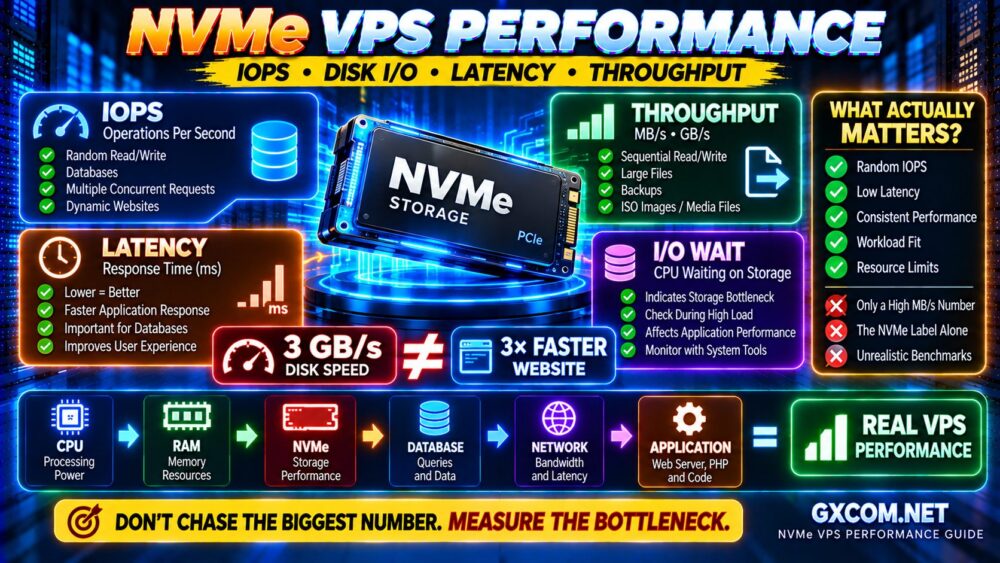
NVMe VPS IOPS and latency are critical indicators of storage performance, but an NVMe label alone does not guarantee a fast virtual private server. Two VPS plans with similar CPU, RAM, and NVMe capacity can deliver very different results under database or application workloads.
The difference often comes down to random I/O performance, storage contention, queue depth, and latency consistency. This guide explains how to benchmark NVMe VPS storage using fio, interpret the results, and compare hosting providers before buying.
What Are IOPS and Latency in NVMe VPS Hosting?
IOPS measures the number of input/output operations a storage system completes per second. Latency measures how long an individual operation takes.
Throughput, usually expressed in MB/s, measures the volume of data transferred over time. These metrics describe different aspects of storage performance.
- IOPS: Important for databases and workloads involving many small operations.
- Latency: Important for application responsiveness and transaction completion.
- Throughput: Relevant to large file transfers, backups, and sequential workloads.
- Tail latency: Shows how slow the worst-performing operations become.
A VPS with impressive sequential throughput may still struggle with small random writes. For background on the technology, read our NVMe VPS vs SSD performance guide.
Why NVMe VPS Performance Varies Between Providers
NVMe is a storage interface, not a guarantee of dedicated disk resources. Virtual machines may share physical drives, storage controllers, or networked storage infrastructure.
Performance depends on several factors:
- Physical drive generation and condition.
- Local NVMe versus network-attached storage.
- Storage oversubscription and neighboring workloads.
- Hypervisor configuration and virtual disk drivers.
- Provider-imposed IOPS or throughput limits.
- Filesystem, caching, and application behavior.
For buyers comparing VPS hosting providers, published storage specifications should be treated as a starting point rather than proof of sustained performance.
How to Benchmark NVMe VPS Storage With fio
fio is a flexible Linux I/O testing tool that can measure random reads, random writes, bandwidth, and latency distributions.
On Ubuntu or Debian, install it with:
sudo apt update
sudo apt install fio
Create a test directory on the filesystem you want to evaluate:
mkdir -p ~/vps-benchmark
cd ~/vps-benchmark
df -h .
Ensure sufficient free space and perform testing during a maintenance window. Benchmarks can temporarily affect applications sharing the same storage.

Test 1: Random Read IOPS
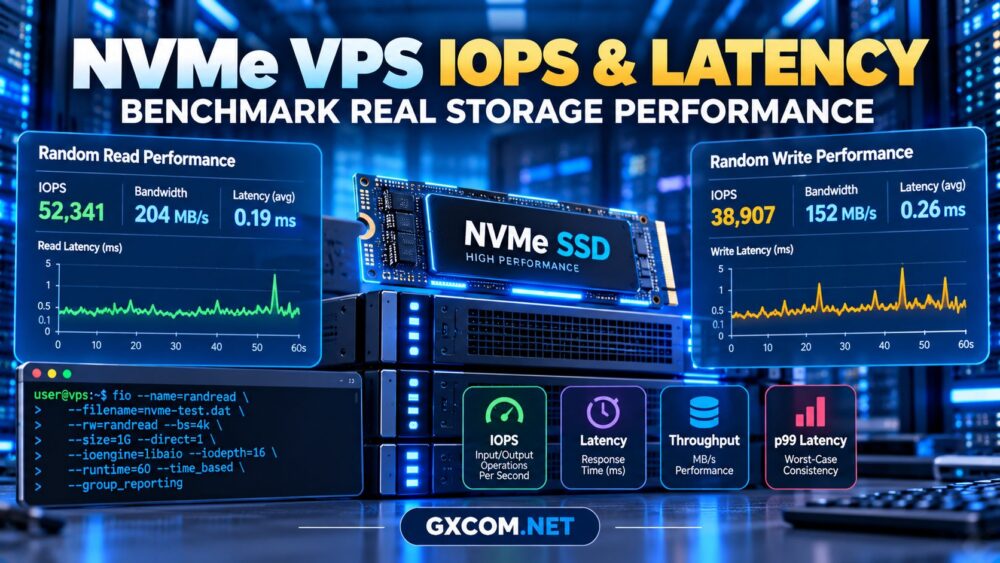
This example uses 4 KB random reads with a queue depth of 16. It first creates a 1 GB test file, then reads from that file.
fio --name=prepare \
--filename=nvme-test.dat \
--rw=write --bs=1M --size=1G \
--direct=1 --ioengine=libaio \
--end_fsync=1

fio --name=randread \
--filename=nvme-test.dat \
--rw=randread --bs=4k \
--size=1G --direct=1 \
--ioengine=libaio --iodepth=16 \
--runtime=60 --time_based \
--group_reporting
Look for the reported IOPS, bandwidth, and completion latency. The output may also include percentile statistics that reveal unusually slow operations.
Test 2: Random Write IOPS
Run a separate write test against the disposable benchmark file:
fio --name=randwrite \
--filename=nvme-test.dat \
--rw=randwrite --bs=4k \
--size=1G --direct=1 \
--ioengine=libaio --iodepth=16 \
--runtime=60 --time_based \
--group_reporting
Random writes can expose differences in storage provisioning, write handling, and contention. Never run destructive write tests against production block devices.
After testing, remove the temporary file:
rm -f ~/vps-benchmark/nvme-test.datHow to Interpret NVMe VPS Benchmark Results
High IOPS is useful only when accompanied by acceptable latency and predictable performance.
| Metric | What to Examine |
|---|---|
| Random read IOPS | Small-block retrieval capacity |
| Random write IOPS | Small-block write performance |
| Average latency | Typical operation completion time |
| p95 and p99 latency | Slowest operations and consistency |
| Bandwidth | Data transfer volume |
For example, a hypothetical VPS producing 40,000 IOPS with frequent latency spikes may feel less responsive than another delivering 30,000 IOPS consistently.
These figures are illustrative, not measured provider results.
Queue Depth, Block Size and Caching
Benchmark settings can dramatically change reported performance.
A 4 KB block size approximates small random operations, while larger blocks emphasize throughput. Higher queue depths can increase total IOPS but may also increase latency.
Direct I/O reduces the influence of the guest operating system’s page cache. However, host-side caching and underlying storage architecture can still affect results.
For meaningful comparisons, keep the filesystem, block size, queue depth, runtime, and test-file size consistent.
Repeat tests at different times of day. A single result cannot establish long-term performance or prove that neighboring tenants are responsible for fluctuations.
Which NVMe VPS Providers Should You Test?
Provider comparisons are most useful when conducted on similarly configured plans in comparable locations.
Evoxt
Evoxt is a candidate for buyers evaluating VPS infrastructure for websites, development, and application hosting. Check the storage specification of the selected plan and benchmark its actual performance after deployment.
Vultr
Vultr offers cloud infrastructure options suitable for evaluating storage-sensitive applications. Confirm the selected instance family’s storage architecture before comparing results with conventional VPS plans.
Hostwinds
Hostwinds is worth comparing for Linux VPS workloads where storage performance, management options, and support requirements influence purchasing decisions.
AlphaVPS
AlphaVPS can be included in a budget-oriented VPS shortlist. Verify the specific plan’s storage technology, resource allocation, and acceptable-use policies before benchmarking.
None of these providers should be ranked solely by an advertised NVMe label. Test the exact configuration you intend to operate.
NVMe VPS Benchmarks for Real Applications
Different workloads require different storage characteristics.
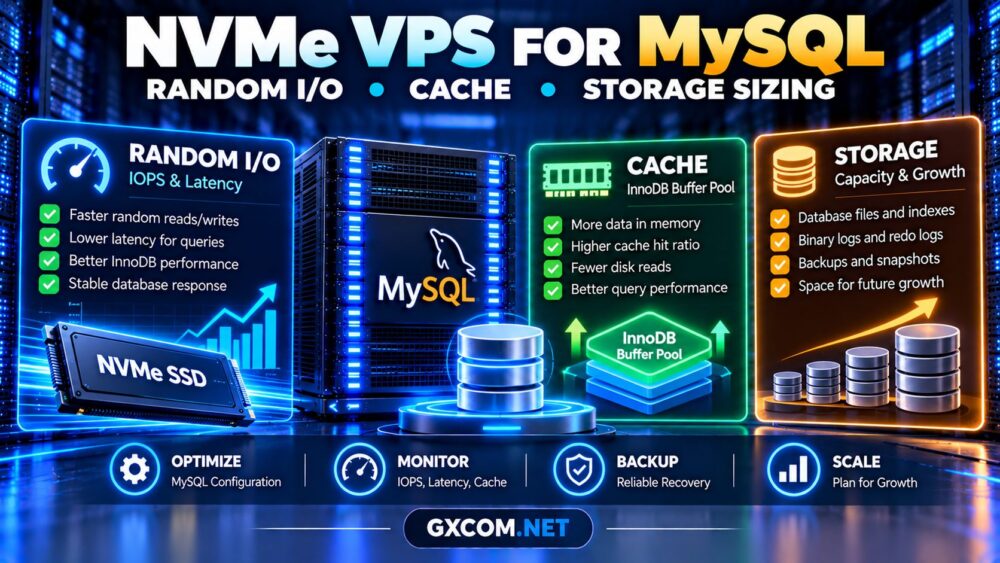
- MySQL and PostgreSQL: Random I/O, write latency, and durable transaction behavior matter.
- WordPress and WooCommerce: Database queries and concurrent activity can expose storage delays.
- Docker workloads: Container startup, image extraction, and application writes may benefit from responsive storage.
- Backup servers: Sequential throughput and available capacity may matter more than peak random IOPS.
For database purchasing decisions, compare NVMe performance alongside CPU allocation, memory, and backup design. Storage speed cannot compensate for every application bottleneck.

How to Choose the Best-Value NVMe VPS
Start with the application’s workload, then compare measurable performance against the complete hosting cost.
Check the provider’s refund policy or trial options, storage limits, backup availability, and migration flexibility. Review our cheap VPS provider comparison for additional budget considerations.
Buyers seeking promotional pricing can also examine affordable cloud VPS deals, while confirming whether advertised discounts apply to the required storage configuration.
Frequently Asked Questions
What is good IOPS for an NVMe VPS?
There is no universal threshold. Appropriate performance depends on block size, queue depth, workload concurrency, and latency requirements.
Does NVMe guarantee low latency?
No. Virtualization, storage contention, caching, and provider limits can affect observed latency.
Can fio damage a VPS?
Heavy testing can disrupt applications and consume storage resources. Use temporary files, avoid raw production devices, and follow provider policies.
Should I prioritize IOPS or latency?
For interactive databases and transaction-heavy applications, latency consistency often matters as much as maximum IOPS.
Final Verdict
NVMe VPS IOPS and latency should be evaluated together using repeatable benchmarks and realistic application requirements.
Compare random I/O, p99 latency, storage consistency, and total hosting costs before choosing a provider. The best NVMe VPS is not necessarily the one advertising the fastest drive; it is the one delivering dependable performance for your workload.