Google Compute Engine vs Cloud Run: Which Fits Your Workload?
Choosing between Google Compute Engine vs Cloud Run is not simply a question of virtual machines versus containers. The decision affects operating-system control, deployment workflows, scaling behavior, and long-term infrastructure spending.
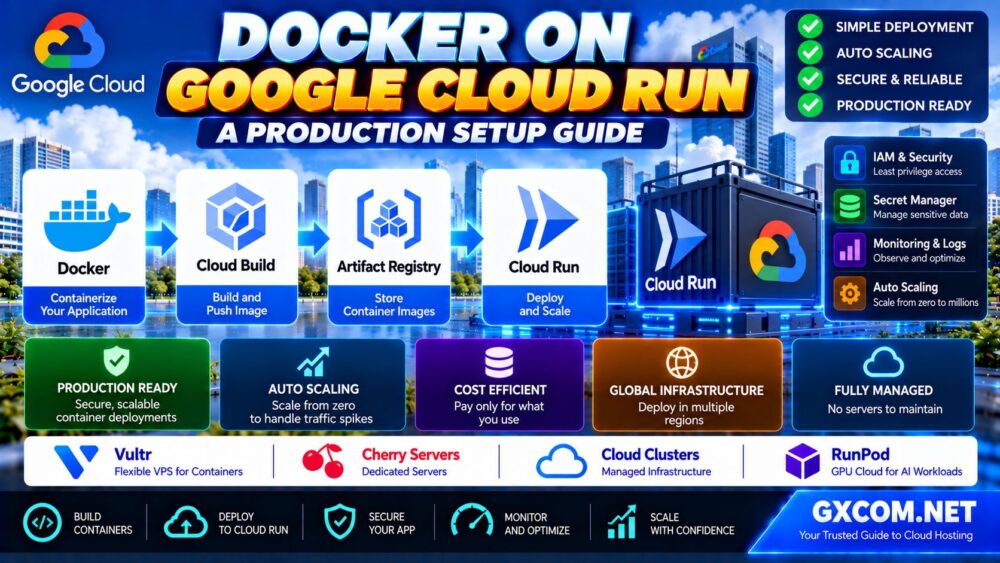
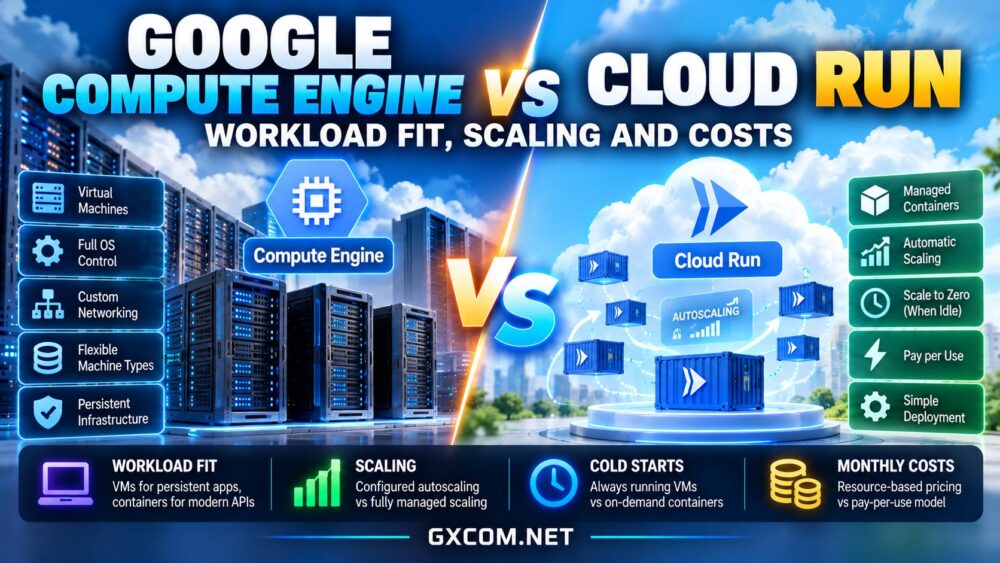
Compute Engine provides configurable virtual machines for applications requiring persistent server environments. Cloud Run offers managed execution for containerized workloads, reducing infrastructure administration. Both can support production applications, but their cost advantages depend heavily on traffic patterns and operational requirements.
Compute Engine vs Cloud Run: Key Differences
| Feature | Compute Engine | Cloud Run Services |
|---|---|---|
| Deployment | Virtual machines | Managed containers |
| OS control | Guest operating-system access | No host OS administration |
| Scaling | Configured VM autoscaling | Managed instance autoscaling |
| Idle resources | Running VMs incur charges | Can scale to zero by default |
| Typical fit | Persistent or customized workloads | HTTP applications and APIs |
The table describes common deployment models, not every specialized feature available within Google Cloud. Cloud Run also supports jobs and other execution patterns that have different operational characteristics.
When Google Compute Engine Makes Sense
Compute Engine is appropriate when teams need root-level control over a guest operating system, custom software stacks, persistent services, or specific virtual machine configurations. It supports applications that require traditional server administration and predictable access to allocated infrastructure.
Common workloads include legacy applications, databases, custom network services, development machines, and systems with specialized dependencies. Administrators remain responsible for operating-system maintenance, application security, and much of the deployment process.
For a broader comparison of virtual machines and simpler hosting options, see our cloud hosting vs VPS guide.
When Cloud Run Is the Better Fit
Cloud Run suits containerized web applications, APIs, webhook handlers, and event-driven services that benefit from managed deployment and automatic scaling. Developers package an application as a container while Google Cloud manages the underlying execution environment.
This reduces routine infrastructure work but introduces platform constraints. Applications should tolerate instance replacement, avoid relying on durable local files, and keep persistent data in appropriate external services.

Cloud Run is not automatically ideal for every background process or stateful application. Evaluate its available service, job, and worker execution models before redesigning a workload around serverless infrastructure.
Autoscaling and Cold Starts
Compute Engine Scaling
Compute Engine can scale groups of virtual machines through configured autoscaling policies. Teams define instance templates, scaling signals, and capacity boundaries. Provisioning additional VMs takes time, and applications must be prepared to distribute traffic across instances.
Cloud Run Scaling
Cloud Run services automatically adjust container instances according to demand and utilization. By default, a service without traffic can scale to zero, reducing idle compute charges under the applicable billing configuration.
Starting a new container may introduce cold-start latency. Configuring minimum instances can reduce startup delays but adds spending for warm capacity. Maximum instance limits and concurrency settings help manage scaling behavior and downstream database pressure.
Our cloud server auto scaling guide explains capacity triggers, load balancing, and scaling costs in greater detail.
Compute Engine vs Cloud Run Pricing
Compute Engine costs depend on machine type, operating time, attached storage, networking, and optional infrastructure services. Discounts or purchasing commitments may reduce eligible compute expenses, but the complete bill includes more than virtual machine capacity.
Cloud Run pricing depends on the selected billing mode, allocated CPU and memory, billable instance time, and applicable request charges. Minimum instances, network transfer, container storage, and connected services can add expenses.
A Simple Monthly Cost Example
Consider a hypothetical application running continuously on a VM with $45 in compute, $8 in storage, and $7 in additional services. Its estimated monthly infrastructure cost would be $60.
Now imagine a Cloud Run deployment with $22 in billable execution, $6 in networking, and $12 in supporting services. That configuration would total $40 monthly. These figures are illustrative assumptions, not current Google Cloud quotations.
The result could reverse if the application maintains high utilization, requires warm instances, or generates expensive network traffic. Calculate costs using realistic concurrency, request duration, and data transfer estimates.
Networking and Hidden Infrastructure Costs
Both platforms can connect to other Google Cloud services, but network architecture influences latency, security, and billing. Compute Engine offers extensive virtual networking control, while Cloud Run provides managed connectivity options suited to its execution model.
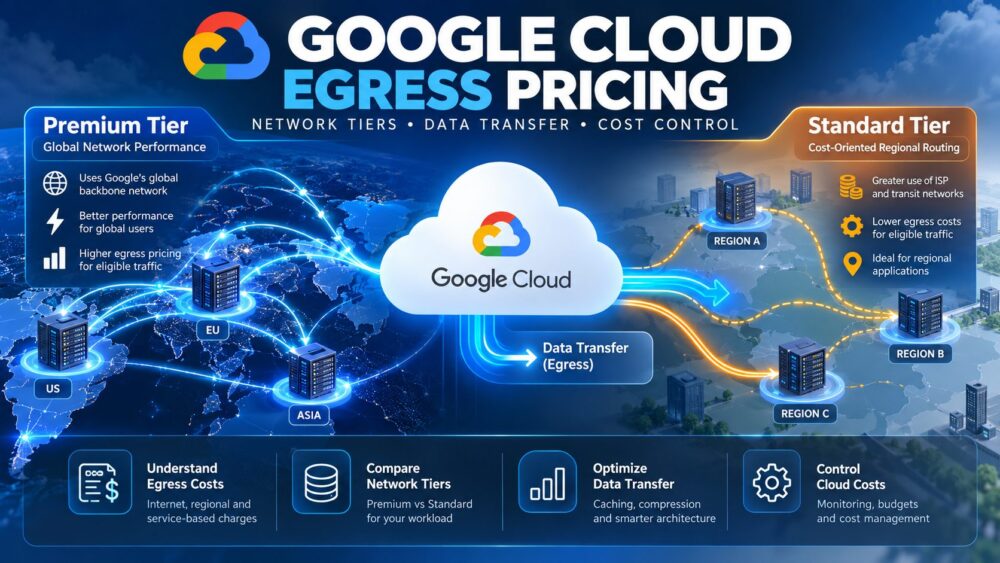
Outbound transfer, cross-region communication, databases, load balancing, monitoring, and logging can materially affect total spending. Our cloud VPS bandwidth costs guide explains why network allowances deserve attention during provider comparisons.
Four Cloud Server Alternatives to Consider
Not every application needs Google Cloud’s managed ecosystem. Businesses running conventional Linux services, WordPress installations, or smaller SaaS backends may benefit from comparing independent cloud infrastructure providers.
Vultr: Flexible Compute Options
Vultr is worth evaluating for developer-managed cloud servers and applications requiring configurable infrastructure. Compare instance families, regional availability, CPU performance, and transfer policies against an equivalent Compute Engine deployment.
Akamai Cloud: Developer Infrastructure
Akamai Cloud (formerly Linode) provides cloud compute options for teams comfortable administering virtual machines. Assess shared versus dedicated compute, storage requirements, backup services, and networking features before selecting a configuration.
Kamatera: Customizable Cloud Servers
Kamatera may suit workloads needing adjustable CPU, memory, and storage resources. Review bandwidth charges, operating-system options, optional management, and the complete monthly cost of the intended deployment.

OVHcloud: VPS and Public Cloud
OVHcloud offers different infrastructure products for businesses comparing conventional VPS hosting with broader cloud services. Confirm product-specific resource policies, backup capabilities, and networking terms rather than assuming all plans provide identical features.
Explore our affordable cloud VPS deals comparison when a traditional virtual server may provide sufficient control without a larger managed cloud architecture.
How to Choose the Right Platform
Start by identifying whether your application requires operating-system access, durable local storage, specialized software, or persistent background processing. These requirements may favor Compute Engine or another VM-based solution.
If the workload is container-ready, handles variable request traffic, and can externalize application state, Cloud Run may simplify operations. Test startup latency, concurrency, database connections, and real traffic patterns before making a purchasing decision.
For business-critical services, consider redundancy and recovery independently from scaling. Our high-availability cloud servers guide explains failover planning and infrastructure costs.
Final Verdict
Google Compute Engine provides greater virtual machine control and suits customized, persistent infrastructure. Cloud Run can reduce operational complexity for compatible containerized services, especially when traffic varies significantly.
Neither platform guarantees lower costs. Compare actual resource consumption, scaling settings, networking expenses, and engineering effort. When advanced Google Cloud integrations are unnecessary, include independent cloud VPS providers in the shortlist to identify the simplest infrastructure that reliably supports your application.