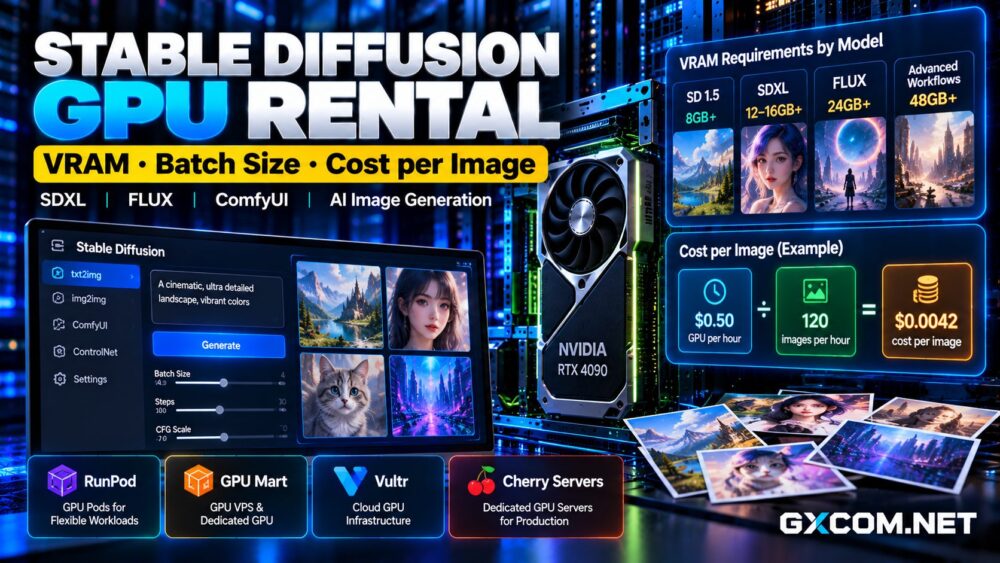
Choosing the right GPU server rental for Blender rendering can reduce production delays and improve the economics of animation, architectural visualization, and 3D product design. However, the cheapest GPU rental is not necessarily the most affordable way to finish a project.
GPU memory, Cycles performance, scene complexity, rendering time, and billing conditions all affect the final cost. A powerful accelerator may finish frames quickly but still deliver poor value if rental charges or idle time are excessive.
This guide compares RunPod, GPU Mart, Vultr, and Cherry Servers, explains practical VRAM requirements, and shows how to estimate rendering cost per frame.
What Matters Most for Blender GPU Rendering?
Blender Cycles supports GPU acceleration through technologies including NVIDIA CUDA and OptiX. Rendering performance depends on GPU architecture, memory capacity, scene complexity, sampling settings, and software compatibility.
Unlike interactive viewport performance, final-frame rendering is primarily concerned with completing high-quality images reliably. A suitable server must also provide enough system RAM, storage, and CPU capacity to prepare scenes and manage output files.
Before comparing rental offers, establish your Blender version, render engine, resolution, and expected workload.
How Much VRAM Does Blender Need?
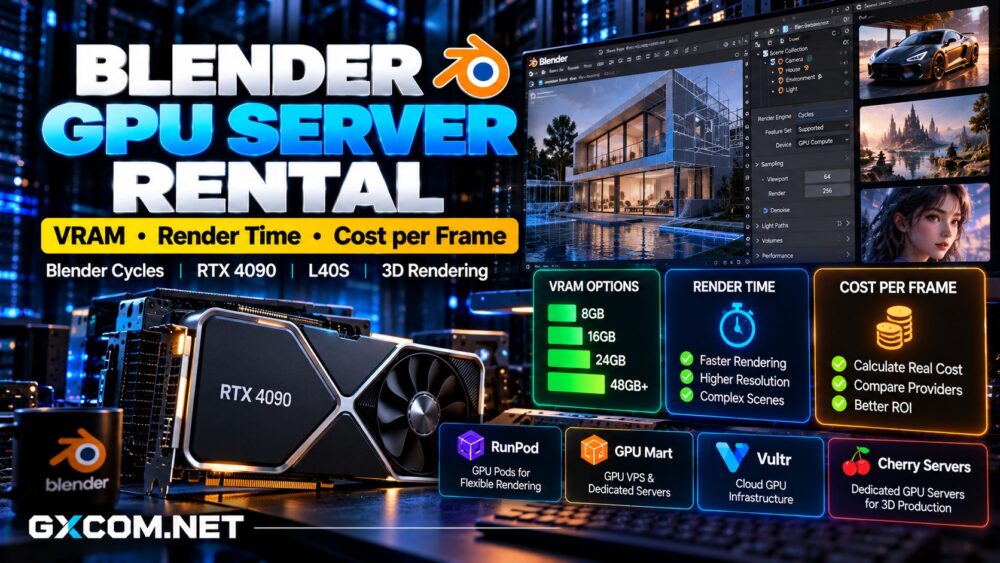
VRAM requirements vary considerably between projects. Simple product scenes may fit within 8GB, while detailed architectural interiors, complex geometry, and high-resolution textures can require 16GB, 24GB, or substantially more.
These figures are planning examples rather than universal requirements. Actual memory consumption depends on textures, geometry, acceleration structures, render settings, and additional applications.
Insufficient VRAM can cause rendering failures or force slower memory-management behavior. More VRAM provides capacity, but it does not automatically make a scene render faster.
Test a representative production scene before committing to a long rental period.
Best GPU Server Rental Providers for Blender
RunPod: Flexible GPU Rental for Project-Based Rendering
RunPod provides GPU Pods that can run GPU-accelerated Linux environments. Its published documentation includes a remote desktop workflow suitable for Blender and other graphics applications.
This flexibility makes RunPod attractive for freelancers, small studios, and teams rendering occasional animation sequences.
Users can select an available GPU, configure their software environment, upload project assets, and process rendering jobs without purchasing hardware.
Check container storage, persistent volumes, GPU availability, and billing behavior before starting a project. Large texture libraries and repeated downloads can add operational overhead.

For more information about deployment and billing, see our RunPod GPU Cloud review.
GPU Mart: Persistent GPU VPS and Dedicated Servers
GPU Mart offers GPU VPS hosting with dedicated physical GPU passthrough alongside complete bare-metal GPU servers.
Its RTX-class configurations can be relevant for Blender Cycles workloads requiring persistent access to a GPU environment.
GPU VPS hosting may suit remote workstations and smaller production pipelines, while dedicated servers offer broader control over CPU, RAM, storage, and multiple GPUs.
Verify that the selected GPU supports your Blender rendering backend and provides sufficient VRAM. Also check operating system support, remote access, backup arrangements, and contract duration.
Studios with recurring workloads can compare GPU Mart’s GPU server configurations before choosing a monthly plan.
Our GPU Mart review provides additional product details.
Vultr: Cloud GPUs for Professional Workflows
Vultr offers GPU-enabled cloud and bare-metal infrastructure, including NVIDIA accelerators intended for graphics and computational workloads.
Its L40S options deserve consideration for demanding rendering projects that benefit from substantial VRAM and professional GPU capabilities.
Vultr may appeal to teams combining rendering with cloud storage, networking, and application infrastructure.
Confirm the specific GPU allocation model, available region, operating system, and driver compatibility. Not every cloud GPU configuration offers identical graphics capabilities or memory access.
Cherry Servers: Dedicated GPU Rendering Infrastructure
Cherry Servers provides dedicated GPU-equipped infrastructure for organizations requiring physical server control and sustained computing capacity.
This model can be appropriate for studios running long animation queues, automated rendering pipelines, or multiple production projects.
Dedicated hardware offers predictable access to the rented machine, but users must account for administration, provisioning, software installation, and data management.
Compare complete server specifications and contract terms rather than evaluating the graphics card alone.
RTX 4090 vs L40S: Which Is Better for Blender?
The NVIDIA RTX 4090 offers 24GB VRAM and can provide strong value for scenes that fit comfortably within its memory capacity.
The NVIDIA L40S provides 48GB VRAM, making it interesting for larger scenes and memory-intensive professional workloads.
However, double the VRAM does not mean double the rendering speed. Blender version, OptiX support, scene characteristics, and rental pricing can change the result.
Explore our L40S GPU rental deals for a closer look at this accelerator.
How to Calculate Blender Rendering Cost per Frame
The most useful purchasing metric is the cost of completing an acceptable frame, including wasted compute time and supporting services.
Cost per Frame = Total Billable Rendering Expenses / Successfully Completed Frames
Consider a hypothetical GPU rental costing $0.60 per hour. If the server produces 30 completed frames in one billed hour, compute cost averages $0.02 per frame.
If scene preparation, failed renders, or idle periods reduce output to 15 usable frames, the compute cost increases to $0.04 per frame.
These numbers are illustrative calculations, not measured GPU benchmarks or current provider quotations.
Include persistent storage, file transfers, and any required software or administration expenses when estimating total project costs.
Hourly GPU Rental vs Monthly Dedicated Servers
Hourly rental generally makes sense for occasional projects, short animation sequences, and workloads with irregular schedules.

Monthly dedicated servers may become economical when a studio runs rendering jobs throughout most working days.
For example, a hypothetical $400 monthly server and a $1-per-hour cloud GPU reach the same basic compute expense at 400 billable hours. This comparison assumes equivalent rendering capability and excludes additional charges.
Actual break-even points depend on completed frames per hour, not merely rental duration.
How to Reduce Blender Rendering Expenses
Start by benchmarking a representative frame with production-quality settings. Compare render time, peak VRAM usage, and final image quality across candidate GPUs.
Optimize unnecessary geometry, oversized textures, sampling settings, and denoising workflows before renting more expensive hardware.
For animations, test several frames because complex scenes may render more slowly than simple ones.
Schedule jobs to minimize idle GPU time, preserve completed outputs, and verify that interrupted renders can resume without losing the entire workload.
For broader infrastructure choices, compare our affordable GPU servers guide.
Final Verdict: Best Blender GPU Rental Value
RunPod is worth considering for flexible project-based rendering. GPU Mart offers persistent GPU VPS and dedicated configurations, while Vultr provides professional cloud GPU infrastructure.
Cherry Servers is an alternative for studios needing sustained access to physical GPU servers.
The best Blender GPU server rental delivers sufficient VRAM, compatible rendering software, reliable job completion, and the lowest measured cost per usable frame.