Managed dedicated server security is an important consideration for businesses that need reliable infrastructure without handling every operating system update, security alert, or technical incident internally. However, the word “managed” does not automatically mean that every security responsibility belongs to the hosting provider.
Some managed services focus on operating system maintenance and basic monitoring, while broader packages may include security hardening, vulnerability management, backup assistance, and incident response. Coverage depends on the contract, operating system, software stack, and purchased service level.
This guide explains how to evaluate patching, security monitoring, incident response, and operational responsibilities. It also compares purchasing considerations for Hostwinds, KnownHost, InterServer, and ServerMania.
What Does Managed Dedicated Server Security Include?
Managed dedicated hosting combines physical server resources with an agreed level of technical administration. Security-related services may include operating system updates, firewall configuration, service monitoring, access controls, and assistance with security incidents.
However, application vulnerabilities, custom code, third-party plugins, and business data may remain the customer’s responsibility unless explicitly included.
Before selecting a plan, request a written description of covered systems, supported software, monitoring hours, escalation procedures, and exclusions.
Our managed versus unmanaged dedicated server comparison explains how administration responsibilities differ.
1. Evaluate Operating System Patching
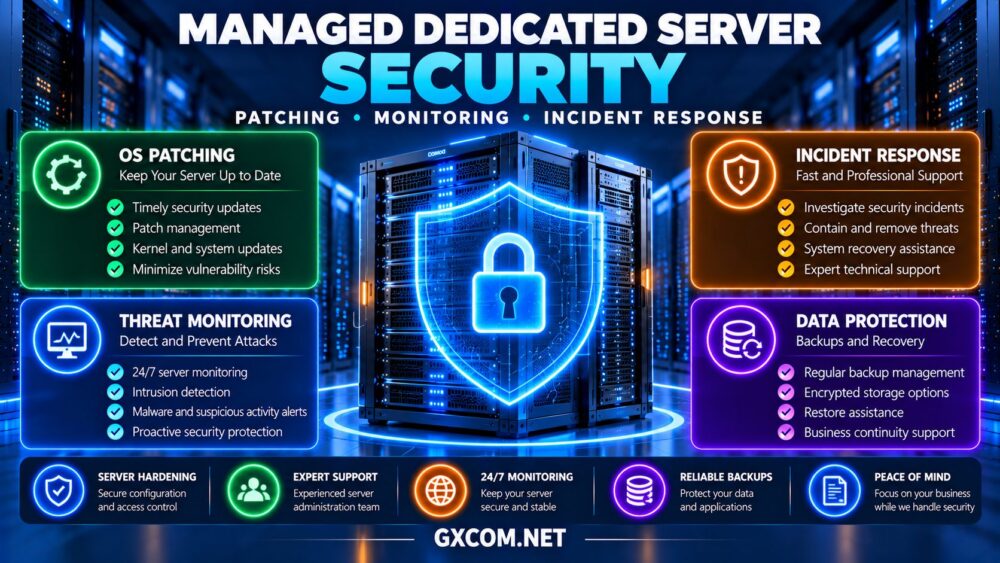
Security patches correct known software vulnerabilities and reduce exposure to certain attacks. A managed provider should clearly explain how supported operating systems receive updates.
Ask whether patches are installed automatically, during scheduled maintenance windows, or only after customer approval.
Critical updates may require faster handling than routine maintenance. However, applying every update immediately without testing can introduce compatibility problems.
For production applications, establish a process covering vulnerability assessment, patch testing, deployment, reboot requirements, and rollback planning.
Clarify Application-Level Updates
Operating system patching does not necessarily include WordPress, database engines, custom applications, control panels, or third-party extensions.
Identify who maintains each component. A fully patched Linux kernel cannot compensate for an exposed application with a known vulnerability.
2. Review Security Hardening and Access Controls
Server hardening reduces unnecessary exposure by limiting services, restricting access, and applying secure configuration practices.
Common controls include SSH key authentication, restricted administrative privileges, firewall policies, and removal of unused software.
Managed hosting customers should confirm whether initial hardening is included and whether the provider reviews configurations after major software changes.
Also ask how administrator accounts are created, removed, and audited. Multi-factor authentication should be used for management portals and other supported administrative systems.

3. Understand What Security Monitoring Actually Detects
Basic uptime monitoring checks whether a server or service responds. It does not necessarily detect compromised accounts, malicious processes, suspicious logins, or unauthorized configuration changes.
Security monitoring may involve authentication logs, system events, file integrity checks, endpoint detection tools, and vulnerability alerts.
Ask whether alerts are reviewed by staff or simply forwarded to the customer. Monitoring is only valuable when someone can investigate and act.
For business-critical systems, define alert severity, escalation contacts, monitoring coverage, and expected notification procedures.
4. Check Incident Response Responsibilities
Even well-maintained servers can experience security incidents. The response process should define who investigates, contains, recovers, and communicates during an event.
For example, if an attacker gains administrative access, the provider may be able to isolate network traffic or assist with operating system recovery. Application investigation, legal notifications, and customer communications may still belong to the business.
Ask whether emergency assistance is included, billed separately, or limited to specific incident types.
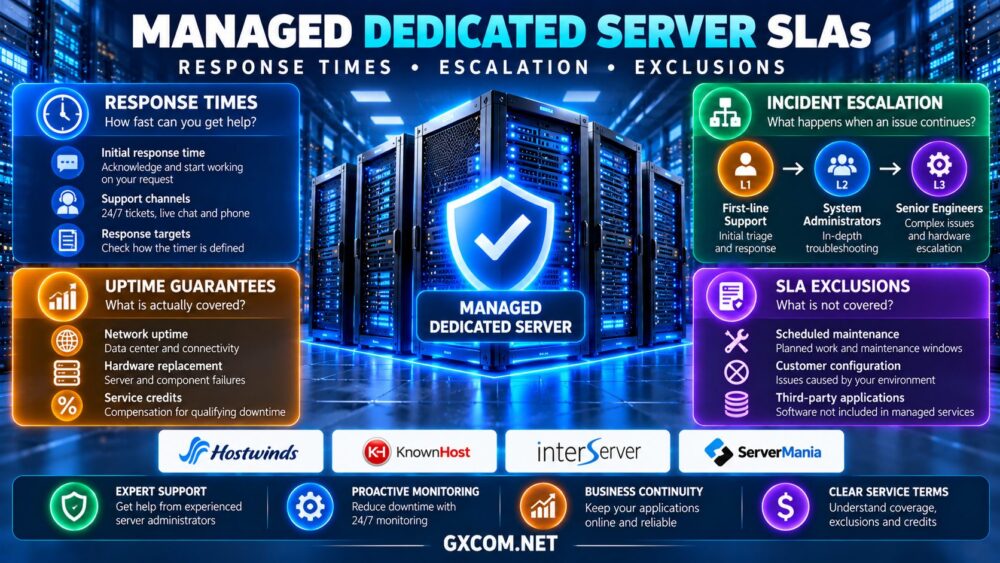
Our managed dedicated server support SLA guide explains response commitments, escalation procedures, and service exclusions.
5. Protect Backups and Recovery Systems
Security management is incomplete without a reliable recovery strategy. Backups should be protected against accidental deletion, credential compromise, and ransomware.
Evaluate encrypted offsite copies, retention policies, backup monitoring, and regular restoration tests.
Some managed hosting packages provide backup assistance, while others require customers to purchase and configure separate storage.
Confirm who checks backup failures and who performs restoration during an incident.
Our dedicated server backup strategy guide covers offsite copies, recovery objectives, and restore testing.
6. Compare Managed Dedicated Hosting Providers
The following providers are relevant when researching dedicated infrastructure with management or support options. Exact security coverage varies by product and contract, so verify the selected package before purchasing.
Hostwinds: Managed Hosting Evaluation
Hostwinds is worth evaluating for businesses seeking dedicated infrastructure alongside technical support options.
Review operating system management, monitoring, firewall assistance, backup arrangements, and the boundaries of included security work.
Best for: Organizations comparing managed server support with dedicated hardware requirements.
KnownHost: Managed Service Considerations
KnownHost is relevant for businesses investigating managed hosting and administration support.
Confirm dedicated server product availability, supported operating systems, application coverage, security monitoring, and incident assistance for the specific plan.
Best for: Businesses seeking clearly defined operational support responsibilities.
InterServer: Dedicated Infrastructure and Support Options
InterServer is another provider to consider when comparing dedicated hardware and available technical services.
Check whether the selected server includes management, requires a separate service, or remains primarily customer-administered.
Best for: Buyers evaluating hardware costs alongside optional administration requirements.
ServerMania: Business Dedicated Server Planning
ServerMania is relevant for organizations assessing dedicated infrastructure, support processes, and operational responsibilities.
Request details about available management services, supported security tasks, escalation procedures, and recovery assistance.
Best for: Businesses requiring documented infrastructure and support arrangements.
7. Compare Security Management Responsibilities
| Security Task | Provider Responsibility to Verify | Customer Responsibility to Verify |
|---|---|---|
| OS patching | Supported updates and maintenance | Application compatibility |
| Firewall | Configuration and maintenance | Approved access requirements |
| Monitoring | Covered alerts and investigation | Business escalation contacts |
| Incident response | Containment and recovery assistance | Business impact and notifications |
| Backups | Included services and restore support | Retention and recovery objectives |
This is a purchasing checklist, not a statement that every managed hosting provider includes these services.

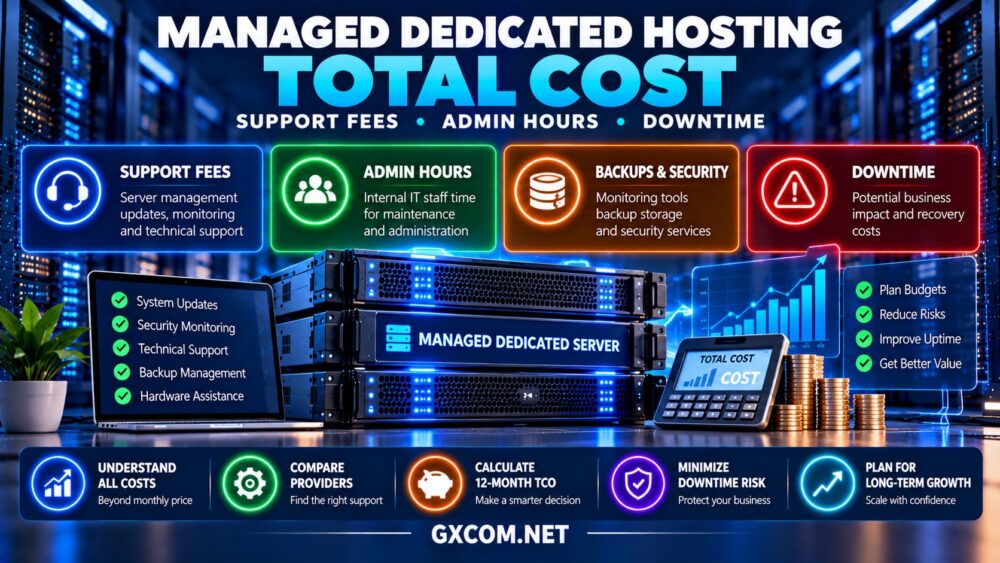
8. Calculate the Cost of Managed Security
Managed security can increase hosting expenses, but it may reduce the amount of routine administration required from internal teams.
Consider a hypothetical dedicated server costing $120 monthly, with $65 for management and $25 for independent backup storage.
The illustrative monthly total is $210, or $2,520 annually, excluding taxes, software licensing, and additional incident-related charges.
Compare the cost against internal staffing, monitoring tools, patching workload, and expected incident response needs.
For hardware pricing research, see our dedicated server deals comparison. Evaluate management costs separately from advertised server rental prices.
9. Ask These Questions Before Ordering
- Which operating systems and applications receive security updates?
- Who approves patches and handles maintenance reboots?
- Does monitoring detect security threats or only outages?
- Who investigates suspicious activity outside business hours?
- What incident response tasks are included or excluded?
- Are encrypted backups and restore tests provided?
- What additional fees apply to emergency recovery?
Request written answers and confirm that service commitments appear in the relevant agreement or support documentation.
Final Verdict
Effective managed dedicated server security depends on clear patching procedures, meaningful monitoring, defined incident response responsibilities, and tested recovery arrangements.
Hostwinds, KnownHost, InterServer, and ServerMania provide hosting and support options worth investigating, but the precise scope of security management must be confirmed for each dedicated server plan.
Choose the provider whose documented responsibilities match your applications, technical resources, and acceptable operational risk.