Mods can transform an ARK server with new creatures, structures, maps, and gameplay systems. However, incompatible extensions, insufficient resources, and poorly timed updates can also interrupt an established community.
Managing ARK server mods successfully requires more than installing popular additions. Administrators must understand the differences between ARK: Survival Ascended (ASA) and ARK: Survival Evolved (ASE), verify compatibility, and maintain reliable recovery procedures.
This guide covers modded hosting requirements, installation planning, update management, and practical troubleshooting.
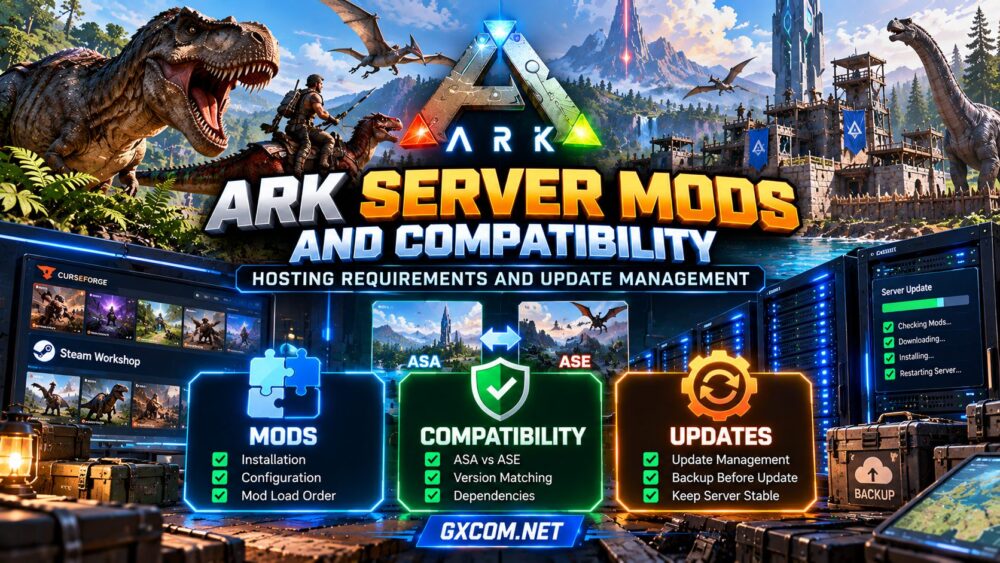
1. Understand ASA and ASE Mod Compatibility
ASA and ASE use different modding ecosystems. ASE primarily uses Steam Workshop for its traditional PC mod distribution, while ASA uses the CurseForge-powered mod ecosystem, including supported cross-platform content.
An ASE Workshop mod cannot simply be installed on ASA. Even similarly named projects may require separate versions, different dependencies, or entirely different configurations.
| Feature | ARK: Survival Ascended | ARK: Survival Evolved |
|---|---|---|
| Primary mod ecosystem | CurseForge | Steam Workshop |
| Mod identifiers | ASA-compatible mod IDs | Workshop IDs |
| Cross-platform support | Depends on mod certification and platform | Traditional PC-focused Workshop mods |
| Compatibility requirement | ASA-specific releases | ASE-specific releases |
Check each mod’s supported game, platform, dependencies, and latest update information before installation. Our ASA vs ASE hosting comparison explains their broader infrastructure differences.
2. Plan Your Mod List Before Installation
Begin with a short list of essential modifications rather than installing dozens simultaneously. Group them by purpose: quality-of-life features, building systems, creature additions, maps, and gameplay changes.
Read developer instructions for dependencies, incompatible extensions, configuration requirements, and removal warnings.
Maintain a record containing each mod’s name, identifier, version or update date, and configuration changes. This makes troubleshooting easier when a future update causes problems.
For cross-platform ASA communities, verify that every required mod supports the intended player platforms. A mod being available for ASA does not automatically establish console compatibility.
3. Estimate CPU, RAM, and Storage Requirements
Modded ARK workloads depend on map size, active players, creature populations, structures, and extension behavior. Some additions increase memory consumption or processing demands, while others primarily affect loading times or storage.
Choose strong CPU performance and sufficient RAM headroom instead of relying on an advertised player-slot count. Monitor resource usage after installing each major mod group.
Fast SSD or NVMe storage can improve file operations and update handling, but it cannot compensate for a CPU bottleneck or unstable software.

Leave additional disk capacity for mod downloads, temporary update files, saved worlds, logs, and backups.
Review our ARK Survival Ascended server requirements guide before selecting hardware.
4. Install Mods Through Supported Server Tools
Use your hosting provider’s supported mod manager, official server configuration method, or documented administration tools.
- Stop the server and create a verified backup.
- Confirm the game edition and current server build.
- Check mod identifiers, dependencies, and platform support.
- Add mods using the correct configuration method.
- Apply any required configuration or ordering instructions.
- Restart the server and inspect startup logs.
- Join with a test client and verify gameplay features.
Mod ordering and dependency behavior vary. Follow the individual mod developer’s guidance instead of assuming every extension requires a particular universal load order.
For administrators building their own infrastructure, our ARK dedicated server setup guide provides additional deployment context.
5. Manage Game and Mod Updates Safely
Game updates and mod updates may not arrive together. A newly released server build can temporarily break an extension that has not yet been updated by its developer.
Avoid automatically applying every change to a busy production server without considering compatibility.
Use a maintenance process: announce downtime, save a backup, review release notes, update the server and required mods, then validate functionality before reopening.
Where practical, test significant changes on a separate installation using a copy of the production configuration.
Keep a record of successful configurations. If an update introduces problems, a documented recovery plan is safer than repeatedly modifying a live world.
6. Protect World Saves Before Removing Mods
Removing a mod can permanently affect structures, creatures, items, or other data introduced by that extension. Restoring the mod later may not recover everything if the world was saved after its removal.
Back up the world, server configuration, and relevant mod data before making changes. Store at least one backup outside the live server environment.
Test restoration periodically, including whether the recovered world loads with its required extensions.
For recovery principles that apply across multiplayer games, read our game server backup strategies guide.
7. Troubleshoot Common Mod Problems
| Problem | Possible Cause | First Check |
|---|---|---|
| Server fails to start | Broken dependency or incompatible mod | Startup logs and recent changes |
| Players cannot join | Version mismatch or unsupported content | Client, server, and mod versions |
| Missing creatures or structures | Removed mod or damaged save | Mod list and backup integrity |
| Slow startup | Large mod downloads or loading workload | Disk, logs, and mod activity |
| Lag after an update | New scripts, entities, or resource pressure | CPU, RAM, and server performance |
When diagnosing a failure, change one variable at a time. Preserve the original save and reproduce the problem in a test environment whenever possible.
8. Compare Hosting Providers for Modded ARK
Managed hosting may simplify mod installation and updates, but features vary by product and game edition.
Survival Servers and ScalaCube are approved hosting options worth investigating for ARK communities. Confirm current ASA or ASE availability, supported mod workflows, backup access, and available resources.
Godlike.Host and Sparked Host are additional candidates for comparing game-focused administration, server locations, file access, and upgrade flexibility.
Before purchasing, ask whether your exact mod list is supported, whether you can restore backups independently, and how the provider handles game updates.

Compare these options with our best ARK server hosting guide. Do not assume that all plans offer identical mod management capabilities.
ARK Mod Compatibility Checklist
- Verify ASA or ASE compatibility for every mod.
- Check dependencies and intended player platforms.
- Allow capacity for additional RAM and storage.
- Record mod IDs and configuration changes.
- Test major updates before production deployment.
- Keep off-server backups and verify restoration.
- Monitor logs and performance after every change.
Frequently Asked Questions
Can ASE Mods Run on ARK: Survival Ascended?
Not directly. ASA requires compatible releases from its own mod ecosystem. Check whether a developer offers an ASA version.
Do ARK Mods Require More RAM?
Some do, depending on their content and behavior. Measure actual resource consumption rather than assuming a fixed amount per mod.
Should I Enable Automatic Mod Updates?
Automation can reduce maintenance, but uncontrolled updates may introduce incompatibilities. Evaluate your hosting tools and establish backups and testing procedures.
Can Removing a Mod Damage My ARK World?
Yes. Removing extensions that add persistent world content can cause data loss. Preserve a complete backup before uninstalling them.
Final Verdict
Reliable ARK server mods depend on edition-specific compatibility, appropriate hosting resources, controlled updates, and tested backups.
Start with essential extensions, document every change, and select a host that supports your actual administration needs. Careful mod management protects both server stability and the community’s progress.