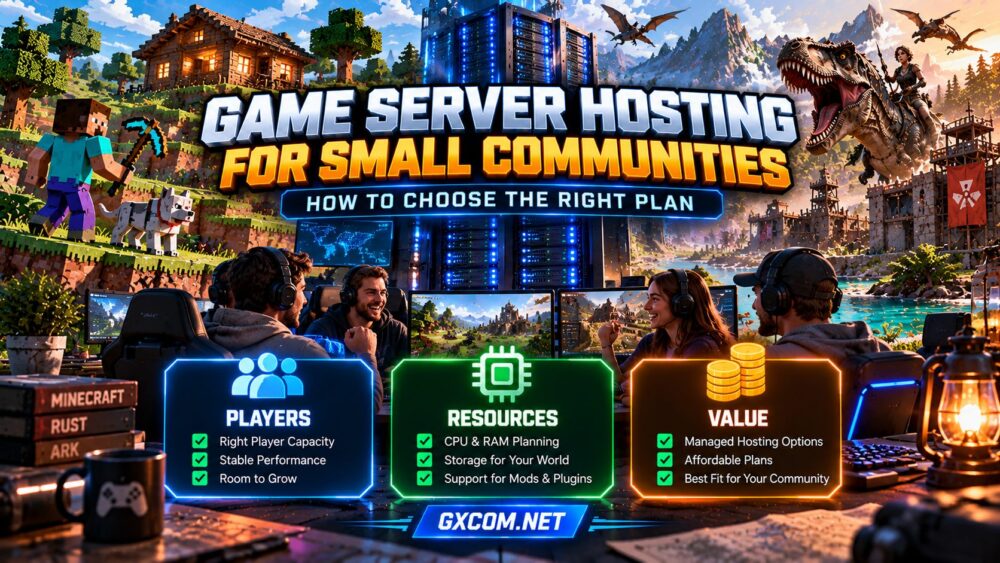
Running a private multiplayer server should be enjoyable, not an expensive infrastructure project. Whether you are gathering Minecraft friends, organizing a Rust group, or creating an ARK community, the right hosting plan depends on how people actually play.
Game server hosting for small communities is about balancing responsive gameplay, manageable administration, and room to grow. A plan with impressive specifications is not automatically the best fit. Start with realistic usage, then compare the resources and support included.
1. Start With Concurrent Players, Not Member Counts
A Discord group with fifty members may only have eight people online simultaneously. Hosting decisions should reflect expected peak concurrent players, not total invitations or registered members.
Consider your busiest evenings, scheduled events, and whether players build persistent worlds. A small private session and a public server with unpredictable traffic can create very different workloads.
Ask three questions before shopping: How many people will play at once? Which game and version will you run? Will you use mods, plugins, or large custom maps?
Use our game server requirements guide to understand why player counts alone cannot determine hardware needs.
2. Match Resources to the Game
CPU performance affects simulation, entity processing, and responsiveness. RAM supports the game world, active players, and software overhead. Storage holds world data, logs, configuration files, and backups.
Minecraft Java servers can become demanding with large modpacks or complex farms. Rust servers may require substantial resources for persistent worlds and active entities. ARK workloads can grow with structures, creatures, maps, and modifications.
Avoid treating these games as interchangeable. A hosting plan suitable for one small Minecraft world may not support a similarly sized ARK community.
Prefer providers that explain resource allocations and offer practical upgrade paths. Leave headroom for occasional player spikes, but do not purchase dedicated hardware merely because it sounds more powerful.
3. Choose Managed Hosting, VPS, or Dedicated Hardware
Managed game hosting generally provides game-oriented setup tools, predefined environments, and a support channel. It can suit administrators who want to focus on gameplay rather than operating-system maintenance.
A gaming VPS offers more control over software and configuration. That flexibility comes with responsibility for updates, security, backups, and troubleshooting, unless management is explicitly included.

Dedicated servers provide exclusive physical hardware but usually require greater budget and administration. For most small private groups, they are a later-stage option rather than a starting requirement.
Our managed vs self-hosted game servers comparison explores these trade-offs in more detail.
4. Prioritize Location and Network Quality
A nearby server region can help reduce latency, especially when most members live in the same country or geographic area. For internationally distributed groups, select a location that reasonably balances player routes.
Check available regions, network reliability, DDoS protection terms, and any traffic restrictions. Do not assume that an advertised port speed guarantees consistently low latency.
Ask members where they connect from before selecting a region. If possible, evaluate published network test endpoints or provider-supported trials without relying on a single speed-test result.
5. Compare Hosting Providers by Community Needs
Host Havoc is one option to investigate when comparing game-focused hosting plans, supported titles, server locations, and administration features. Confirm the specific game and plan before ordering.
Sparked Host is another candidate for communities comparing entry-level configurations and potential upgrade routes. Verify which resources and management features are included in the selected product.
Godlike.Host can be evaluated for supported games, control-panel workflow, and backup options. Check whether the chosen service accommodates your intended plugins or modifications.
ScalaCube is also worth considering for private communities evaluating supported game editions, server setup convenience, and plan flexibility.
These providers should be compared on current product details rather than assumed rankings. Our best game server hosting providers guide offers a broader starting point for reviewing alternatives.
6. Do Not Overpay for Player Slots
Player-slot limits describe how many connections a plan permits; they do not guarantee smooth performance at maximum occupancy. World complexity, CPU capacity, memory pressure, and network conditions still matter.
Some services sell plans by slots, while others emphasize resource allocations. Compare what is actually included rather than using slot count as your only benchmark.
For a small community, stable gameplay during typical peak hours matters more than advertising a large theoretical capacity.
7. Check Backups, Updates, and Access
A private server still needs dependable administration. Before purchasing, verify whether you can download world files, schedule backups, restore previous saves, and control who receives administrative access.
Check how game updates are handled and whether you can delay disruptive changes when compatibility matters. Mods and plugins may need additional testing after updates.
Keep an independent copy of important world data. Our game server backup strategies guide explains why restoration testing is as important as creating backups.
8. Plan for Growth Without Paying for It Today
Small communities can expand after an event, popular modpack, or invitation campaign. Ask whether RAM, CPU allocation, storage, or player capacity can be increased without rebuilding the world.
Understand the provider’s upgrade rules and any migration requirements. If your group remains small, maintaining a modest, reliable plan may be the more economical choice.
Compare the full recurring bill, not only the first promotional payment. Our game server hosting renewal costs guide explains how to evaluate longer-term value.
Small Community Hosting Checklist
- Estimate peak simultaneous players rather than total members.
- Confirm the exact game, edition, and mod requirements.
- Compare CPU, RAM, storage, and upgrade flexibility.
- Choose a server region near most players.
- Verify backup access, update controls, and administrator permissions.
- Check support scope, renewal terms, and cancellation conditions.
- Start with a suitable plan and monitor actual usage.
Frequently Asked Questions
How Many Players Count as a Small Community?
There is no universal threshold. A small community is better defined by predictable concurrency, manageable administration, and limited resource demands than by a fixed membership number.

Is Managed Hosting Better for Beginners?
Often, yes. Game-specific setup and support can reduce administration work, but the actual feature set depends on the provider and plan.
Can a Cheap Server Handle Mods?
Possibly. Compatibility and performance depend on the game, mod collection, available resources, and configuration. Test your intended workload rather than assuming all inexpensive plans are equivalent.
Should I Buy a Dedicated Server Immediately?
Usually not for a modest private group. Consider dedicated hardware when measured workloads, isolation requirements, or multiple server instances justify it.
Final Verdict
The best game server hosting for small communities is a plan that fits real peak activity, supports the chosen game, and provides reliable management without unnecessary expense.
Prioritize transparent resources, a sensible server location, accessible backups, and an upgrade path. Buy for the community you have today while keeping tomorrow’s growth possible.