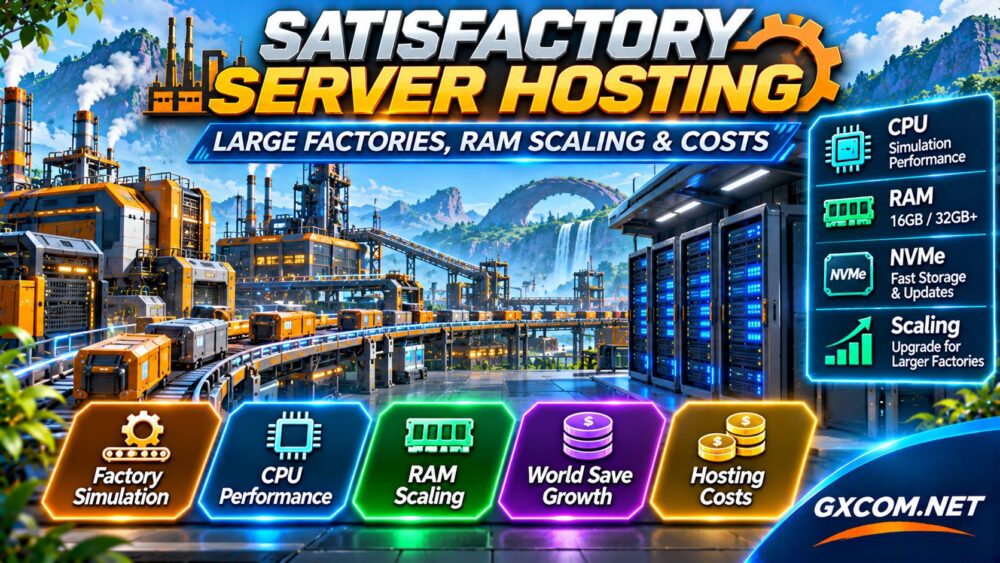
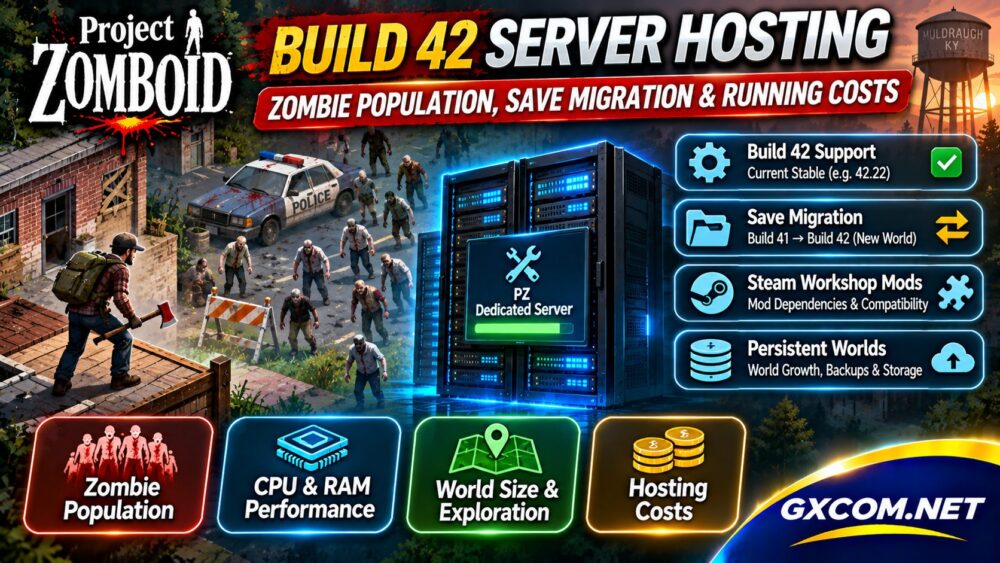
Project Zomboid Build 42 server hosting requires more than choosing a monthly rental with enough player slots. A persistent survival world must accommodate changing zombie populations, expanding explored territory, Workshop dependencies and accumulated player activity. More importantly, a successful deployment depends on matching the game branch to the server software and existing saves.
This guide focuses on migration decisions, workload changes and recurring expenses rather than repeating our Project Zomboid hosting provider comparison.
Choose the Correct Build Before Renting
The Indie Stone introduced Build 42 multiplayer testing in December 2025 and released Build 42.20 in July 2026. Its status page listed stable version 42.22 when checked on November 28, 2026. Check the current release before installing because client and server versions must remain compatible.
Build 41 worlds cannot be directly carried into Build 42. Communities protecting an established campaign should consider remaining on the legacy41 branch until they are ready to start a replacement world. Even updates within Build 42 can introduce compatibility changes.
For self-managed installations, the dedicated server Steam application ID is 380870. SteamCMD supports branch selection, but administrators should verify the available server branches independently of the client menu. Avoid blindly copying commands written for the earlier unstable multiplayer release.
Plan Resources Around Three Workload Phases
Server startup, active exploration and established world operation create different pressures. Buying additional memory without understanding the limiting resource may increase costs without improving responsiveness.
| Phase | Potential bottleneck | What to observe |
|---|---|---|
| Startup and updates | CPU, storage, memory | Initialization time and errors |
| Active exploration | Simulation and map loading | Delayed actions and loading stalls |
| Persistent operation | Memory, saves and backups | Peak usage and storage growth |
During startup, downloading Workshop content and initializing scripts may temporarily increase disk activity and memory demand. During exploration, concurrent groups entering different areas can expand the active simulation workload. Established communities accumulate buildings, vehicles and inventories that require ongoing state management and storage.
Measure resource consumption across all three phases before deciding whether to upgrade.

Evaluate Zombie Population and CPU Performance
Zombie density, movement and interactions impose simulation work. However, the configured global population is not equivalent to the number of entities actively processed near players. Distribution, streaming behavior and game version also influence demand.
Build 42 moved inventory operations and timed actions to server-side execution. Consequently, administrators should evaluate processing capacity alongside the complexity of their actual gameplay configuration.
Monitor individual CPU threads rather than relying exclusively on overall utilization. A busy simulation thread can become a bottleneck even when other cores remain available. Shared virtual CPU allocations can also experience contention.
Reduce excessive population settings only after investigating the cause of slow gameplay. More RAM cannot necessarily resolve a saturated processor. For infrastructure planning, consult our game server CPU isolation guide.
Control Workshop Dependencies and Save Migration
Maintain an inventory of Workshop item identifiers, mod identifiers, required dependencies and supported game builds. These identifiers are not interchangeable. Map modifications may also require particular loading orders and compatible world configurations.
Before updating, clone the relevant saves, configuration files and player databases. Record the installed game release and mod versions. Test the copied environment separately and check player joining, inventories, vehicles, map access and administrator permissions.
Automatic updates simplify maintenance but can introduce dependency conflicts. A rollback requires compatible server binaries, mods and save data; restoring only the executable may not recover a modified world. Keep independent archives because Workshop authors can change or remove items.
Compare Hosting Options for Build 42
The following published monthly prices were checked on November 28, 2026. They describe different resource packages, not equivalent performance. Confirm branch availability, taxes, renewal charges and regional stock before ordering.
Host Havoc: Workshop and World Administration
Host Havoc advertises Build 42 hosting from $12 monthly, with TCAdmin management, Workshop installation, offsite backups, NVMe storage and network attack mitigation. Its hardware description includes Ryzen and Xeon processors without establishing the exact allocation for every order.
Consider this option when migration assistance and convenient world administration matter. Request the actual memory entitlement, connection allowance, backup retention and available legacy branches.
Shockbyte: Combined Memory and Player Packages
Shockbyte lists a six-player package with 4 GB RAM at $11.99 monthly and a ten-player package with 6 GB at $16.99. Its product page advertises mod support, automated backups, updates and DDoS protection.
Ask whether the selected package supports the precise Build 42 release required by your community. The listed connection allowance does not guarantee adequate processing capacity for demanding mods or concentrated zombie activity.
Sparked Host: Explicit Resource Allocations
Sparked Host lists its Budget Cotton package at $10 monthly with 10 GB RAM, two vCPUs and 50 GB storage. Its Apollo management interface provides file access, and the product page advertises mod support and DDoS mitigation. Three daily backup slots add $1 monthly.
The Budget tier uses SSD storage, while Enterprise configurations advertise NVMe. Confirm the processor model, branch selection and Workshop dependency workflow. Two allocated vCPUs should not be interpreted as two exclusive physical cores.
Choose a Billing Model for Community Growth
Slot pricing makes connection allowances easy to budget, whereas memory pricing exposes one important resource limit directly. Hybrid packages combine both. Unlimited slots do not imply unlimited practical player capacity.
A private group may prefer managed hosting to avoid operating system maintenance. A modded community should prioritize reproducible updates and restoration tools. Larger persistent communities may benefit from a self-managed gaming VPS or physical server when they need more control over resources and scheduling.
Include administration time, firewall configuration and independent backups in that comparison. Our game server network configuration guide explains connectivity and management isolation.
Calculate Persistent World Operating Costs
Suppose a hypothetical managed subscription costs $15 monthly, backups cost $3 and external archives cost $2. The recurring total is $20 monthly or $240 annually. If a parallel migration instance costs another $15 for one month, the first year reaches $255 before taxes.
Track storage growth separately. For example, seven uncompressed full copies of a hypothetical 8 GB world require 56 GB of backup capacity before configuration files and overhead. Incremental backups and compression may reduce this requirement.
NVMe storage can improve storage-bound operations, but cannot eliminate CPU contention or incompatible mods. Measure save duration, available memory and gameplay responsiveness before expanding capacity.
Choose a hosting package that supports your exact game branch, preserves recoverable world data and allows resource changes at predictable prices. A sustainable survival community depends on reliable operations rather than the largest advertised slot count.