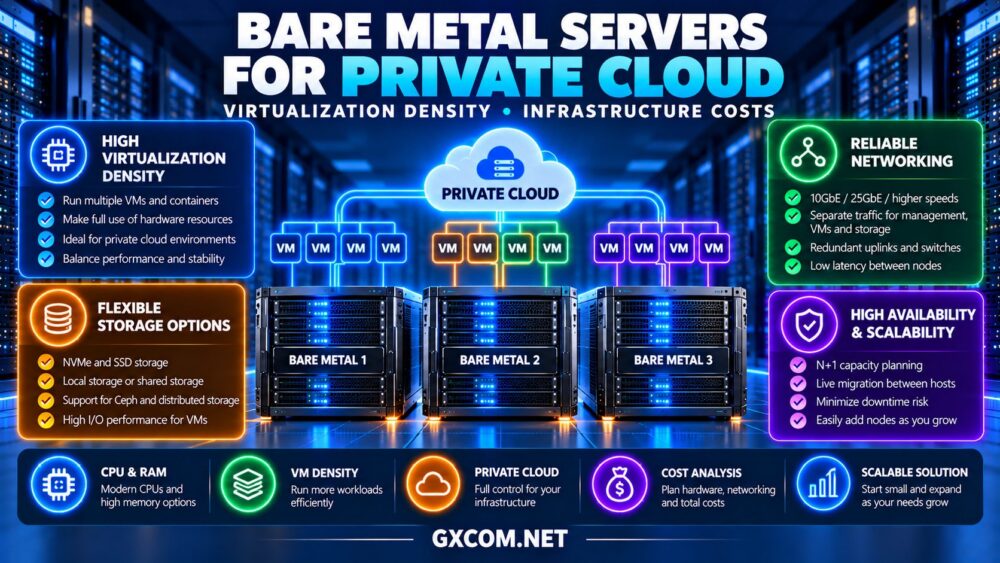
Choosing the right bare metal servers for private cloud requires more than comparing CPU cores and monthly rental prices. Businesses must determine how many virtual machines each physical host can support, how much capacity should remain available for failures, and whether higher virtualization density actually reduces operating costs.
Private cloud infrastructure gives organizations greater control over compute resources, security policies, and workload placement. However, poorly planned consolidation can create performance bottlenecks, expensive storage requirements, and unexpected downtime.
This guide explains virtualization density, CPU and memory sizing, storage and networking requirements, high availability, and infrastructure costs. It also examines dedicated server purchasing considerations for Cherry Servers, ServerMania, NovoServe, and InterServer.
Why Build a Private Cloud on Bare Metal?
Bare metal servers provide dedicated physical resources without an additional provider-controlled virtualization layer. Administrators can deploy platforms such as Proxmox VE, VMware-based environments, OpenStack, or other compatible virtualization systems.
This flexibility benefits businesses running internal applications, customer-facing services, development environments, and managed virtual machines.
Unlike public cloud services, rented bare metal generally requires more direct responsibility for capacity planning, infrastructure maintenance, and recovery design. The economic advantage depends on predictable utilization and operational expertise.
1. Understand Virtualization Density
Virtualization density describes how many virtual machines can operate effectively on a physical host. It depends on workload behavior, not simply the number of available processor threads.
A server with 32 physical CPU cores and 256GB RAM might support dozens of lightweight virtual machines, but considerably fewer memory-intensive databases or compute-heavy applications.
Administrators should measure sustained CPU demand, peak utilization, memory consumption, disk latency, and network throughput before estimating capacity.
High density is beneficial only when workloads maintain acceptable performance during busy periods.
2. Calculate CPU Overcommit Carefully
Virtualization platforms can assign more virtual CPUs than the physical host contains. This is known as CPU overcommit.
For example, a 32-core host configured at a 2:1 vCPU-to-core ratio could allocate 64 virtual CPUs. This does not mean the machine delivers the performance of 64 dedicated physical cores.
Overcommit may work well when virtual machines have intermittent CPU demand. It can cause contention when many guests become busy simultaneously.
Monitor CPU ready time or equivalent hypervisor scheduling metrics, and maintain additional headroom for workload spikes.
For processor selection and hardware fundamentals, see our dedicated server hardware guide.
3. Plan Memory Before Maximizing VM Count
Memory often becomes the practical limit on private cloud density. Unlike CPU scheduling, insufficient physical RAM can trigger swapping, severe latency, or virtual machine instability.
Consider a host with 256GB RAM. Reserving 24GB for the hypervisor and operational overhead leaves approximately 232GB for guest allocations.

If each virtual machine requires 8GB of guaranteed memory, the theoretical allocation supports 29 guests. Real deployment limits may be lower because of workload variation, storage services, and failover requirements.
Memory ballooning can improve utilization in suitable environments, but it should not replace conservative capacity planning for critical applications.
4. Choose Storage for Density and Performance
Private cloud storage must support simultaneous workloads rather than a single application’s peak performance.
NVMe drives offer low latency and high throughput, making them attractive for consolidated virtualization. However, total IOPS, write endurance, redundancy, and recovery behavior matter as much as advertised sequential speeds.
Local storage can simplify deployment but may restrict automated recovery after a host failure. Shared storage or distributed systems can improve workload mobility while increasing cost and operational complexity.
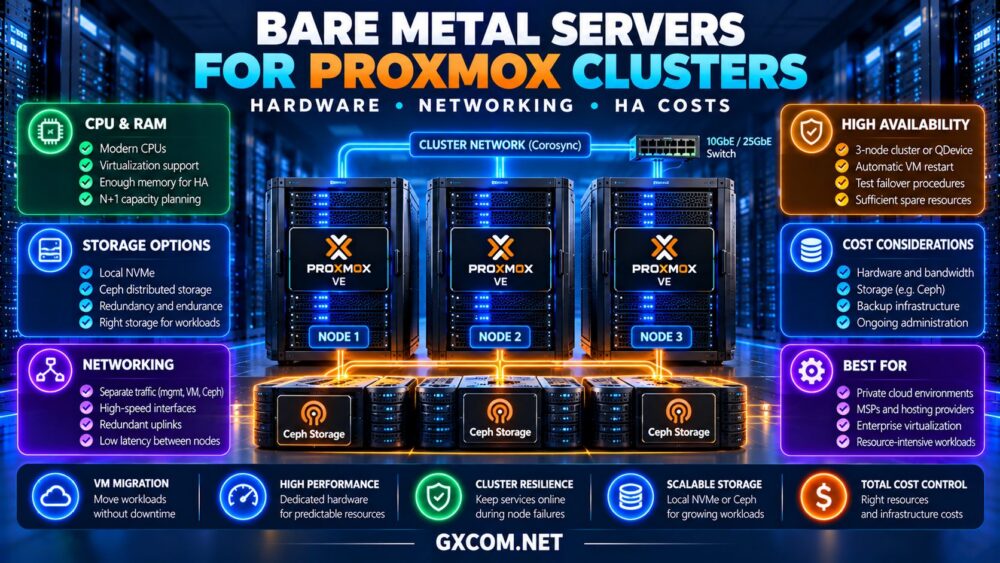
Organizations considering Proxmox and Ceph should review our bare metal Proxmox cluster guide for storage and high-availability planning.
5. Design Networking for Consolidated Workloads
Private cloud hosts may carry management traffic, virtual machine connections, storage replication, backups, and live migration simultaneously.
Network congestion can affect multiple applications when many virtual machines share the same physical interfaces.
Separate critical traffic classes using suitable physical networks or VLANs, and evaluate whether 10GbE or faster connectivity is justified by actual storage and migration requirements.
Redundant interfaces and switches may reduce single points of failure, but independent paths must be verified with the hosting provider.
6. Compare Bare Metal Providers for Private Cloud
When evaluating providers, prioritize configurable hardware, reliable recovery access, suitable network options, and predictable operational costs. Confirm the exact capabilities of each selected server before purchasing.
Cherry Servers: Flexible Virtualization Infrastructure
Cherry Servers is worth evaluating for engineering teams seeking configurable bare metal infrastructure.
Compare processor generations, RAM capacity, NVMe storage, private networking, and remote management options. Verify whether multiple servers can be deployed with the connectivity required for a private cloud.
Best for: Technical teams designing customized virtualization environments.
ServerMania: Business Infrastructure Planning
ServerMania is relevant for businesses comparing dedicated hardware alongside support and operational requirements.
Review memory configurations, storage options, network arrangements, hardware replacement procedures, and available management services.
Best for: Organizations prioritizing documented infrastructure requirements and support responsibilities.
NovoServe: Network-Intensive Private Cloud
NovoServe deserves consideration when network throughput and regional connectivity influence virtualization architecture.
Evaluate port capacity, traffic allowances, server locations, and available private networking arrangements. Confirm inter-node latency before planning distributed storage.
Best for: Private cloud workloads with substantial network demand.
InterServer: Cost-Conscious Dedicated Hosting
InterServer is another option for organizations comparing dedicated server configurations against infrastructure budgets.
Examine processor generation, memory, disk options, and support boundaries. Verify that the chosen hardware and access arrangements meet hypervisor requirements.
Best for: Experienced administrators evaluating economical self-managed virtualization.
7. Compare Private Cloud Infrastructure Requirements
| Resource | Planning Metric | Primary Risk |
|---|---|---|
| CPU | Peak utilization and scheduling delay | Excessive overcommit |
| RAM | Guaranteed guest memory | Swapping and contention |
| Storage | IOPS, latency and endurance | Shared performance bottlenecks |
| Network | Throughput and redundancy | Congestion or path failure |
| HA capacity | Resources after node failure | Insufficient failover headroom |
For additional purchasing options, consult our bare metal server providers comparison.
8. Include N+1 Capacity in Your Budget
A three-node private cloud may appear to have abundant aggregate capacity, but high availability requires sufficient resources after one host becomes unavailable.
Under an N+1 design, the remaining nodes must support essential workloads following the loss of one node. This reduces the capacity available for normal consolidation.
For example, three identical servers should not all operate near maximum utilization if the business expects uninterrupted capacity after a node failure.

Workload restart times, storage availability, and application dependencies must also be considered.
9. Estimate Three-Year Infrastructure Costs
Total cost of ownership includes server rental, networking, storage, backups, software subscriptions, administration, and potential migration expenses.
Consider a hypothetical three-node deployment costing $200 per server monthly. Add $120 for networking, $100 for backup storage, and $180 for administration.
The illustrative monthly total is $1,000, or $36,000 over three years, excluding taxes, additional software licensing, and unexpected recovery costs.
Higher virtualization density can reduce the number of required hosts, but excessive consolidation may increase downtime risk and reduce performance.
Compare infrastructure offers in our dedicated server deals guide, then calculate the complete private cloud budget.
10. Decide When to Expand Your Private Cloud
Add capacity when sustained utilization, storage latency, or failover requirements approach established operational limits.
Scaling vertically with more RAM or faster processors may be economical initially. Adding nodes can improve workload distribution and resilience, provided the network and storage architecture support expansion.
Do not confuse infrastructure redundancy with data protection. Maintain independent backups and test restoration procedures even when virtual machines can restart on another host.
Our unmanaged dedicated server backup guide covers offsite recovery planning.
Final Verdict
The best bare metal servers for private cloud balance virtualization density, predictable performance, spare capacity, and long-term operating costs.
Cherry Servers, ServerMania, NovoServe, and InterServer provide dedicated infrastructure options worth investigating. Choose based on verified hardware, networking, recovery capabilities, and total deployment requirements rather than headline server prices alone.