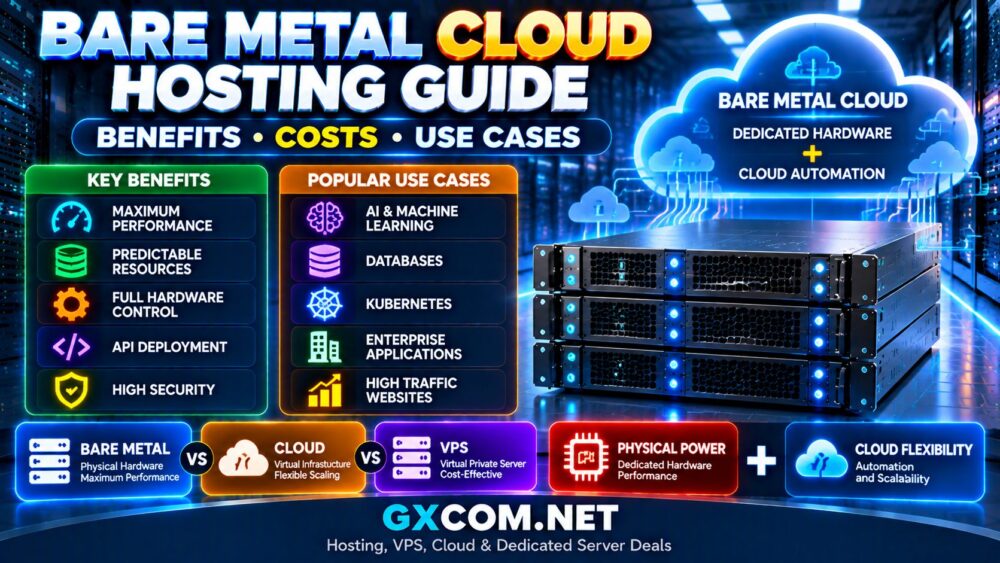
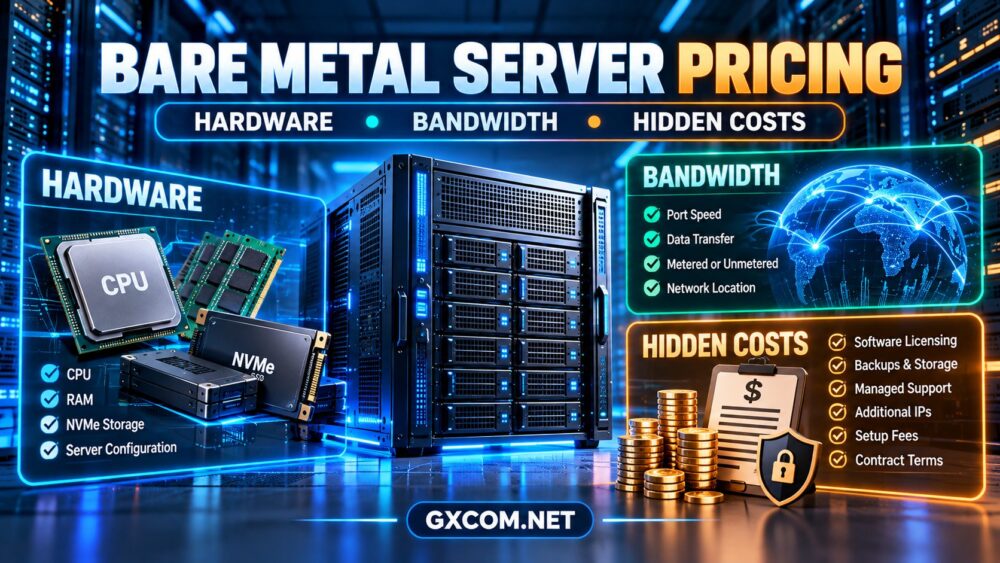
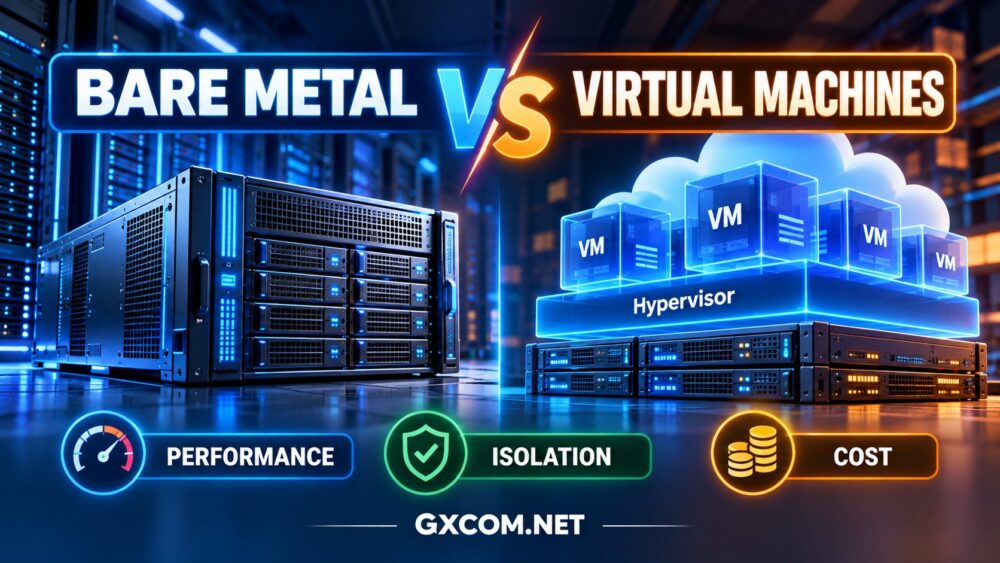
Bare metal vs virtual machines is an important infrastructure decision for businesses that need reliable computing performance, workload isolation, and sustainable hosting costs. Bare metal provides access to an entire physical server, while virtual machines use a hypervisor to run isolated operating system environments on underlying hardware.
But does dedicated physical hardware always deliver better performance? Are virtual machines less secure? And which approach offers better value for websites, databases, virtualization platforms, and enterprise applications?
The answer depends on workload behavior, resource allocation, infrastructure design, and operational requirements. This guide compares bare metal servers and virtual machines across performance, isolation, scalability, management, and total cost.
What Is Bare Metal Hosting?
A bare metal server is a physical machine allocated to a single customer or organization. The customer can typically install an operating system directly on the hardware or deploy a hypervisor to create virtual machines.
Unlike a conventional shared cloud VM, a bare metal server does not share its physical CPU, memory, and local storage hardware with unrelated hosting tenants.
Typical characteristics include:
- Dedicated physical processor and memory resources.
- Direct control over supported operating systems and hypervisors.
- Predictable access to allocated hardware capacity.
- Potential support for hardware-specific configurations.
- Greater responsibility for operating system and infrastructure management.
However, dedicated hardware does not automatically guarantee faster applications. CPU generation, memory configuration, storage latency, networking, and software optimization remain critical.
For provider selection and infrastructure options, see our bare metal server providers guide.
What Is a Virtual Machine?
A virtual machine (VM) is a software-defined computing environment that runs its own operating system using virtualized CPU, memory, storage, and network resources.
A hypervisor manages access to the underlying hardware and provides isolation between virtual machines.
Common virtualization technologies include KVM, VMware ESXi, Microsoft Hyper-V, and Xen.
VMs are widely used in cloud hosting, VPS environments, enterprise virtualization, development, and application deployment.
Typical advantages include:
- Rapid provisioning and convenient automation.
- Flexible virtual resource allocation.
- Support for multiple operating systems on one physical host.
- Snapshots and migration capabilities when supported.
- Efficient infrastructure consolidation.
Importantly, a VM is not necessarily a shared-performance product. Some virtual machines use reserved or dedicated CPU resources, and some operate on single-tenant physical hosts.
Bare Metal vs Virtual Machines: Key Differences
| Factor | Bare Metal | Virtual Machines |
|---|---|---|
| Infrastructure | Dedicated physical server | Virtualized hardware environment |
| CPU access | Direct physical allocation | Scheduled or reserved virtual CPUs |
| Memory | Dedicated installed RAM | Allocated virtual memory |
| Isolation | Physical tenant separation | Hypervisor-enforced separation |
| Deployment | Hardware provisioning required | Often rapid and automated |
| Scaling | Hardware upgrades or additional nodes | Often flexible resizing and replication |
| Management | Greater hardware-level control | Provider-dependent abstraction |
| Billing | Usually dedicated-capacity pricing | Fixed or usage-based pricing |
| Best fit | Sustained, specialized workloads | Flexible, distributed workloads |
Neither architecture is universally superior. The practical differences become clearer when evaluating performance and operational behavior.
1. CPU Performance: Does Bare Metal Run Faster?
Bare metal avoids the guest virtualization layer when applications run directly on the physical operating system. It can also eliminate competition from unrelated tenants for the same physical processor.
These characteristics can benefit workloads requiring sustained CPU throughput, consistent scheduling, or hardware-specific capabilities.
However, modern hardware-assisted virtualization can achieve performance close to native execution for many applications.
When Bare Metal May Have an Advantage
- Sustained high CPU utilization.
- Latency-sensitive processing.
- Specialized hardware access.
- Applications sensitive to scheduling variability.
- Large workloads requiring predictable physical resources.
When Virtual Machines Can Perform Just as Well
Well-configured VMs with adequate dedicated resources can deliver excellent performance for websites, APIs, databases, and business applications.
A VM running on a modern processor may outperform an older bare metal server despite the virtualization layer.
Physical hardware does not automatically mean better application performance.

Always compare actual CPU models, per-core performance, resource contention, and workload-specific benchmarks.
2. Memory and Storage Performance
Bare metal provides direct access to installed system memory and supported storage devices. This can be valuable for memory-intensive applications and databases with demanding I/O requirements.
Virtual machines introduce abstraction, but modern paravirtualized storage drivers and optimized hypervisors can reduce overhead significantly.
Memory Considerations
For both architectures, memory capacity and bandwidth matter more than simply choosing the largest advertised RAM allocation.
Virtualization hosts must also account for hypervisor overhead, memory reservations, and any configured overcommitment.
Storage Considerations
Compare:
- NVMe or SSD hardware characteristics.
- Random I/O performance and latency.
- Local versus network-attached storage.
- Storage redundancy and recovery options.
- Concurrent workload behavior.
A VM backed by high-performance storage can outperform a bare metal server using slower disks.
For detailed hardware selection, read our dedicated server hardware guide.
3. Isolation and Security: Physical vs Virtual Separation
Isolation is one of the most important differences between bare metal and multi-tenant virtualized infrastructure.
Bare metal provides physical hardware allocation to a single customer, reducing exposure to resource contention with unrelated tenants on the same server.
Virtual machines rely on hypervisor-enforced boundaries to separate guest operating systems.
Is Bare Metal More Secure?
Physical separation can reduce certain multi-tenancy risks and may simplify some hardware-level control requirements.
However, bare metal servers still require operating system patching, access controls, network segmentation, monitoring, and secure management interfaces.
Virtual machines can also provide strong security isolation when hypervisors are properly maintained and infrastructure controls are correctly implemented.
Neither approach eliminates vulnerabilities, misconfiguration, compromised credentials, or application-level attacks.
Compliance Considerations
Organizations with strict infrastructure requirements may prefer dedicated hardware for greater control over physical resource allocation.
Nevertheless, compliance depends on the complete operating environment, provider controls, documented procedures, and applicable standards—not merely the server type.
4. Scalability and Deployment Flexibility
Virtual machines often provide greater deployment flexibility. Infrastructure teams can create instances, adjust configurations, automate provisioning, and deploy additional capacity through supported platforms.
Bare metal capacity is constrained by physical hardware availability and upgrade procedures.
Some bare metal providers support automated provisioning and infrastructure APIs, but deployment speed and upgrade options vary.
Choose Virtual Machines When:
- Workloads change frequently.
- Rapid deployment is important.
- Applications require multiple small instances.
- Development and testing environments are temporary.
- Automation and elastic scaling are priorities.
Choose Bare Metal When:
- Resource demand is consistently high.
- Dedicated hardware is required.
- Hardware-level customization matters.
- Infrastructure capacity can be planned in advance.
For a related architecture comparison, explore our dedicated server vs cloud server guide.
5. Bare Metal vs Virtual Machines: Total Cost Comparison
The lowest advertised server price rarely represents the full cost of operating infrastructure.
Bare metal generally involves paying for dedicated physical capacity, regardless of whether the entire server is utilized.
VM pricing may be based on allocated resources, hourly usage, fixed monthly packages, or reserved capacity.
When Bare Metal Can Be More Cost-Effective
For consistently demanding workloads, a dedicated physical server may offer attractive resource economics when its CPU, RAM, and storage capacity are effectively utilized.
Organizations running multiple internal VMs on one bare metal host may also gain control over workload placement and resource allocation.
When Virtual Machines Can Be More Cost-Effective
VMs may be economical for temporary environments, small applications, and workloads that can release unused resources.
However, reserved storage, network traffic, backup services, and continuously allocated instances can generate additional costs.
Compare Total Cost of Ownership
Total Cost = Compute + Storage + Network + Licensing + Management + Backup + Operational Overhead
Also account for migration, redundancy, recovery requirements, and engineering time.
A single bare metal server may appear inexpensive compared with several VMs, but production high availability could require additional physical nodes.
6. Bare Metal Hosting Providers Worth Comparing
If dedicated physical infrastructure matches your workload, compare providers based on hardware options, network quality, management access, support responsibilities, and contract flexibility.
Cherry Servers: Bare Metal Infrastructure
Cherry Servers is a relevant option for developers and businesses evaluating dedicated bare metal infrastructure.
When comparing configurations, review CPU generation, RAM, NVMe storage, provisioning options, network capacity, and remote management features.
It is particularly worth evaluating for sustained compute workloads where physical resource allocation matters.
Hostwinds: Dedicated Hosting for Persistent Workloads
Hostwinds is another candidate for businesses considering dedicated hosting rather than shared virtual infrastructure.
Evaluate available server configurations, management responsibilities, operating system support, backups, and upgrade procedures.
Its suitability depends on the exact plan and required level of administrative support.
DediXLAB: Dedicated Server Comparison Option
DediXLAB can be considered when comparing dedicated infrastructure offers and hardware configurations.
Check the available processor models, memory, storage, data center locations, network terms, and support arrangements.
It is most relevant when buyers want additional hardware-oriented alternatives in their shortlist.
ServerMania: Dedicated Infrastructure for Business Applications
ServerMania is worth reviewing for organizations evaluating dedicated server infrastructure for sustained application demand.
Compare current hardware specifications, storage arrangements, network connectivity, security options, and service conditions.
Do not assume that every dedicated server product offers identical management or customization features.
For a broader comparison of physical server options, see our bare metal server comparison.
7. Which Workloads Benefit Most From Each Architecture?
| Workload | Recommended Starting Point | Reason |
|---|---|---|
| Small business website | Virtual machine | Flexible resources and simpler deployment |
| Temporary development | Virtual machine | Rapid provisioning and potential cost savings |
| Large dedicated database | Evaluate bare metal | Predictable resource access and storage control |
| Multiple internal VMs | Bare metal hypervisor host | Control over physical capacity and VM placement |
| Distributed microservices | Virtualized or hybrid infrastructure | Automation and flexible scaling |
| Specialized hardware workloads | Evaluate bare metal | Hardware access and configuration control |
| Highly variable web traffic | Virtualized cloud infrastructure | Flexible capacity when supported |
These recommendations are starting points, not universal rules. Application architecture, operational expertise, and resilience requirements can change the preferred approach.

8. Common Mistakes When Comparing Bare Metal and VMs
- Assuming bare metal is always faster: Modern VMs can perform extremely well, and hardware generation matters.
- Confusing virtual machines with containers: Containers and VMs use different isolation models.
- Ignoring noisy-neighbor risks: Shared resources can introduce performance variability, depending on allocation policies.
- Comparing only CPU core counts: Processor generation, scheduling, and workload characteristics matter.
- Ignoring high availability: A single physical server remains a potential failure domain.
- Overlooking operational costs: Management, backups, security, and recovery can outweigh small compute savings.
Frequently Asked Questions
Is bare metal faster than a virtual machine?
Bare metal can reduce virtualization overhead and provide predictable physical resource access. However, modern VMs may deliver comparable performance for many workloads. Hardware and application design matter more than the label alone.
Can you run virtual machines on bare metal?
Yes. A bare metal server can run a hypervisor such as KVM, VMware ESXi, or Hyper-V, subject to hardware and licensing requirements. Organizations often use dedicated physical hosts to operate multiple internal VMs.
Are virtual machines less secure than bare metal?
Not inherently. Bare metal offers physical tenant separation, while VMs rely on virtualization boundaries. Security depends on configuration, patching, network controls, access management, and operational practices.
Which is cheaper for continuous workloads?
Either architecture can be economical. Bare metal may provide favorable resource economics at high sustained utilization, while VMs can reduce costs through right-sizing, flexible allocation, or efficient consolidation.
Should I choose bare metal or VMs for Kubernetes?
Both are viable. Bare metal can offer hardware control and predictable node capacity, while virtual machines often simplify provisioning, scaling, and infrastructure automation. Evaluate cluster management and recovery requirements.
Final Verdict: Bare Metal or Virtual Machines?
Choose bare metal when dedicated physical resources, specialized hardware control, and sustained utilization are central to your requirements.
Choose virtual machines when deployment flexibility, rapid scaling, resource consolidation, and automation are more important.
For some organizations, a hybrid design provides the best balance: dedicated physical hosts running virtualized workloads, combined with cloud resources for variable demand.
The right decision follows a simple framework:
WORKLOAD → RESOURCE ISOLATION → PERFORMANCE → SCALABILITY → RELIABILITY → TOTAL COST
Benchmark representative workloads, evaluate operational responsibilities, and compare complete infrastructure costs before committing to either approach.