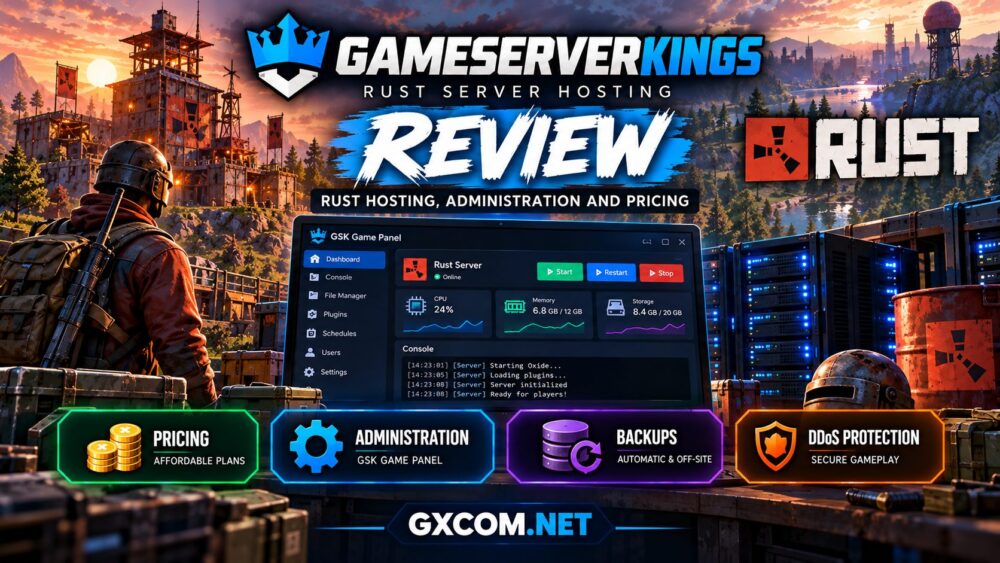
Running a successful Rust community means preparing for wipe day, managing plugins, protecting player data, and maintaining server performance under pressure. This GameServerKings Rust hosting review examines whether its plans and administration tools make those responsibilities easier.
GameServerKings offers managed Rust servers with published CPU, RAM, and storage allocations. Its features include the GSK Game Panel, Oxide and Carbon support, scheduled backups, and configurable server settings.
GXCOM.NET reviewed publicly available product information and technical documentation. We have not independently benchmarked a purchased GameServerKings server, so performance claims should not be interpreted as verified test results.
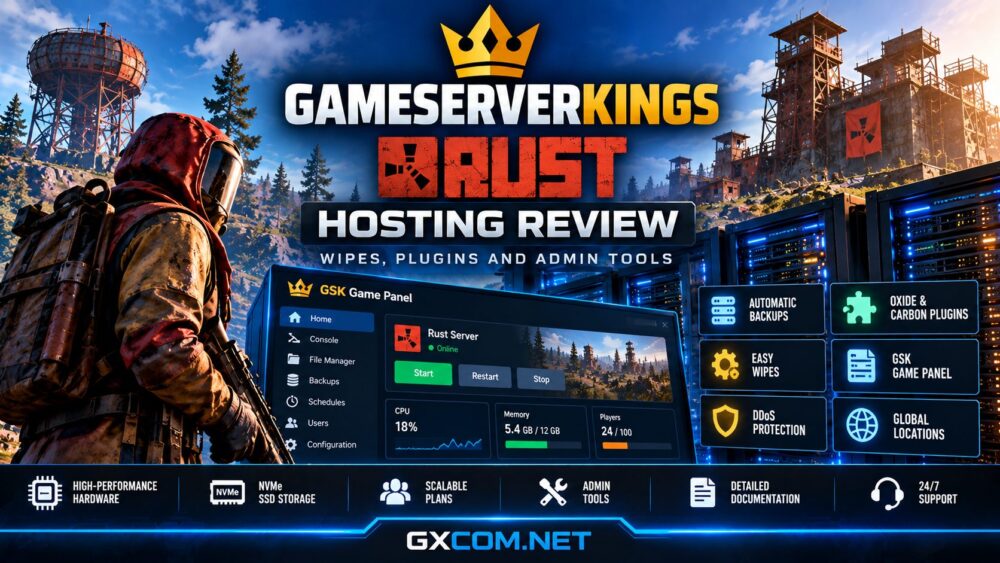
GameServerKings Rust Hosting: Quick Verdict
GameServerKings is worth considering for Rust administrators who want visible resource specifications, convenient framework selection, and integrated backup tools.
Its main appeal is the combination of managed infrastructure and detailed Rust-specific documentation. However, choosing the correct package still requires careful estimates of player activity, map size, and plugin requirements.
- Best for: Small and growing Rust communities seeking managed hosting.
- Strengths: Published resource tiers, Oxide/Carbon setup, backups, and SFTP.
- Limitations: Shared-resource plans require realistic performance expectations.
- Buying priority: CPU headroom, map size, plugin load, and renewal pricing.
GameServerKings Rust Plans and Pricing
GameServerKings publishes resource-based Rust packages instead of relying exclusively on player-slot advertising.
As listed in October 2026, its Starter package begins at $13 per month with 12 GB RAM, 20 GB NVMe storage, and 1.5 vCores. Larger configurations provide additional resources for demanding communities.
These are advertised allocations, not independent guarantees of tick performance. Confirm current prices, CPU policies, and checkout totals before ordering.
| Buying Factor | GameServerKings Approach |
|---|---|
| Memory | Published RAM allocation |
| Processing | Specified virtual CPU resources |
| Storage | NVMe allocation by plan |
| Backups | Automatic and panel-managed options |
| Scaling | Plan upgrades as requirements grow |
A private Rust server may need less capacity than a public server running a large map with extensive player structures. Avoid choosing solely by the advertised maximum player count.
Check GameServerKings Rust Hosting Plans
Rust Wipes: Map, Blueprint and Full Resets
Wipe management is one of the most important responsibilities for Rust administrators. GameServerKings provides documentation explaining the differences between map wipes, blueprint wipes, and broader data resets.
A map wipe removes the existing world state, while a blueprint wipe resets learned crafting progression. A more extensive reset may also remove additional player data.
GameServerKings explains that Rust save data is associated with the server identity directory. Administrators should understand which files are affected before performing manual operations.

Before every planned wipe, announce the schedule, stop the server when required, and create a recoverable backup.
After restarting, verify plugin loading, administrator permissions, map settings, and player connectivity. A successful wipe should preserve the configuration and community privileges intended to survive.
Oxide and Carbon Plugin Management
GameServerKings supports Oxide/uMod and Carbon, two major frameworks used to extend Rust server functionality.
Its GSK Game Panel allows administrators to select a framework from the Startup settings. The documented choices include vanilla, Oxide, and Carbon.
For Oxide, plugins are typically uploaded into oxide/plugins/. Carbon uses its corresponding plugin directory. Administrators can inspect console output to confirm successful loading.
Common plugin categories include kits, teleportation, gathering adjustments, economy systems, moderation, and PvE rules.
Oxide and Carbon should not be installed simultaneously. Although Carbon supports many Oxide plugins, compatibility should be checked individually before migration.
For production communities, test new plugins on a separate configuration whenever possible and preserve working backups before major framework changes.
GSK Game Panel and Administrator Tools
The GSK Game Panel provides web-based access to common Rust server management tasks, reducing the need for direct operating-system administration.
Administrators can manage startup variables, inspect console output, access files, and configure server settings.
Published documentation describes settings for server names, map seeds, world size, player limits, and RCON credentials.
SFTP access is useful for transferring plugin files, custom maps, and configuration backups. RCON enables compatible external administration tools, but its password should remain private.
Before granting moderator access, review available account permissions and avoid sharing unrestricted administrator credentials.
Backups, Restoration and Wipe-Day Safety
GameServerKings advertises automatic off-site backups every 24 hours and five panel-managed backup slots on its Rust plans.
Administrators can create additional backups before wipes, updates, or plugin changes. The panel documentation also describes scheduled backup tasks and restoration workflows.
These capabilities are useful, but a backup is only valuable when it contains the required files and can be restored successfully.
Keep independent copies of critical configuration files, plugin data, permissions, and world saves. Check whether restoring a snapshot will overwrite newer server changes.
For long-running communities, document a recovery procedure before an actual incident occurs.
CPU Performance, Map Size and Player Activity
Rust performance depends on CPU availability, memory pressure, map size, active entities, plugins, and player activity.
GameServerKings publishes resource specifications, making initial capacity planning more transparent. Nevertheless, virtual CPU counts alone do not reveal every aspect of processing performance.
Large maps and heavily modified servers may require substantial headroom during peak activity and immediately after wipes.
Monitor server FPS, memory usage, startup warnings, and plugin behavior. Remove unnecessary plugins before assuming every performance problem requires a larger plan.
No independently verified benchmark comparison is available from GXCOM.NET for this review.
Security, DDoS Protection and Support
GameServerKings advertises DDoS protection, round-the-clock support, and location transfer assistance.
Its Rust product information also describes a 72-hour refund policy. Review the current terms and eligibility conditions before purchasing.
Network protection cannot eliminate every interruption. Administrators should still maintain strong passwords, secure RCON credentials, restricted user permissions, and independent backups.
Choose a hosting location near your main player population to reduce avoidable latency.
GameServerKings vs Other Rust Hosting Providers
GameServerKings is not the only managed option worth investigating. Host Havoc, Survival Servers, and Sparked Host provide additional purchasing choices for Rust communities.
| Provider | Research Priority |
|---|---|
| GameServerKings | Resource tiers, plugins, wipes, and backups |
| Host Havoc | Slot-based Rust plans and TCAdmin |
| Survival Servers | Game-specific management and configurations |
| Sparked Host | Resource packages and management tools |
These are research priorities, not independently verified performance rankings.
Read our Host Havoc game hosting review for more details, or explore our Host Havoc vs GameServerKings comparison for a direct Rust hosting evaluation.

Who Should Choose GameServerKings?
GameServerKings may suit administrators who want managed Rust infrastructure without manually maintaining SteamCMD, framework installations, and server operating systems.
It is particularly relevant to communities prioritizing documented wipe procedures, Oxide/Carbon flexibility, and straightforward backup access.
For heavily modified servers, confirm that the selected CPU and RAM allocations match expected workloads rather than purchasing the cheapest available package.
For more planning guidance, read our Rust server wipes guide and Sparked Host review.
Frequently Asked Questions
Does GameServerKings support Carbon?
Yes. Its documentation describes selecting Carbon through the Rust server’s Startup settings.
Are Rust backups included?
GameServerKings advertises daily off-site backups and five panel-managed backup slots. Verify current plan terms.
Can I upload custom plugins?
Yes, supported plugins can be transferred through the panel’s file management tools or SFTP, subject to framework compatibility.
Does a map wipe remove VIP permissions?
Not necessarily. Framework permission data can survive ordinary map wipes unless the relevant files are removed.
Final Verdict: Is GameServerKings Worth It?
GameServerKings offers a practical managed Rust hosting approach with published resource tiers, Oxide/Carbon configuration, backup tools, and detailed administration documentation.
Its suitability ultimately depends on map size, plugin requirements, concurrent players, and the actual resources available under the selected package.
Compare current checkout pricing and support terms, then choose a configuration with sufficient room for future growth.